Screen Test
Test almost any aspect of a TV, monitor, projector or phone screen without cluttering the display itself. Screen Test keeps the main display focused on crisp test patterns and live timing telemetry while Screen Test Controls on your phone gives you full control over all 40 tests, every slider and color picker, display HUD visibility and clear diagnostic guides explaining what to look for.
Test Categories
Motion and Frame Rates (10 demos)
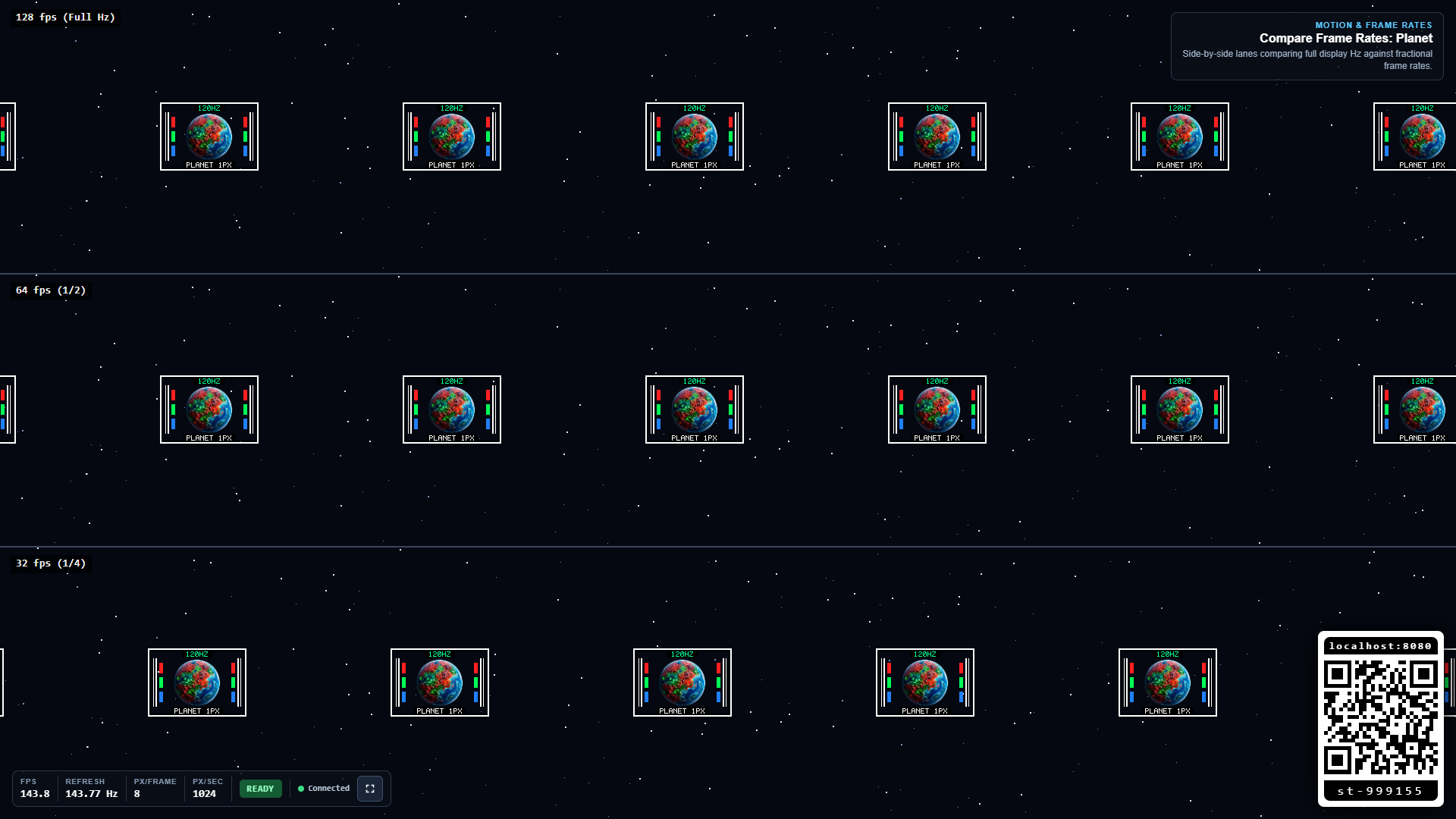
- Compare Frame Rates: Planet — Side-by-side Planet lanes at full refresh rate versus fractional divisors.
- Compare Frame Rates: Platform Game Motion — Split or dual-row panning modern 2D platform game scenes with adjustable target FPS and frame-pacing stutter.
- Variable Refresh Rate (VRR) Simulation — Dynamic fluctuating frame rates comparing VRR fluidity against fixed VSYNC judder.
- Stutters and Tearing — Vertical bar simulations of smooth VSYNC, microstutter, macro-stutter, tearing and VRR.
- Compare Frame Rates: Vertical Scrolling — Multi-column vertical scrolling text at stepped frame rates.
- Black Frame Insertion (BFI) — Software BFI demo comparing strobed persistence against full-Hz sample-and-hold.
- Compare Frame Rates: Marquee — Horizontal scrolling news tickers with customizable colors and row counts.
- Eye Tracking Motion Blur – Optical Illusion — Stationary versus moving Planet proving retinal sample-and-hold motion blur.
- Phantom Array Effect – Mouse Arrow — Fast-moving mouse cursors exposing stroboscopic stepping trails.
- Persistence of Vision – Optical Illusion — Hidden panning scene behind dark vertical slits that fuses when your eyes track the moving Planet.
Display Info and 4K Output (5 tests)
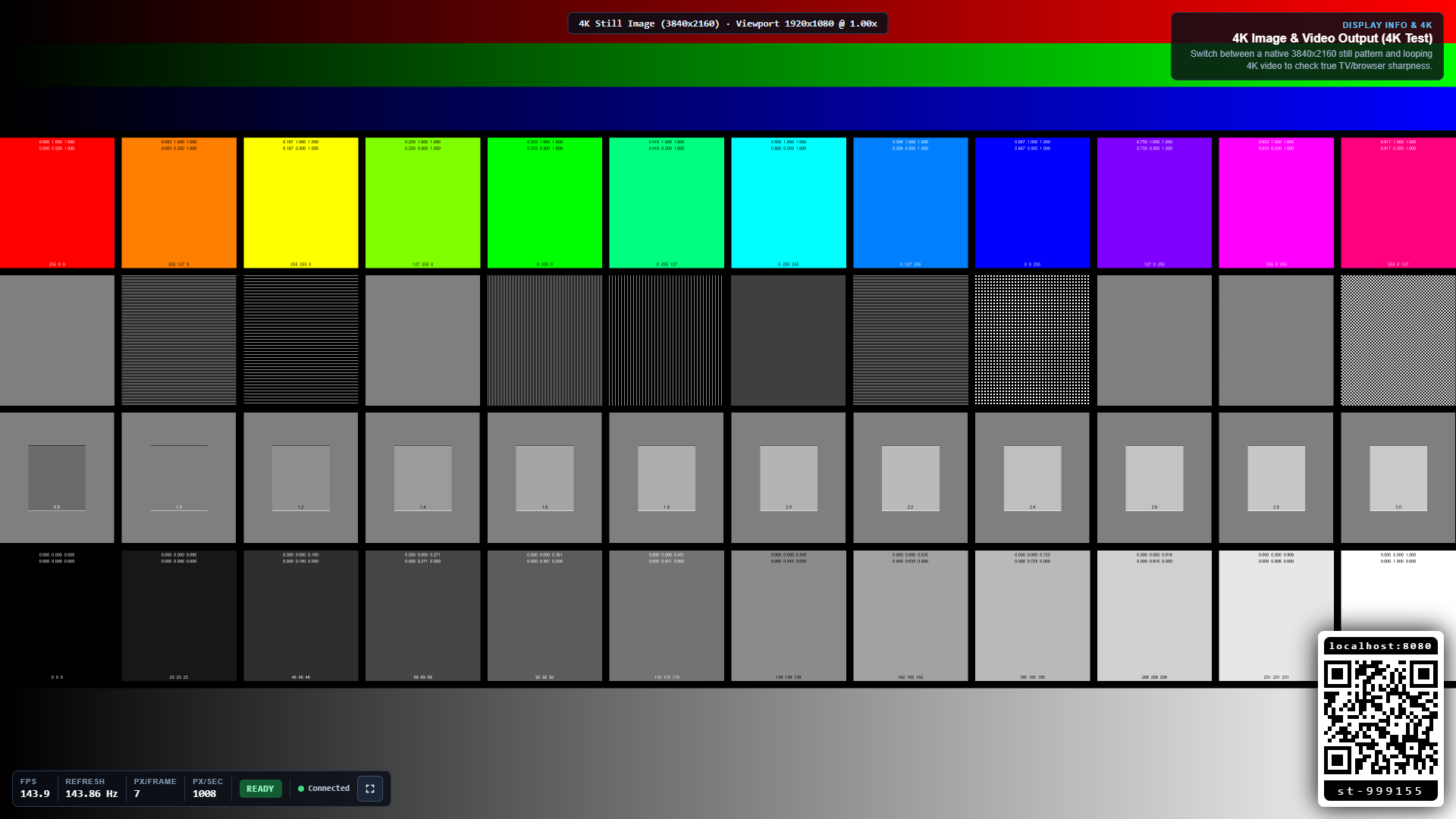
- 4K Image and Video Output (4K Test) — Toggle between a native 3840 × 2160 still test pattern, a muted looping 4K video, and a live 1-pixel canvas sharpness grid.
- Refresh Rate – Decimal Precision — Large real-time refresh rate meter with configurable decimal digits and jitter stats.
- Screen Resolution, Scaling and 1:1 Native — Inspect CSS viewport, physical screen dimensions, pixel density, TV overscan border and 1:1 pixel mapping patterns.
- HDR and Wide Color Gamut (WCG) — Live Display-P3, Rec.2020 and HDR capability checks with side-by-side gamut and highlight patches.
- Chroma Subsampling – 4:4:4 vs 4:2:2 — Fine 1-pixel colored text and alternating stripe charts exposing HDMI or picture-mode color compression.
Display Quality Tests (11 tests)
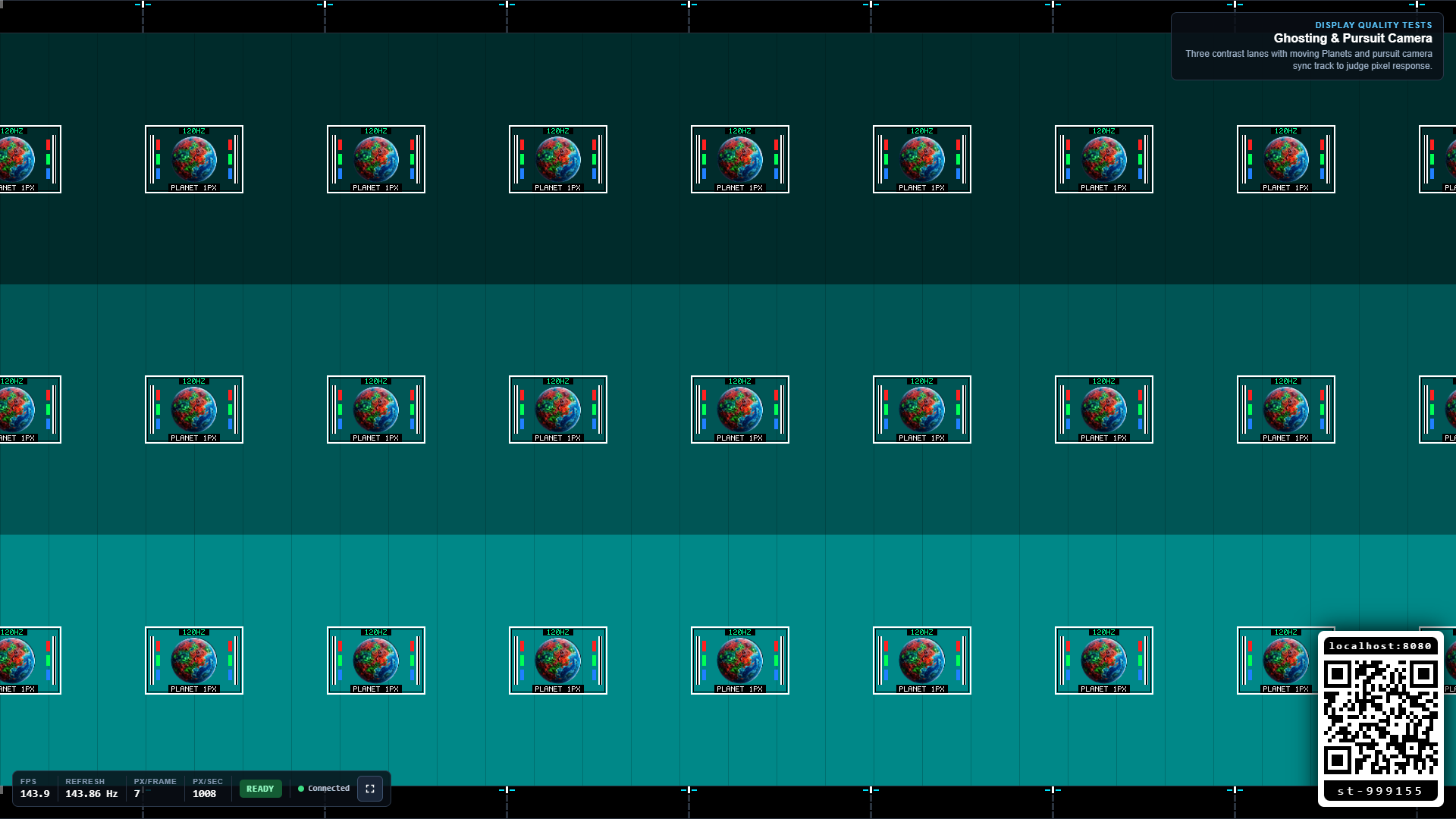
- Ghosting and Pursuit Camera — Three contrast lanes with Planet graphics and an optional Pursuit Camera Sync Track.
- Black Levels (PLUGE Calibration) — Four-row near-black calibration screen for checking shadow detail and black crush.
- White Levels (Highlight Clipping) — Four-row near-white calibration screen with adjustable window size for OLED ABL control.
- Blooming and Full Array Local Dimming — Moving bright shapes on pure black to reveal Mini-LED and FALD backlight halos.
- Moving Photo and Texture Clarity — Continuously scrolling detailed scenes with optional pursuit grid and image adjustments.
- Moving Picture Response Time (MPRT) — Millisecond-calibrated scrolling bar pairs that merge at your display's persistence time.
- Moving Line, Blur Edge and PWM — Thin fast-moving lines exposing blur width and PWM backlight flicker.
- RTINGS Pursuit Camera Test — High-speed pursuit camera motion-blur chart with MPRT indicators and contrast swatches.
- Color Ghosting and Phosphor Asymmetry (KSF) — Bouncing or scrolling rows exposing red/green phosphor decay fringes.
- Chase Squares — Offset leading and trailing blocks with adjustable gap distance to gauge pixel-response trailing.
- Aliasing Visibility — Moving thin diagonal lines with anti-aliasing toggle to judge pixel pitch and viewing distance.
Hardware and Special Diagnostics (6 tests)
- Frame Skipping (Overclock Check) — Single-square sequential grid for long-exposure smartphone photos that catch dropped frames.
- Strobe Crosstalk (MBR / ULMB / DyAc) — Full-screen or band-masked scrolling patterns checking vertical backlight-strobe uniformity.
- LCD Inversion Artifacts — Odd-pixel moving checkerboards and uniformity checks exposing LCD polarity inversion flicker.
- Mouse Poll Rate and Jitter Test — Live and peak mouse polling Hz meter with raw versus VSYNC trail markers on the display.
- Scan-Out (High-Speed Camera) — Alternating high-contrast frames with cycle counter for 240–960 fps slow-motion cameras.
- Flicker and Latency Target (Oscilloscope) — Configurable square-wave flashing patch for photodiodes or click-to-flash latency testing.
Optical Simulations (7 demos)
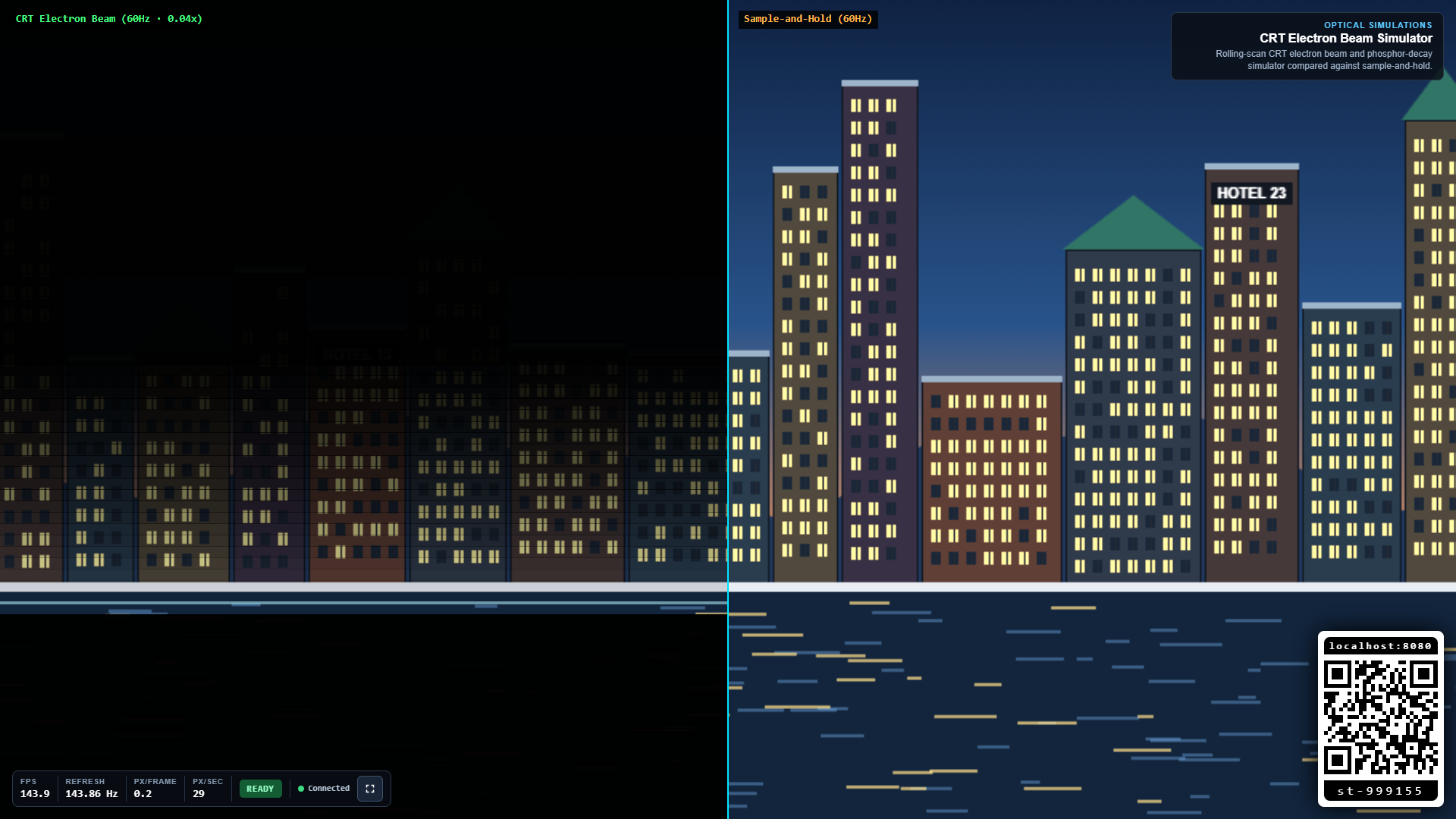
- CRT Electron Beam Simulator — Rolling-scan electron beam and phosphor-decay simulator compared against sample-and-hold.
- Blur Busters Law – Motion Blur Physics — Proportional speed and refresh lanes showing constant blur width.
- LCD Pixel Response Simulator — Live simulation of GtG lag, overdrive overshoot, progressive scanout and steady/strobe/PWM backlights.
- GtG + MPRT versus Pure MPRT — Dual moving bars showing pixel-transition blur stacked onto sample-and-hold persistence.
- Color Sequential Rainbow Effect (DLP) — Sequential red, green and blue refreshes demonstrating DLP rainbow fringes.
- Video Interlacing Simulator — Alternating odd and even scanline fields demonstrating 480i/1080i combing.
- Display Scan-Out Skew (Jelly Effect) — Rapidly sweeping vertical or horizontal lines revealing panel scan-out tilt.
Browser Timing Diagnostics (1 tool)
- Animation Timing Precision Graph — Scrolling real-time graph of frame intervals, jitter and draw time.
How to use it
- Open Screen Test on the TV, monitor or screen you want to inspect.
- Select Fullscreen on that screen (or press
F) for the cleanest edge-to-edge view. - Scan the QR code with your smartphone to open Screen Test Controls in the same room.
- Use your phone to switch tests, tune speeds, colors, bit depths and presets, hide the viewer HUD or QR code for dark-room tests, and read the on-phone diagnostic guide while watching the screen.
On the display itself, you can also use keyboard shortcuts: Left and Right arrows switch tests, Space pauses or resumes motion, F toggles fullscreen, H hides or restores the HUD, and Q hides or restores the QR code.
Understanding the 4K comparison
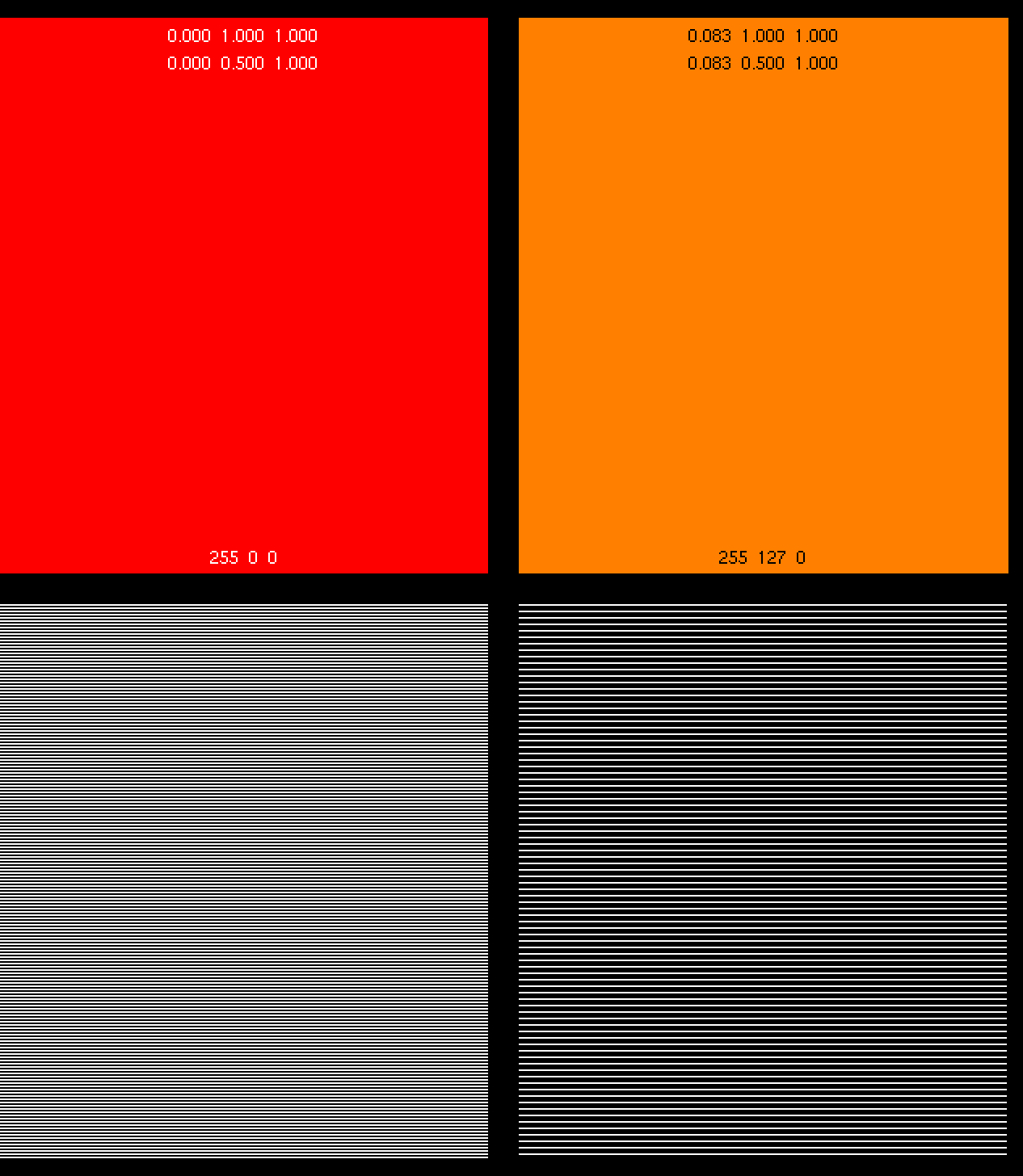
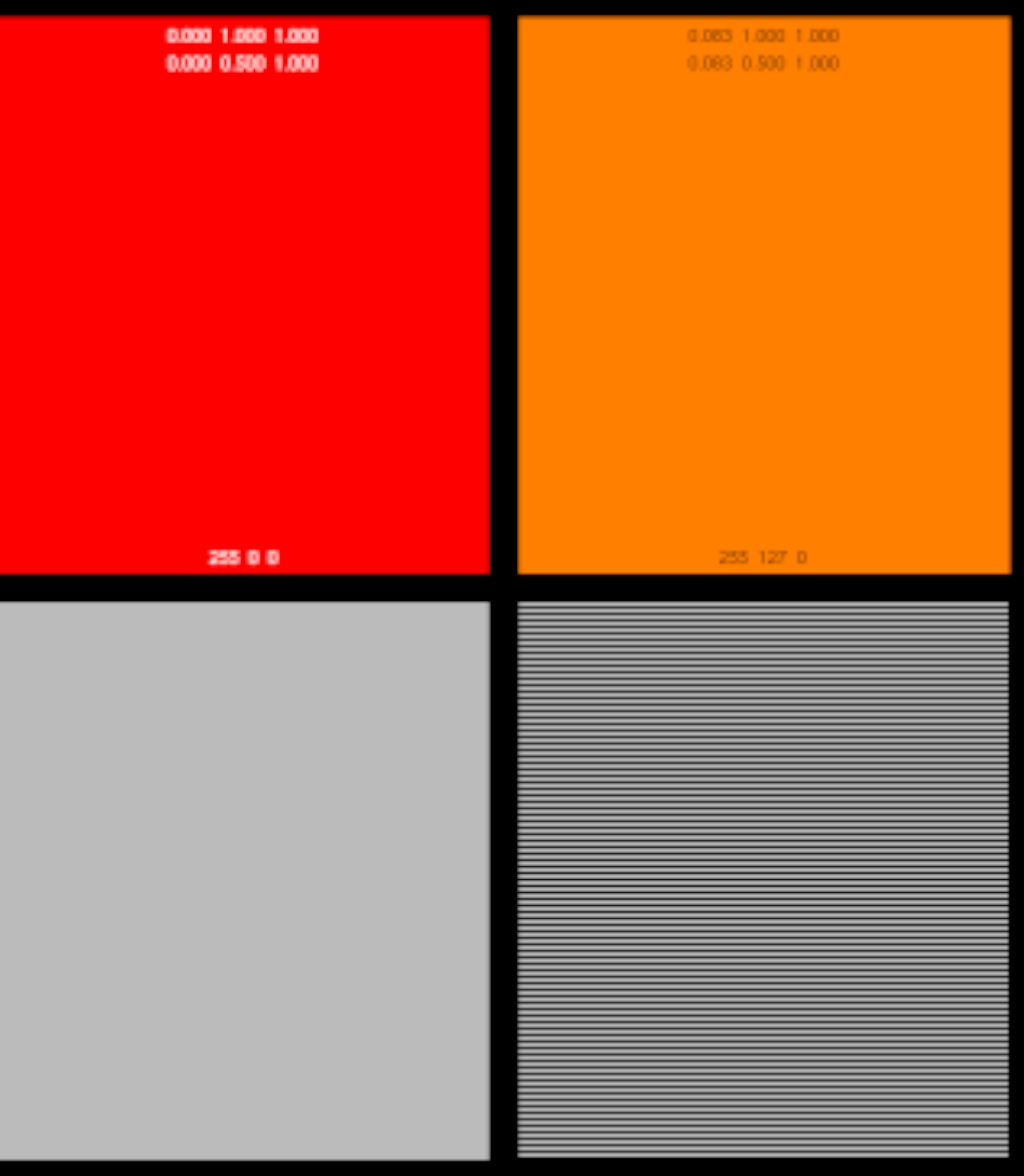
A 4K television does not guarantee that its built-in web browser renders web pages at native 3840 × 2160. Many TV browsers render web pages and still images at 1080p and upscale them, while hardware video playback outputs native 4K. Use 4K Image and Video Output from your phone to compare the fine lines in the still image, looping video and live 1-pixel canvas grid.
Native 4K detail example
Upscaled 1080p detail example
Screenshots