RCWeb Stack Snap
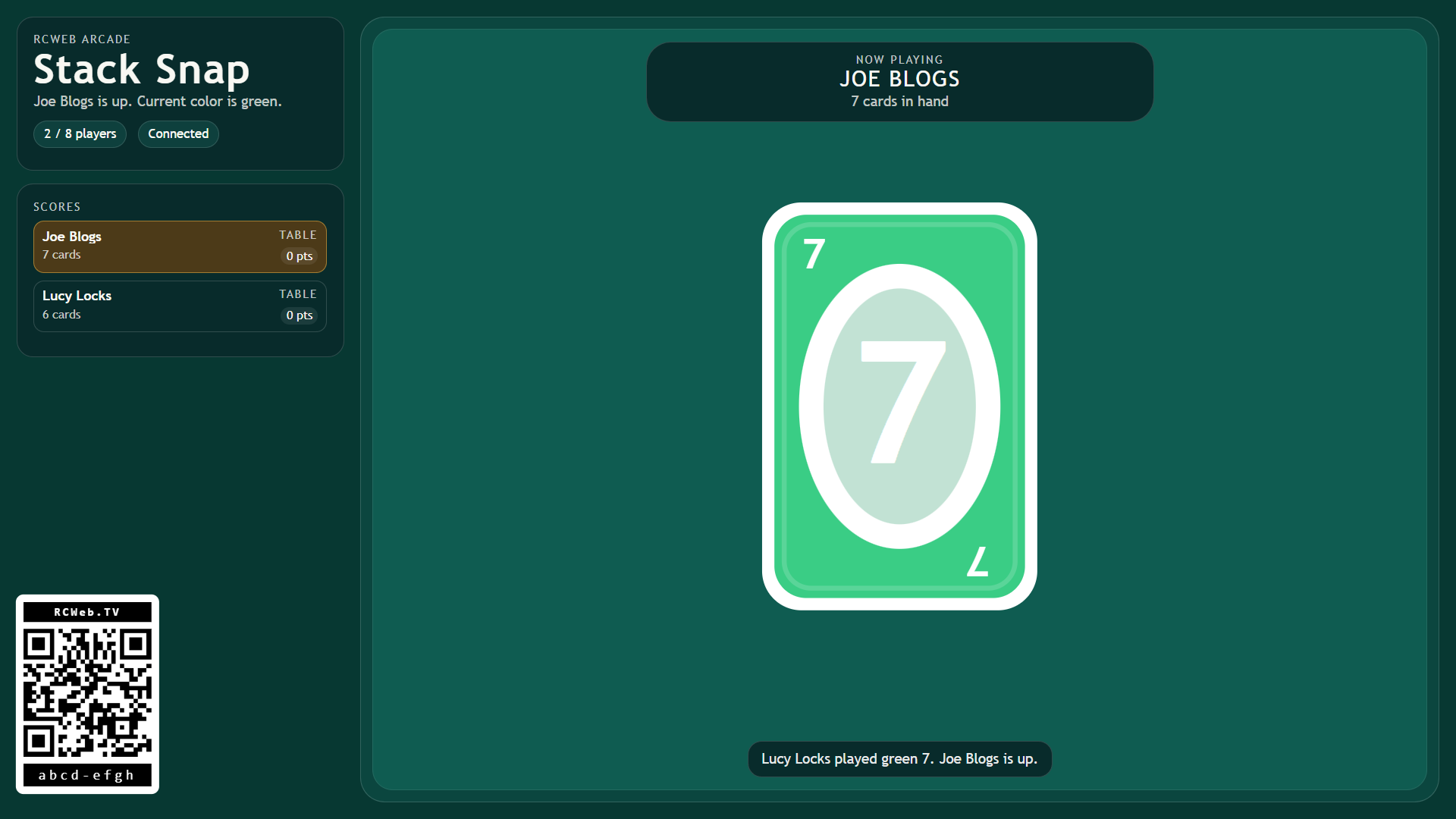
Stack Snap is a shared-screen party card game for RCWeb. One browser tab becomes the bright table display, showing the room code, player list, draw pile, discard pile, turn prompts, score race, and round celebrations. Each player joins from their phone and uses it as a private hand of cards, so the shared screen stays readable while every player keeps their own choices in their own hands.
It is built for quick living-room play: open the display on a TV, projector, laptop, or large monitor, let players scan the QR code, and start a match as soon as two or more phones are connected.
Features
- Two to eight players with private phone hands.
- Match colours or values and play action cards.
- Seven-card deals and a race to 500 points.
Screenshot
The Game
Stack Snap plays like a fast color-and-symbol matching card game. Players take turns matching the top discard by color or value, using action cards to skip, reverse, or make the next player draw, and racing to empty their hand first.
The display handles the table drama: card stacks, active color, turn order, action bursts, round countdowns, and the running scoreboard. Phones handle the personal choices: joining the room, choosing a name, starting the match, playing a card, drawing, and choosing a wild color.
Stack Snap supports 2 to 8 players. A round begins with 7 cards per player, and the match continues across rounds until someone reaches 500 points.
How To Play
Open /stack-snap/ on the shared screen. Players scan the QR code to open /stack-snap-c/ on their phones in the same room. When at least two players have joined, any phone can start the match.
On your turn, use your phone to either play a matching card or draw from the deck. A card can be played when it matches the current top discard by color or face value. Wild cards can be played on any color, and after playing one you choose the new color on your phone.
Special cards change the flow:
- Skip makes the next player miss a turn.
- Reverse flips the direction of play. With two players, it acts like a skip.
- Draw Two makes the next player draw 2 cards and lose their turn.
- Wild lets you choose the next active color.
- Wild Draw Four lets you choose the next color, makes the next player draw 4 cards, and skips them. It can only be played when you have no card matching the current color.
When a player plays their last card, they win the round. The winner scores the value of all cards left in the other players' hands:
- Number cards score their face value from 0 to 9.
- Skip, Reverse, and Draw Two score 20 points each.
- Wild and Wild Draw Four score 50 points each.
After a round ends, Stack Snap shows the result and automatically deals the next round after a short countdown. When a player reaches 500 points, they win the match and the table resets for a fresh game.
Late arrivals can still scan in while a round is underway. They will appear in the room and sit in from the next deal.