RCWeb RSS News Control
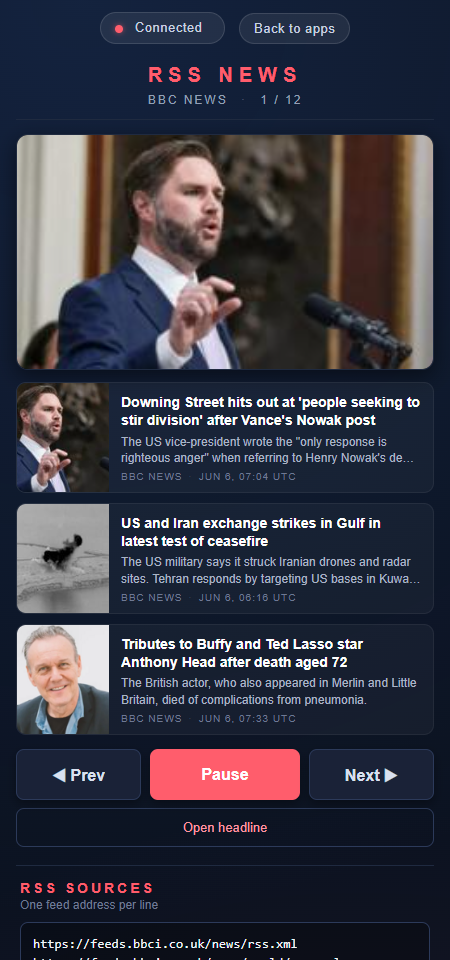
RSS News Control is the phone-friendly companion to the rss-news viewer. It shows what is currently on the display, lets you cycle through the loaded screens, and configures the viewer's RSS source addresses.

Features
- Lists every article on the current screen with title, snippet, source and timestamp
- Provides large touch buttons for Prev, Play / Pause, and Next
- Edits the viewer's active RSS feed URLs
- Provides a Refresh headlines action that reloads feeds on the viewer
Join and choose sources
Scan the QR code on the RSS News display. Edit the feed addresses to choose sources, then use Refresh headlines to reload them. Browse with Prev, Play/Pause and Next. Check source errors when a feed cannot load.
Screenshot