PiBot
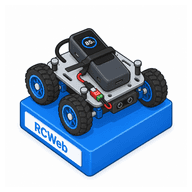
Control a connected PiBot robot from your phone, tablet or computer. View its cameras, steer with touch, keyboard or gamepad, and monitor distance readings, battery level and connection status.
Features
- Switch between available cameras and adjust the live preview.
- Touch joystick, fullscreen camera gestures, keyboard and gamepad driving.
- Front and rear distance readings, battery and wireless status.
- Camera, motor, sensor and LED settings.
- Configurable slowdown, stop and connection-loss responses.
Connect and drive
- Have the PiBot bridge running and connected to your RCWeb room.
- Open PiBot in that same room and wait for the robot to appear.
- Select a camera and check that the preview and status are current.
- Use the touch pad to steer, or a connected gamepad: RT for forward, LT for reverse and the left stick for steering while moving. The right stick provides tank steering.
- Release the controls to stop. Camera, Motor and Sensor panels let you inspect and adjust the configuration accepted by the robot.
Distance limits can slow or stop a held driving request. Movement can resume when the obstruction clears; release the controls to cancel that request. Watch the robot and the connection feedback while driving.