RCWeb RSS News
RSS News turns any RCWeb display into a digital signage news board fed by RSS or Atom feeds. It uses the same full-screen presentation style as news, but its sources are ordinary feed URLs instead of thenewsapi.com categories.
Features
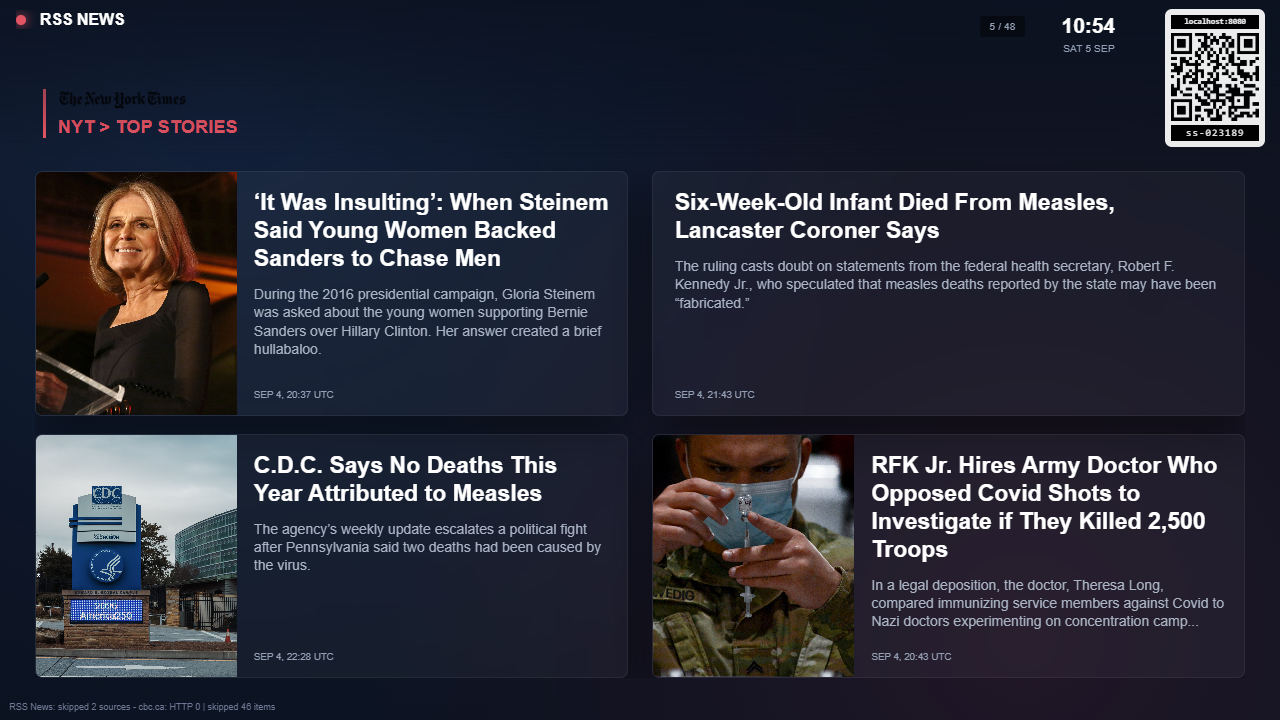
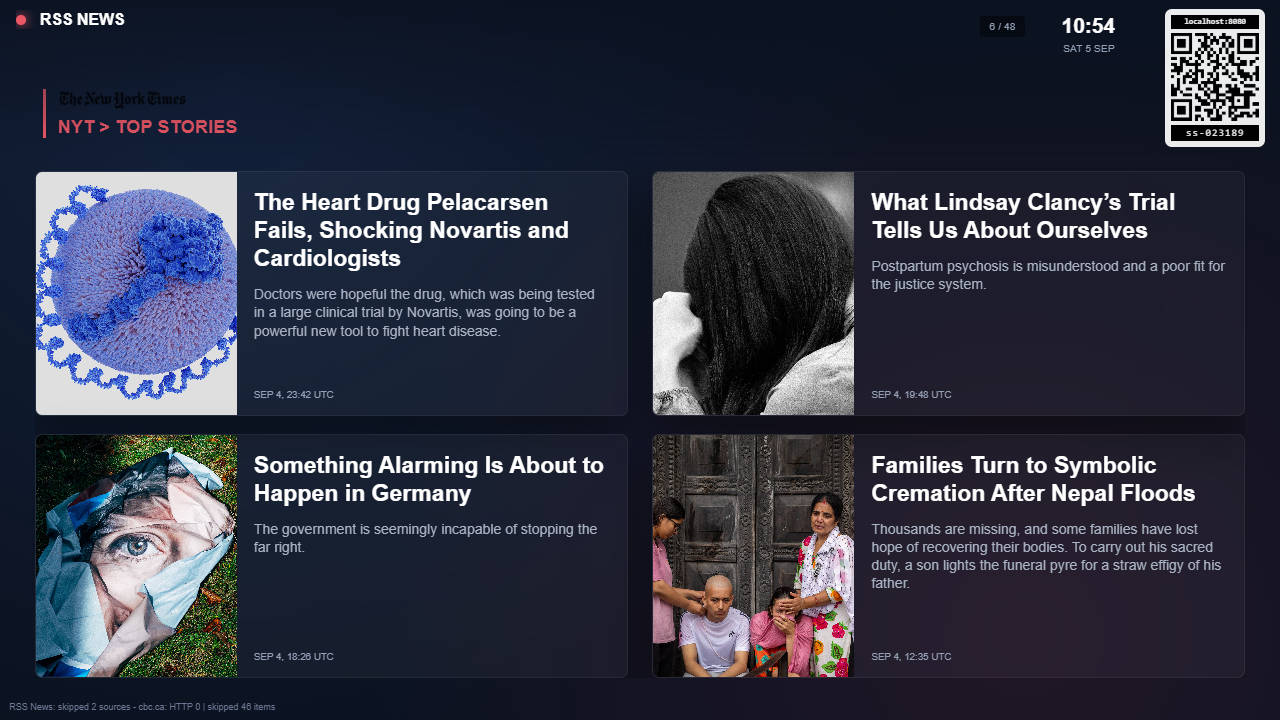
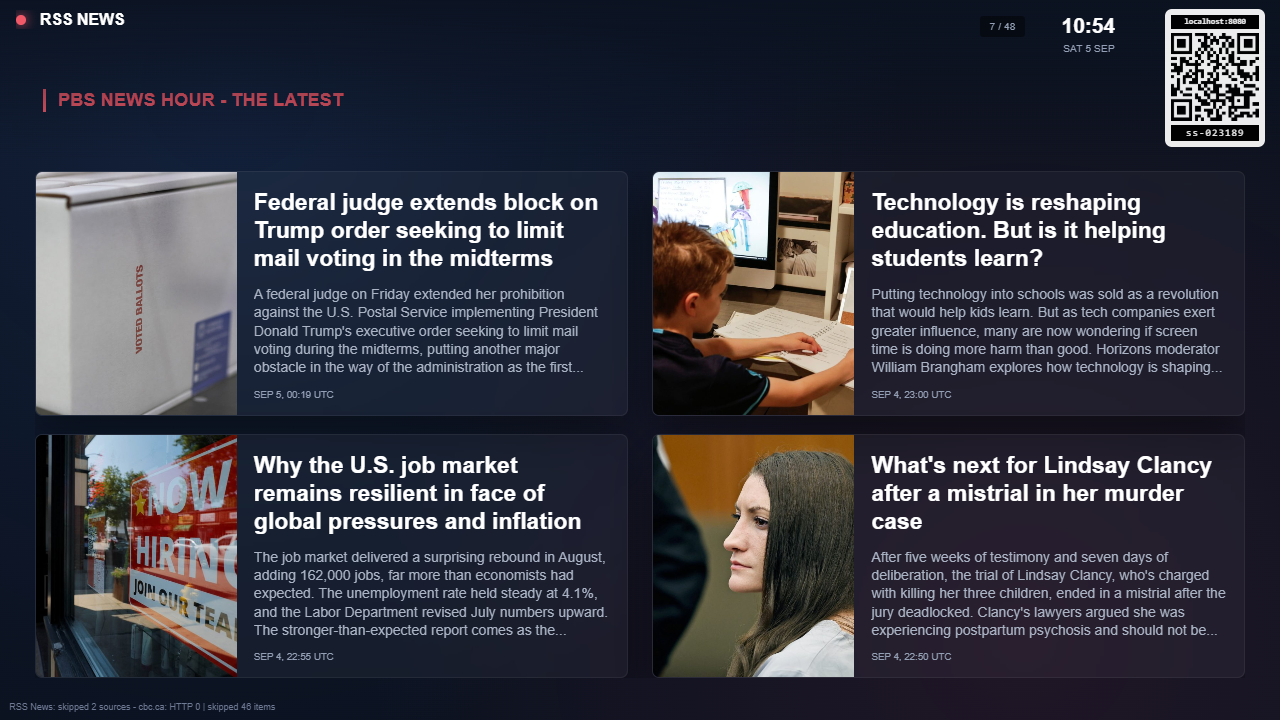
- Four equal article panels on each landscape screen
- Four stacked article panels on each portrait screen
- RSS channel images before the source title when feeds expose one
- Image previews to the left of each title and description when a feed item exposes one
- Source labels, timestamps, a live indicator and a room clock
- A top-right QR code linking to the rss-news-c phone control
The viewer cycles to the next screen every 14 seconds. Tap the display, press space, or use the phone control to pause and resume. The arrow keys move between screens.
Screenshots
How to use
Open RSS News on your display and scan the QR code for RSS News Control. Use the phone to edit feed addresses, browse or pause, and Refresh headlines to reload.
The initial collection includes Sky News, The Guardian, The New York Times, PBS, CBC, BBC, Al Jazeera, CBS and France 24. Your chosen feeds are remembered on the display. Feed availability and image content depend on the publishers and an internet connection.