Screen Broadcast
Share a browser tab, app window or screen with people in your RCWeb room.
Features
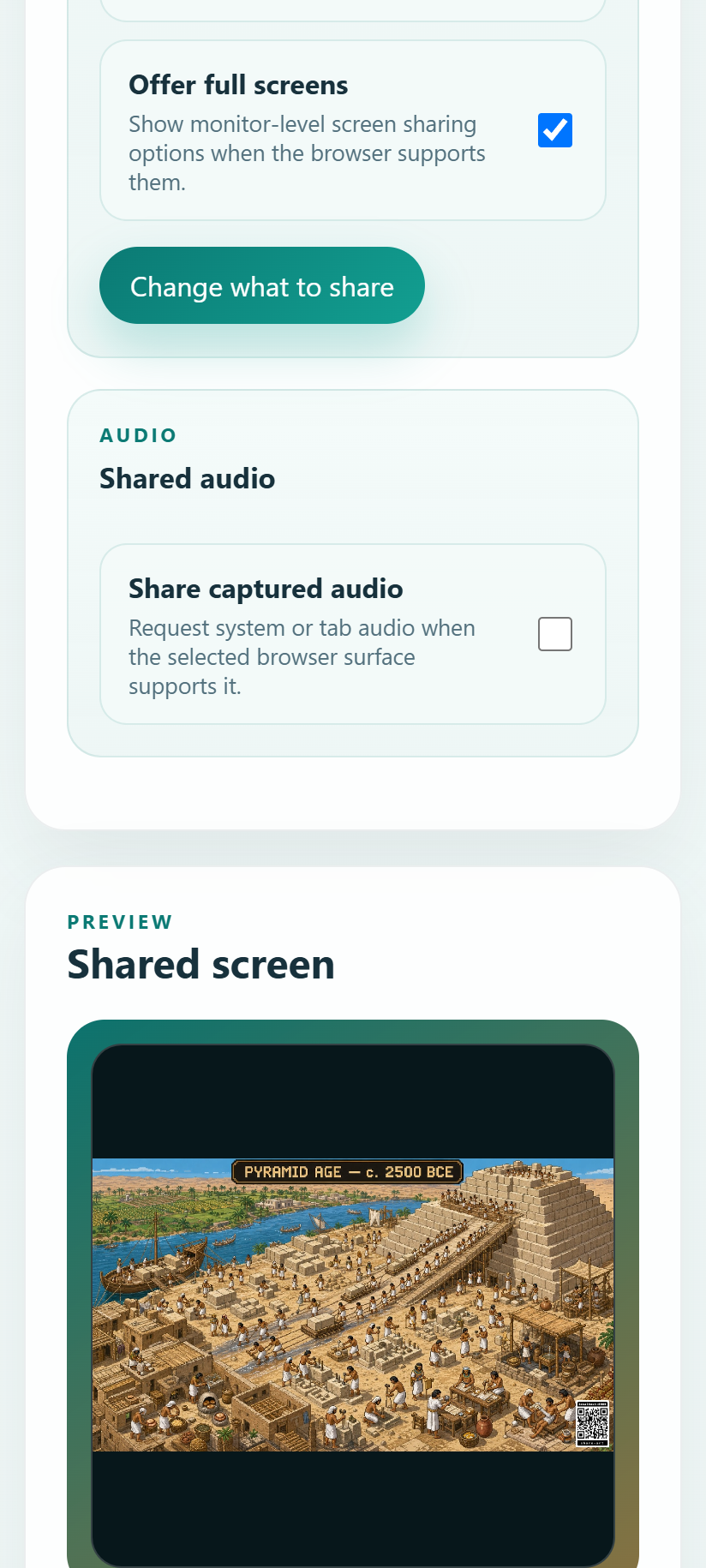
- Choose what to share using the browser's screen picker.
- Preview the selected screen locally.
- Invite several viewers to watch the same broadcast.
How to use
Open Screen Broadcast on the device you want to share from. Start screen sharing and choose a tab, window or screen in the browser prompt. Send the room's viewer link to others, or open Screen View in the same room.
Keep this tab open while broadcasting. Use the browser's stop-sharing control to end the capture. Screen sharing needs a supported browser, a secure connection and your permission; available audio-sharing choices depend on the browser. Some restricted networks may prevent a connection.
Screenshot