Polycity
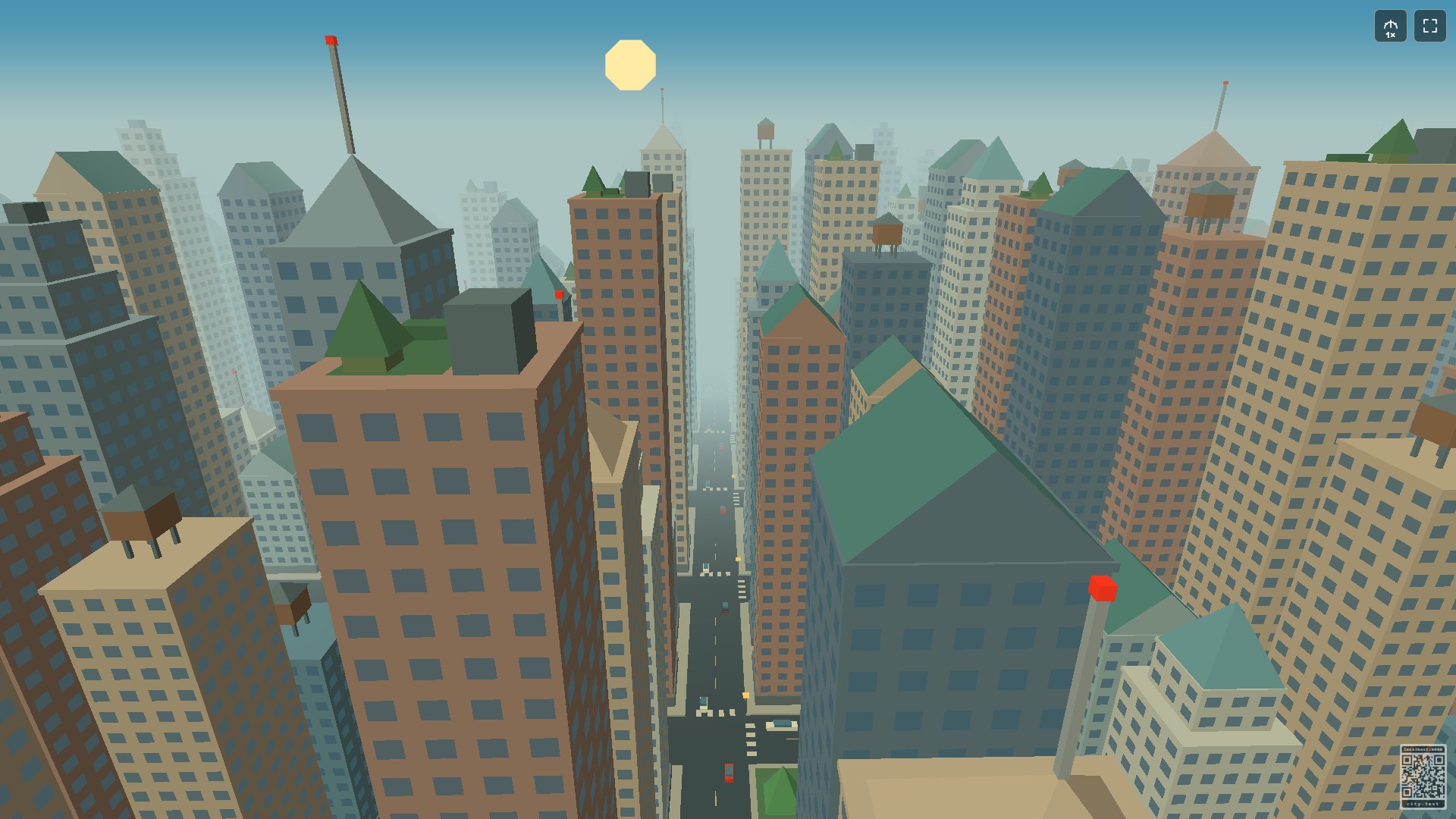
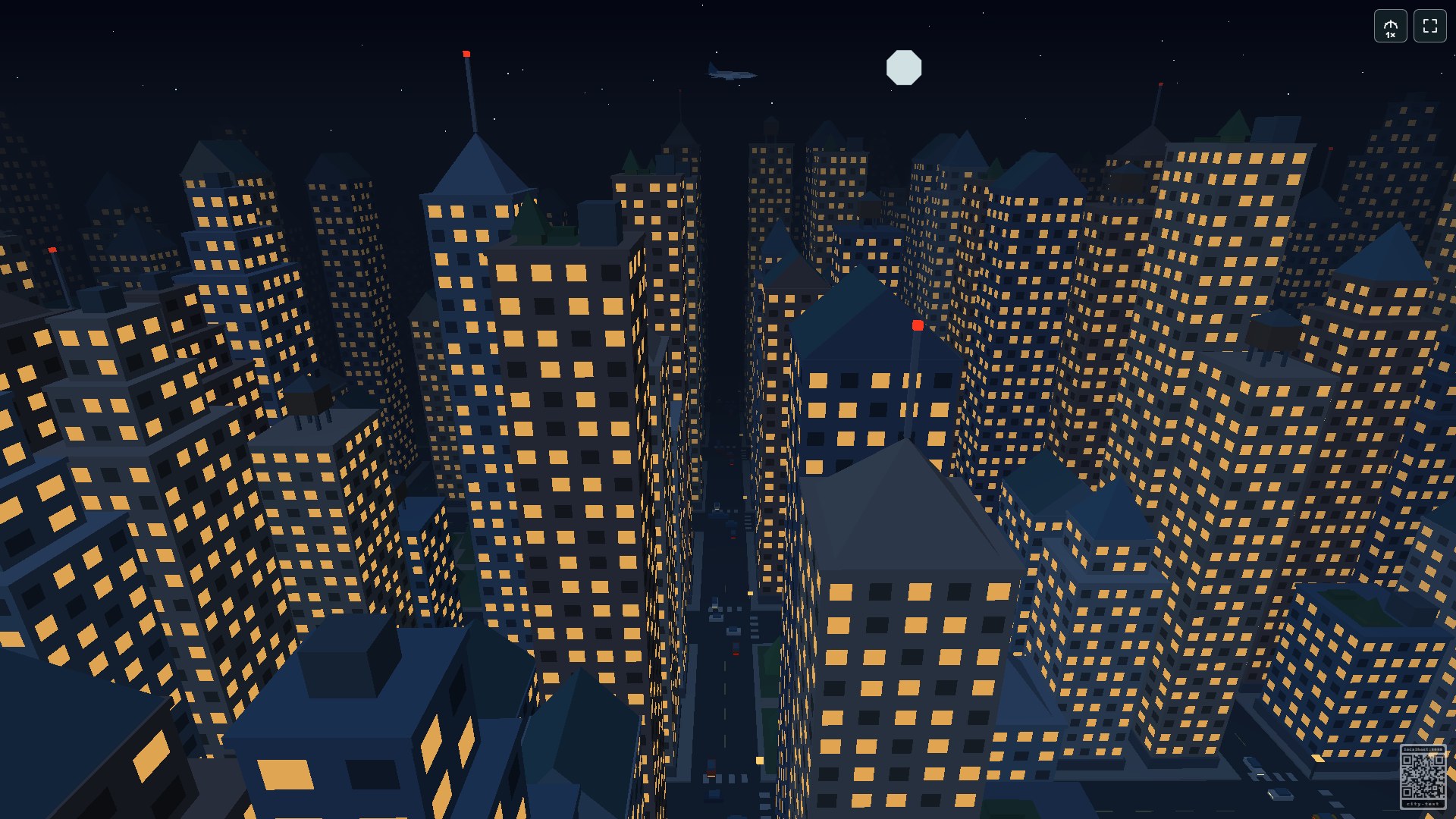
Float through a dense low-polygon city of stepped skyscrapers, rooftop gardens and little pocket parks. Pitched roofs, water tanks, glass pyramids and spires give each block its own skyline. Far below, cars, taxis and buses travel along the avenues, while occasional planes cross overhead. As the sun sets, warm windows and street lights bring the city to life.
Features
- An automatic, endless flight through a colourful city skyline.
- Moving traffic in both directions, waiting in turn at junctions.
- The same twelve-minute day/night rhythm as Polyworld: eight minutes of daylight, one of sunset, two of night and one of sunrise.
- Faceted clouds, stars, moonlight and occasional rain showers.
- Occasional low-polygon jets with coloured navigation lights.
- Five smoothly changing flight speeds and fullscreen viewing.
- No players or separate control app required.
How to watch
Open Polycity or choose Polycity in the RCWeb app launcher. Each display follows its own independent flight.
Use the speed button in the top-right corner to cycle through 1×–5×. Traffic and daylight keep their usual timing. The adjacent fullscreen button enters or leaves fullscreen where supported. The flight pauses while the browser tab is hidden.
Scan the bottom-right QR code to open the app launcher on your phone in the same room. Choose another app there whenever you want; room controllers stay in the launcher.
Display support
Polycity needs working WebGL graphics. It uses simple polygon shapes and a compact city at up to 540p on older Samsung displays to keep the flight smooth. Other displays render at up to a 1920-pixel longest edge by default. Frame rate depends on the display and graphics hardware.
Screenshots