Clue Fall
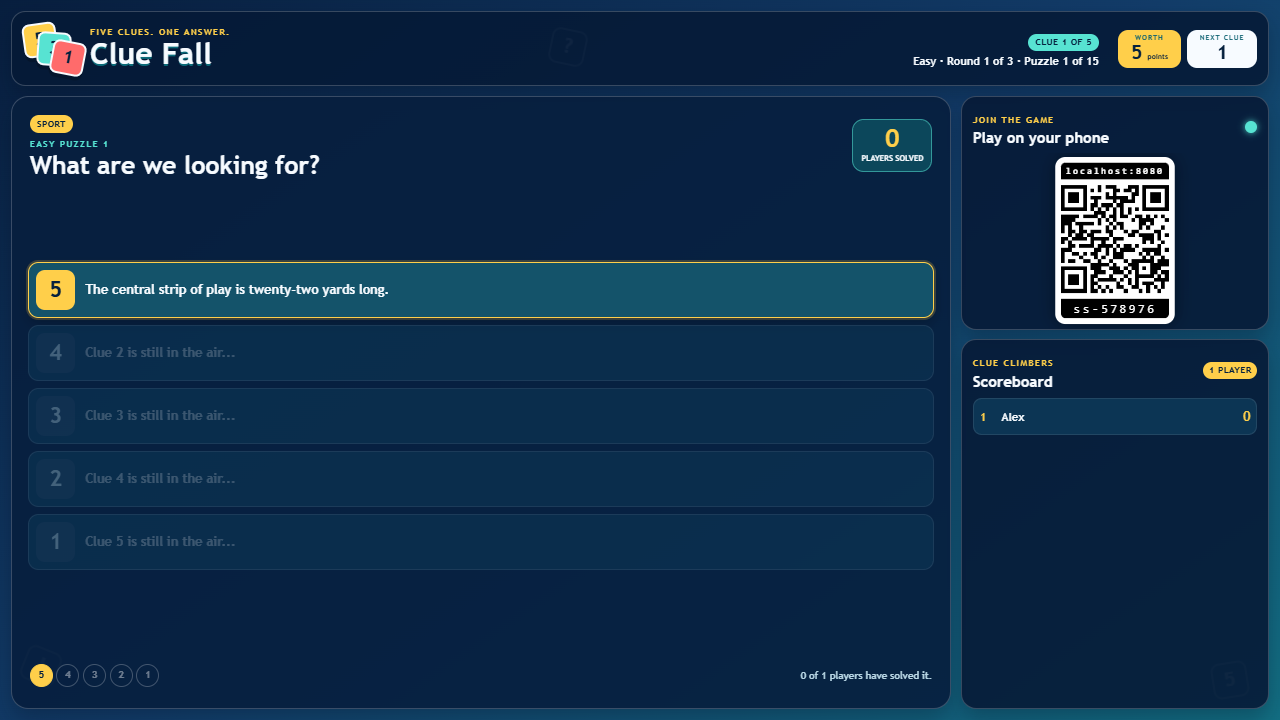
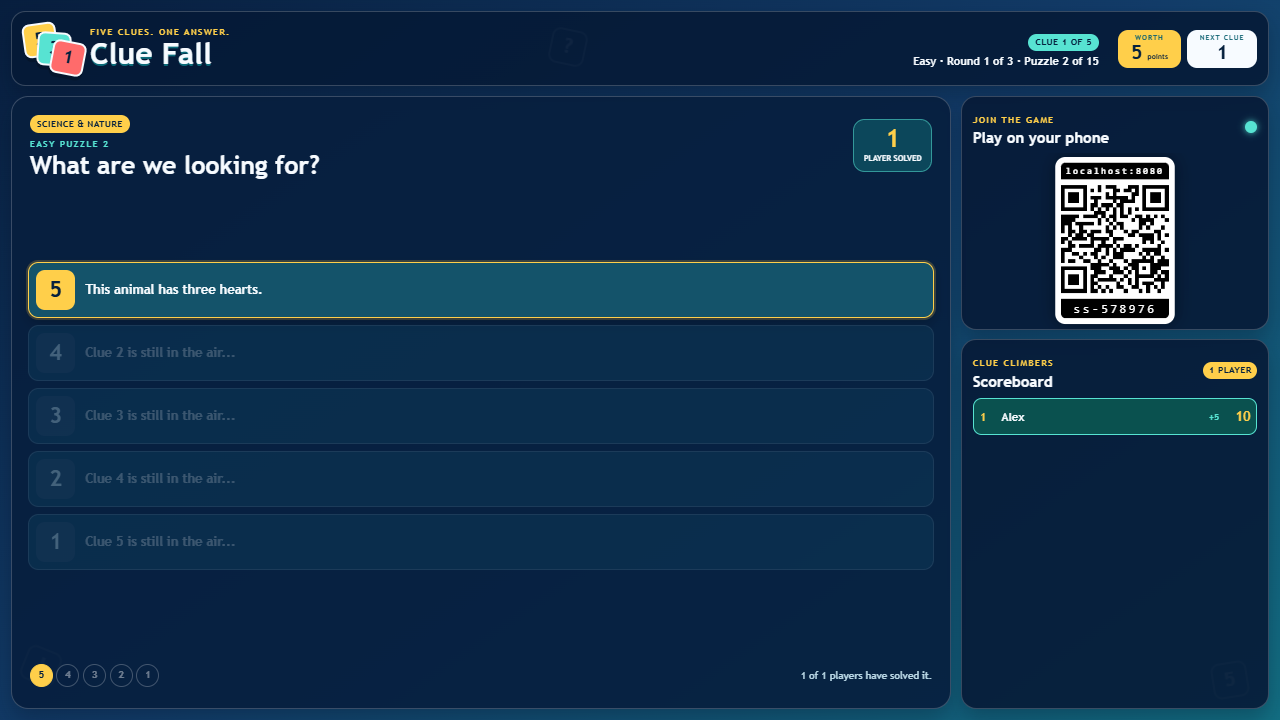
Clue Fall is a progressive shared-screen guessing game. Five clues describe one answer, but the available score falls from five points to one as each new clue appears.

Features
- Five progressively easier clues per answer, worth five down to one point.
- Easy, Medium and Hard modes with different answer counts and clue times.
- Private answer feedback, bonus facts and a shared leaderboard.
How to play
Open /clue-fall/ on a TV, projector, laptop, or large display. Players scan the standard room QR code to open /clue-fall-c/, choose a screen name, and select Easy, Medium or Hard from the display or any joined controller.
Easy is aimed at children, with 40 familiar puzzles, four answer choices and 15 seconds per clue. Medium has 30 puzzles, five choices and 12 seconds. Hard has 30 expert puzzles, six choices and 10 seconds. The hardest clue appears first and is worth 5 points, reducing to 4, 3, 2 and finally 1 point.
- Tap the correct answer to bank the current points and finish that puzzle.
- A wrong answer is removed from your phone and locks guessing until the next clue.
- Each player receives their answers in a different order.
- If every active player has guessed or solved, the next clue arrives early to keep the game moving.
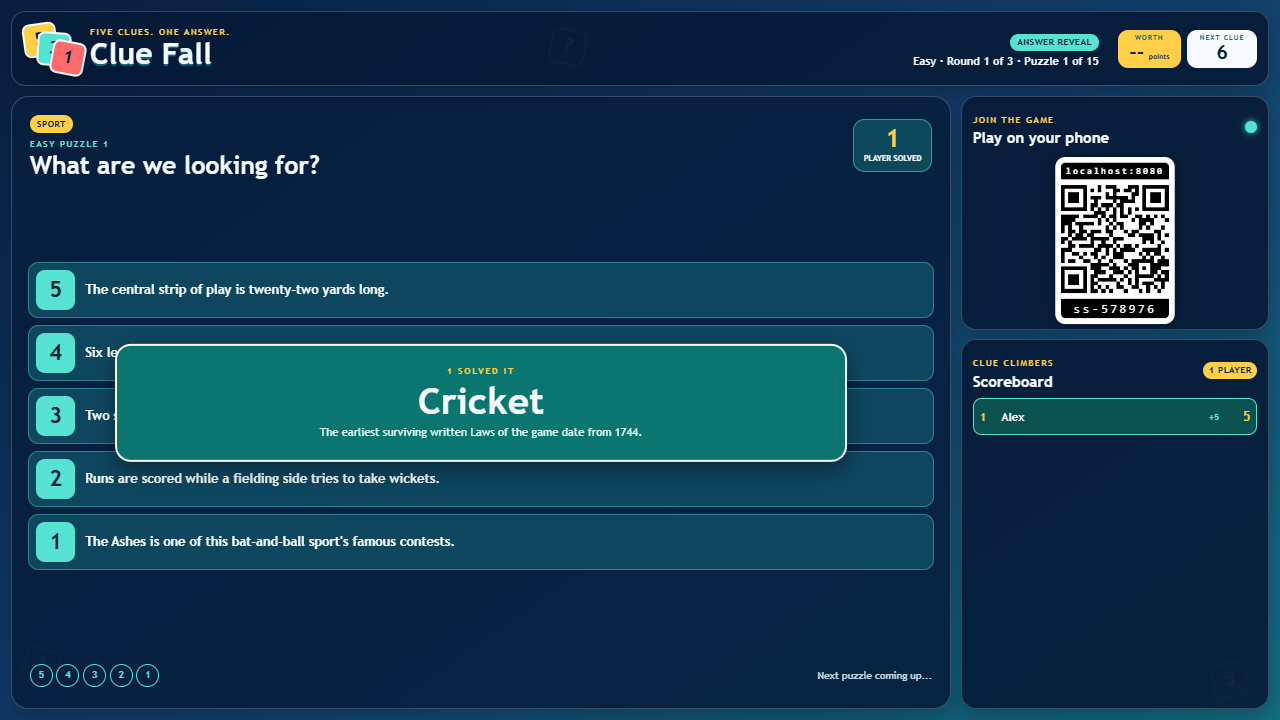
- The display reveals the answer and a short bonus fact after every puzzle.
The game includes 100 hand-written puzzles and 500 progressive clues across ten balanced categories: Movies, Famous Faces, Around the World, Science & Nature, History, Books & Characters, Music, Sport, Food & Drink, and Things & Technology. Easy contains three non-repeating rounds of 15, 15 and 10 puzzles; Medium and Hard each contain two rounds of 15. Scores carry through the selected mode, and a new series reshuffles that mode's puzzles.
Screenshots