RCWeb Mood Wall
Mood Wall is a shared-screen emoji wall for quick group check-ins. Open it on a TV, projector, laptop, or other room display. People use the mood-wall-c control app on their phones to add up to 3 emojis that describe how they feel.
Use Mood Wall for meeting openers, classroom pulse checks, retrospectives, workshops, events, or any session where a room needs a visible mood snapshot.
Features
- A shared wall for group mood check-ins.
- Up to three active emojis per participant.
- Change choices live as the group's mood changes.
Start A Mood Wall
- Open
/mood-wall/on the shared display. - Leave the display visible while people join.
- Ask participants to scan the QR code panel.
- Participants choose emojis on their phones.
- Watch the wall update live as emojis arrive.
The QR code opens /mood-wall-c/ in the same room.
What The Display Shows
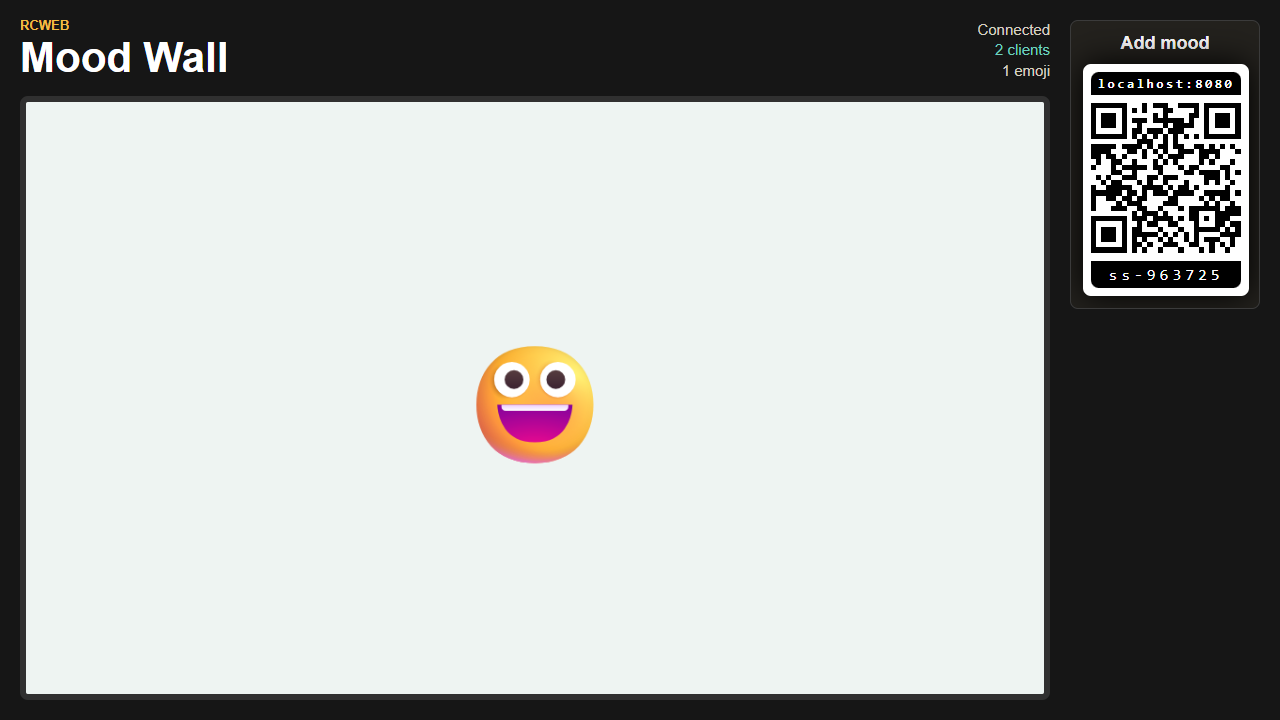
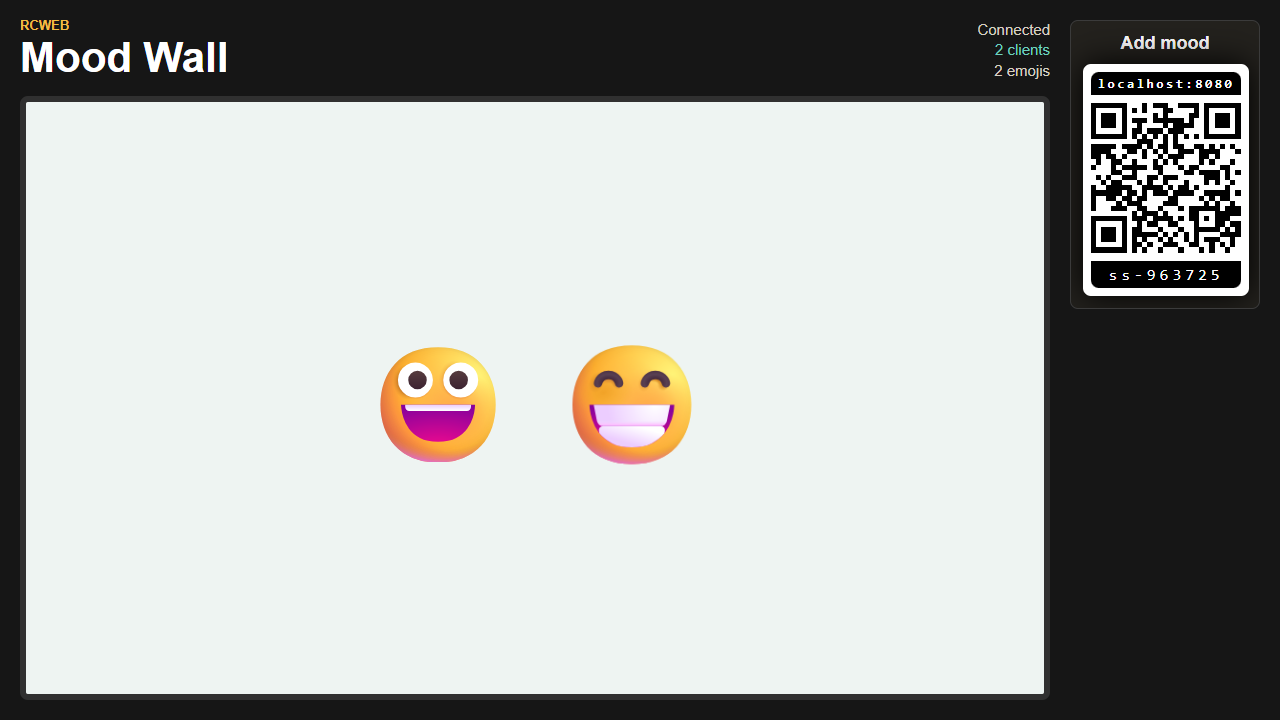
The shared display shows:
- A QR code for joining with the phone control.
- The current room connection status.
- The number of connected clients.
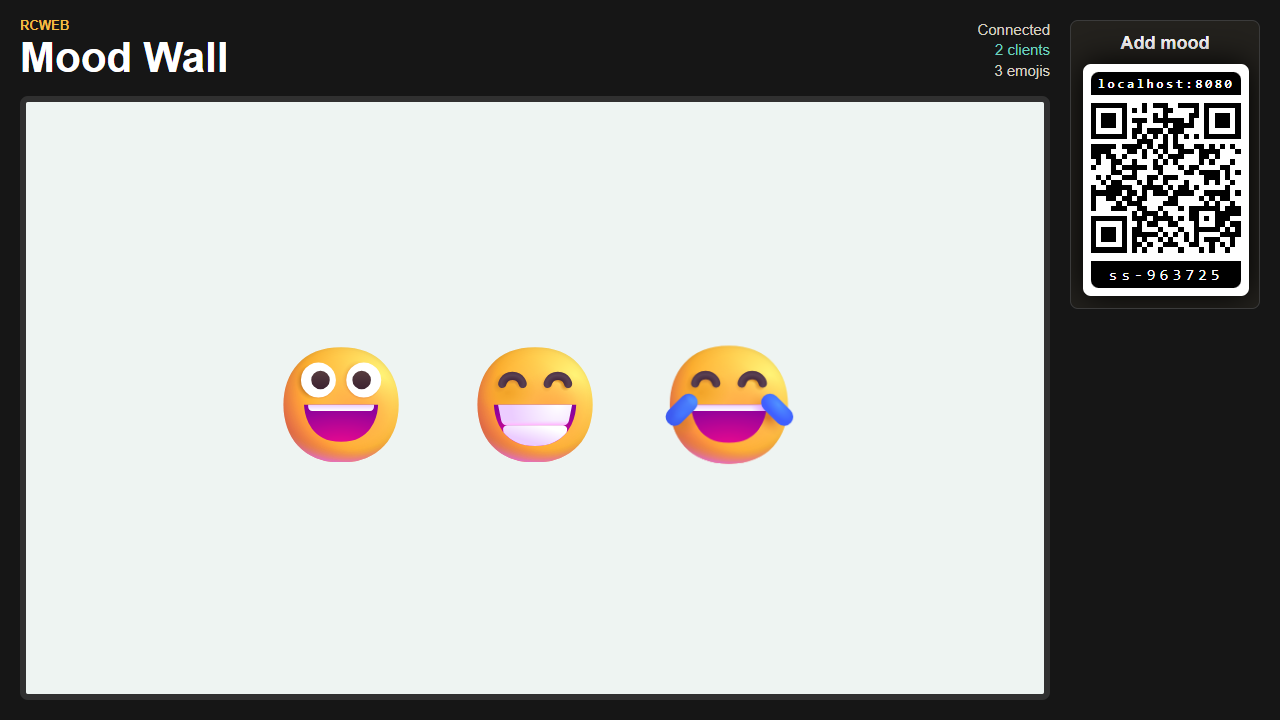
- The total number of active emojis on the wall.
- A responsive wall of emojis from everyone in the room.
The emoji wall automatically resizes the emojis to fit the available screen space. As more people join and select emojis, the wall scales down so the group can still see the full mood picture.
Participant Choices
Each phone can keep up to 3 emojis active on the wall.
Participants can change their choices at any time. If someone removes an emoji or picks a replacement, the display updates for the whole room.
During The Session
- Keep
/mood-wall/open on the shared display. - Let late joiners scan the QR code at any time.
- Ask people to use the positive, negative, energy, and other emoji groups to describe their current mood.
- Use the wall as a quick prompt for discussion, a room check-in, or a closing reflection.
Refreshes And Reconnects
Phones that join late receive the current wall state.
If a phone refreshes, it can usually continue changing its existing three emoji choices in the same browser.
If the display refreshes, the live wall starts over so keep it open during a session.
Screenshots