Screensaver
Fill your display with continuously moving animations and colours. Select the style and pace from your phone.

Features
- Twelve moving screensavers with preview cards in the controller.
- Adjustable palette, speed and intensity.
- A low-power display option.
- Settings saved on the display and shared with connected controllers.
- A top-right fullscreen toggle and semi-transparent corner QR panel, matching Clock.
Screensavers
- Warp Starfield: coloured stars stream past from a drifting centre.
- Orbit Field: moving points weave a constellation of connections.
- Prism Tiles: a shifting patchwork of colour.
- Neon Pipes: bright trails turn and wander across the screen.
- Fireworks: colourful bursts blossom and fade.
- Neon Curves: luminous loops curl and intertwine.
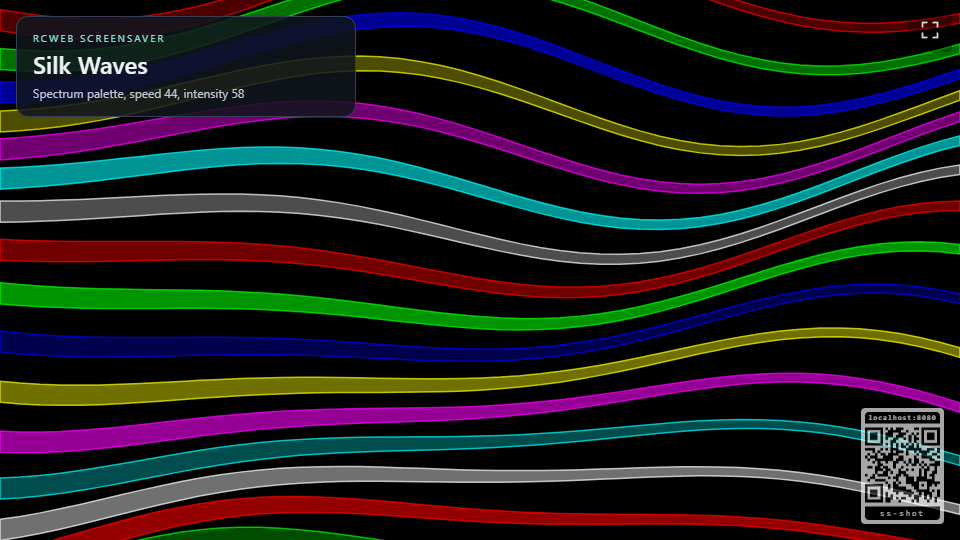
- Silk Waves: layered ribbons flow across the display like fabric.
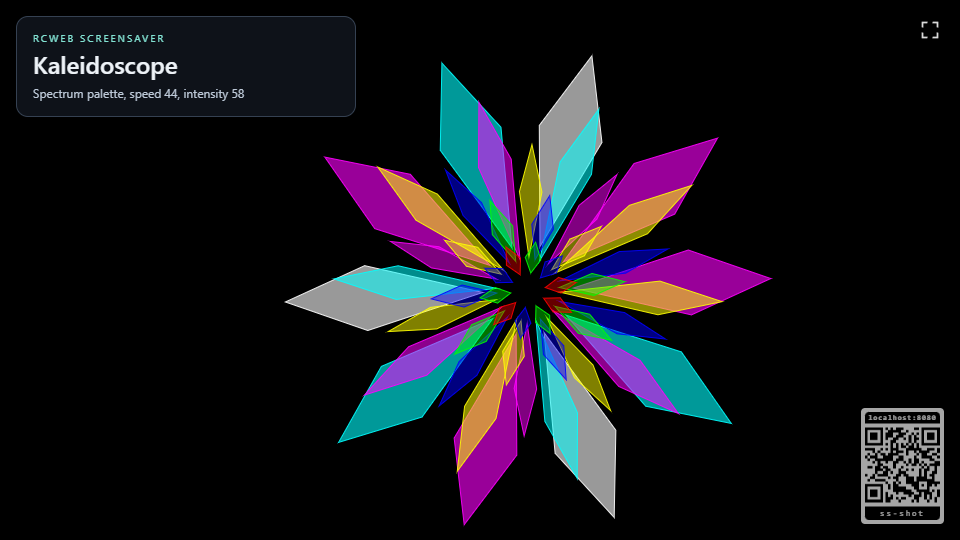
- Kaleidoscope: turning geometric petals form a colourful mosaic.
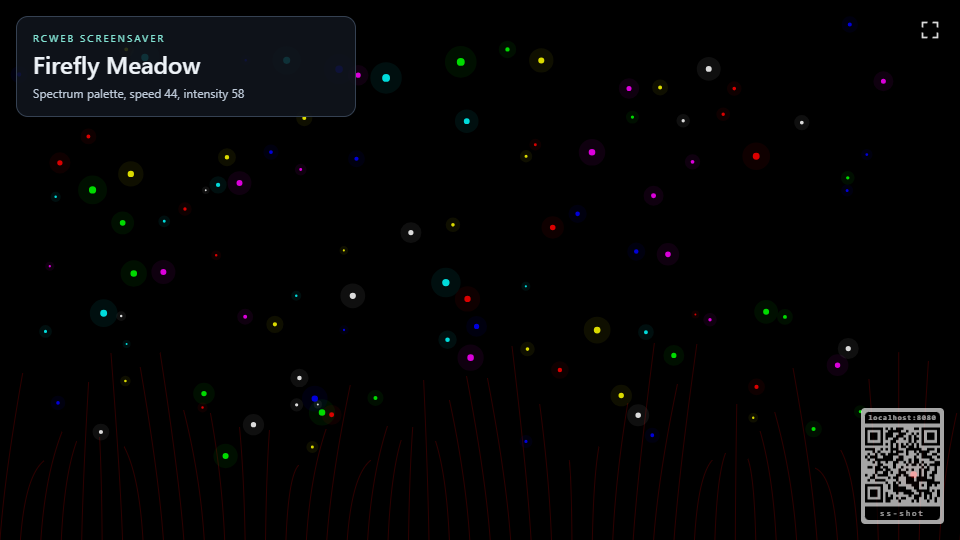
- Firefly Meadow: tiny lights drift and pulse over swaying grass.
- Ripple Garden: expanding rings meet and fade on a quiet pool.
- Prism Drift: translucent, faceted crystals tumble through space.
- Contour Dunes: sculpted horizons flow beneath a wandering sun.
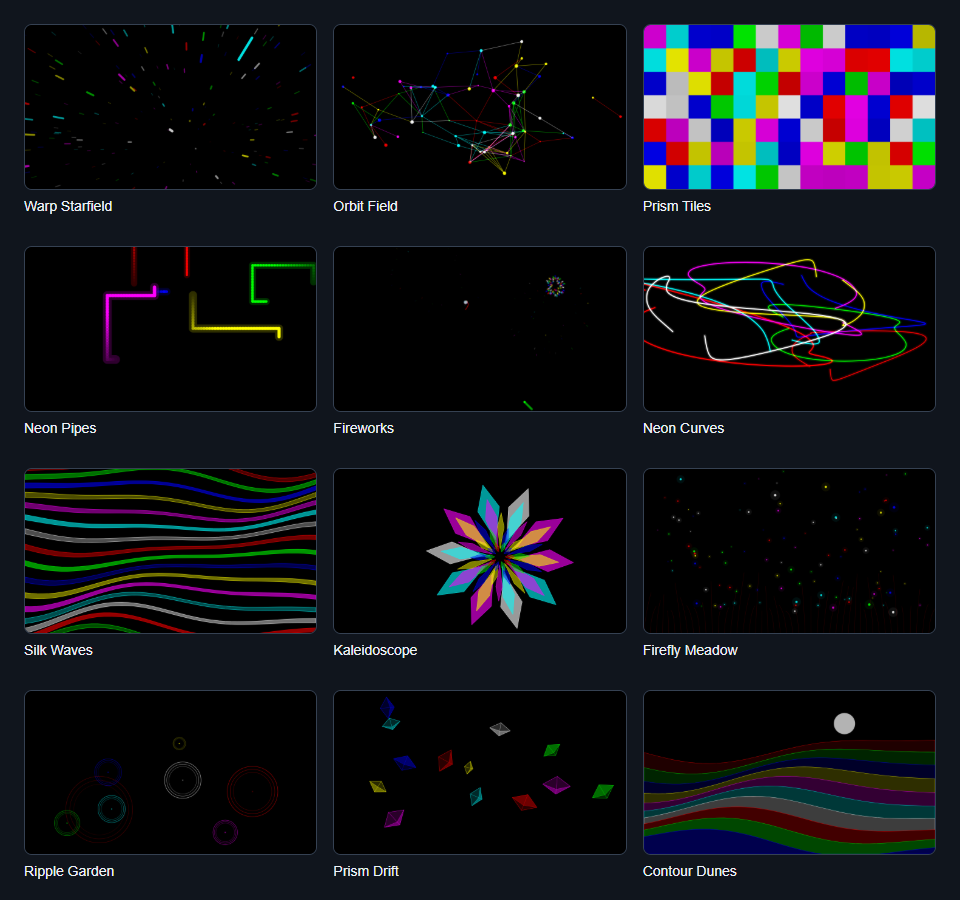
Screenshot

Open the viewer at /screensaver/?r=<room> and use /screensaver-c/?r=<room> on a phone or tablet to select and tune the active animation.
How to use
Open Screensaver on the display and scan its QR code for Screensaver Controls. Choose an animation, then adjust its colours and motion. Leave the display open while controlling it.
The QR panel stays in the bottom-right corner. Move the pointer, touch the screen or press a key to reveal the fullscreen toggle at the top right. Select it to enter or exit fullscreen. The toggle and information card fade after inactivity; enable Keep viewer info visible to retain the card.
Use Low power display mode to reduce drawing detail while keeping motion smooth. Your selected animation, colours and settings return when this display browser reloads the app. Find Screensaver in the Visuals category.
New Styles
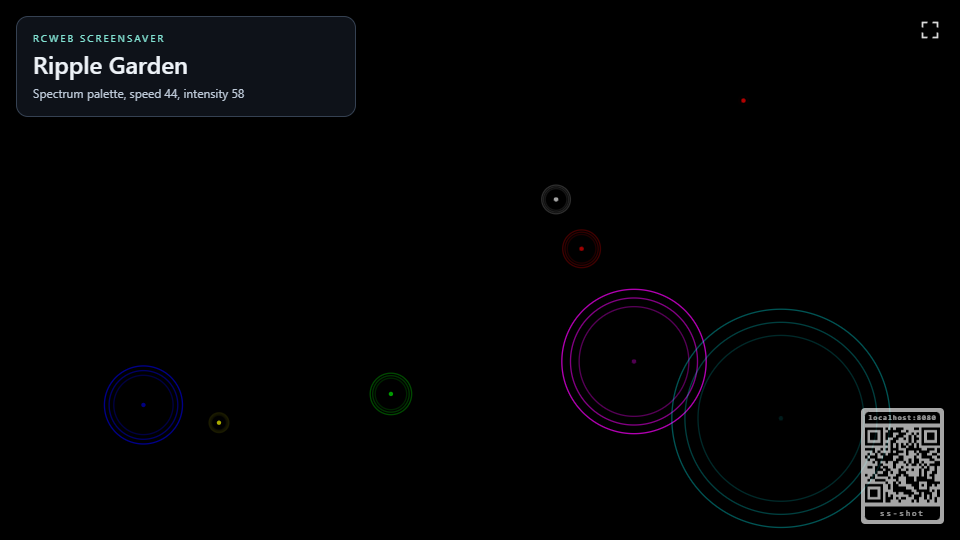
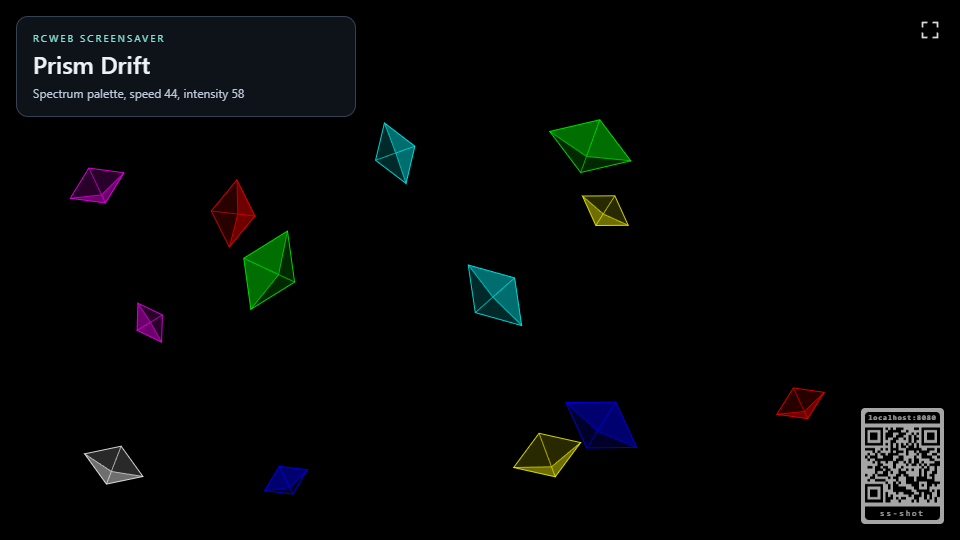
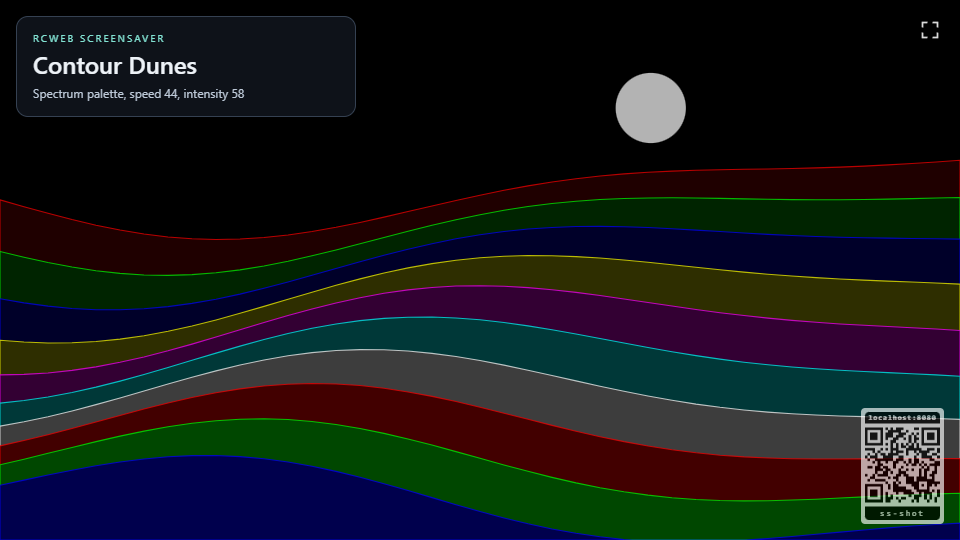
Automatic Rotation
Use Automatic rotation above the previews to cycle through your selection. Choose Change every: 30 seconds, 1, 2, 5, 10 or 30 minutes, or 1 hour. Rotation starts switched off.
The checkbox in each preview's top-right corner includes or excludes that style. Keep at least one selected; Include all restores the full selection. Next moves to the next selected style in gallery order, wrapping back to the start.
Tapping a preview shows it immediately without changing its loop checkbox. When rotation is on, that style stays for the chosen period before the loop continues. Editing the loop does not interrupt the current display. The display saves the rotation setting, period and selection, and shares them with other controllers.