Clock Controls
Clock Controls is the phone-oriented controller for the shared /clock/ display.
Screenshot
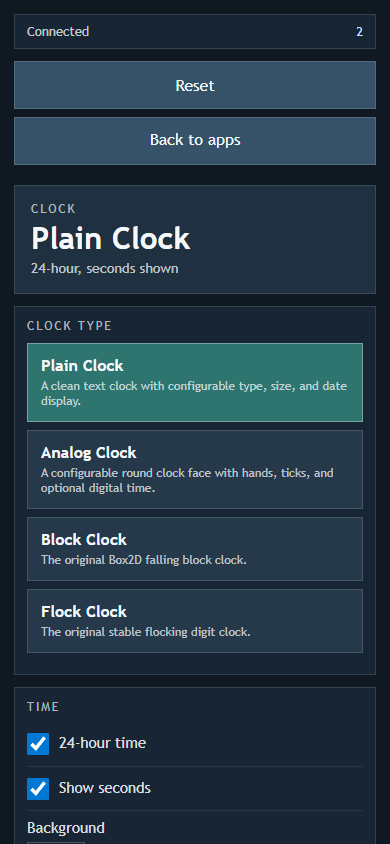
Open /clock/?r=<room> on the display first, then open /clock-c/?r=<room> on a phone or tablet in the same room. You can also scan the QR code shown on the Clock display.
Features
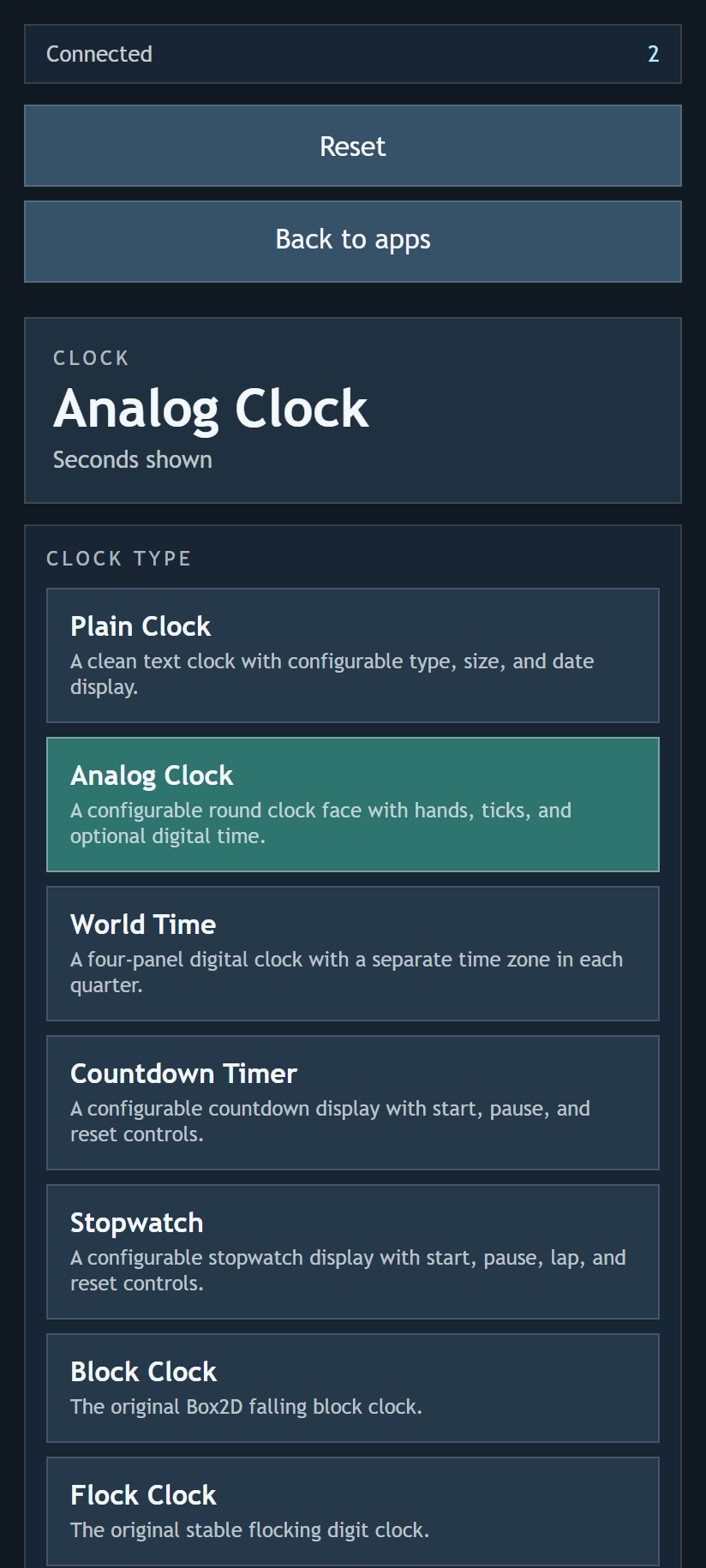
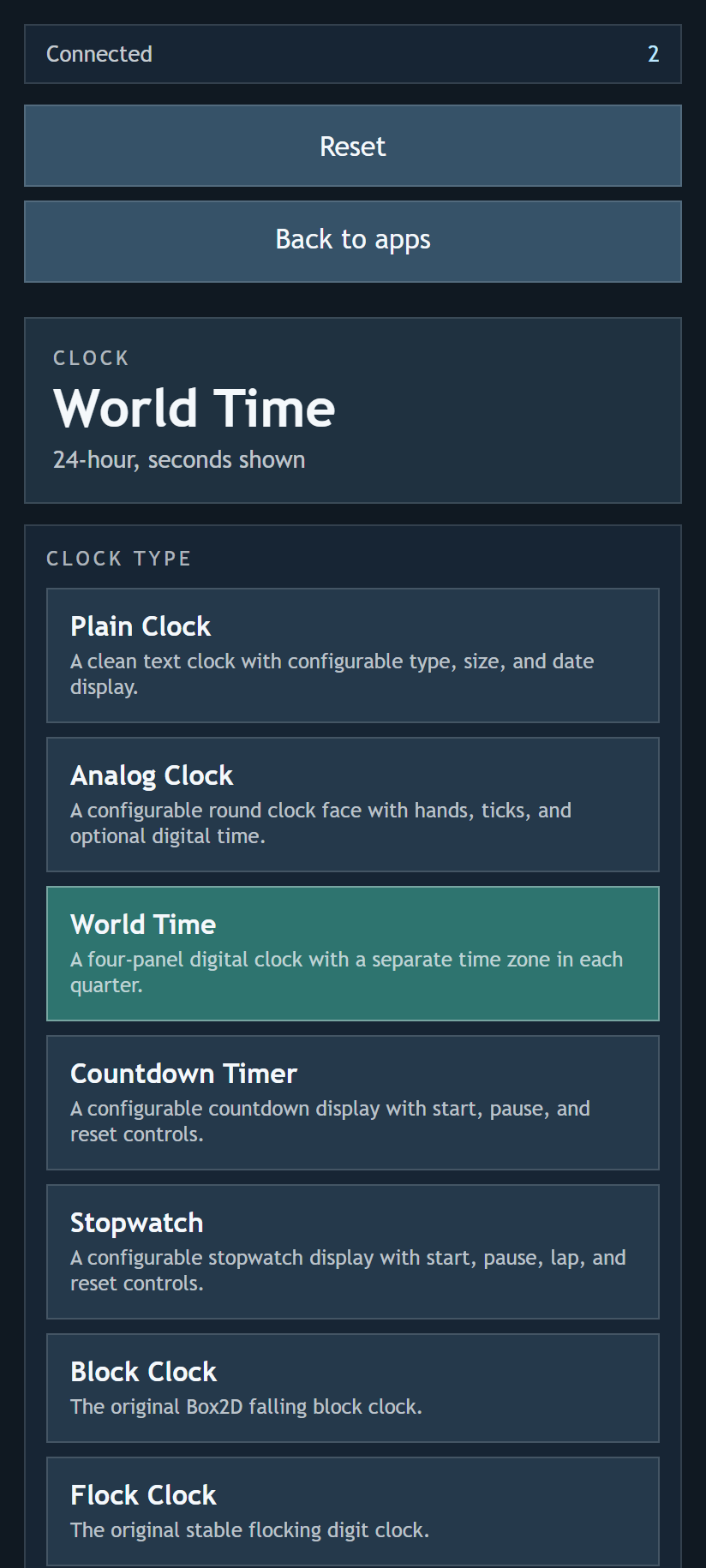
- Switch between Plain Clock, Analog Clock, World Time, Countdown Timer, Stopwatch, Block Clock, and Flock Clock.
- Adjust the settings available for the selected clock.
- Change shared display options such as background colour and whether seconds are shown.
- Reset the display back to the default clock settings.
- Check connection status and the number of clients in the room.
Settings
Plain Clock includes font, weight, text size, text colour, date, spacing, position, 12/24-hour time, seconds, and background options.
Analog Clock includes size, face colour, border colour, tick colour, number colour, hand colours, centre colour, number visibility, minute ticks, second hand, optional digital time, number size, hand width, seconds, and background options.
World Time includes four independently selectable location panels, font, weight, text size, text colour, city colour, date colour, date visibility, spacing, 12/24-hour time, seconds, and background options.
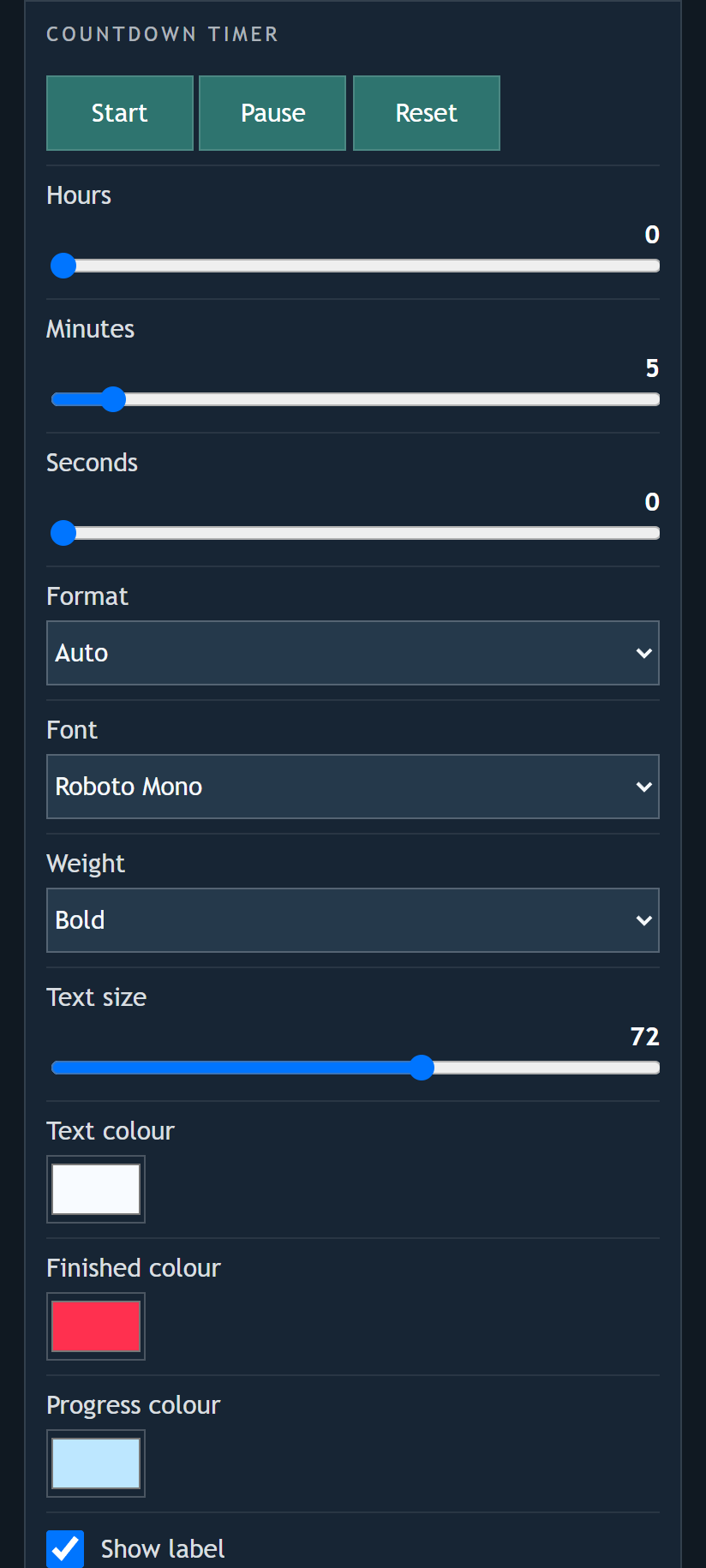
Countdown Timer includes start, pause, reset, hours, minutes, seconds, display format, font, weight, text size, colours, label, progress bar, and background options.
Stopwatch includes start, pause, lap, reset, display format, font, weight, text size, colours, label, hundredths, lap display, and background options.
Block Clock and Flock Clock use their original display behaviour, so the controls focus on selecting them rather than changing their internal animation.
Saved Settings
Changes are sent to the Clock display and saved there. When the main Clock app is relaunched later in the same display browser, the last selected clock and settings are restored automatically.
Screenshots