RCWeb Mood Wall Control
Mood Wall Control is the phone app for adding emojis to the shared /mood-wall/ display.
Open it by scanning the QR code on the Mood Wall display. You can also open /mood-wall-c/?r=<room> directly if you know the room ID.
Features
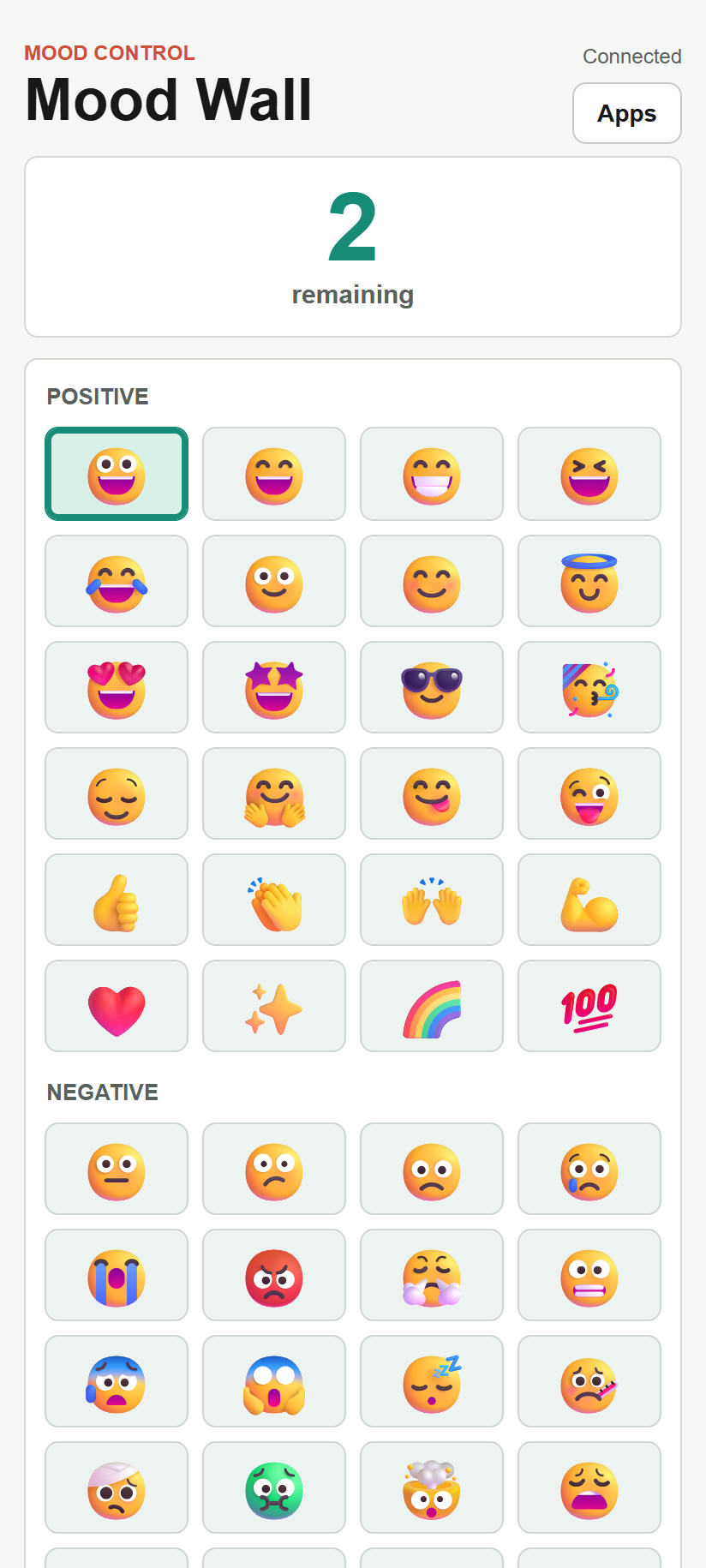
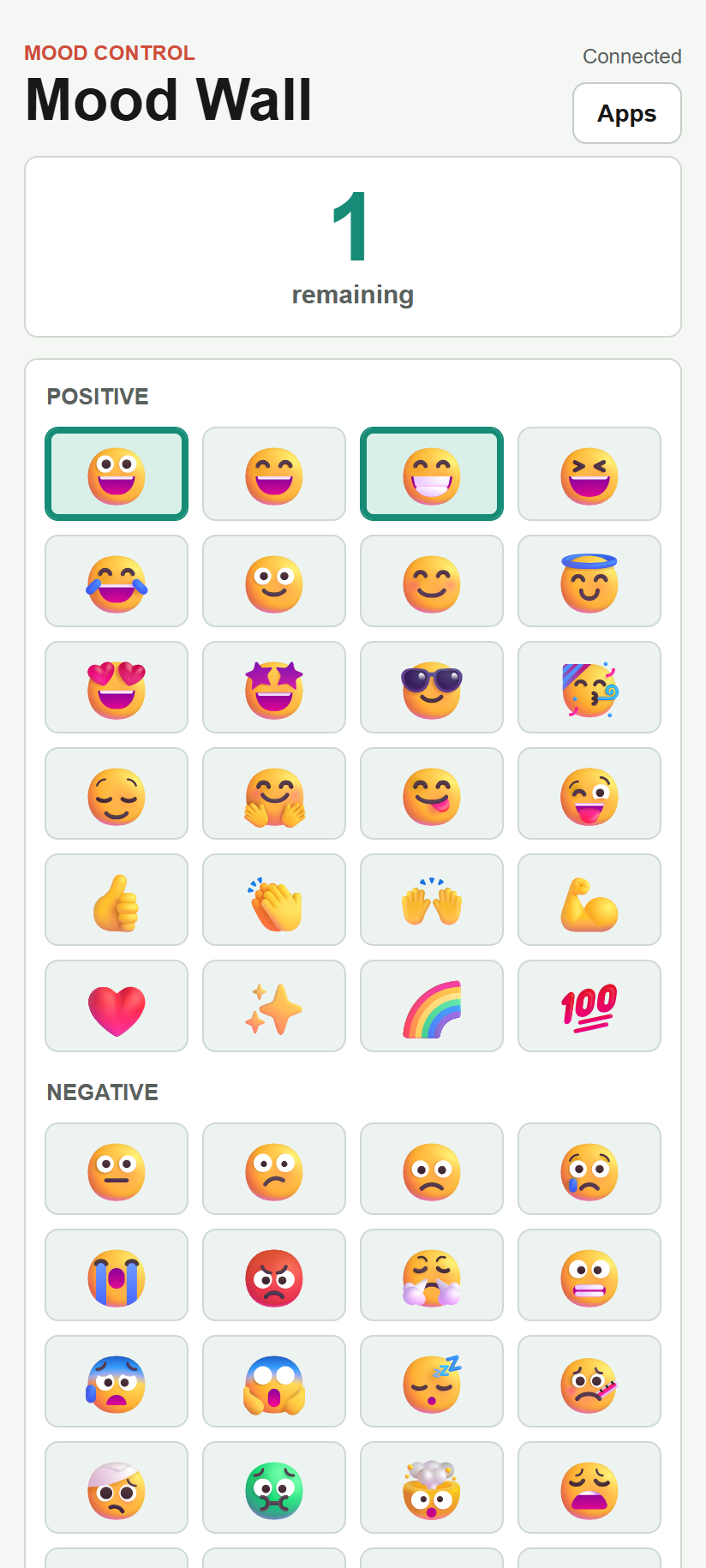
- Choose up to three emojis from four groups.
- Toggle choices on and off.
- See remaining slots, selected emojis and connection feedback.
Join The Room
- Make sure
/mood-wall/is open on the shared display. - Scan the QR code shown on the display.
- Wait for the phone to connect.
- Tap emojis to add them to the wall.
The control is designed for portrait phone use with large tap targets.
Choose Your Emojis
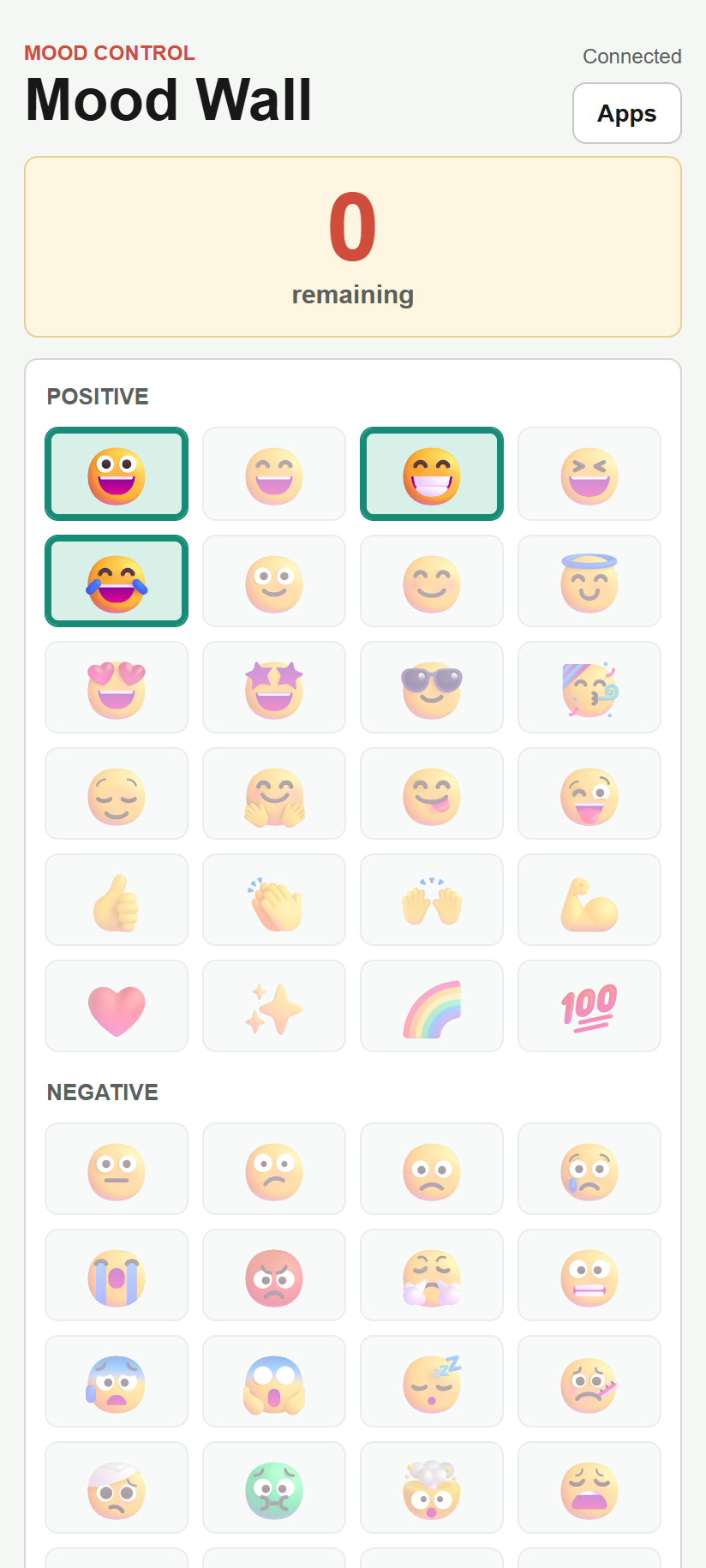
You can keep up to 3 emojis active at once.
Emoji buttons work like toggles:
- Tap an unselected emoji to add it to the wall.
- Tap a selected emoji again to remove it.
- Remove one of your selected emojis before choosing a different one if all 3 slots are full.
Selected emojis stay highlighted on your phone so you can see your current choices.
Emoji Groups
The picker is grouped to make choices easier:
- Positive: happy, excited, supportive, and upbeat reactions.
- Negative: tired, worried, frustrated, sad, or difficult moods.
- Energy: high-energy, celebratory, focused, creative, or active moods.
- Other: thoughtful, uncertain, conversational, and miscellaneous signals.
Use the group that best fits the mood you want to share.
What Your Phone Shows
The control shows:
- How many emoji slots remain.
- Which emojis you currently have selected.
- Whether the phone is connected to the room.
- A short status message after adding or removing an emoji.
Refreshes And Reconnects
If your phone refreshes, it asks the display for the latest wall state. In the same browser, your phone can usually continue changing its existing emoji choices.
If the shared display is not open in the room, the control can connect but changes will not appear on a wall until a /mood-wall/ display is connected.
Screenshots