RCWeb Tetris Pro
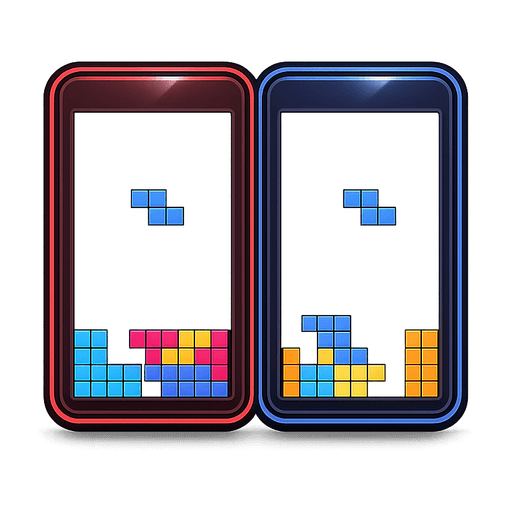
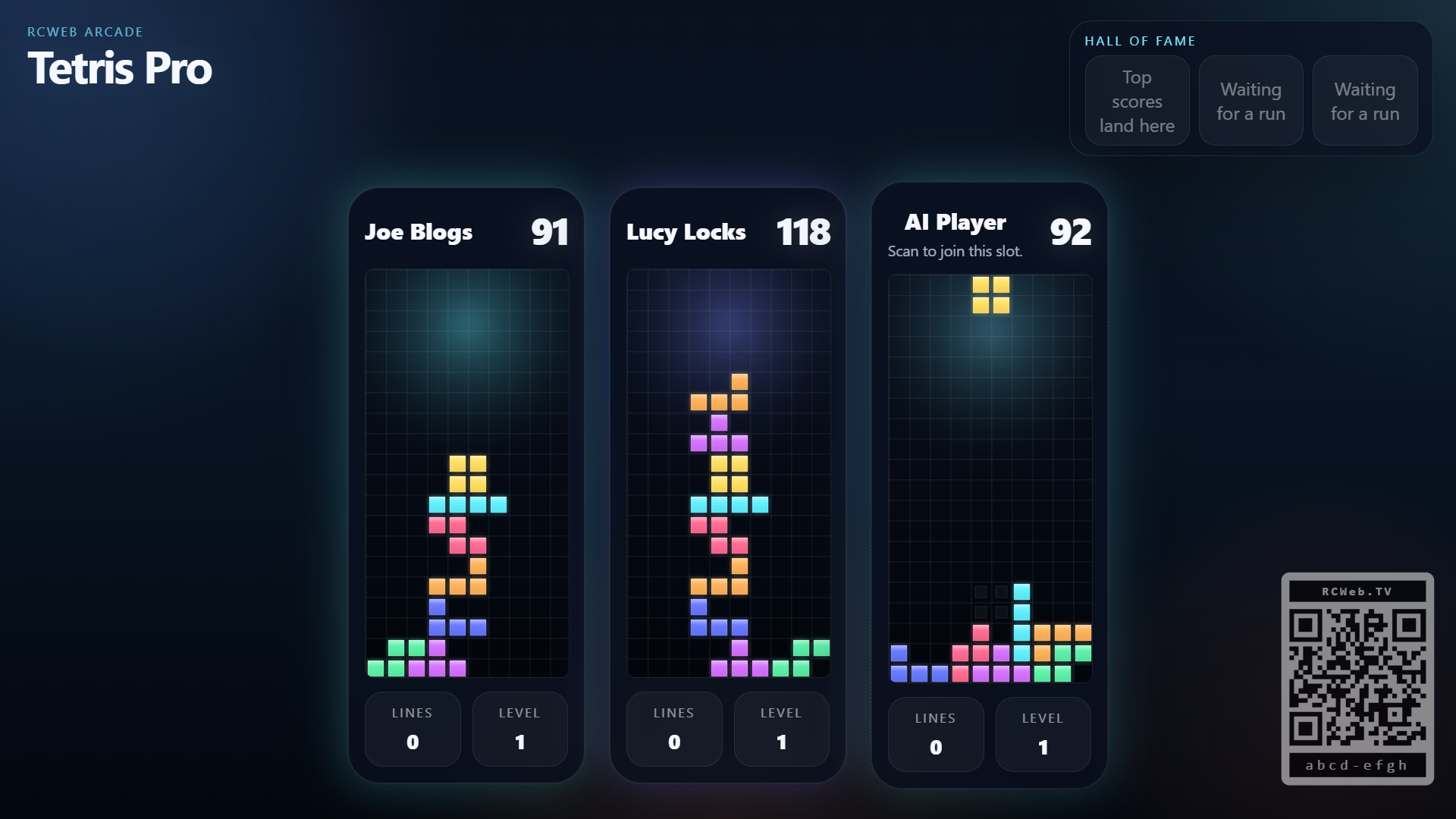
Tetris Pro is a shared-screen multiplayer Tetris wall for RCWeb. Instead of one player taking over the whole screen, the display grows into a cluster of live boards, each controlled from a separate phone. An always-ready join slot keeps the next board visible, so the wall can expand naturally as more players scan in.
Features
- Up to four independent boards on one shared screen.
- The same piece sequence for every run.
- Saved local scores, retry controls and an animated join slot.
The Game
Tetris Pro is built as a shared room of parallel runs rather than a single versus board. Up to four players can play at once, each on their own visible board, with scores, lines, and levels shown directly on the wall. When the room is quiet, an attract-mode join board keeps the empty slot animated and ready for the next player.
The game is designed to stay fair across separate boards. Every run pulls from the same shared sequence of shuffled sets of all seven pieces, so players are solving with equivalent piece order rather than getting luckier or unluckier random feeds.
When a run ends, the player can save a score from their phone and immediately retry. The main wall keeps a persistent local leaderboard and shows the top entries across the display, so short casual games still feed into a longer session history.
How To Play
Open /tetris-pro/ on the shared screen. Players scan the QR code shown on the open join slot to open /tetris-pro-c/ on their phones in the same room. If a board is available, the controller claims it and the wall expands to include that new player.
Use the phone controls to move, rotate, soft drop, and hard drop pieces on your own board. Standard Tetris scoring applies through line clears, level growth, and drop bonuses, so the challenge is still familiar even though the room is sharing the display.
If a player disconnects or leaves, their board fades out and the wall closes the gap. If the room is not full, the animated join slot reappears so the next phone can jump straight into the open space.