Tilt Maze Controller
Your phone is the controller for Tilt Maze: twelve progressively longer marble mazes on a shared screen.
Join
Scan the display's QR code. Select Start level when ready. One phone controls the marble at a time. Joining gives you control immediately and keeps the current level and progress. The previous phone switches to watching. Tap Take control to take over at any time; you do not need to wait for the other player to leave.
Controls
- Hold the large direction buttons to roll; release to slow down. They work even when motion sensors are unavailable.
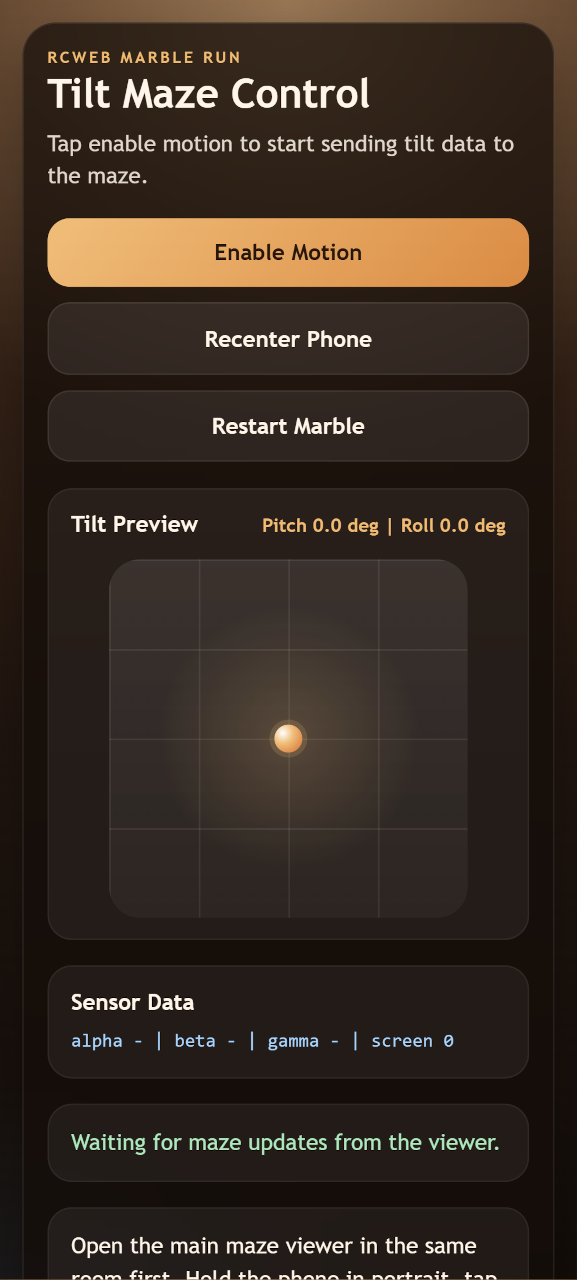
- Select Enable motion to use your phone's tilt. Approve permission if asked, then hold the phone comfortably to set its neutral position.
- Use Recenter phone whenever neutral feels wrong. Rotating your screen also resets the neutral position.
- Use pad only switches off motion control. Small tilts and early braking make corners easier.
- Show route displays a five-second route hint on the shared screen, without a penalty.
- Retry level resets the timer and falls while keeping the same maze.
- After reaching the green finish, select Next level.
- Back to apps returns this phone to the app list in the same room, leaving the viewer in place.
The level card shows the current time, fall count and checkpoint status. If permission is denied or no sensor readings arrive, an explanation appears and the direction pad stays available. Switching away from the controller releases control.
Screenshot