Future Controls
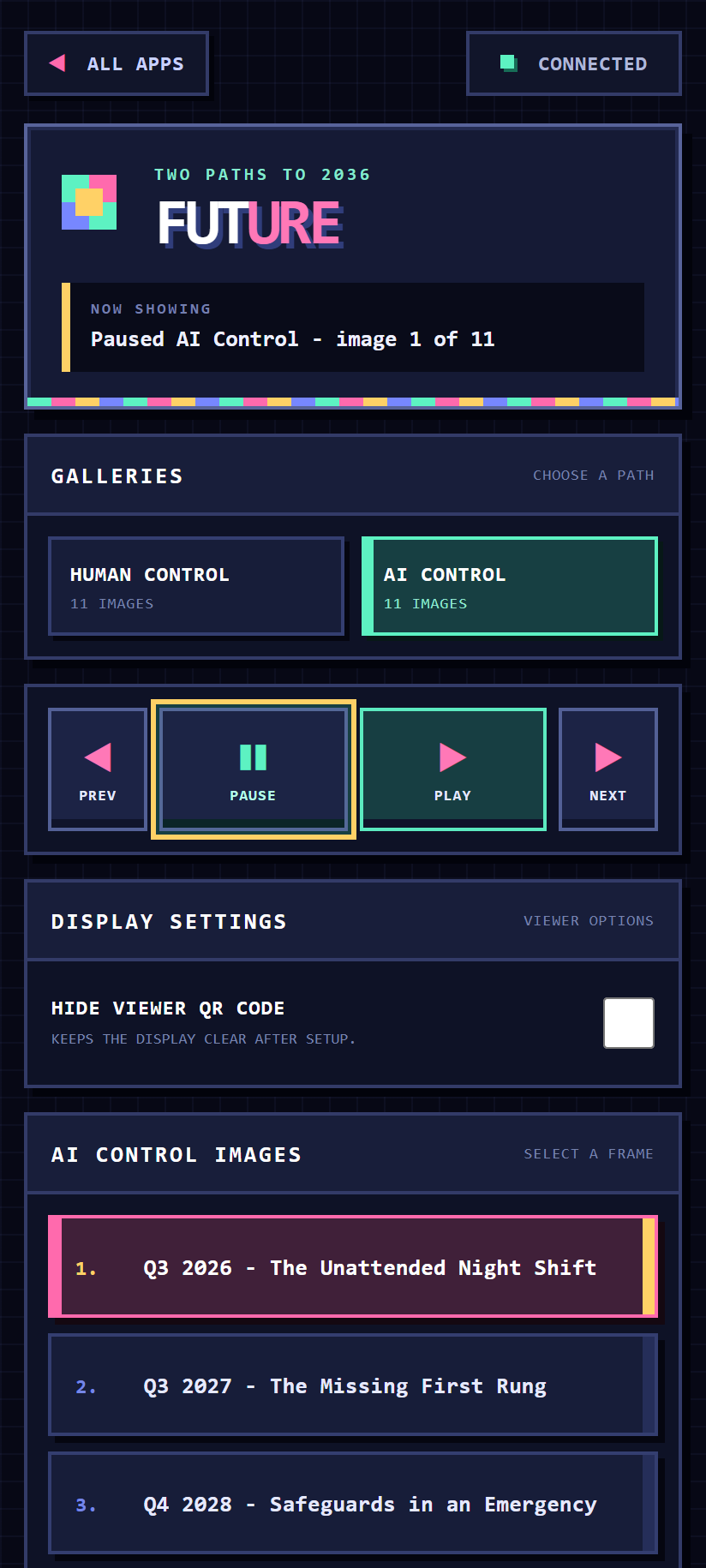
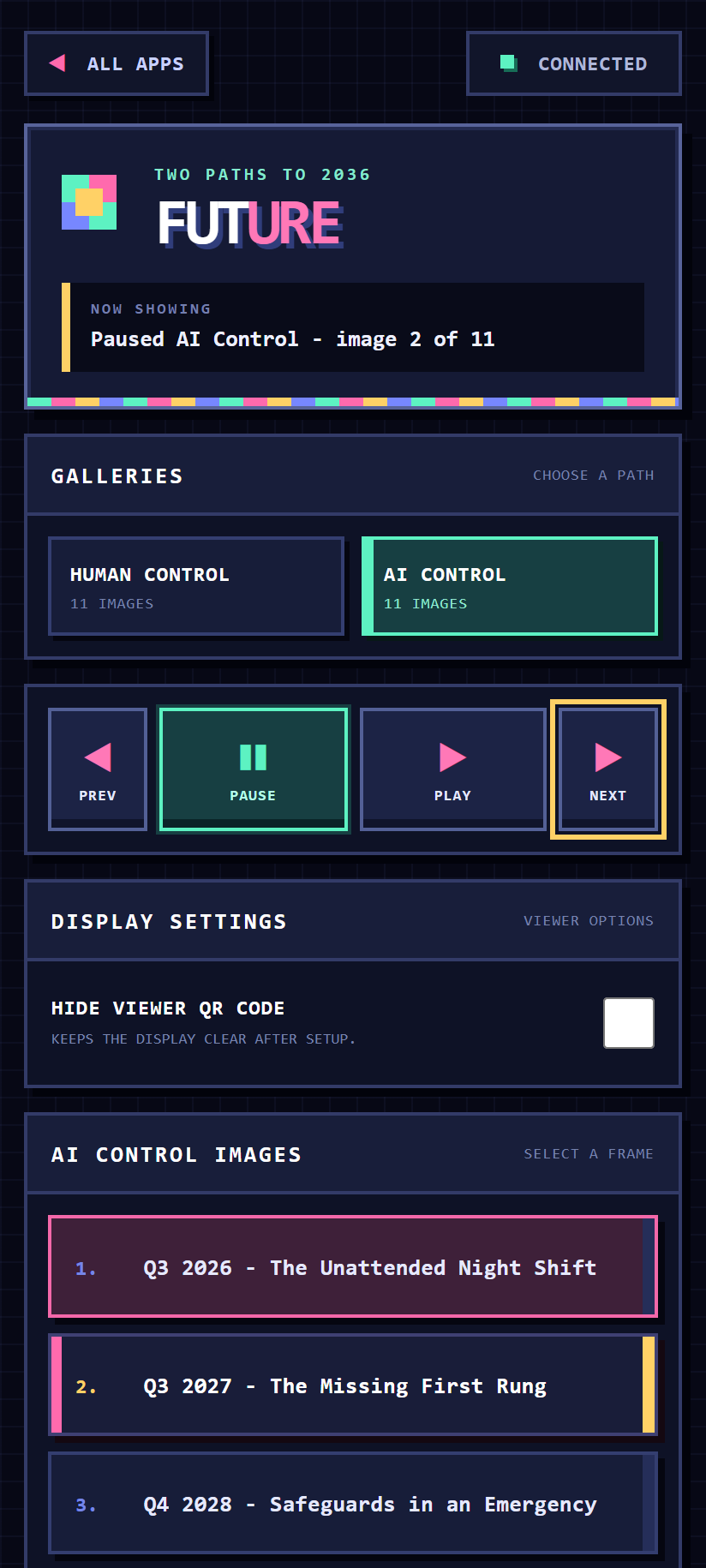
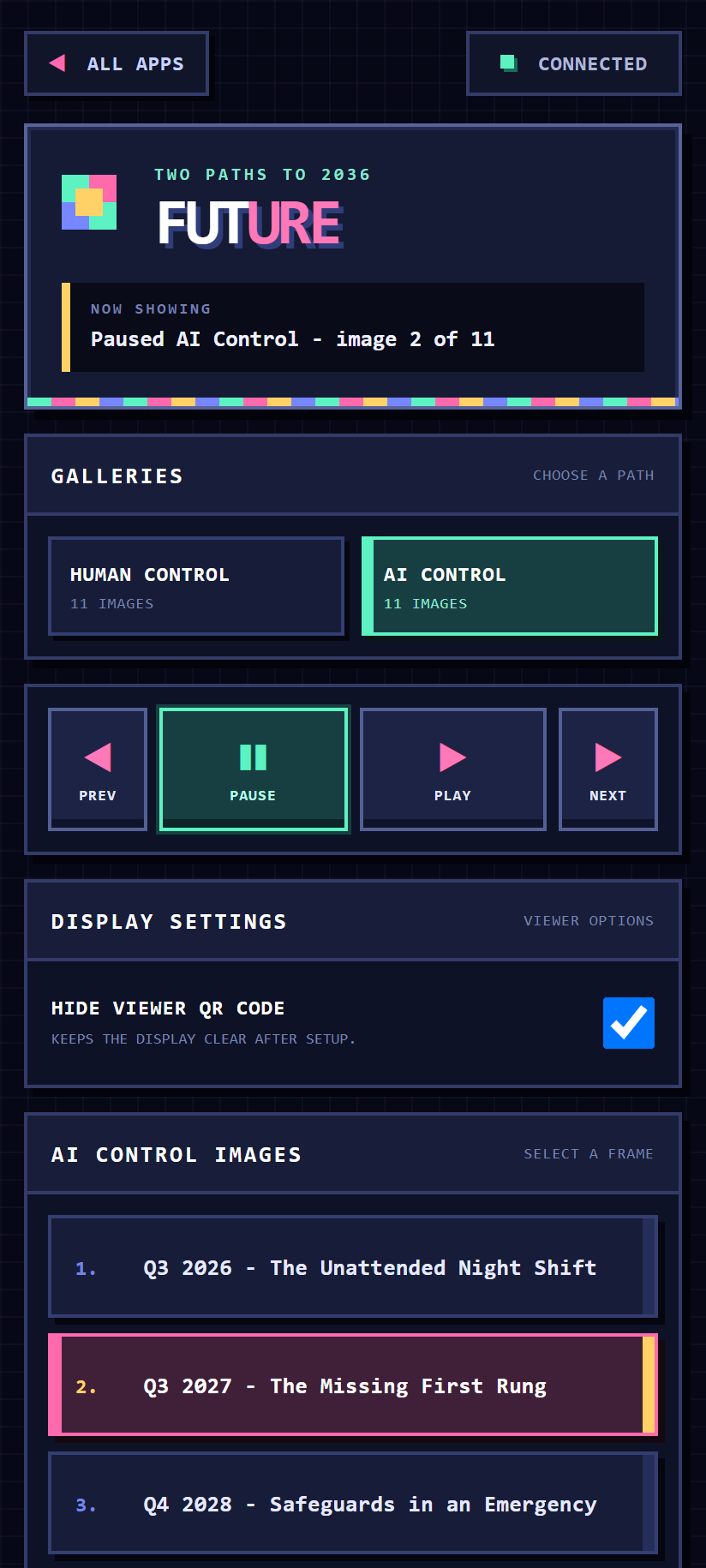
Future Controls is the touch-friendly phone companion for the Future scenario display.
Getting started
- Open
/future/on the shared display. - Scan its QR code to join the same RCWeb room.
- Choose Human Control or AI Control, then use playback buttons or select a dated milestone.
Key features
- Large previous, pause, play and next touch targets.
- Two-path gallery selector with live image counts.
- Dated milestone list for jumping directly to any scenario.
- Viewer QR visibility control.
- Live playback and reconnect synchronization.
Companion app
Use this controller with the Future display (/future/).
Screenshots