RCWeb Menu Control
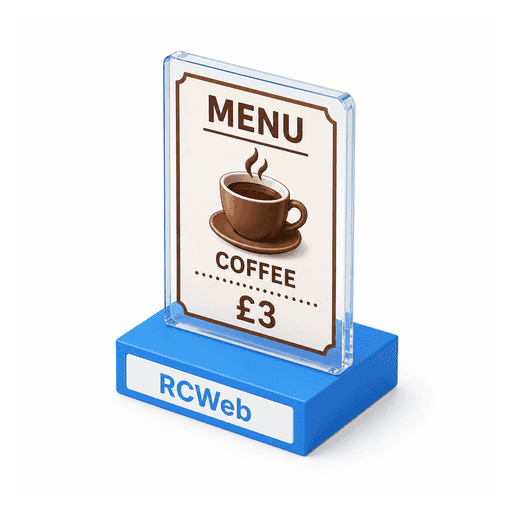
RCWeb Menu Control is the phone-friendly editor for the RCWeb Kiosk Menu display.
Features
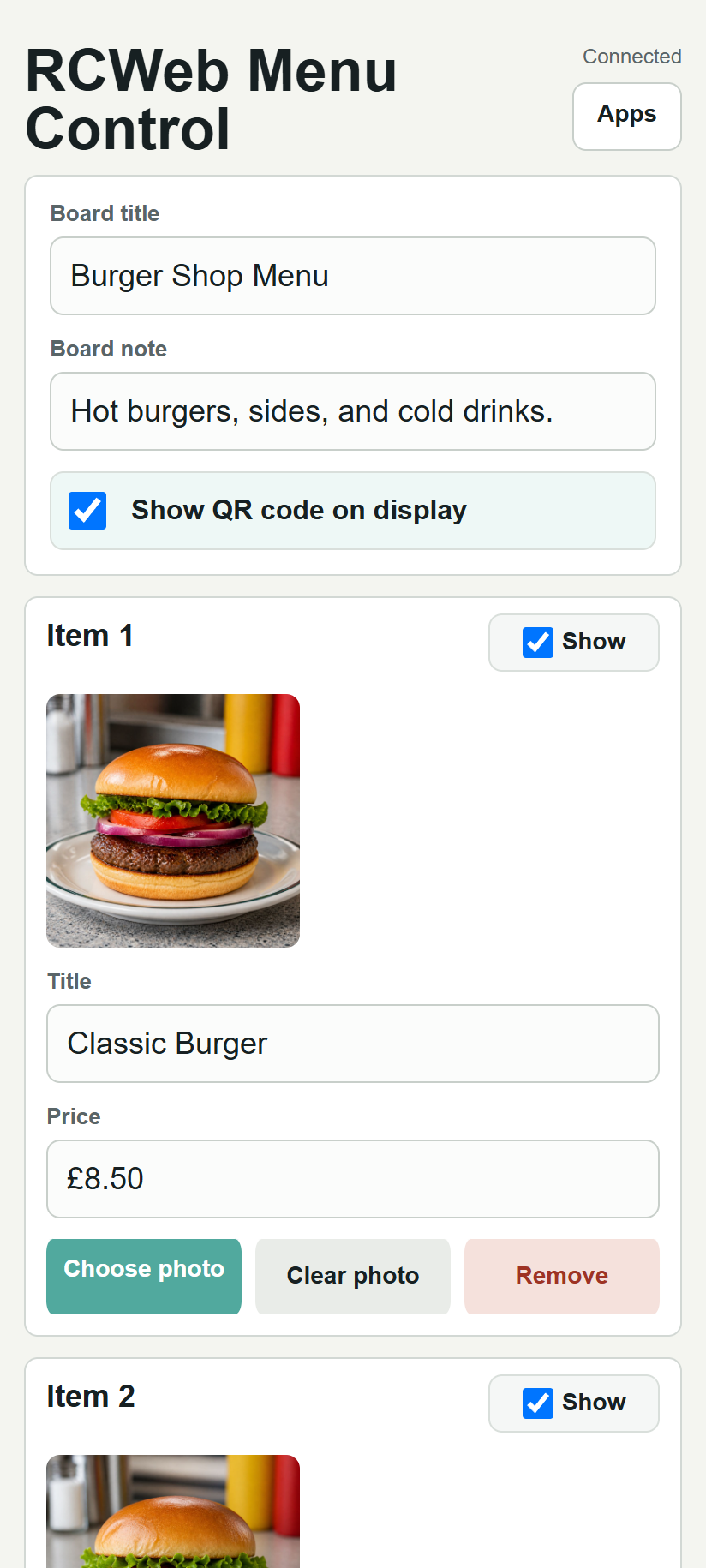
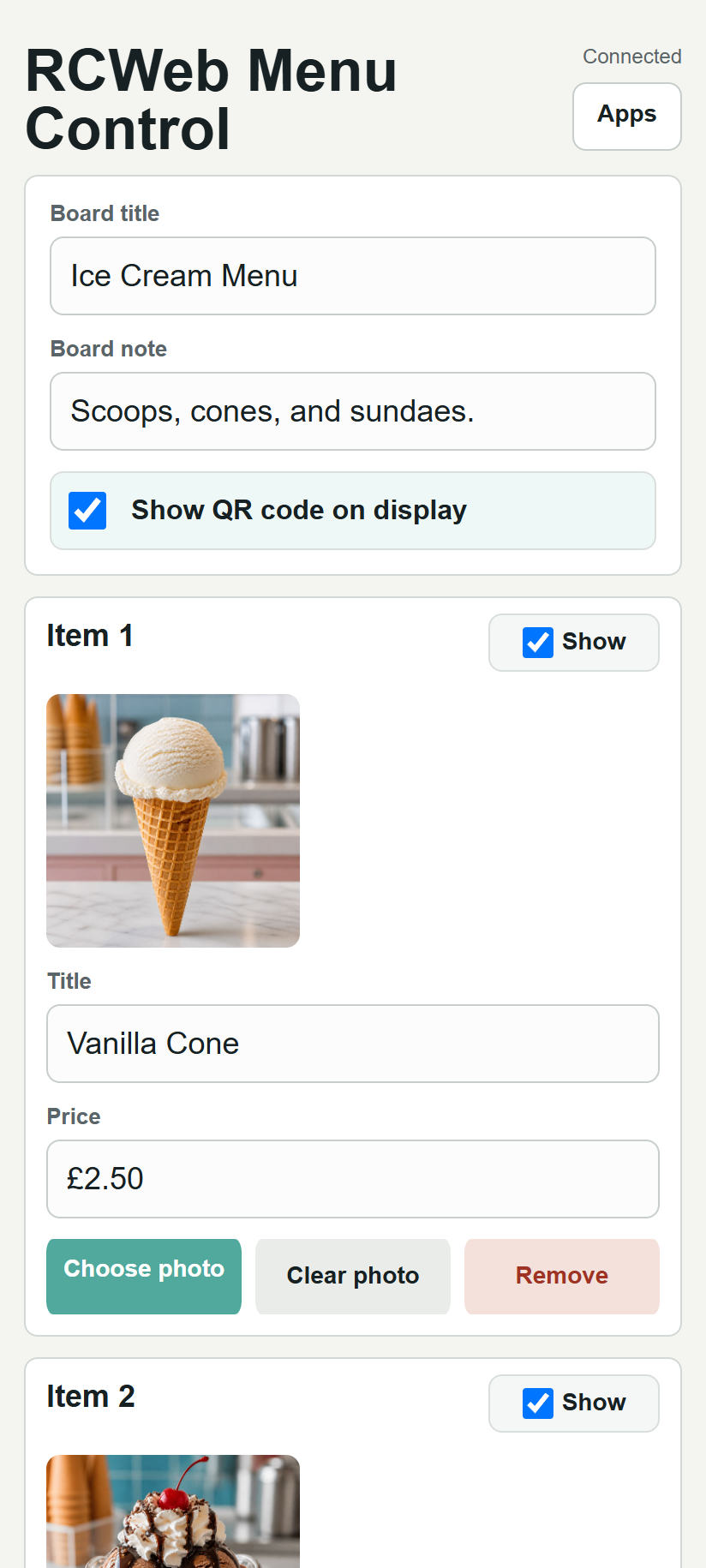
- Edit the board title and note.
- Add, hide or remove up to four items and photos.
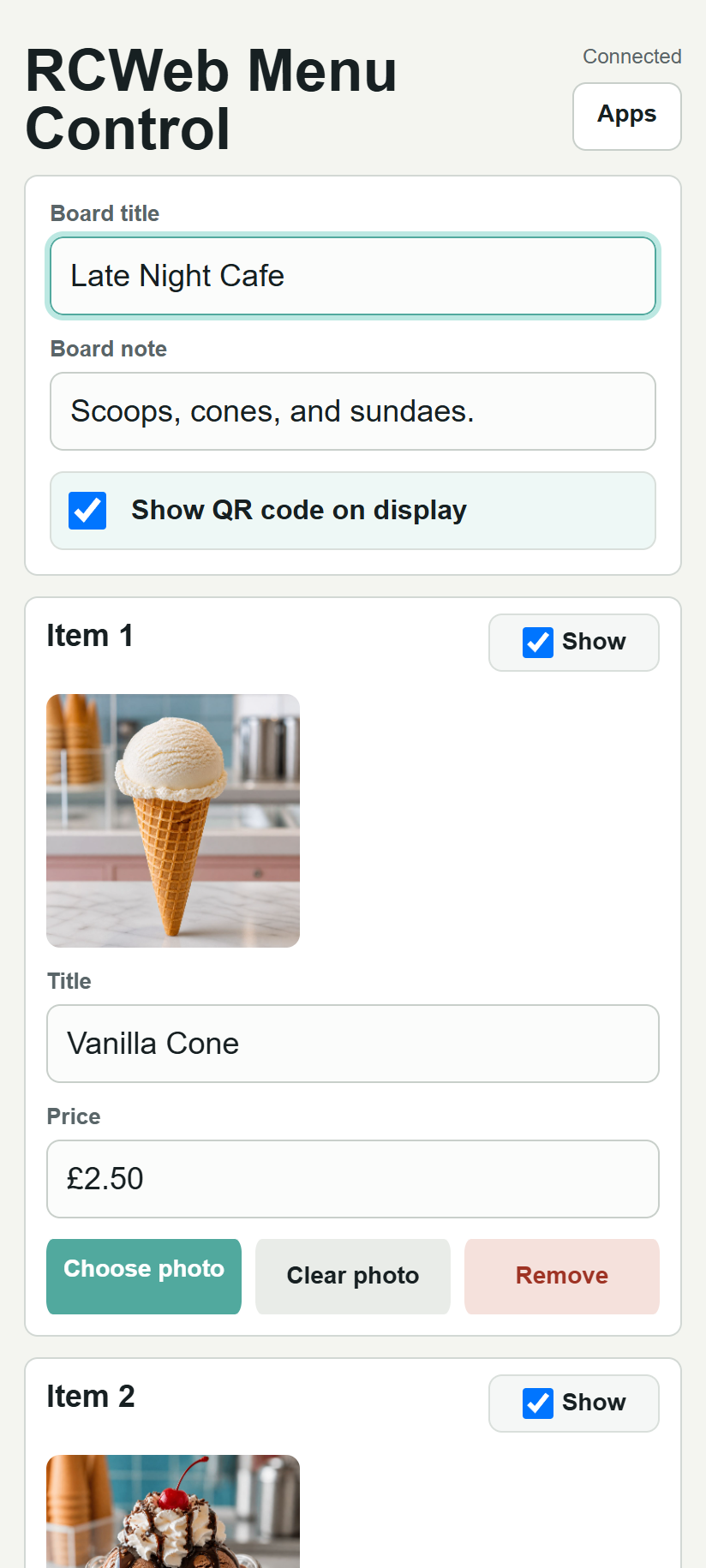
- Send changes as you type and control QR visibility.
Open The Control
- Open
/kiosk-menu/on the shared display. - Scan the QR code shown on the display.
- The phone opens
/kiosk-menu-c/in the same room. - Edit the menu. Updates are sent to the display automatically.
Edit The Board
Use the board settings at the top to change:
- The main board title.
- The short board note.
- Whether the QR code panel is visible on the display.
The QR code toggle hides or shows the panel on the live display. If the display is reloaded later, the QR code is shown again so the control app is easy to reopen.
Edit Menu Items
The control app manages up to 4 menu items.
For each item you can:
- Turn it on or off with Show.
- Edit the title.
- Edit the price.
- Choose a photo from the phone.
- Clear the current photo.
- Remove the item from the display.
Changes are sent live while you type. There is no separate update button.
Photo Tips
Photos are resized in the browser before being sent to the display.
For the best result:
- Use clear, bright photos.
- Use square or near-square photos.
- Avoid very small or blurry images.
- Crop important details near the center.
During Use
- Keep the display open on
/kiosk-menu/. - Keep the phone on
/kiosk-menu-c/while editing. - If the phone disconnects, scan the QR code again or reopen the control URL in the same room.
Screenshots