Geometry Dash

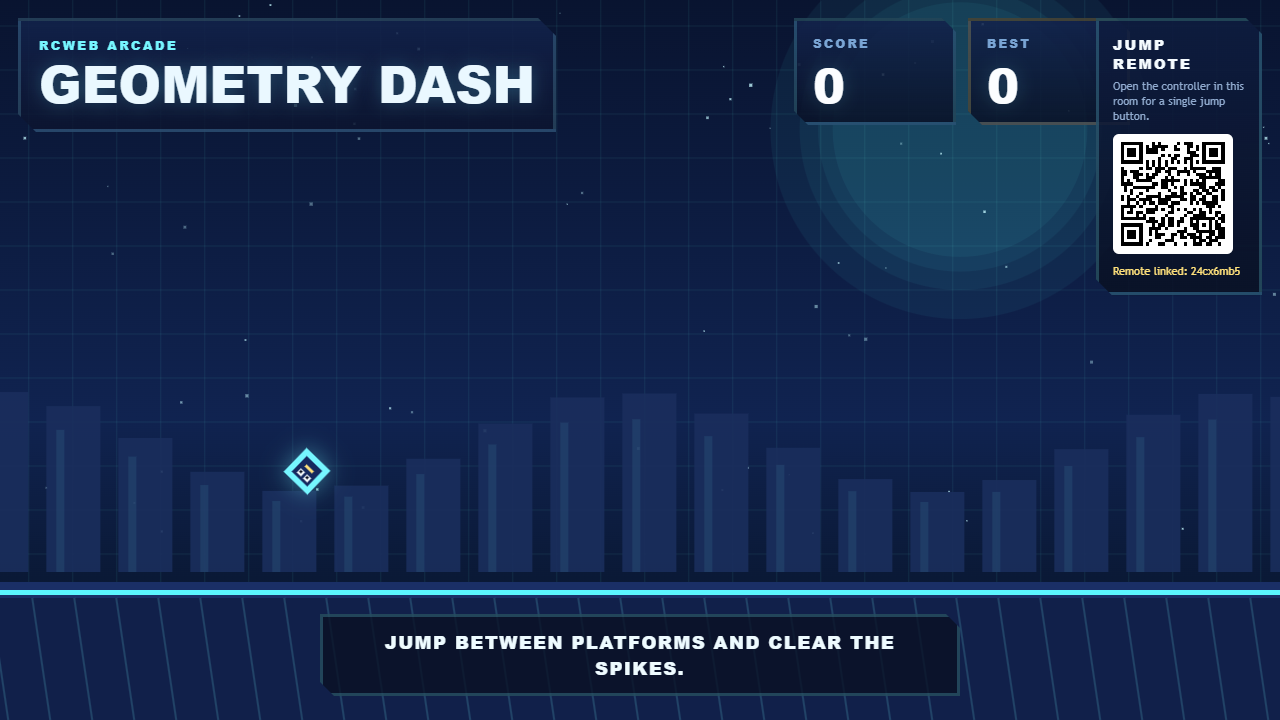
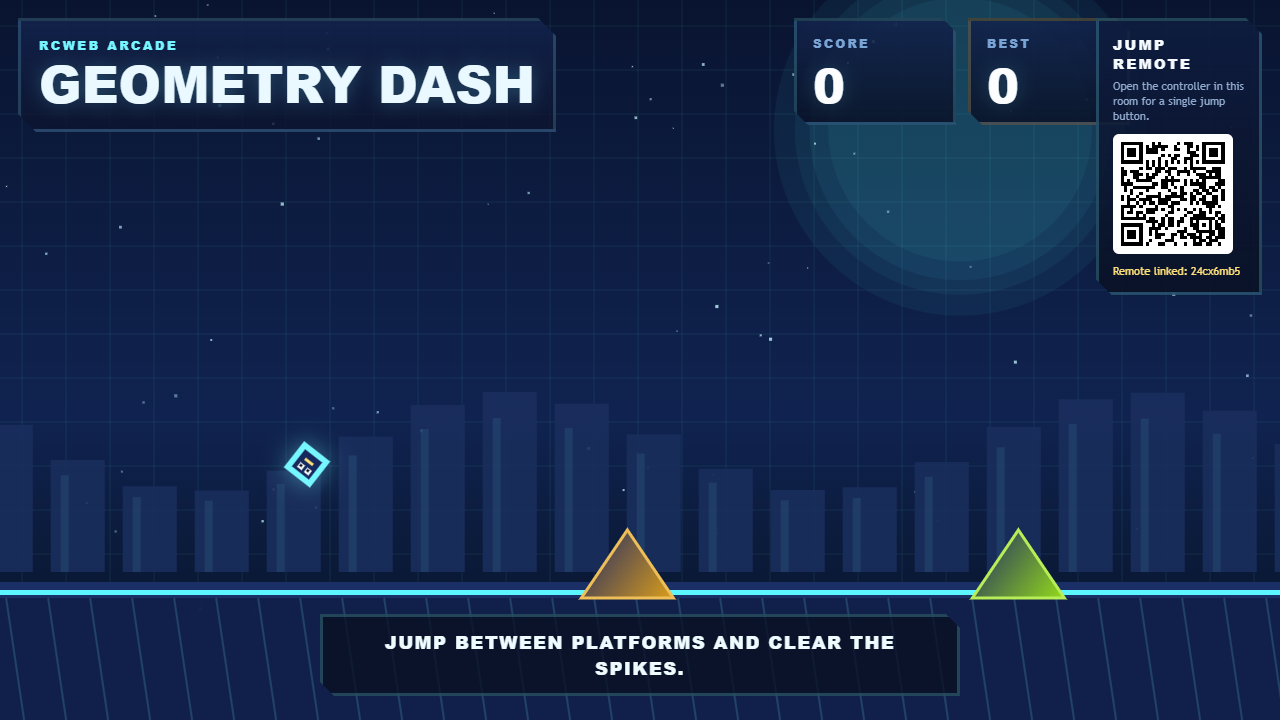
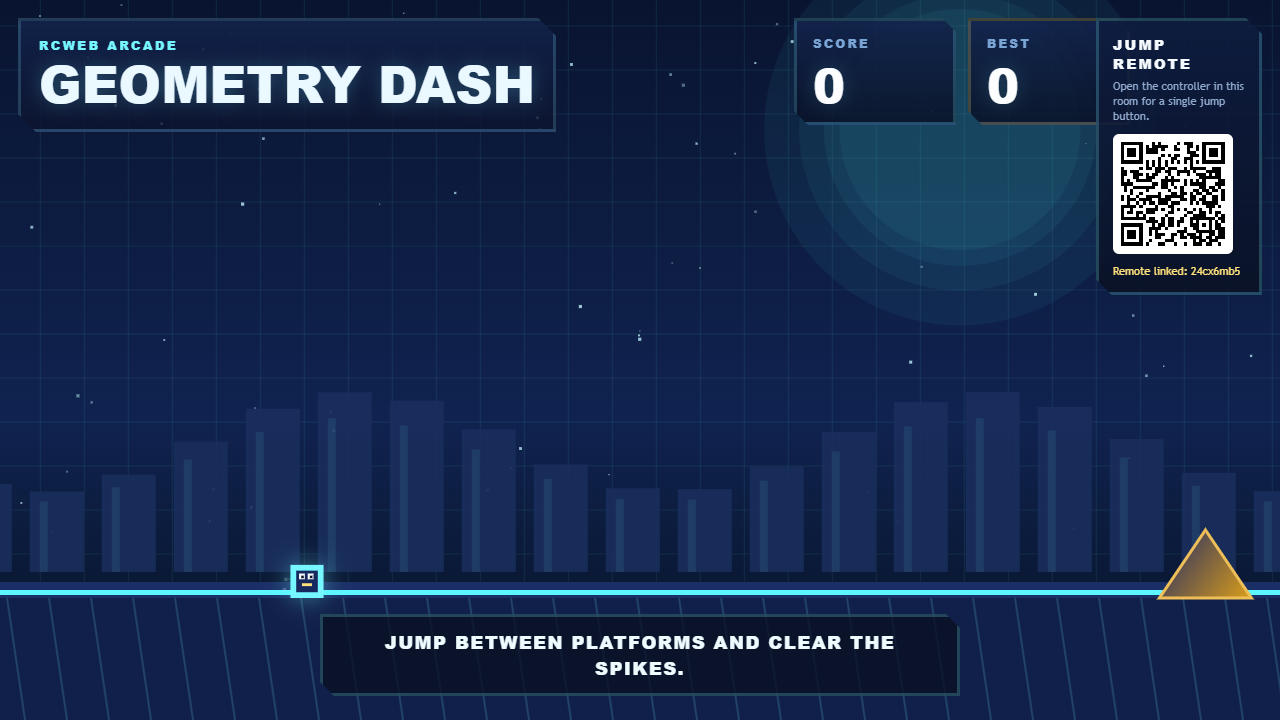
Race a cube through an endless obstacle course inspired by Geometry Dash. The cube runs automatically; your job is to time each jump over spikes and onto platforms.
Features
- One-button jumping from the display or a phone.
- Spikes, stacked platforms, ceiling traps and changing jump sequences.
- Easier opening sections followed by more demanding layouts as your score rises.
- Score and best-score feedback, with automatic restarts after crashes.
How to play
- Open Geometry Dash on the main screen.
- Tap the screen to play locally, or scan the QR code for Geometry Dash Control.
- On the phone, tap the large button to take control and make your first jump.
- Keep tapping to time jumps over hazards and between platforms while the cube moves forward.
Watch the shared screen for the next landing and avoid obstacles above as well as below. After a crash, wait for the automatic restart and try to beat your best score.
There is one runner in the room. When another phone takes control, the previous phone is released; players can take turns.
Screenshots