RCWeb Radio
The RCWeb Radio app (app/radio) streams internet radio stations to connected speakers. It is designed to be remote controlled using RCWeb Radio Control (app/radio-c).
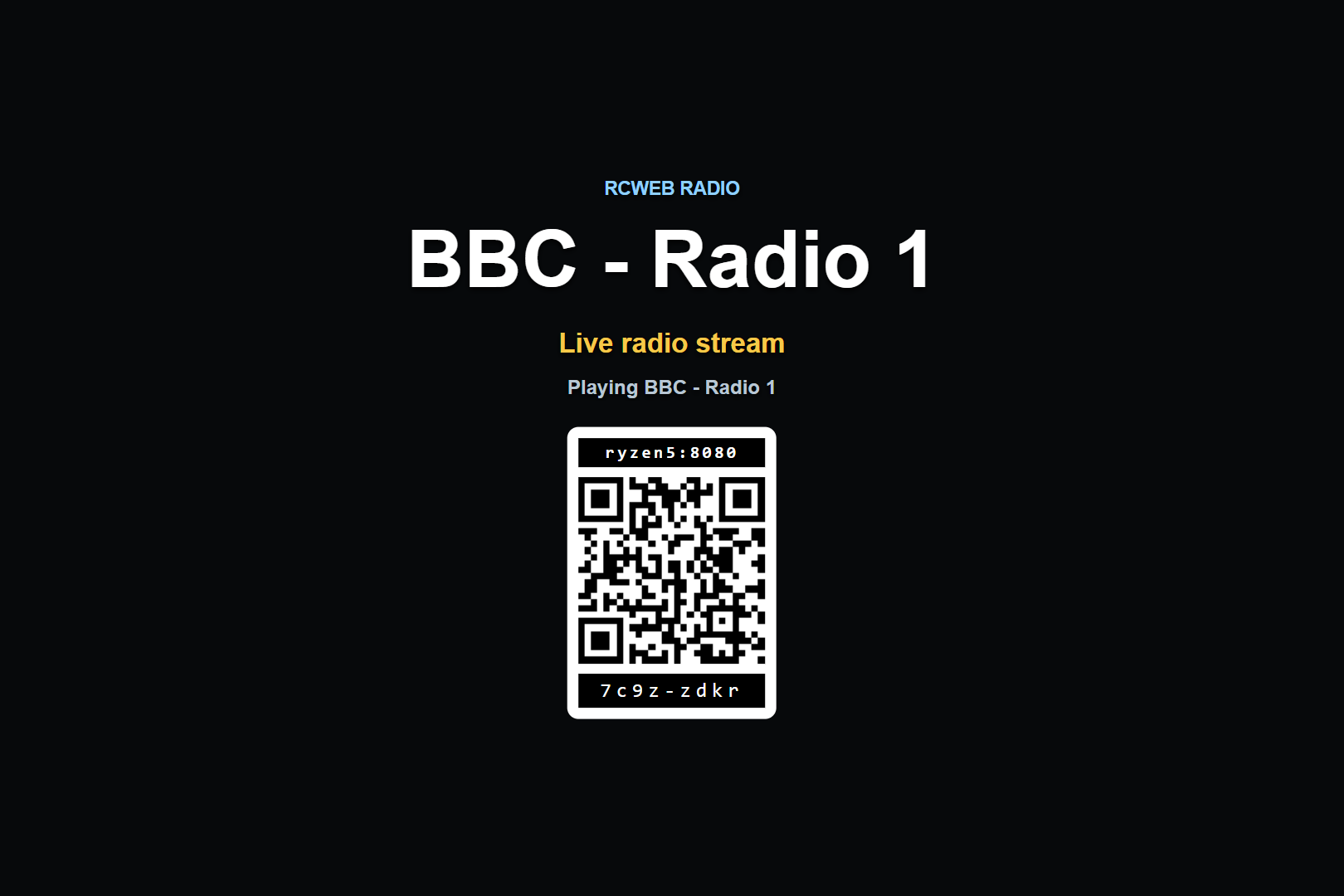
Screenshot
Overview
This app turns the browser into a room-controlled live radio. The app plays one online radio stream at a time, shows the selected station name, presents playback status, and displays a QR code for phones to join as controllers.
The app is intentionally simple: it focuses on the current station, the stream status, and the controller join code.
How to use
- Open
/radio/on the browser connected to good speakers. - Scan the QR code with a phone, or manually open
/radio-c/?r=<room>on another browser. - Choose a station from the controller app.
- Use the controller to play, pause, mute, change volume, or show and hide display overlays.
If the browser blocks automatic audio playback, the display shows an Enable Audio button. Pressing it gives the page the local user gesture browsers require before audio playback can start.
Features
- Plays online radio streams directly in the browser.
- Shows the selected station name and current playback status.
- Shows a QR code that opens the matching
radio-capp in the same room. - Can hide or show the station title, QR code, and stats overlay.
- Supports play and pause commands.
- Supports mute and volume control from the control app.
- Shows diagnostic stats when enabled, including room, player state, volume, station name, and stream URL.
Multiple viewers
Several radio display browsers can run in the same RCWeb room. The control app targets all radio viewers while excluding radio-c clients, so every viewer receives the same station and playback commands.
When a new viewer opens, it asks active controllers for the current station and display settings. This lets a refreshed or newly opened display rejoin the room without requiring the user to select the station again.
Related app
Use this app with RCWeb Radio Controls (app/radio-c).