Remote Controlled Image Slideshow
The RCWeb Slideshow app (app/slideshow) is a Remote controlled Image Slideshow for TVs, projectors, monitors, kiosk browsers, and shared screens. It is the big-screen half of the RCWeb slideshow player and is controlled from phones, tablets, or other browsers in the same RCWeb room.
Overview
This app turns the browser into a remote controlled photo and image slideshow. The display shows a QR code for phones to join as controllers, receives images from one or more slideshow-c apps, caches those images locally, and then plays them in a continuous loop.
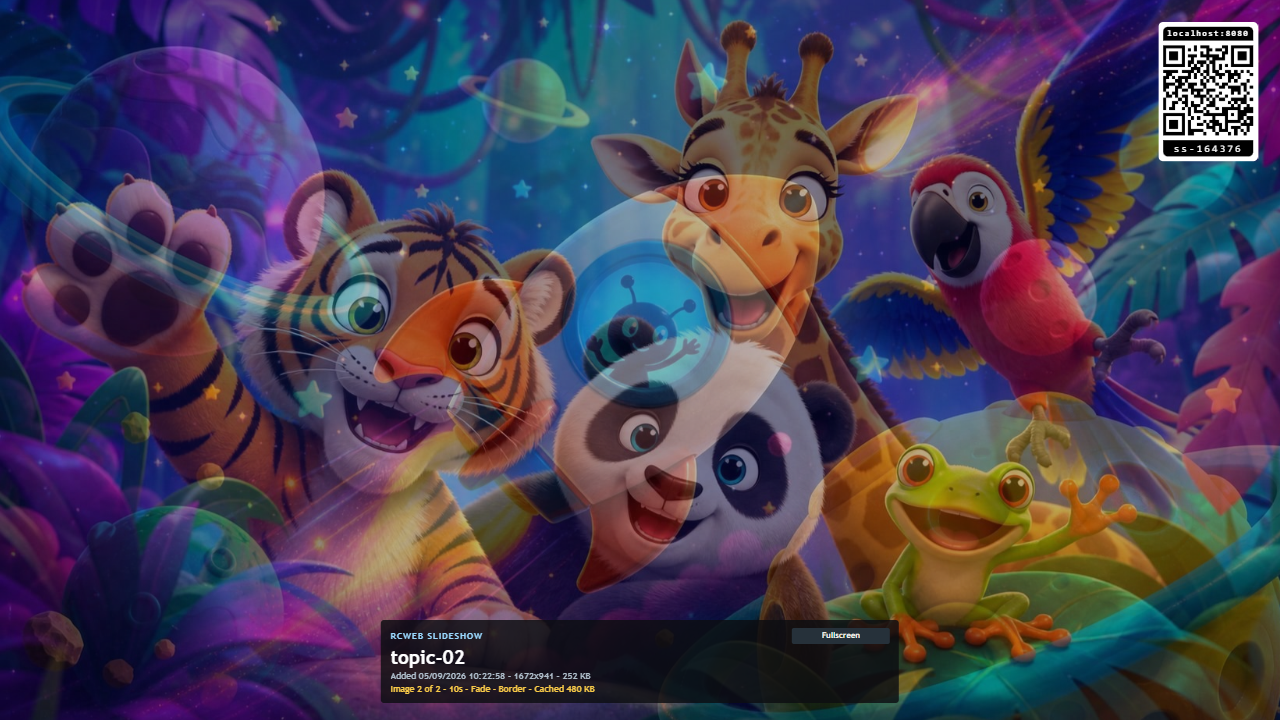
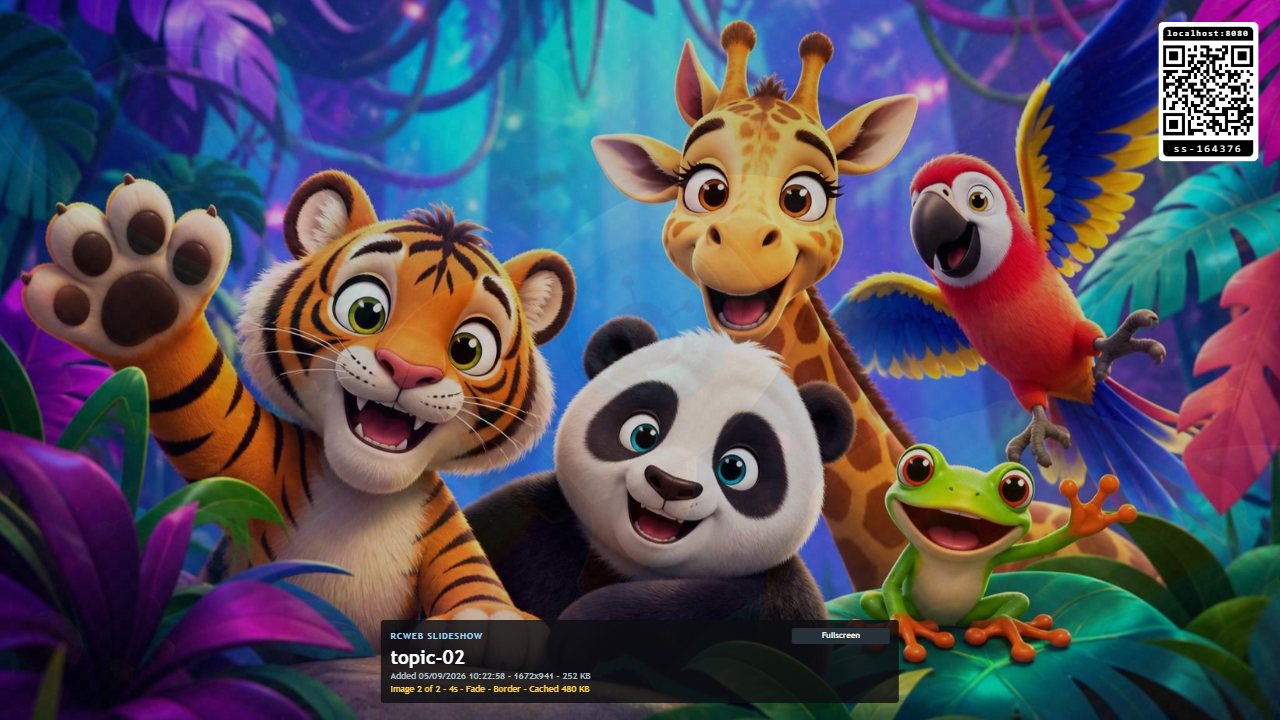
The display is intentionally simple during playback: images fill the screen, while the QR code, fullscreen button, title, status, and diagnostics panels can be shown or hidden from the control app.
How to use
- Open
/slideshow/on the display browser. - Scan the QR code with a phone, or manually open
/slideshow-c/?r=<room>on another browser. - Use the control app to add images from the phone or computer.
- Wait while the display downloads and caches the images. Progress is shown on screen.
- The slideshow starts automatically after the images are cached.
- Use the control app to reorder images, remove images, change slide duration, choose transitions, or clear the slideshow.
- Press Fullscreen on the display when the screen is ready.
Features
- Shows a QR code that opens the matching
slideshow-ccontroller in the same room. - Receives images selected on a phone or computer.
- Remembers downloaded images and the playlist on this display.
- Restores the last slideshow after the display is refreshed, as long as the local cache is still available.
- Verifies cached images before playback and shows a visible error if an image is missing.
- Loops continuously through the image playlist.
- Supports slide duration changes from 1 to 60 seconds, with a 10-second default.
- Supports No transition, Fade, and Ken Burns transition modes.
- Supports Fill screen, Add border, and Stretch scaling modes.
- Keeps portrait images in proportion with the appropriate scaling option.
- Can hide or show slideshow information, diagnostics, QR code, and fullscreen controls.
- Can be installed and reopened offline on supported browsers after the app and images have loaded.
Image scaling
Fill screen crops the image as needed so the whole display is covered.
Add border keeps the full image visible and adds border space only on the unused axis: side borders for tall images, or top and bottom borders for wide images.
Stretch forces the image to fill the exact screen shape. This may distort photos, but can be useful for prepared content that already matches the display.
Related app
Use this app with RCWeb Slideshow Control (app/slideshow-c).
Screenshots

Keep the slideshow available
Keep the source phone open until the display reports all images cached. Afterwards, the display can continue with its downloaded images, and controllers can reconnect to manage the playlist.
Offline playback uses only images already saved on that display. Adding images and phone control still need RCWeb online. Browser storage clearing can remove the saved slideshow; a new display needs to download its own copy.