RCWeb Flappy Fish Control
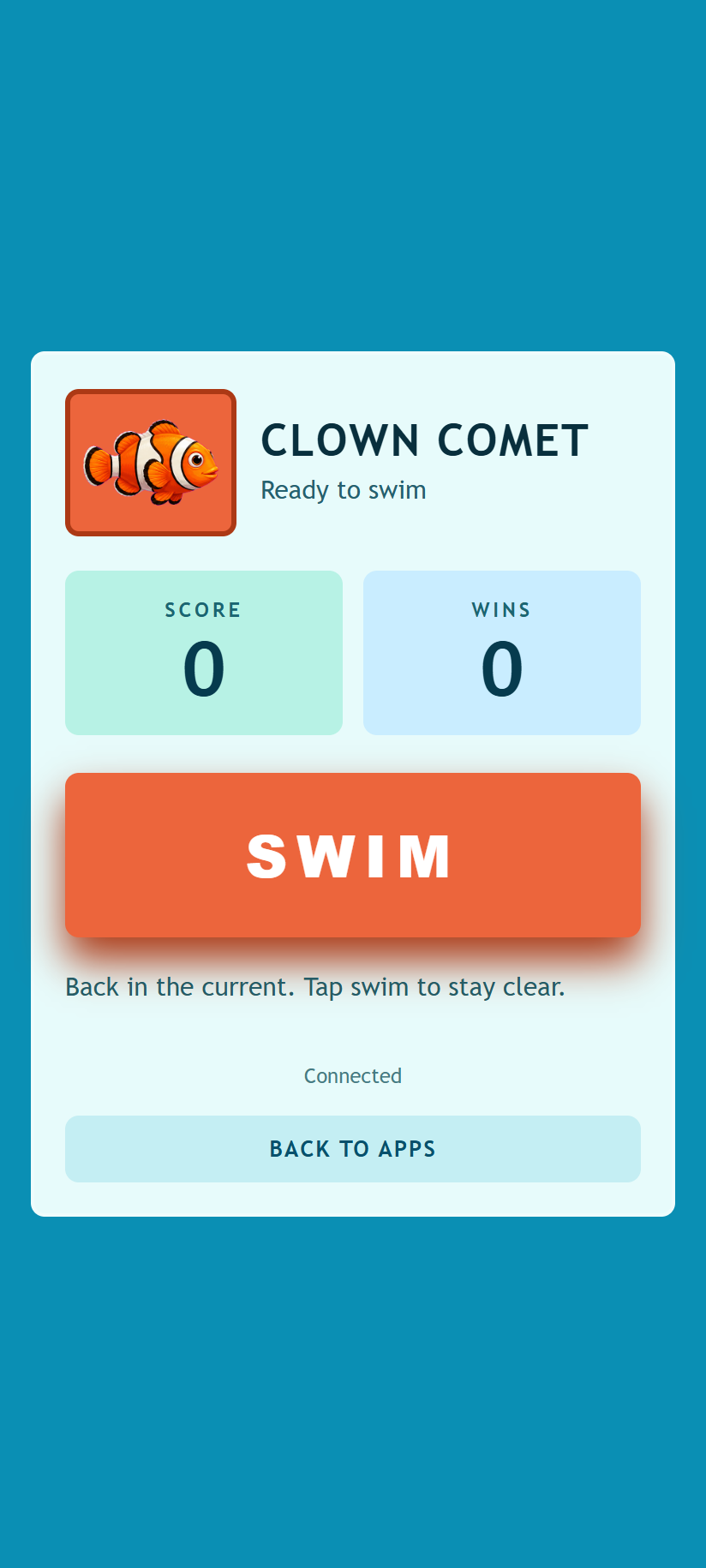
RCWeb Flappy Fish Control turns a phone into a one-button controller for the shared Flappy Fish screen.
Features
- One large JOIN/SWIM button.
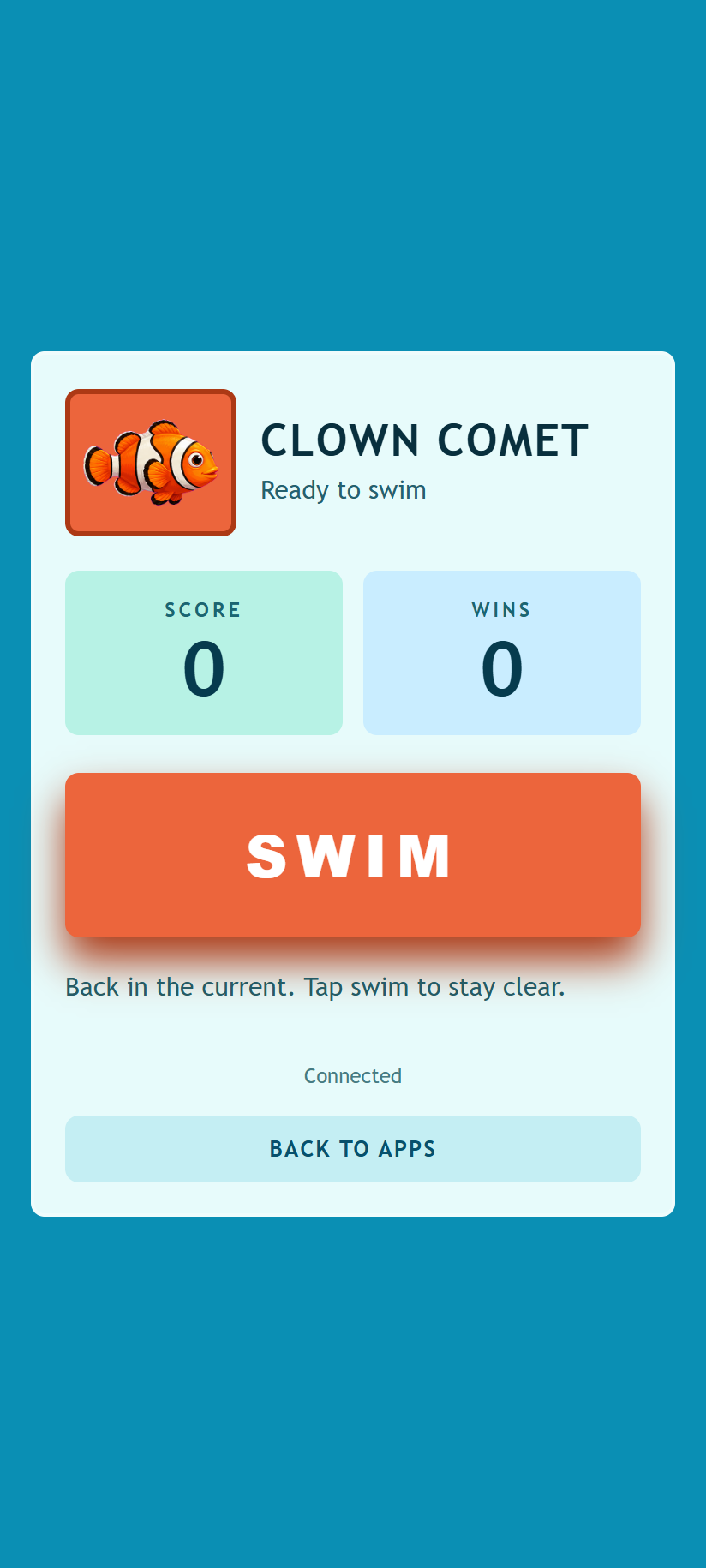
- Your fish, score, wins and current status.
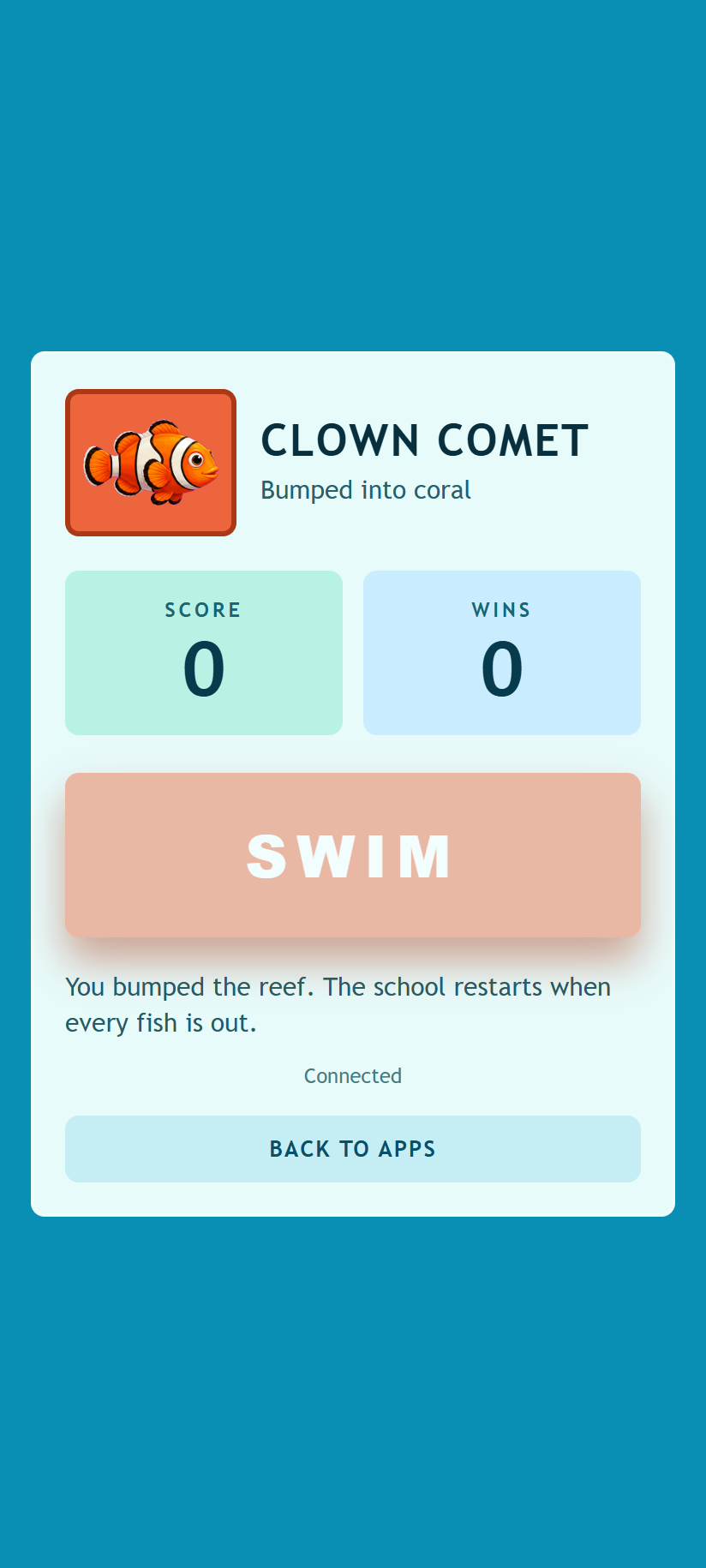
- Automatic readiness for the next round after a crash.
How To Join
Open /flappy-fish/ on the main screen first, then scan its QR code with your phone. The phone opens /flappy-fish-c/ in the same room.
Tap JOIN to enter the school. Once you are assigned a fish, the button changes to SWIM.
How To Play
Tap SWIM to push your fish upward on the shared screen. The current pulls your fish downward between taps, so steady timing matters more than tapping as fast as possible.
- Swim through coral tunnel gaps to score.
- Avoid coral and the reef floor.
- Watch your score and wins on the phone.
- If your fish is knocked out, wait for the next round to restart.
What The Phone Shows
The controller shows your fish, score, win count, and current status. The game itself runs on the shared screen, so keep watching the main display while you tap.
Screenshots