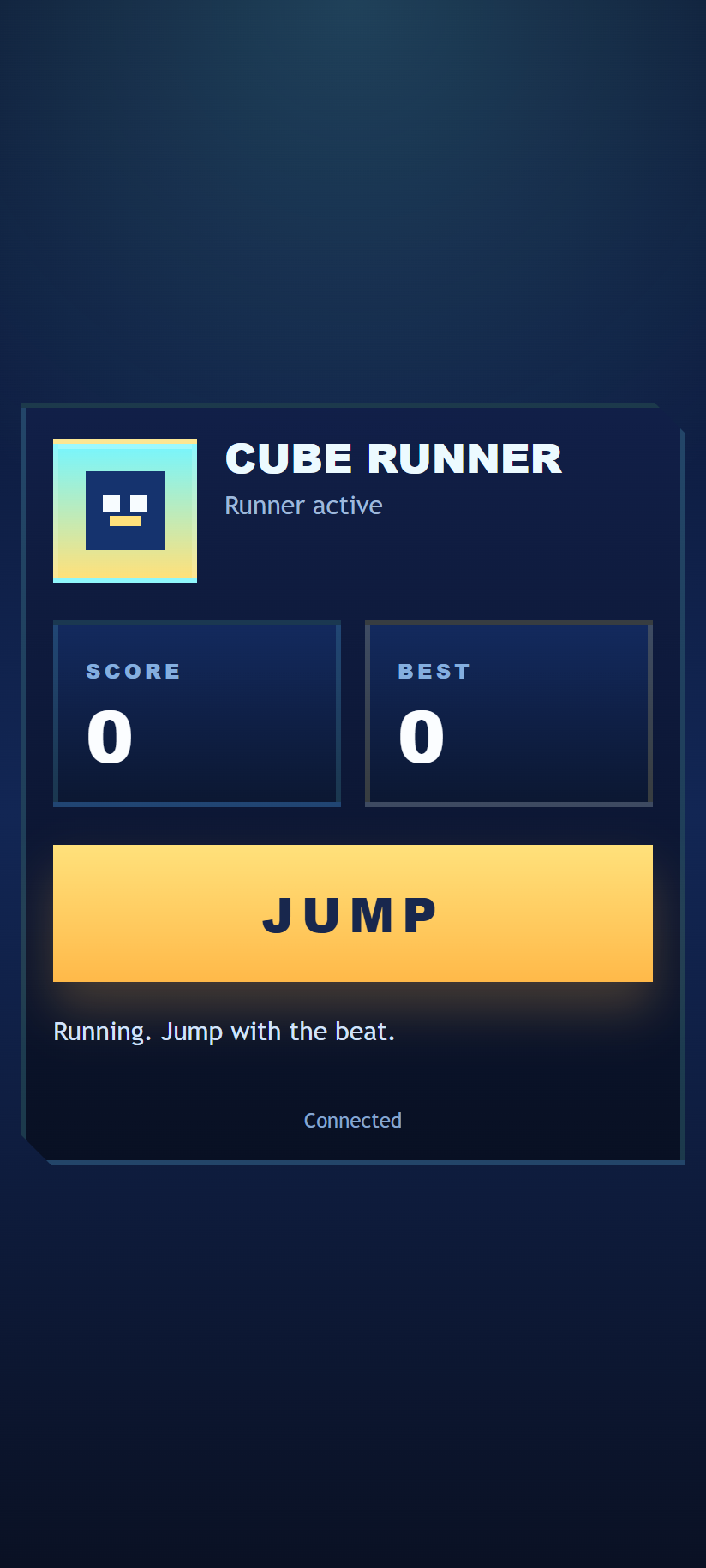
Geometry Dash Control

A touch controller for the shared Geometry Dash display. One phone controls the runner at a time; friends can take turns.
Connect and play
- Open Geometry Dash on the main display and scan its QR panel.
- Tap Connect to take control and start the selected level.
- Watch the display and use the large button. Its label changes with your movement mode.
- Jump: tap for a cube jump; hold for repeated jumps after landing.
- Hold to rise: fly the ship upward; release to descend.
- Flip: after the ball lands, tap to switch to the opposite surface.
- Hold to climb: steer the wave diagonally upward; release to dive.
- Tap a yellow ring while passing through it to jump again in midair. Yellow launch pads work automatically.
If another phone takes control, yours returns to Connect. Tap it when you want your next turn.
Track controls
See live progress, collected coins, attempt count and the best normal run. Use Pause, Restart or Levels below the main button. Choose any of the five tracks in the level menu, or select Practice with checkpoints to learn one section at a time. Practice does not update your normal best.
Crashes restart automatically. Tap Retry to skip the short delay. Restart starts from the beginning; practice deaths return to the last safe checkpoint.
Music and connection
Select Play music on this phone to hear the level's original electronic soundtrack here. Use either the phone or display audio to avoid an echo. Sound needs a tap on the device that will play it; browser and network timing can affect synchronization.
Controls disable while disconnected. Reconnect before continuing. For predictable timing, keep the phone and display on a reliable network.
Back to apps opens the app launcher on this phone and preserves the room. The display remains in the game.
Screenshot