RCWeb News
News turns any RCWeb display into a digital signage news board. The viewer pulls the latest headlines from thenewsapi.com and rolls through full-screen story cards by category. Each screen shows one hero article alongside two supporting stories.

Screenshot
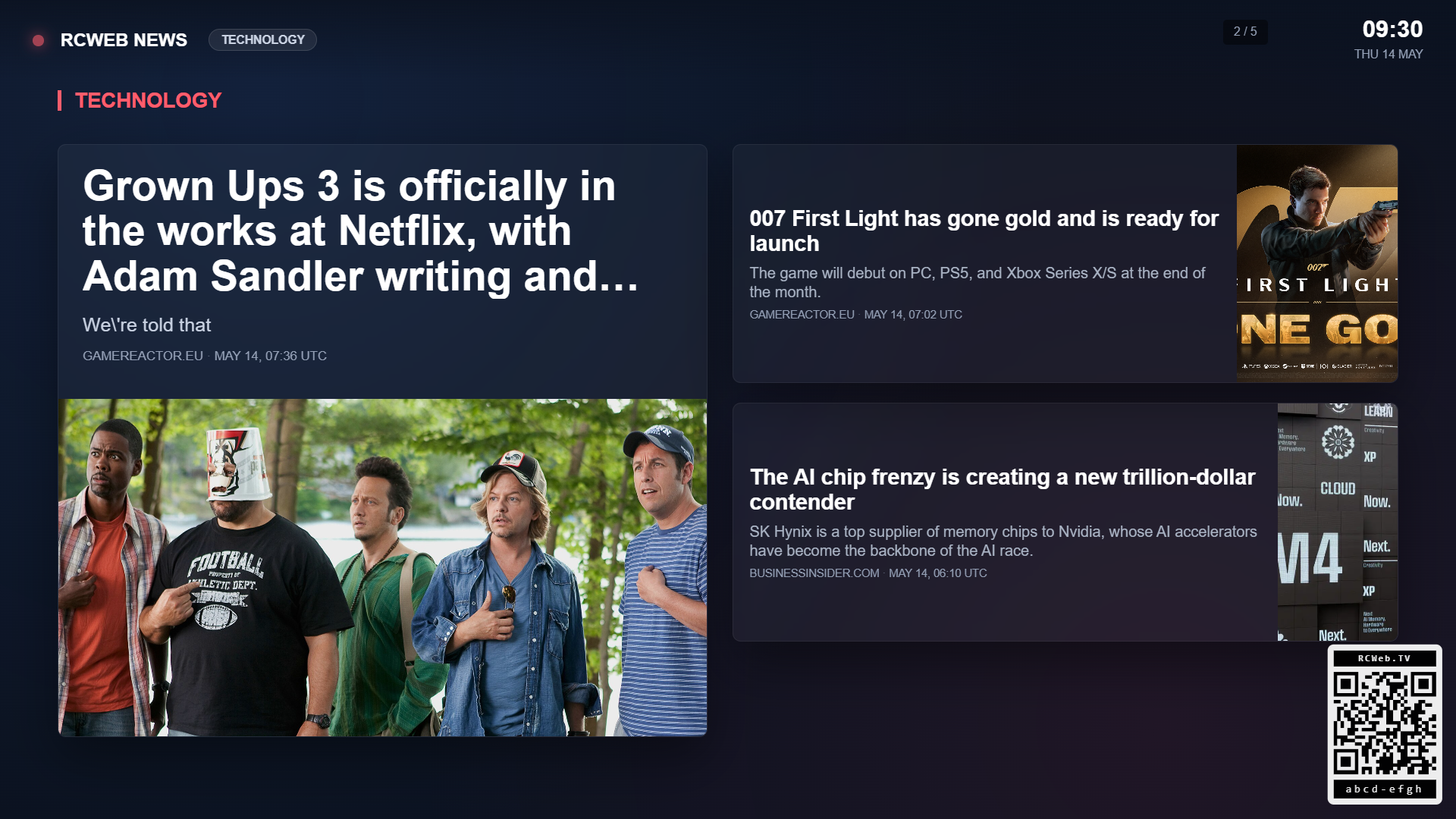
What it shows
- A hero article with a large photo, headline, snippet, source and timestamp
- Two supporting stories from the same category
- A category badge, live indicator and room clock
- A QR code linking to the news-c phone control
The viewer cycles to the next screen every 14 seconds with a soft cross-fade. Tap the display, press space, or use the phone control to pause and resume. The arrow keys move between screens.
Categories
Every viewer can be configured to show one or more of these categories: general, tech, business, sports, entertainment, health, science, politics, food, and travel. The choice is stored in the browser's localStorage so the same display always reopens with the same selection.
The companion news-c phone control changes the active categories live without a page reload, and the viewer rebuilds its screens immediately.
How it talks to the controller
The viewer is authoritative. It owns the loaded headlines, the active screen index, and the play state, then exposes a small public API on window.newsViewer:
newsViewer.next()
newsViewer.prev()
newsViewer.goto(index)
newsViewer.play()
newsViewer.pause()
newsViewer.toggle()
newsViewer.requestState(clientId)
newsViewer.setCategories(["general", "tech"])
newsViewer.refresh()
Whenever the screen changes, play state toggles, or the categories are reconfigured, the viewer pushes a snapshot to every news-c client in the room with:
rc.sendFunctionCall("news-c", "newsControl.receiveState", snapshot);
Data source
Top stories are proxied via /api/proxy/thenewsapi_top so the API token stays on the server and the response can be cached. Because the API caps each call at 3 articles per request, the viewer fires one parallel call per active category (?language=en&locale=us&limit=3&categories=<one>) and assembles the responses into one slideshow screen per category. Whenever the active categories change, the viewer refetches each one so the API does the matching server-side.
Browser support
Written in ES5 with XMLHttpRequest, vendor-prefixed CSS animations, and conservative responsive CSS for older signage