Guess the Hero
guess-hero is a colourful shared-screen hero guessing game built around original square, isometric pixel-art clues.

Features
- Pixel-art clues that become clearer over time.
- Six choices, ten points for correct answers and a fastest-answer bonus.
- Phone participation, direct display play and a shared scoreboard.
How to play
Open /guess-hero/ on a TV, projector, laptop, or large display. Players scan the room QR code to open /guess-hero-c/, enter a name, and join the scoreboard. When a challenge is started on the shared display, it can also submit answers directly. The Big Screen player is added only after its first answer; it is never added to a controller-started challenge.
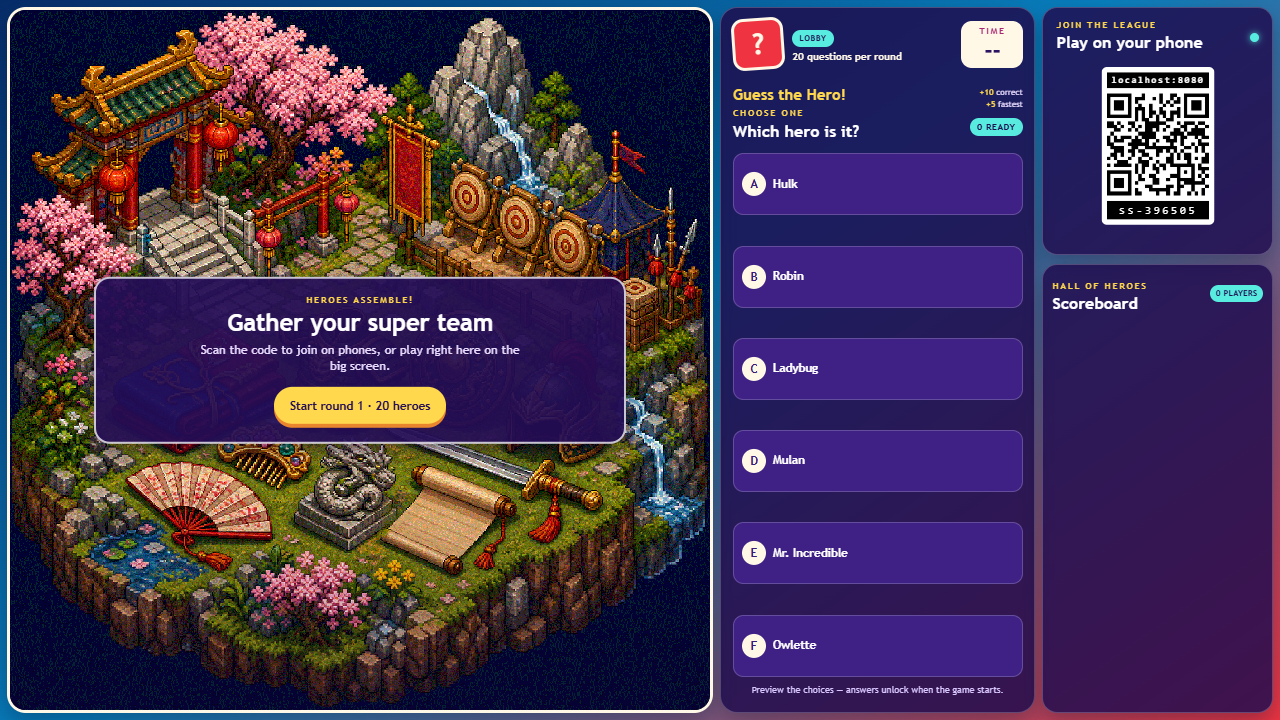
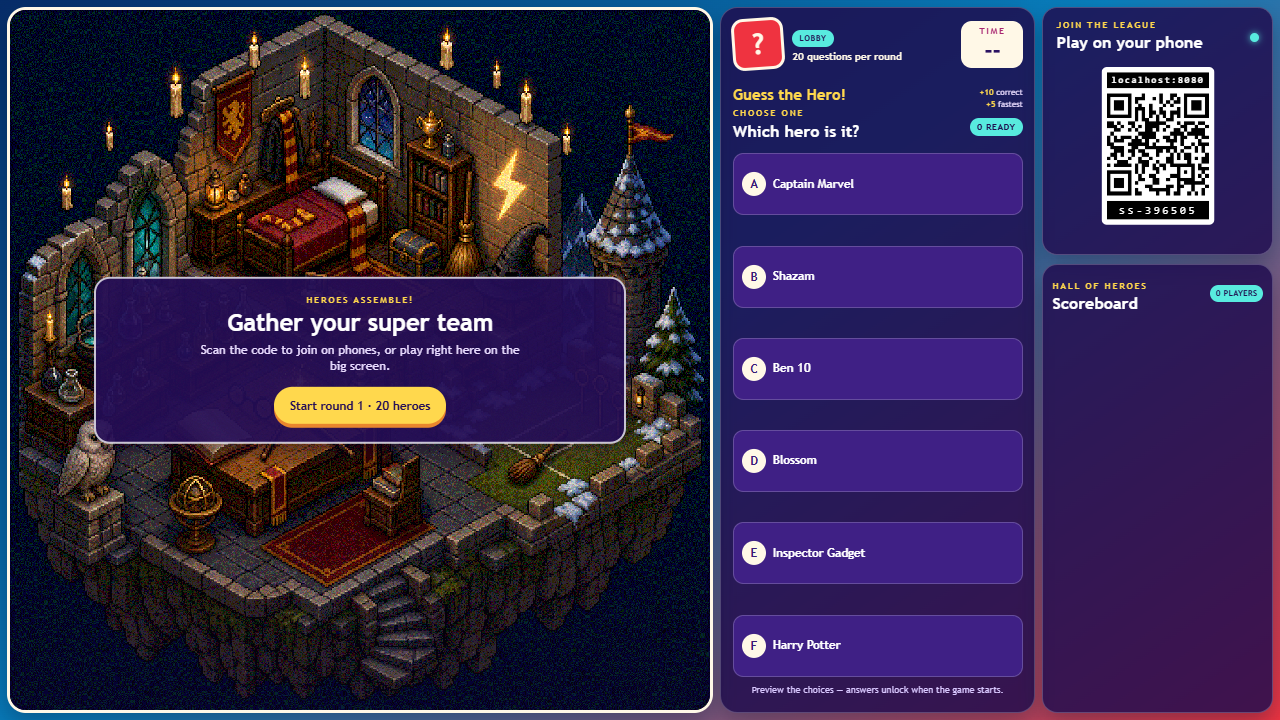
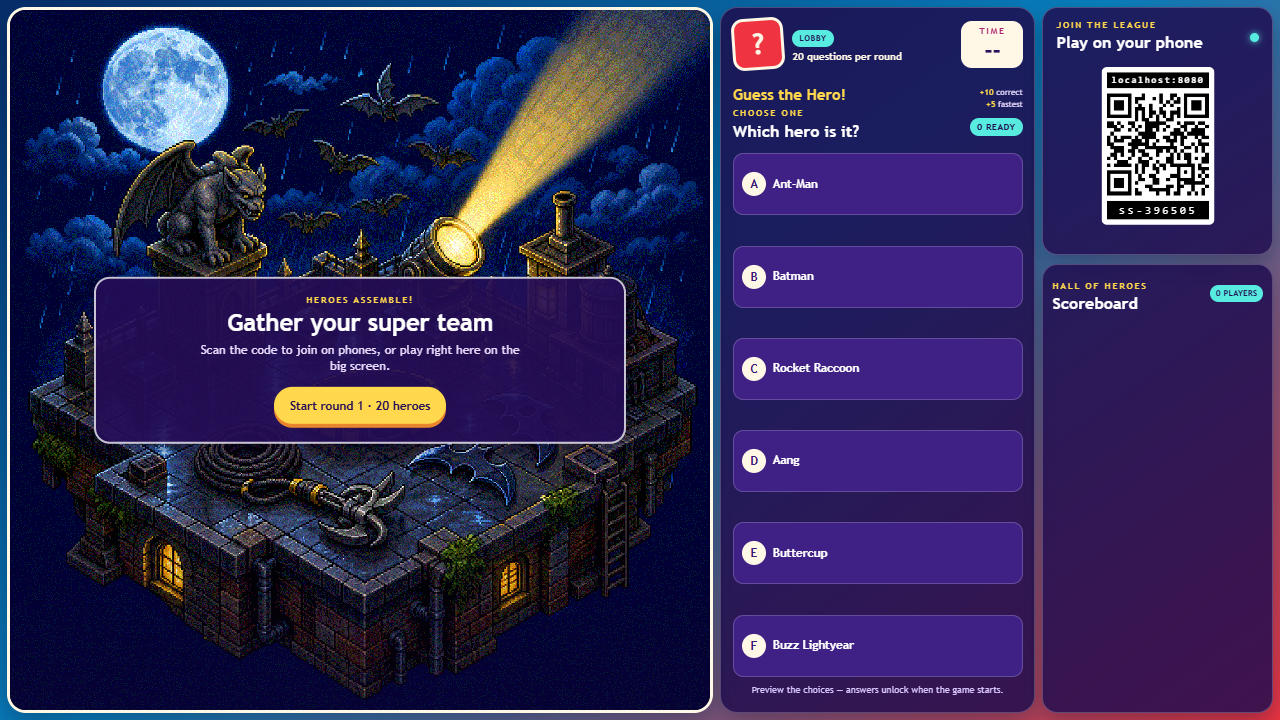
While the game is in the lobby, the viewer runs an attract mode that slowly cross-fades through the hero artwork behind the start panel and updates the six preview choices to match each image. Starting the game always selects a first clue different from either image visible during that transition, so the opening answer is not given away.
Press Start round 1 when everyone is ready. A series contains three rounds of 20 questions. The complete 60-hero order is shuffled once when round 1 starts, then divided into three non-overlapping sets so no clue hero repeats during the series. Each question gives players 15 seconds to choose from six possible titles. The clue begins as a coarse mosaic and progressively gains resolution until the full image appears after eight seconds.
- A correct answer earns 10 points.
- When more than one player is in the round, the earliest correct answer earns a single 5 point fastest bonus.
- Answers lock after one choice.
- The game reveals the answer, updates the scoreboard, and moves through all 20 questions in the round.
The game contains 60 illustrated clues spanning superhero films, television, comics, children's cartoons, fantasy, and games. Playing all three rounds uses every hero once.
The shared display plays short cues when a new clue appears, time expires, the correct answer is shown, and a round is completed. Sound cues accompany each question and result.
Screenshots