Pixel Art Controls
Pixel Art Controls is the touch-friendly phone companion for the Pixel Art fullscreen display.
Getting started
- Open
/pixelart/on a TV, monitor, projector, or other shared screen. - Scan the QR code shown on the display to open the controls in the same RCWeb room.
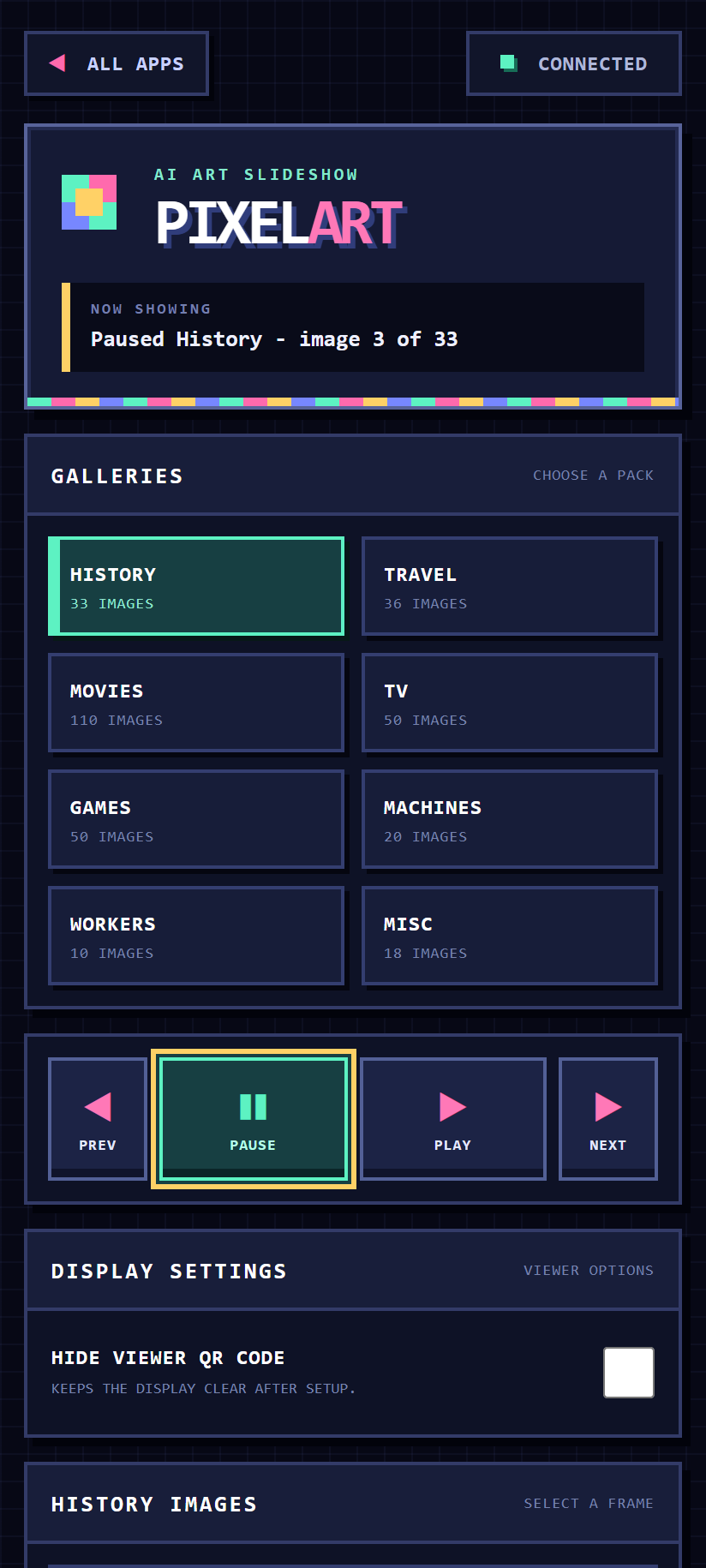
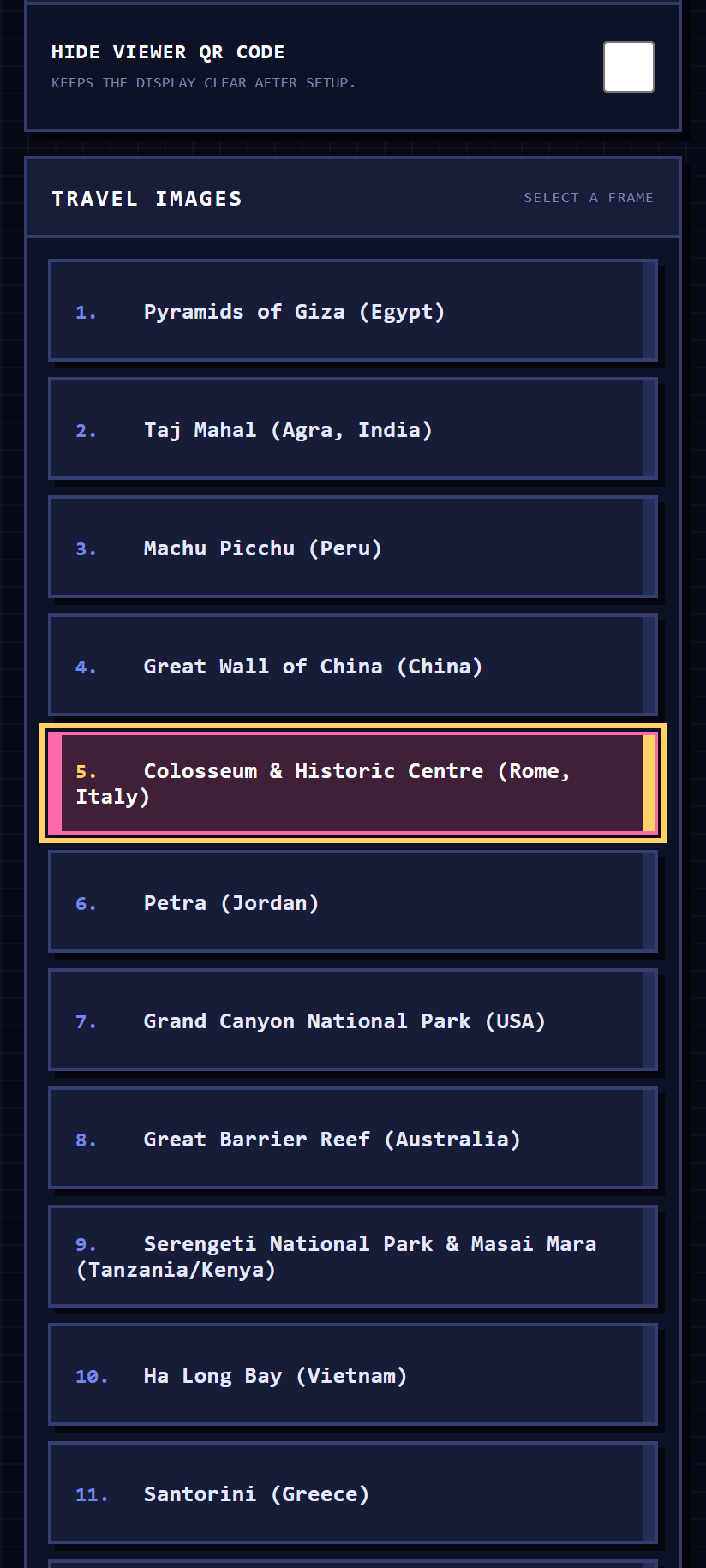
- Choose a gallery, then use the large playback buttons or select a named image.
Key features
- Gallery picker showing the available collections and image counts.
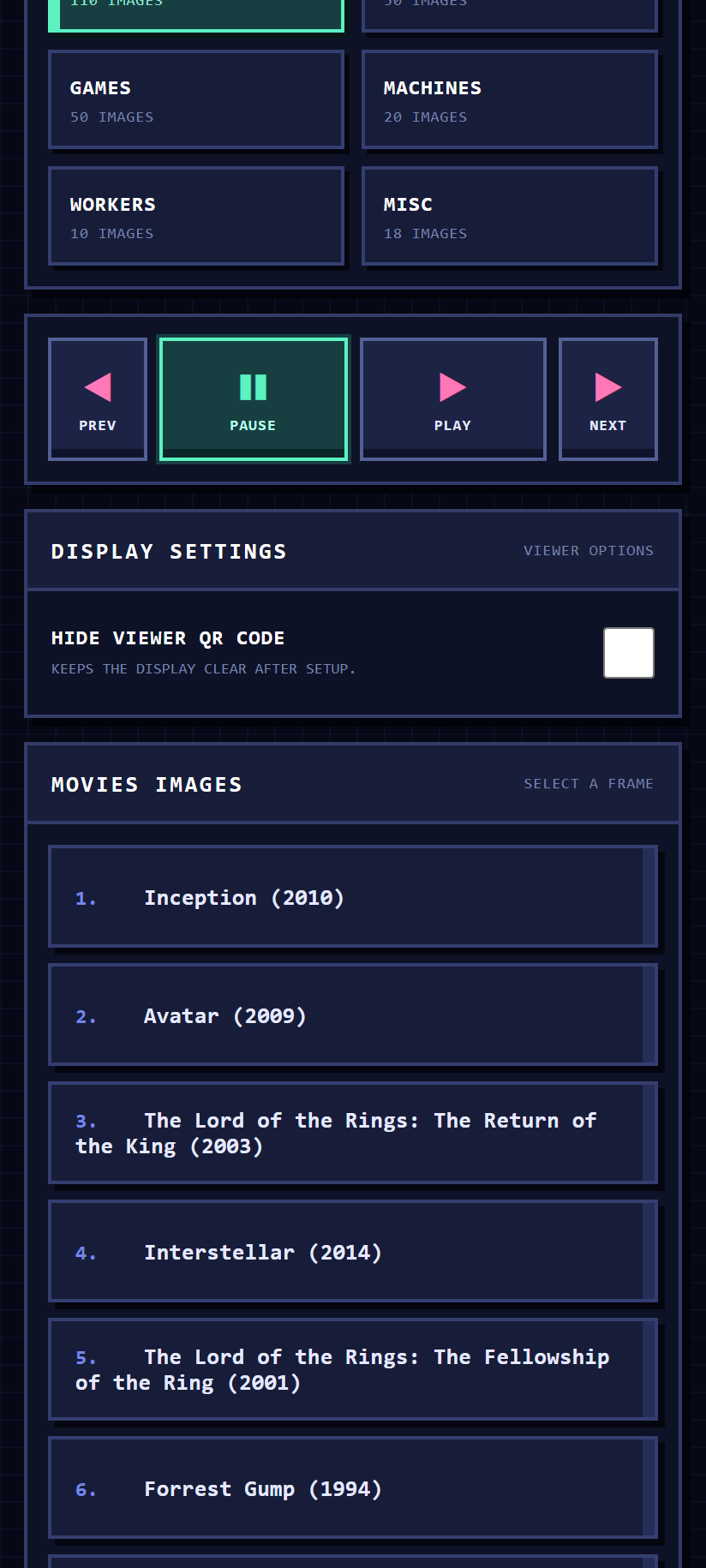
- Large previous, pause, play, and next buttons designed for touch.
- A named image list for jumping straight to a favourite scene.
- A display setting for hiding or showing the viewer QR code.
- Live “now showing” feedback with the selected gallery, image number, and playback status.
- Automatic synchronization when the controller connects, refreshes, or rejoins the room.
- Support for multiple controllers in the same RCWeb room.
Tips
Keep the Pixel Art display open while using the controller. If the controls show “Waiting for the display,” check that both browsers use the same room link and that the display is still connected.
Companion app
Use this controller with the Pixel Art display (/pixelart/).
Screenshots