4K Test
Compare how your TV or display shows a 4K image and a 4K video. Both test files are 3840 × 2160 pixels. Switch between them from your phone and look at the fine detail to see whether the two modes appear equally sharp.
Features
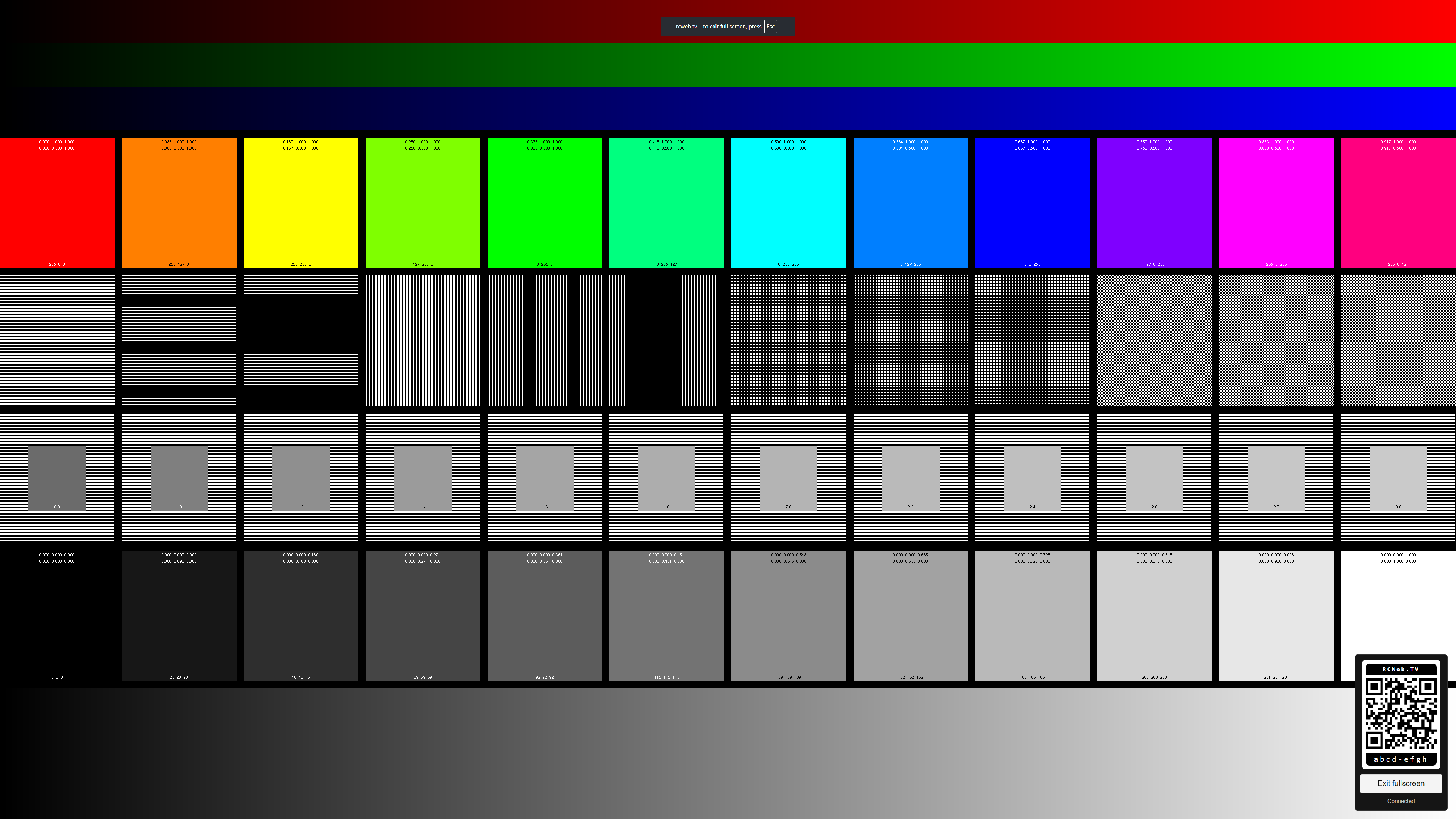
- A 4K still-image test pattern.
- A muted, looping 4K video test.
- Phone controls for switching between image and video.
- A QR code to connect your phone to the display's room.
- A Fullscreen button on the main display.
How to use it
- Open 4K Test in the browser on the TV or display you want to check. It starts with the image test.
- Select Fullscreen on that display if you want to fill the screen and the browser supports it.
- Scan the QR code with your phone to open the controls in the same room.
- Tap Show 4K image or Show 4K video on the phone.
- Compare the fine lines and small details on the main display. Switch back and forth as needed.
The video loops without sound. Fullscreen is controlled on the main display, not from the phone.
Understanding the comparison
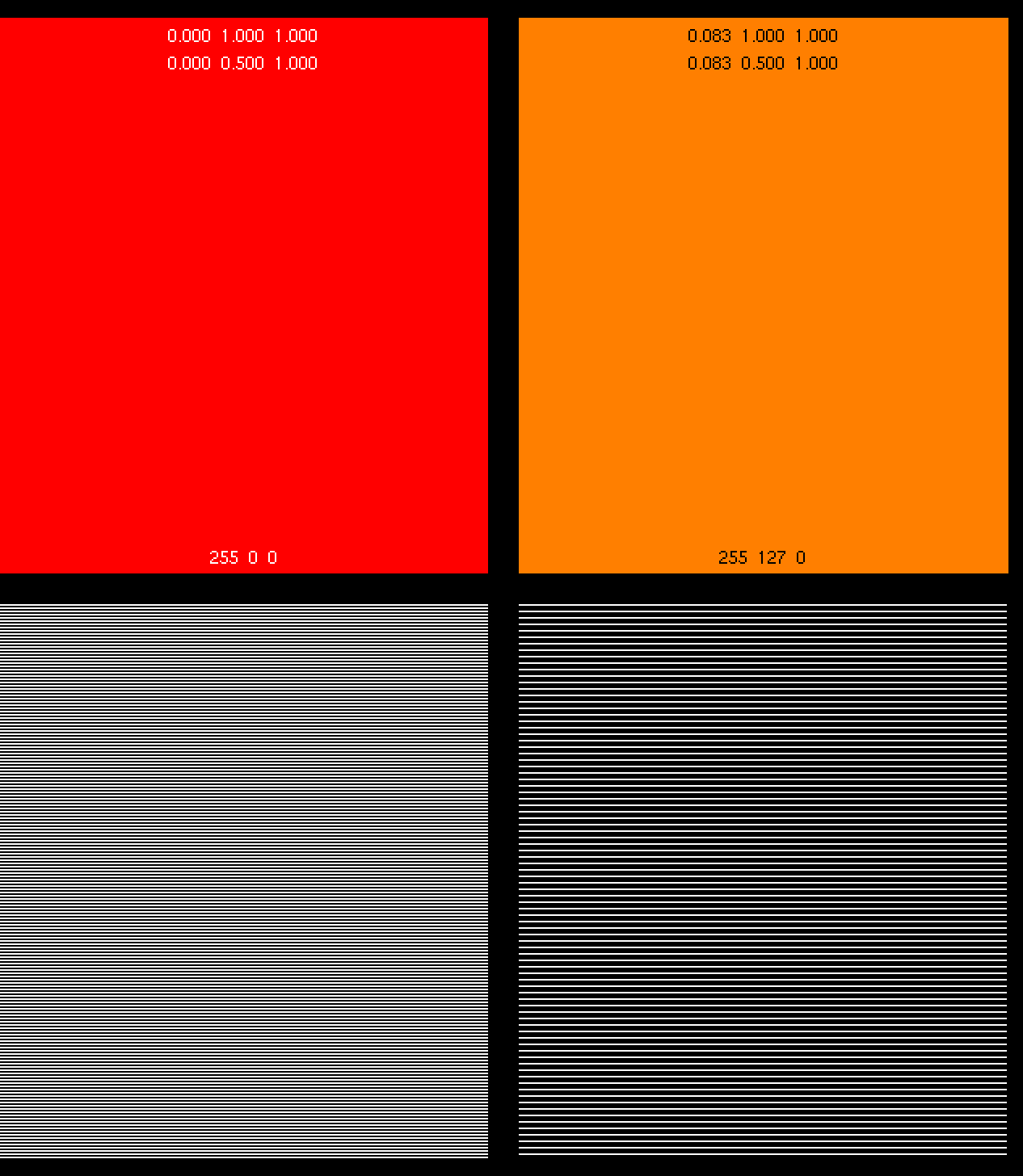
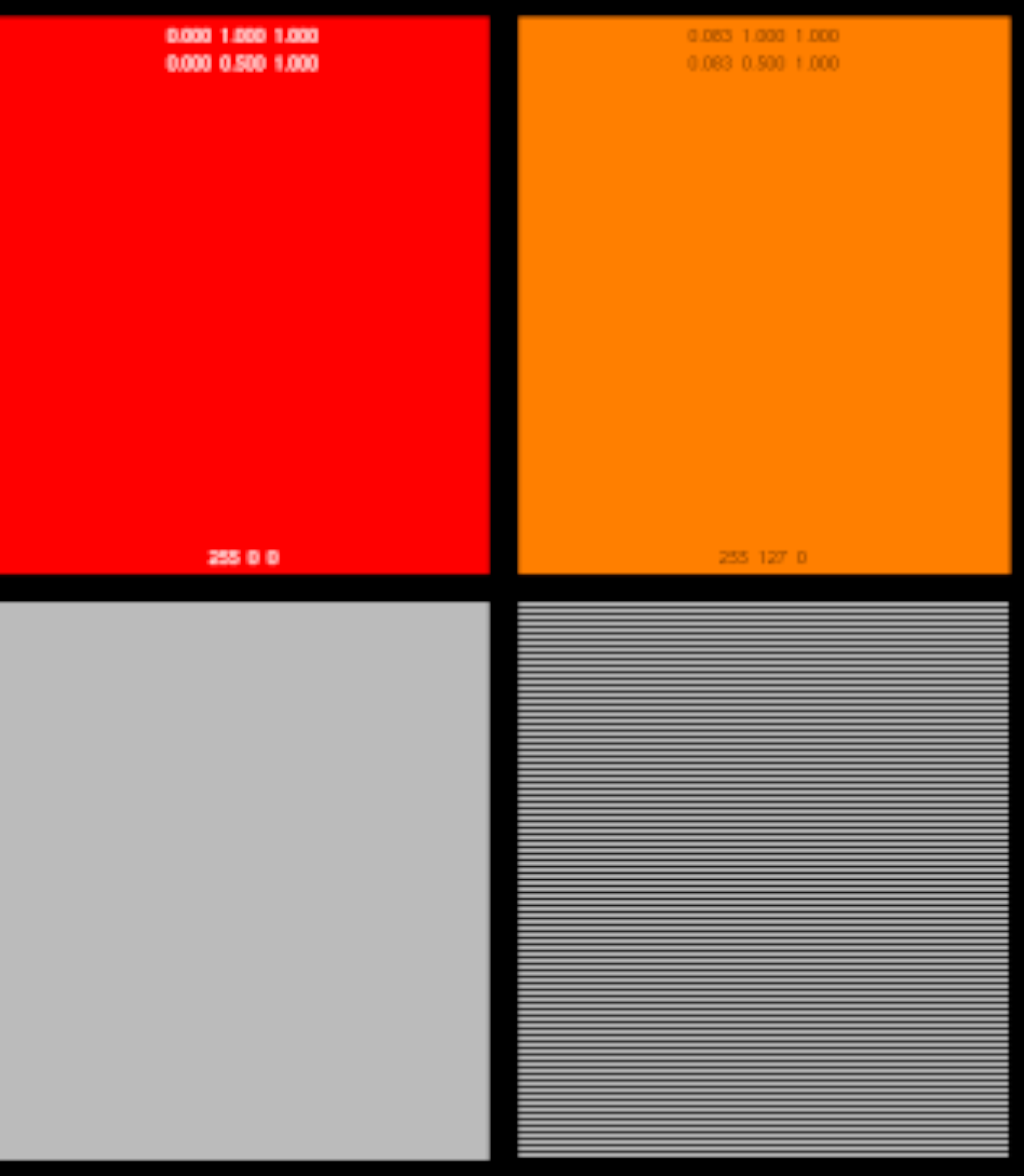
A 4K screen does not guarantee that its browser draws web pages at 4K. A browser can draw a lower-resolution page and enlarge it to fill the screen. Video may use a different playback path, so it can look sharper than the still image on the same device.
Use the examples below as a visual guide. This app lets you compare the output by eye; it does not automatically measure or certify the display's resolution.
Native 4K detail example
Upscaled 1080p detail example
Screenshots
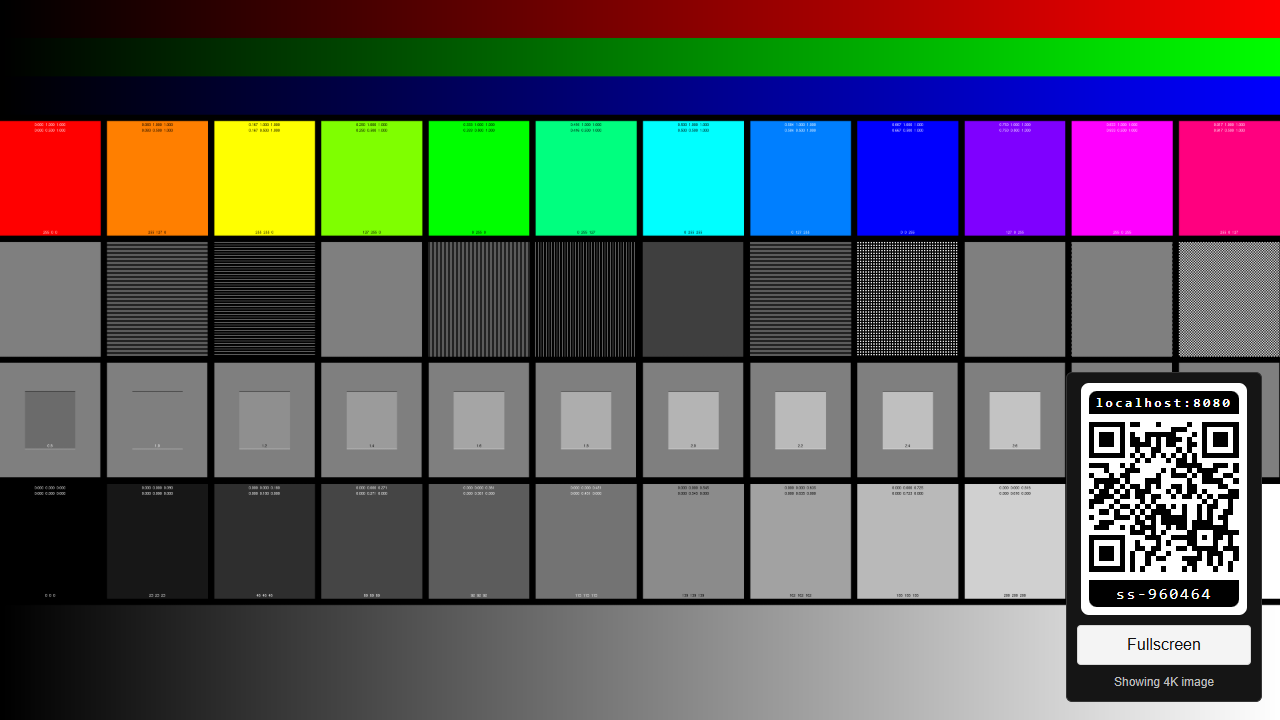
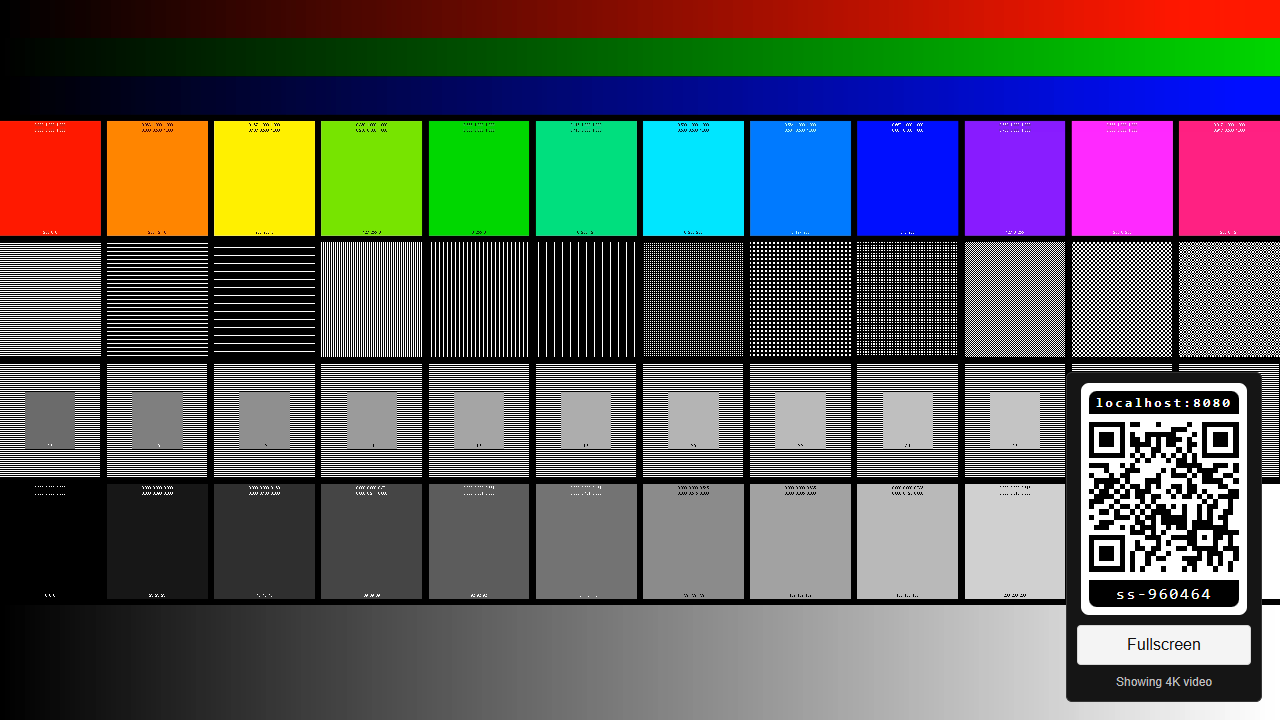
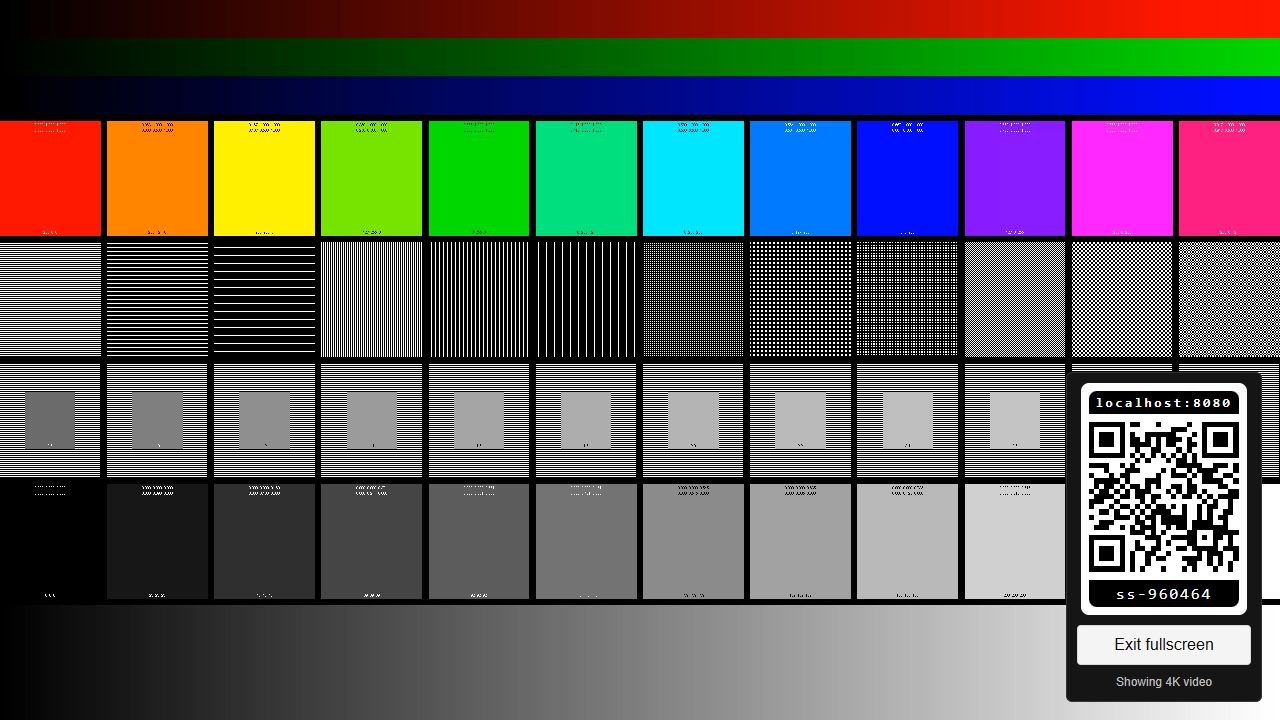
If video does not play
Playback depends on the TV or browser's support for the supplied video. If it fails to load or stays blank, switch back to Show 4K image. A playback failure by itself does not tell you whether the screen can display native 4K.