Wolfenstein 3D
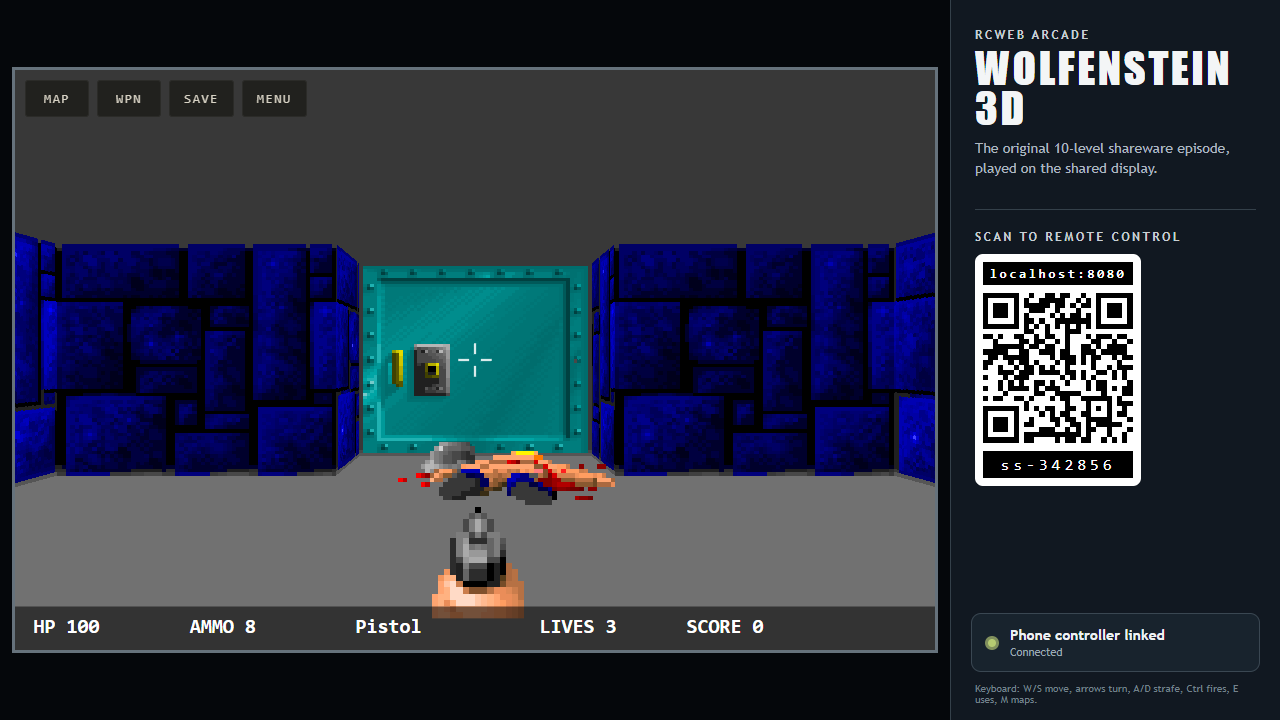
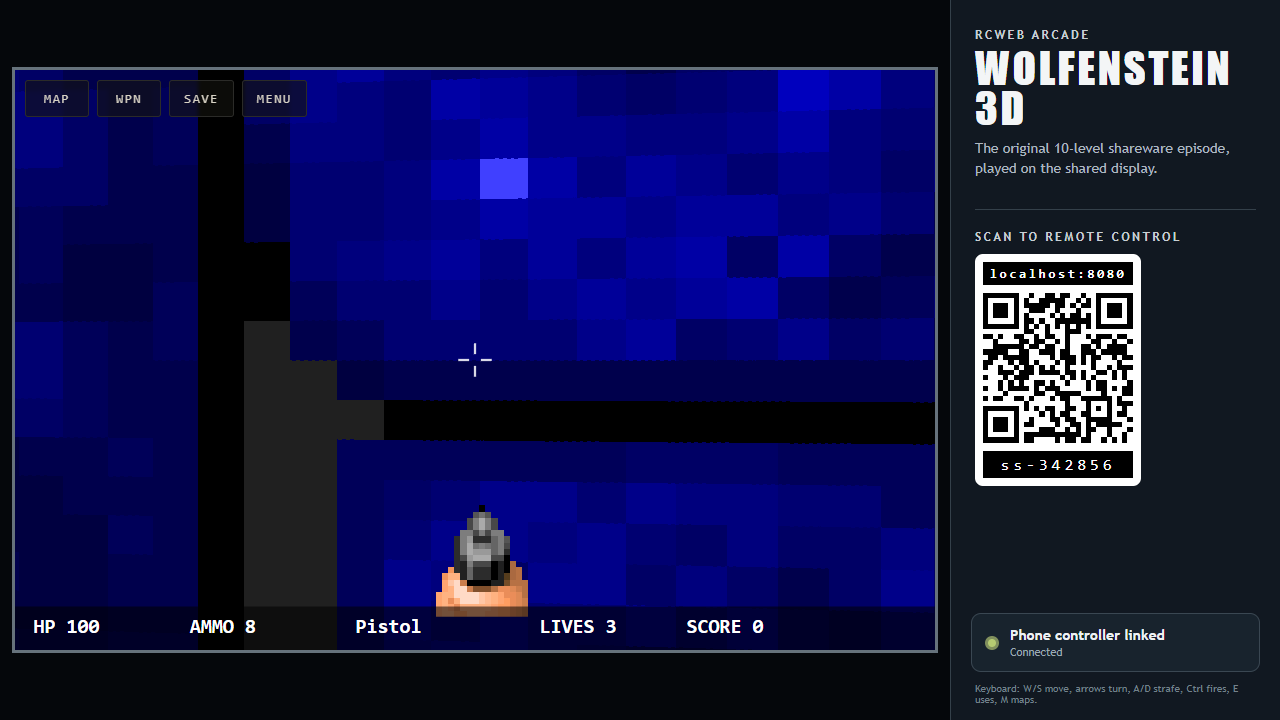
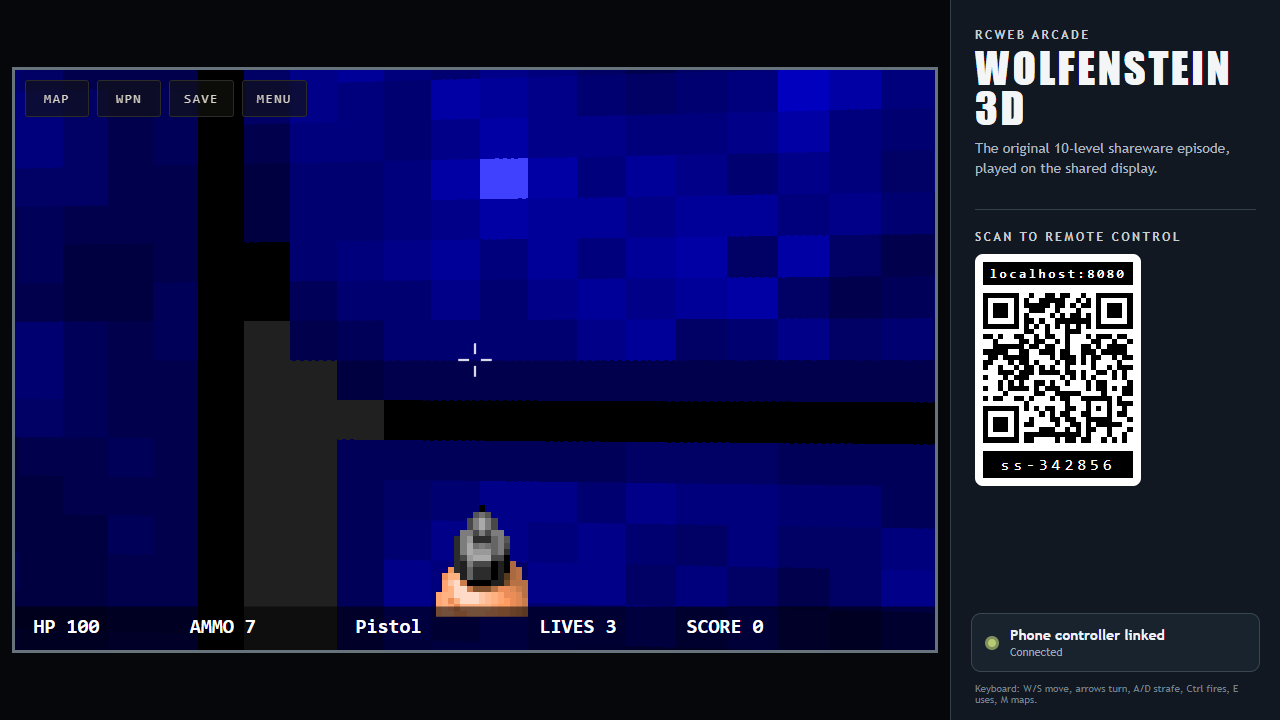
wolfenstein runs the original 10-level shareware episode of Wolfenstein 3D on an RCWeb shared display. Open /wolfenstein/?r=<room> and scan the on-screen QR code to join with the companion wolfenstein-c phone controller.
Features
- The original ten-level shareware episode.
- Phone movement, strafe, fire and use controls.
- Local keyboard play and an optional minimap.
Player setup
- Keep the display open while playing; it runs the game and its saves.
- The first phone in the room owns the single-player controls. A phone refreshed in the same browser can reclaim control; another phone can take over after the owner leaves or stops reporting presence for seven seconds.
- Wide displays show the pairing QR code beside the game. Portrait and square displays expose the same QR code in a modal.
Controls
- Drag the movement stick up/down to move and left/right to turn. Diagonal drags combine movement and turning.
- Drag the separate Strafe control for sideways movement.
- Hold
FireorUse; tapWeaponto cycle the weapons already collected andMapto toggle the optional minimap. Menupauses or resumes the game.Selectconfirms or continues level-complete and game-over screens.- A local keyboard uses W/S to move, A/D to strafe, left/right arrows to turn, Ctrl to fire, E to use, M to toggle the map, and Escape for the menu.
Screenshots