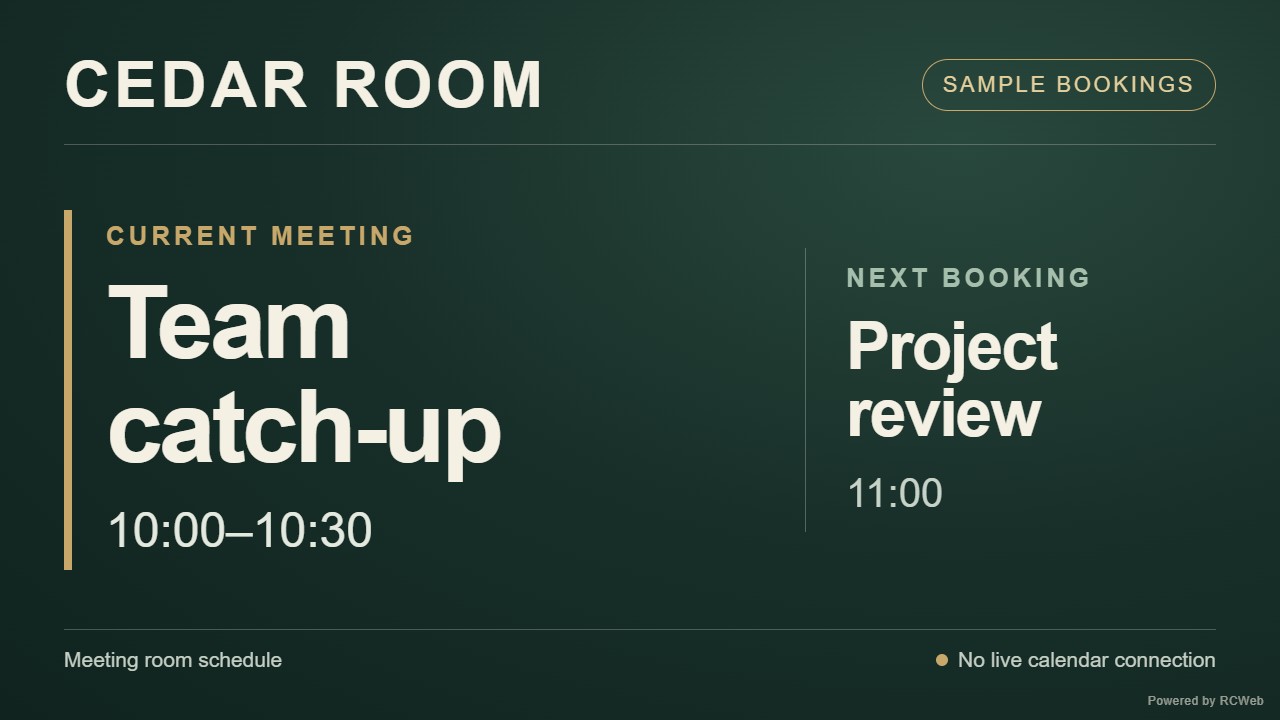
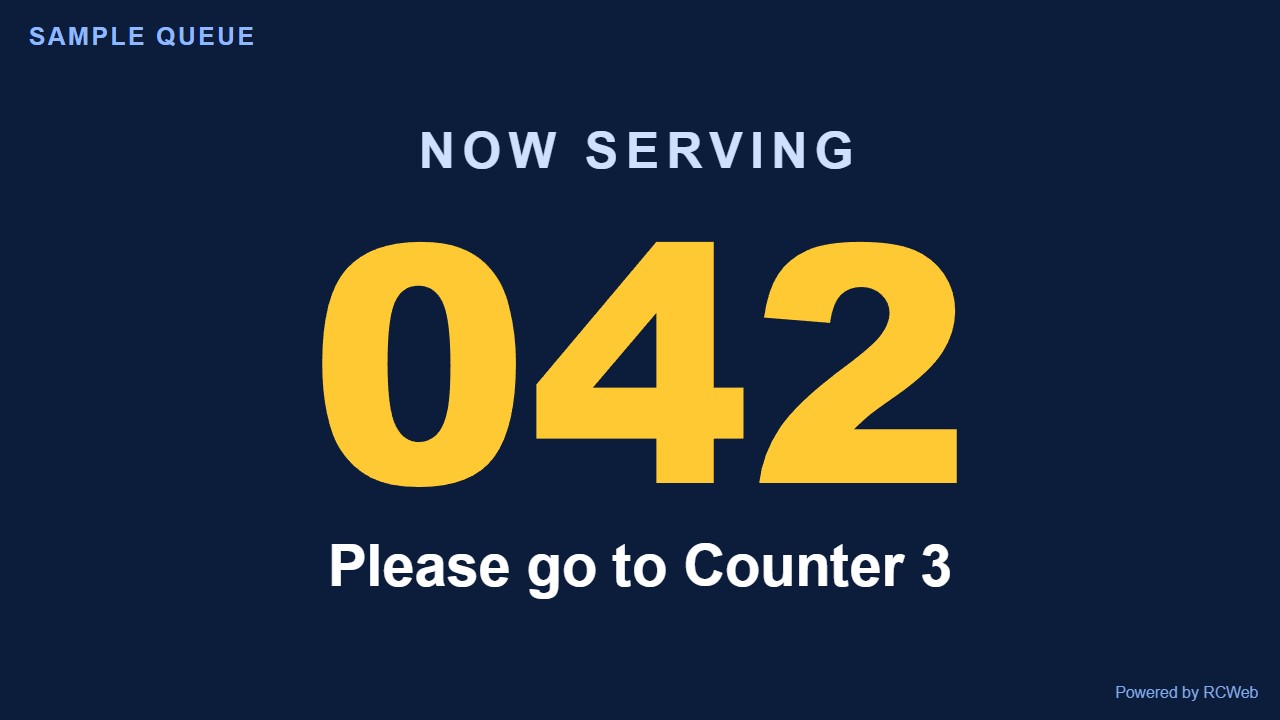
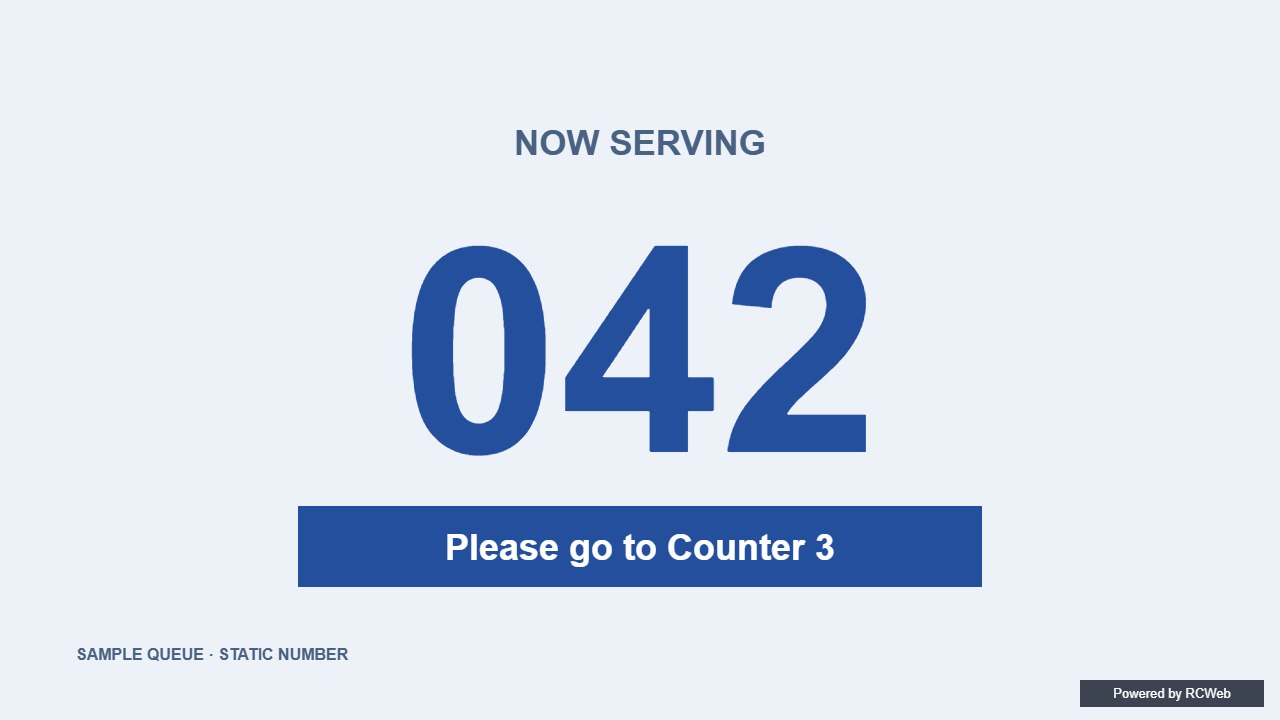
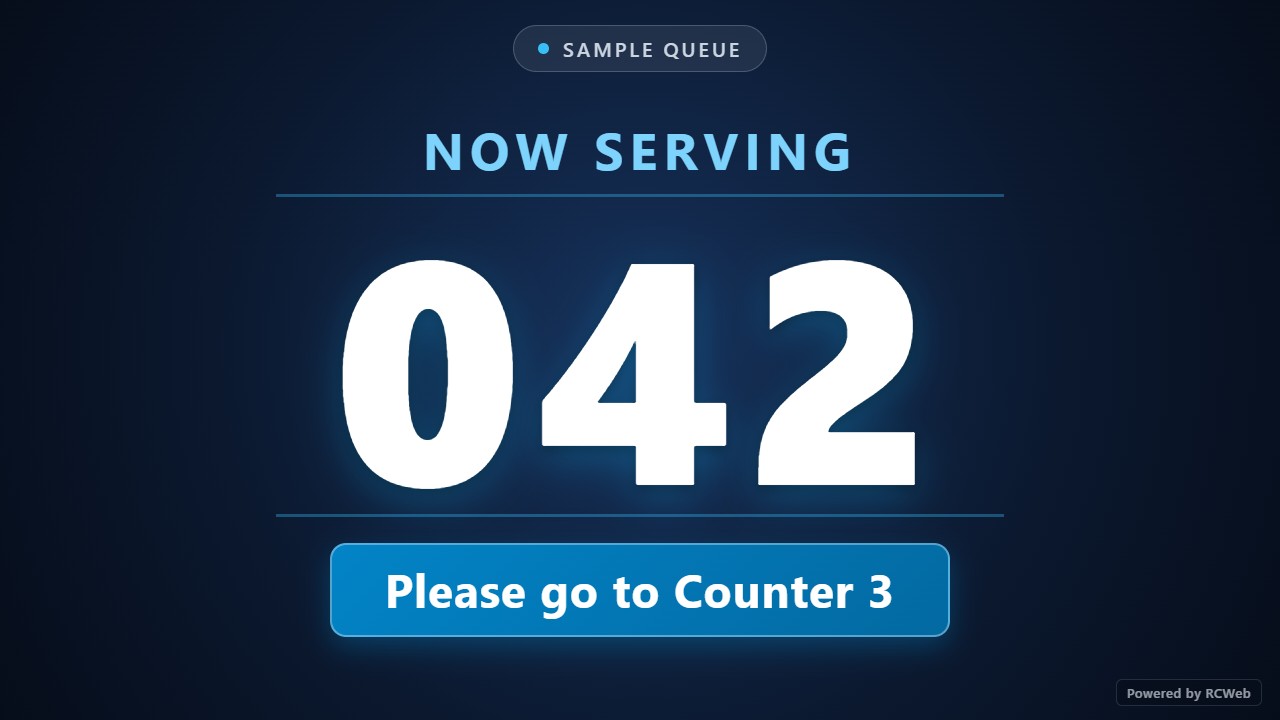
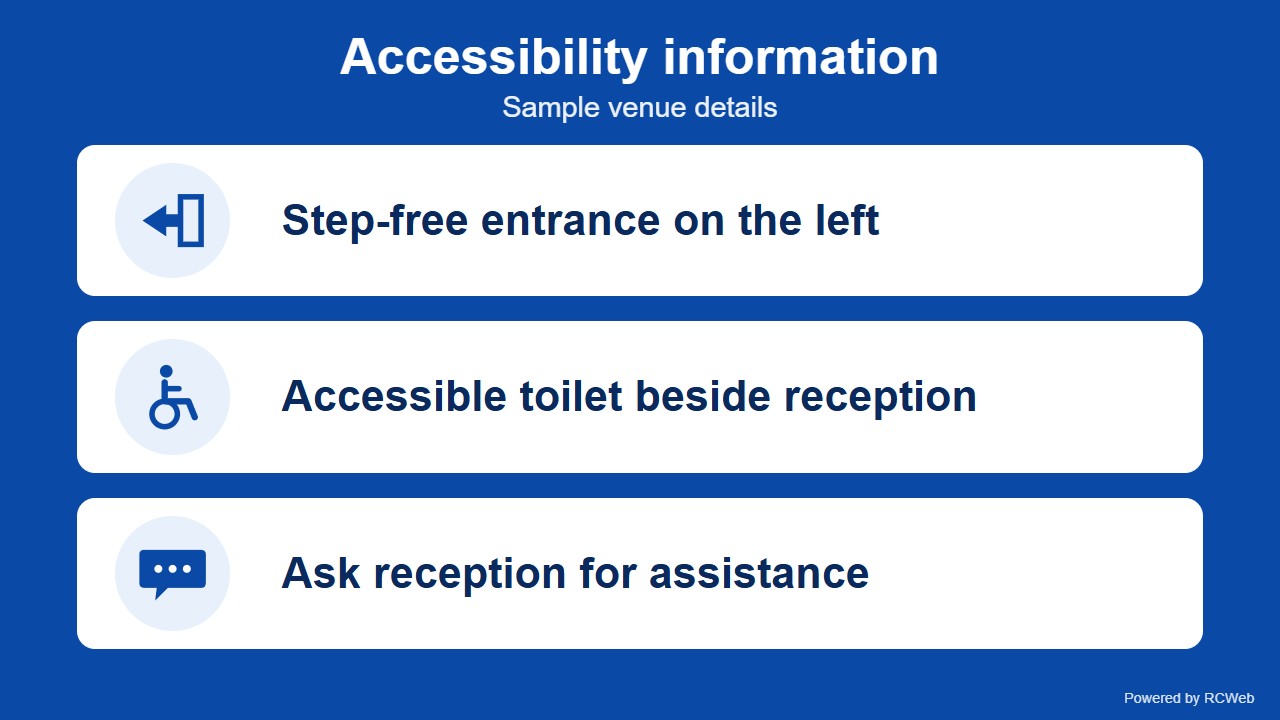
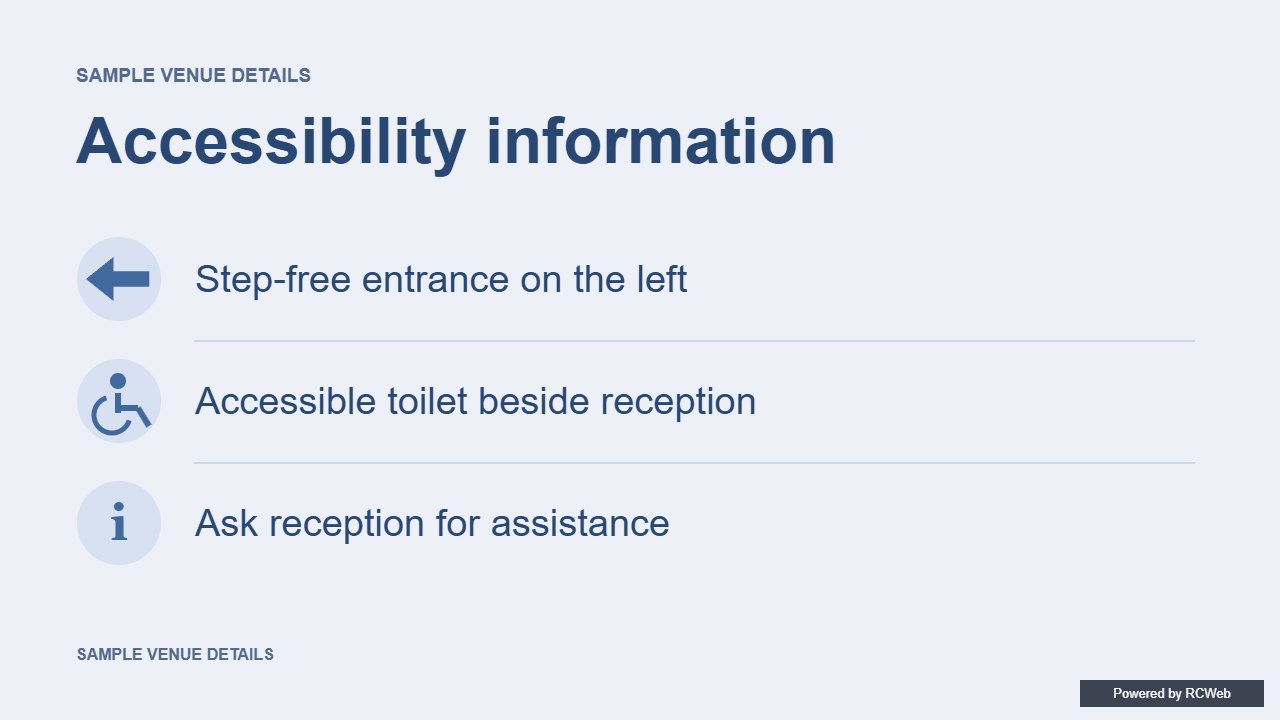
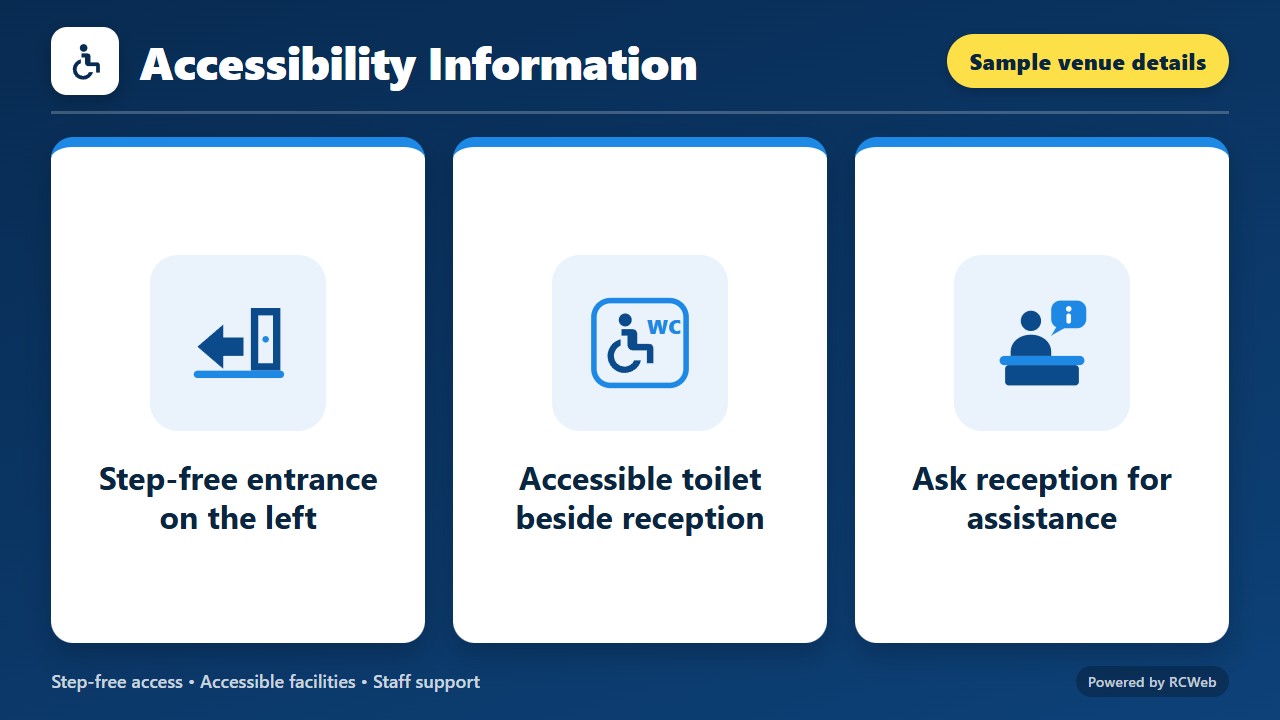
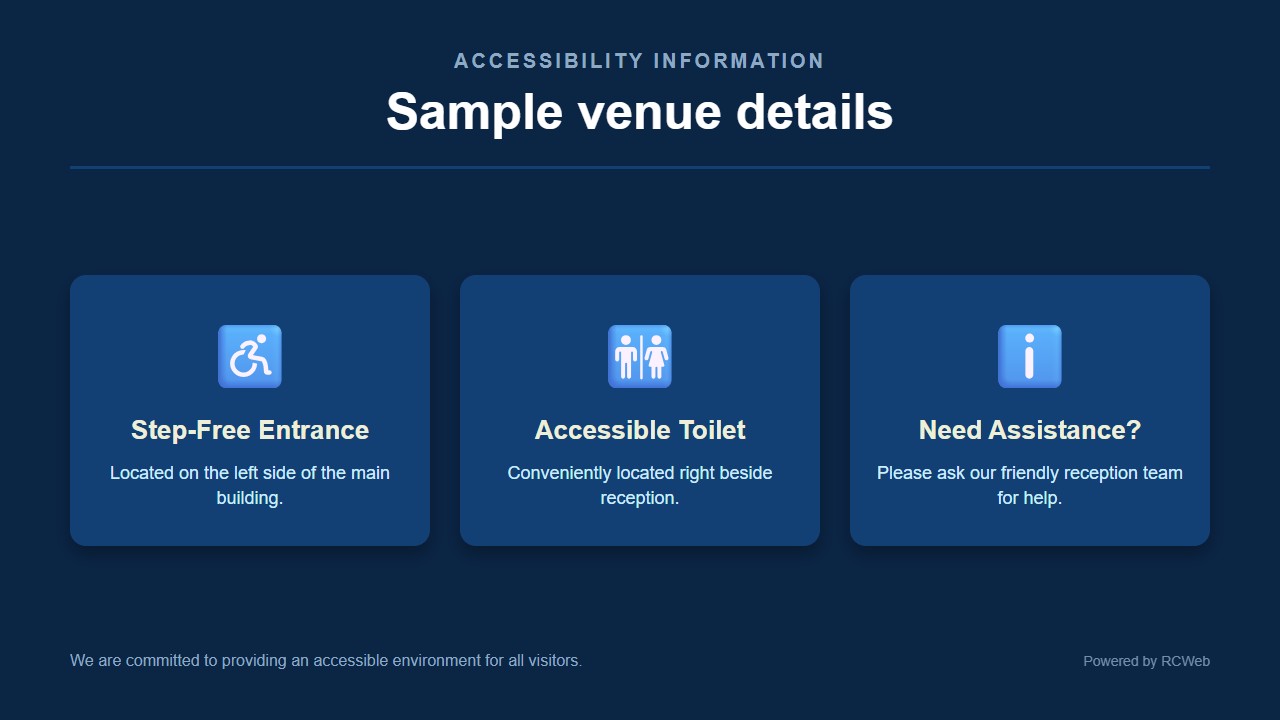
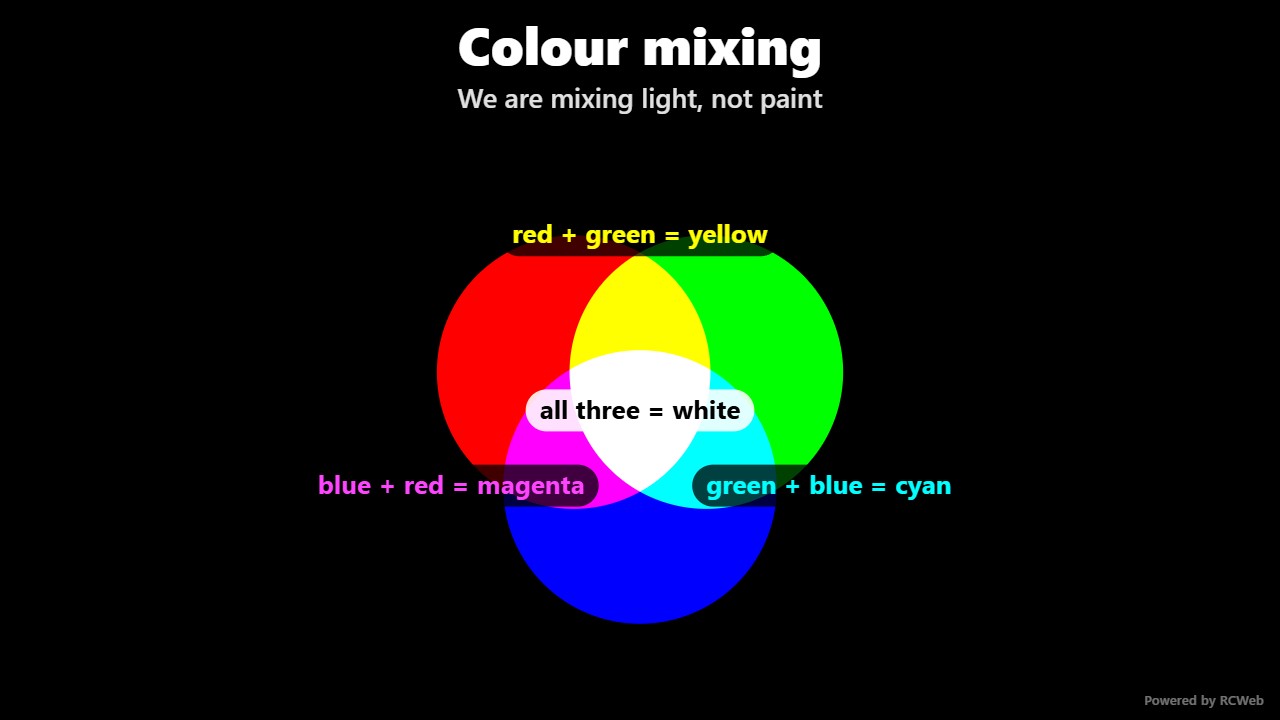
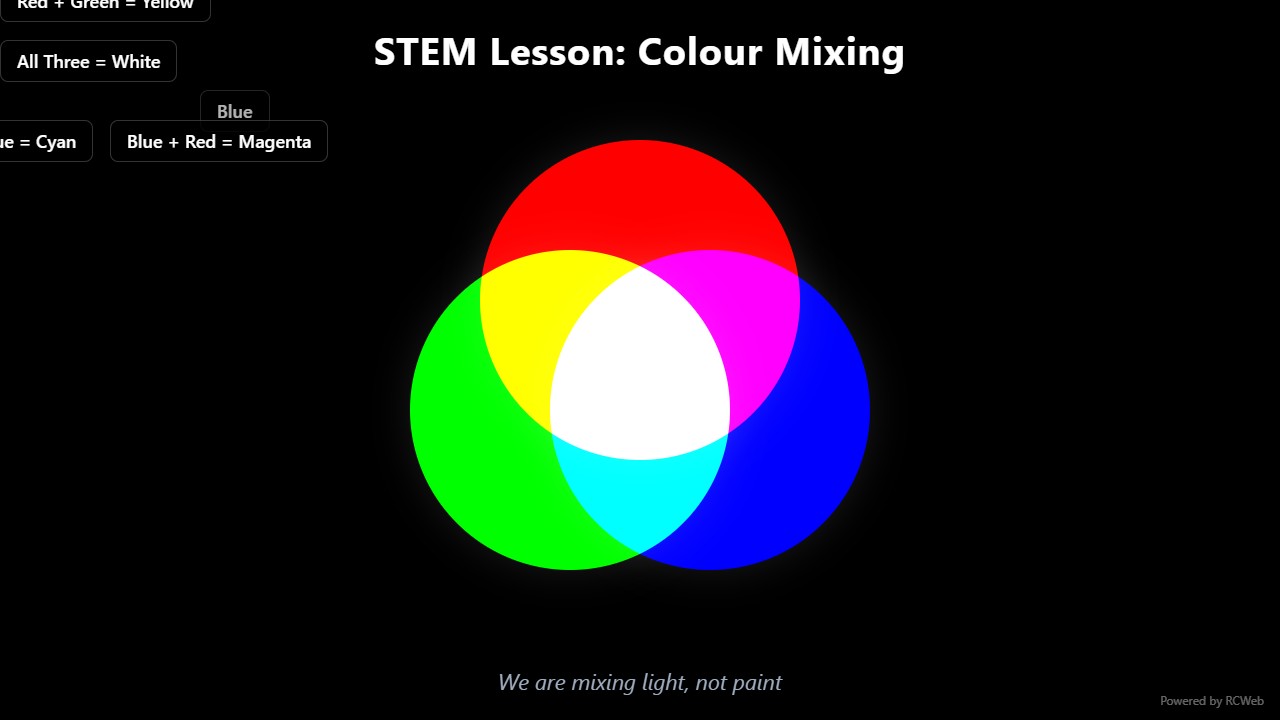
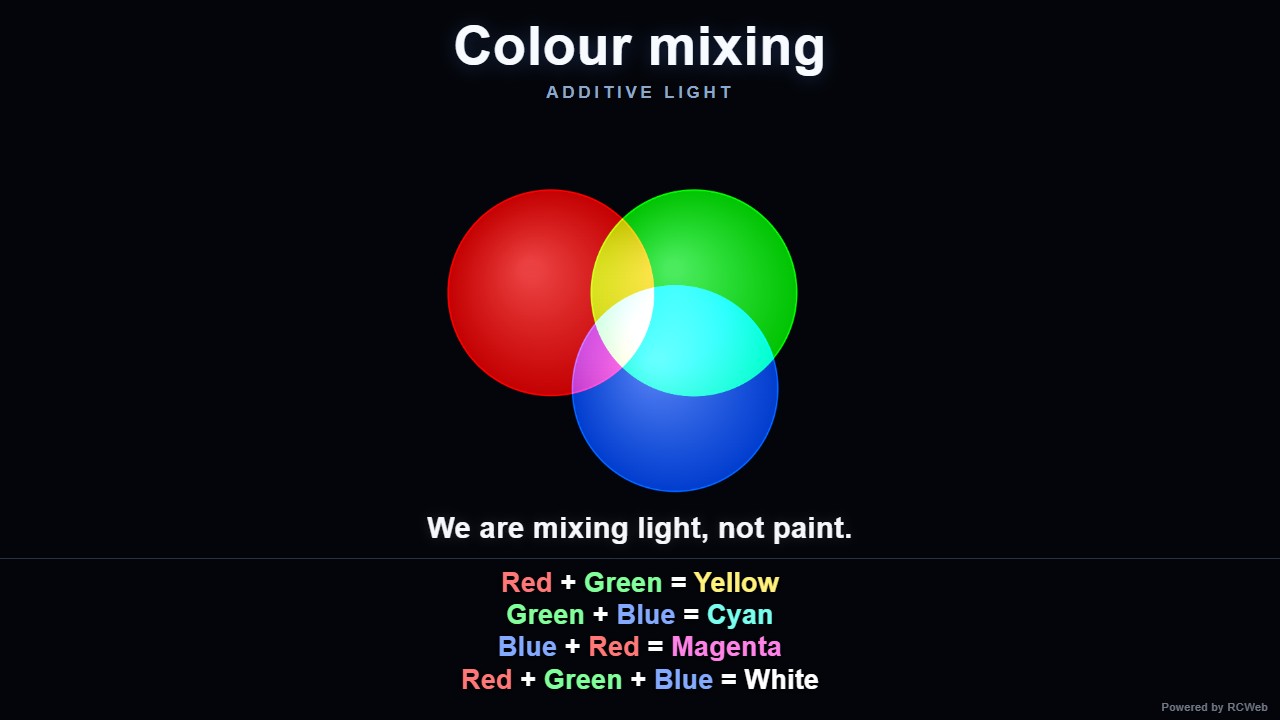
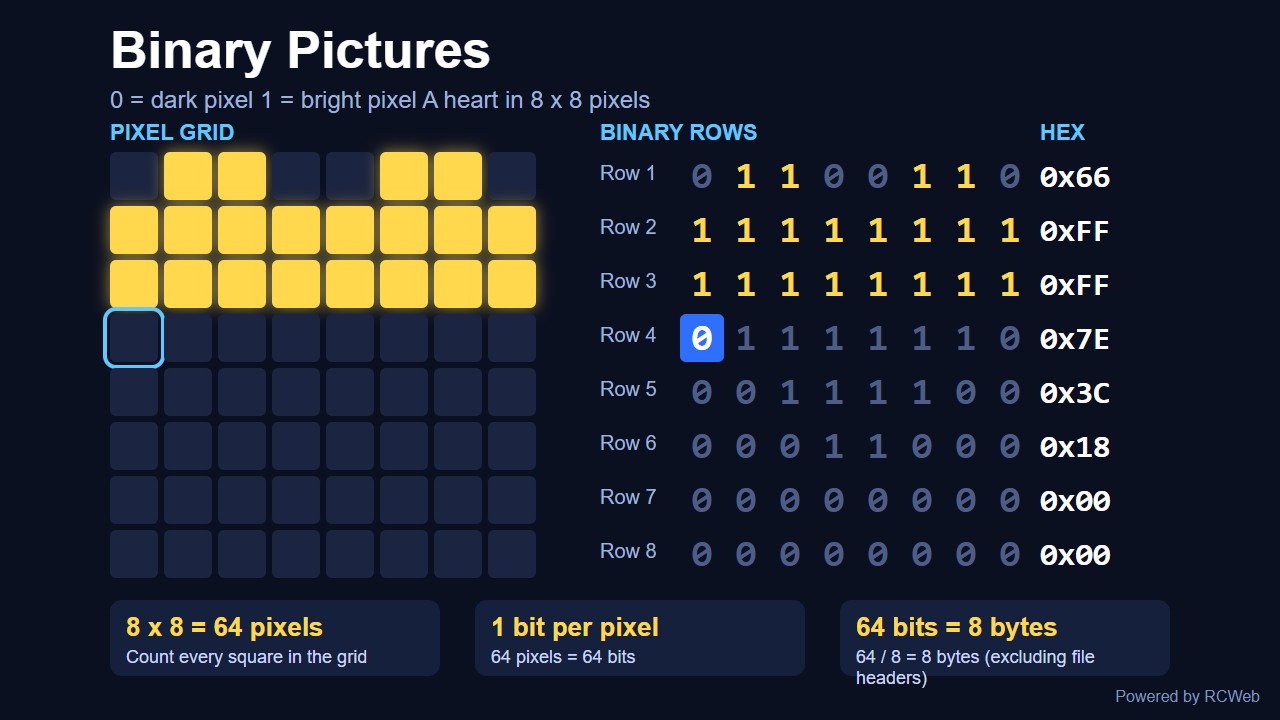
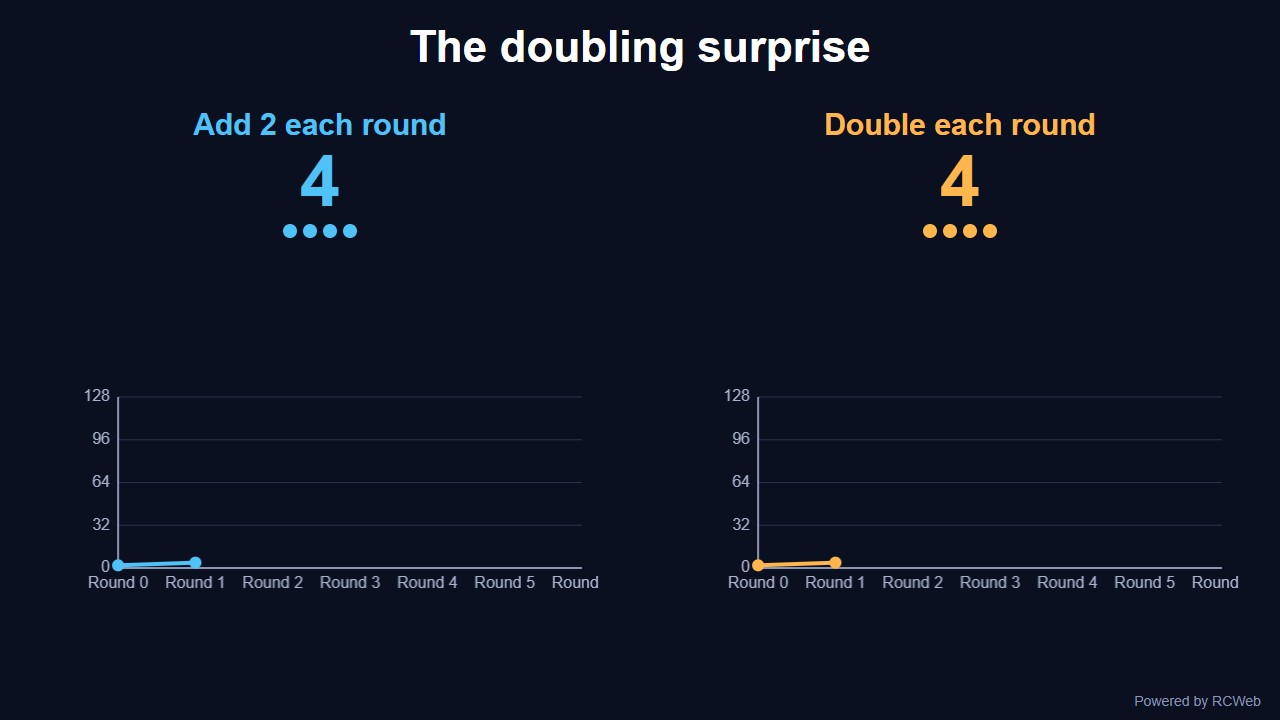
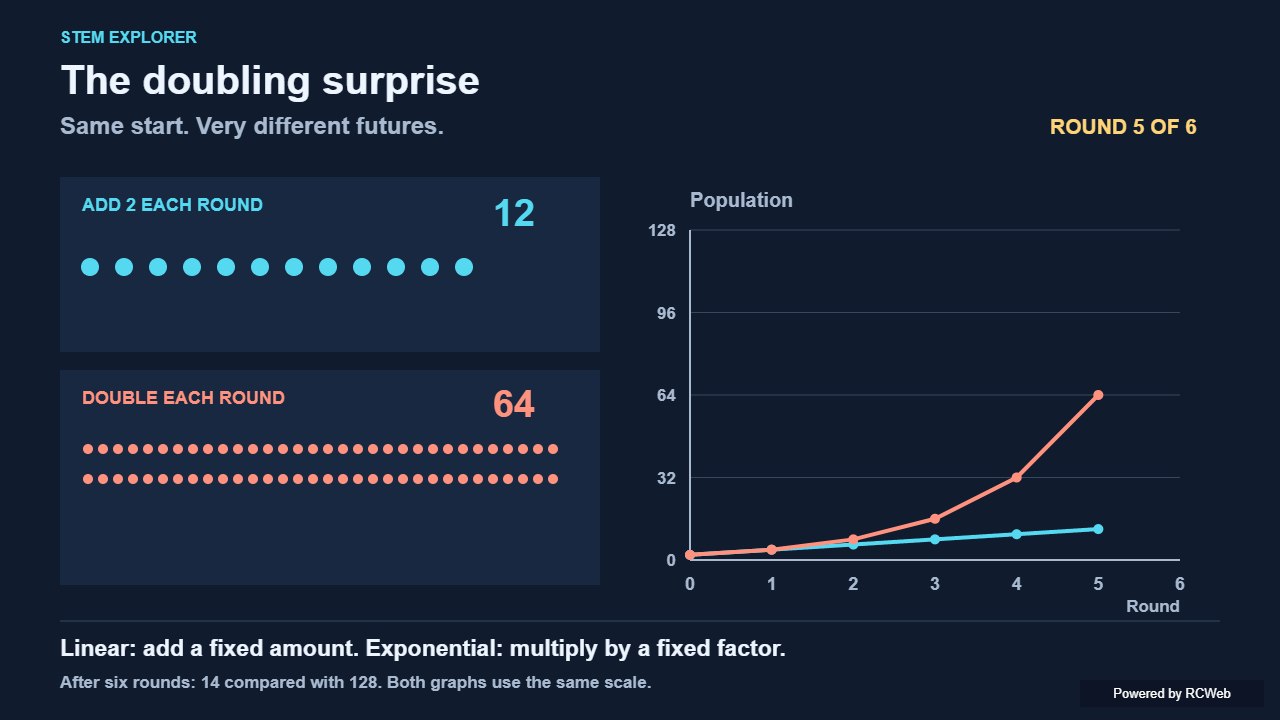
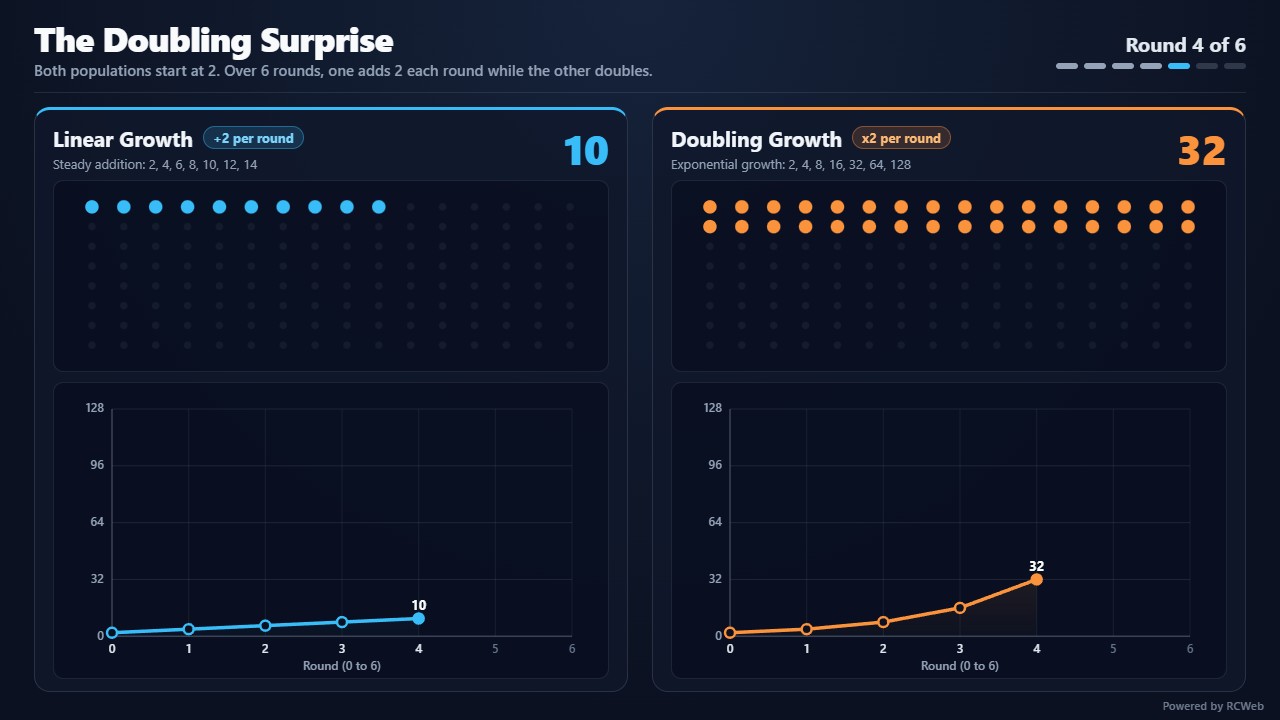
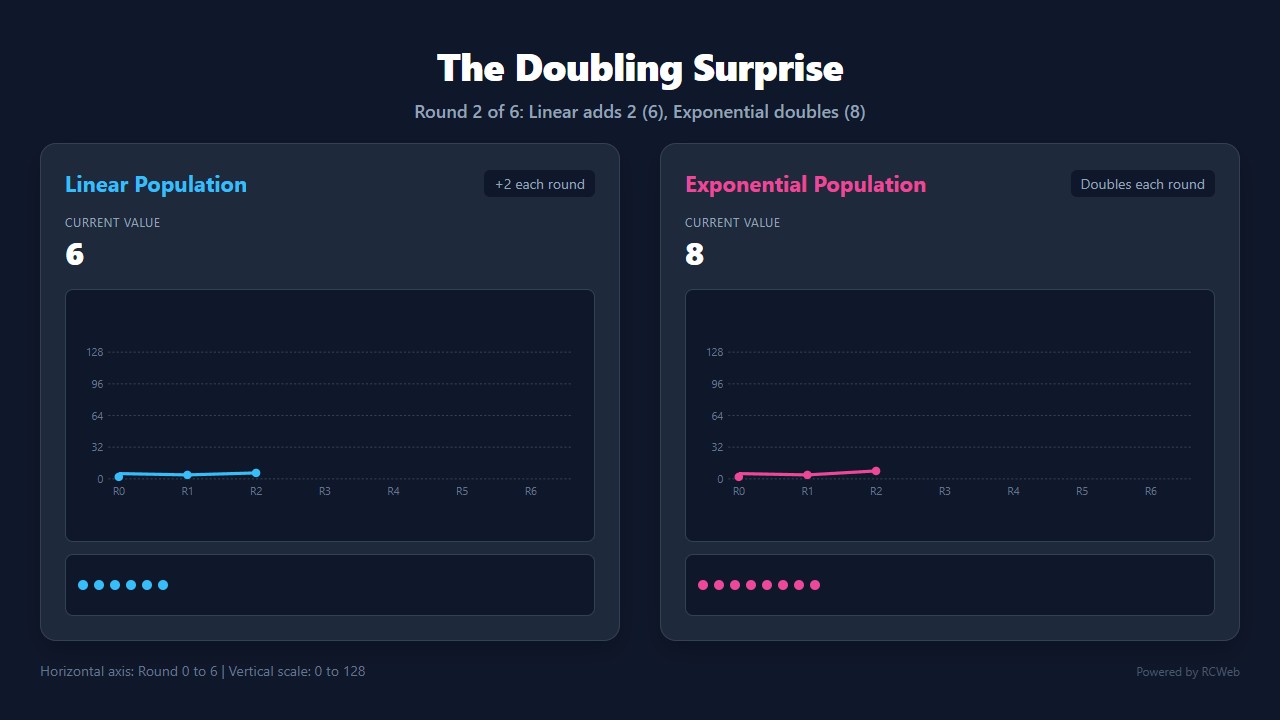
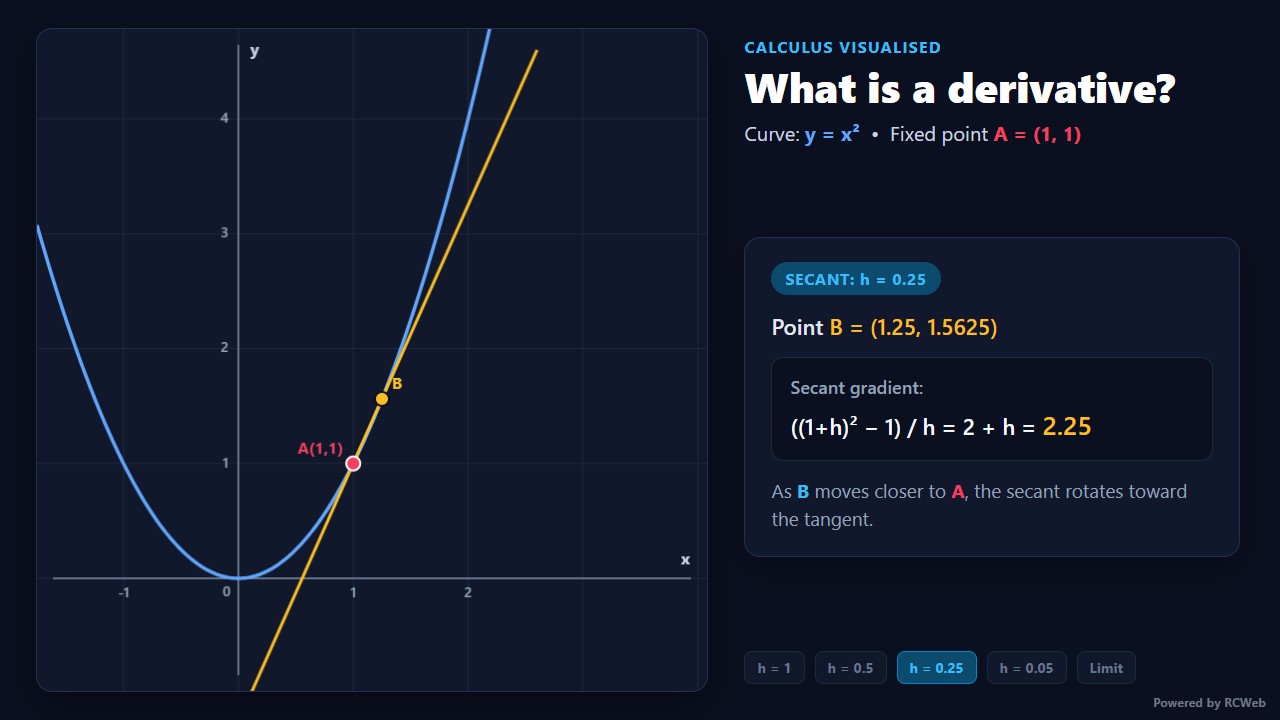
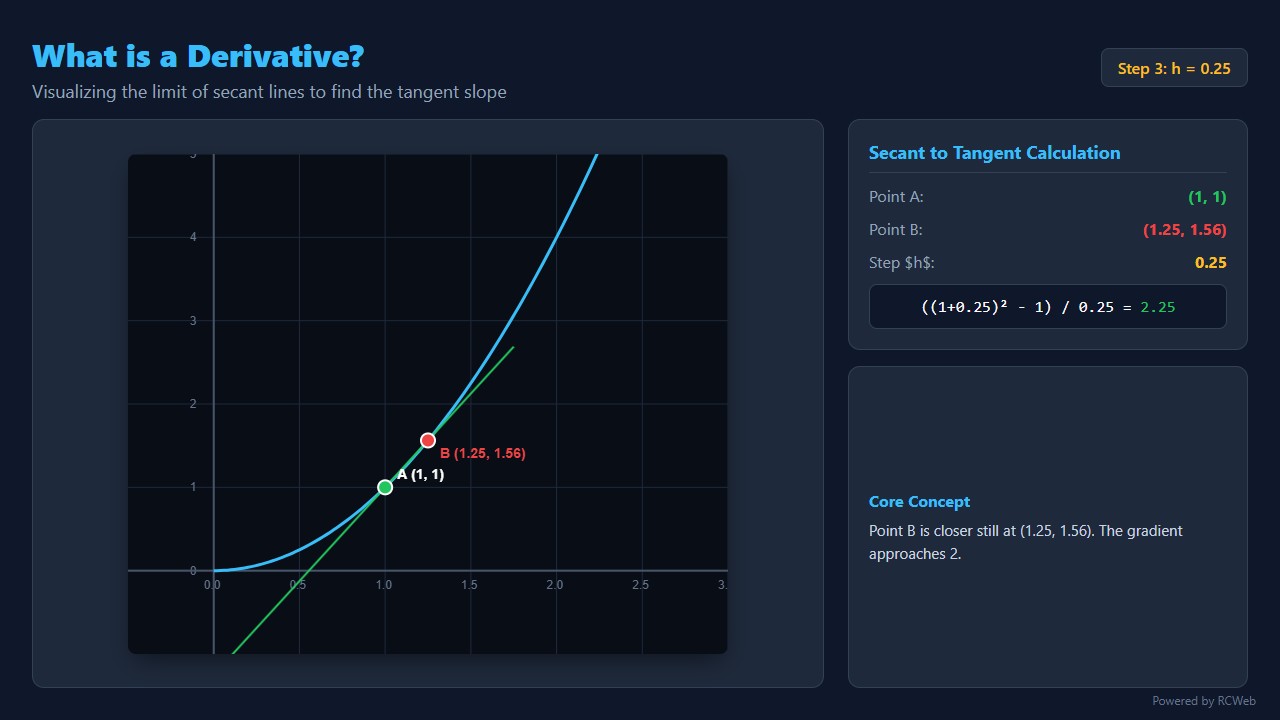
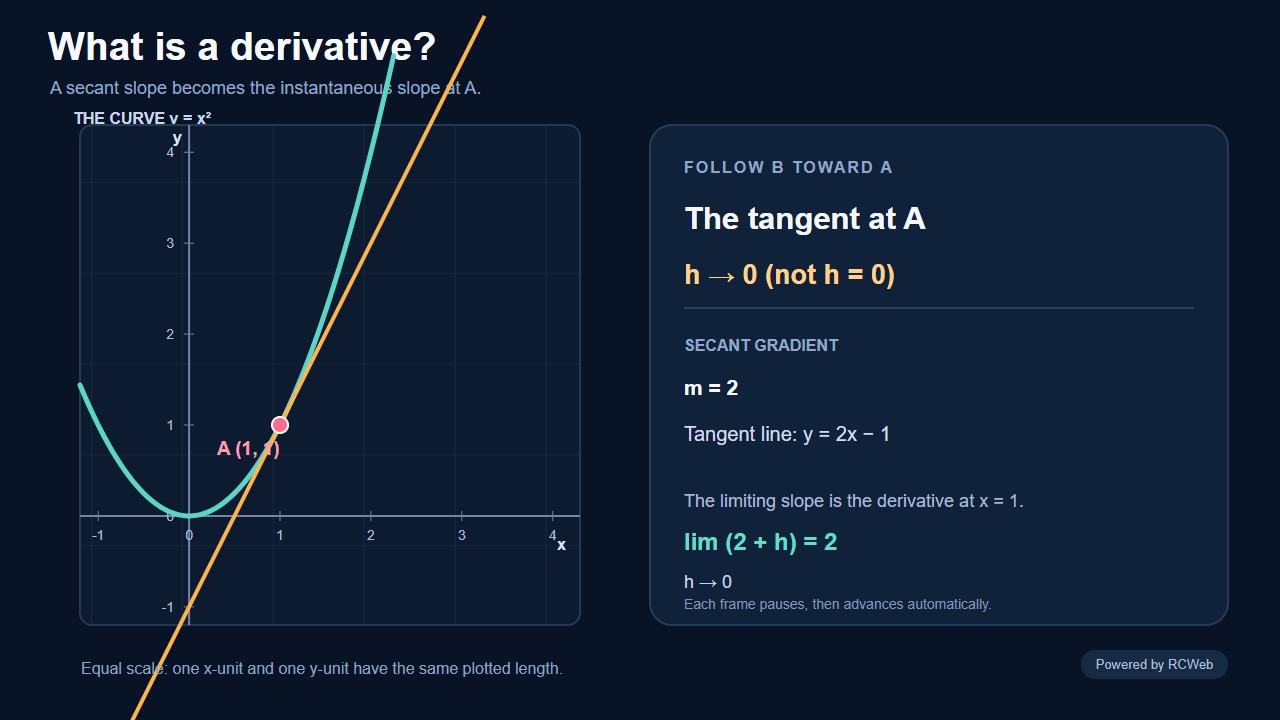
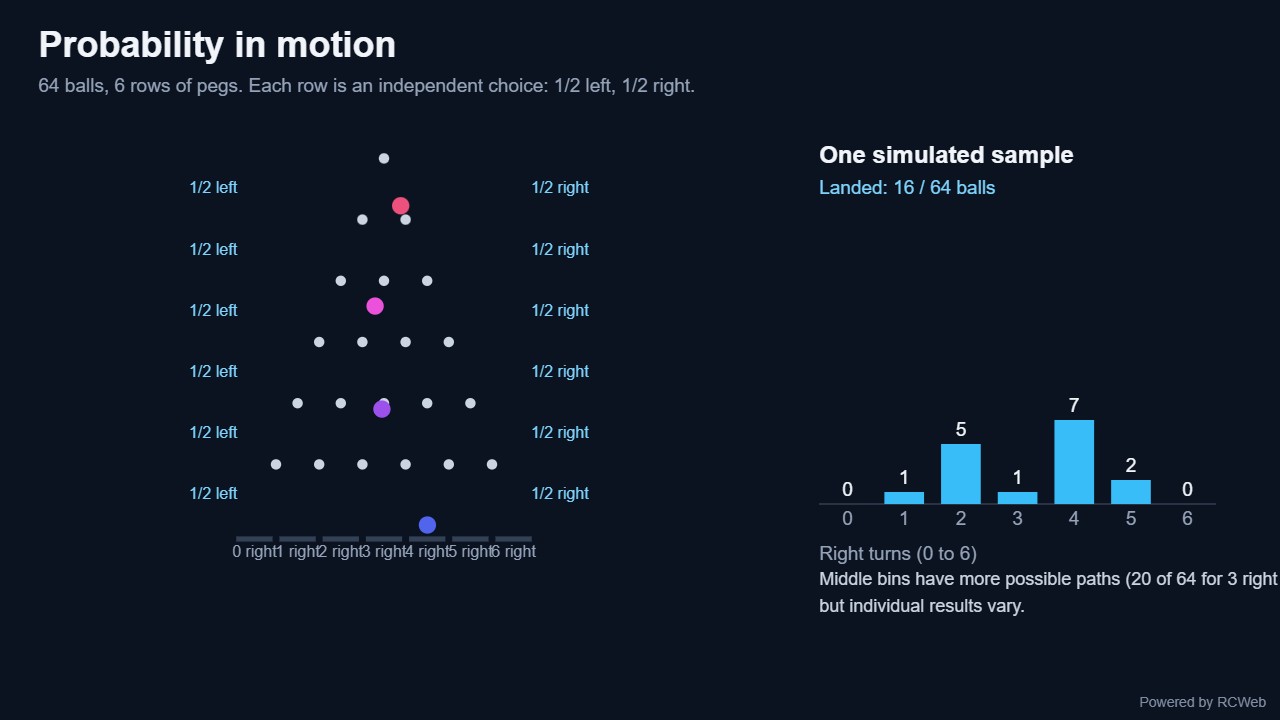
Explore graphics, digital signage and animated STEM prompts. Select a recorded run to see its screenshots, conversation records and replays where available.
85 demos3 categories5 recorded runs
Real outputs from Demo (OpenRouter) using Claude Haiku 5.5 and the original catalogue prompts.
85 of 85 demos shown
No demos match your search. Try another word or category.
01
Demo
Clocks, patterns, particles and playful motion. These 32 prompts turn a screen into a moving visual exhibit.
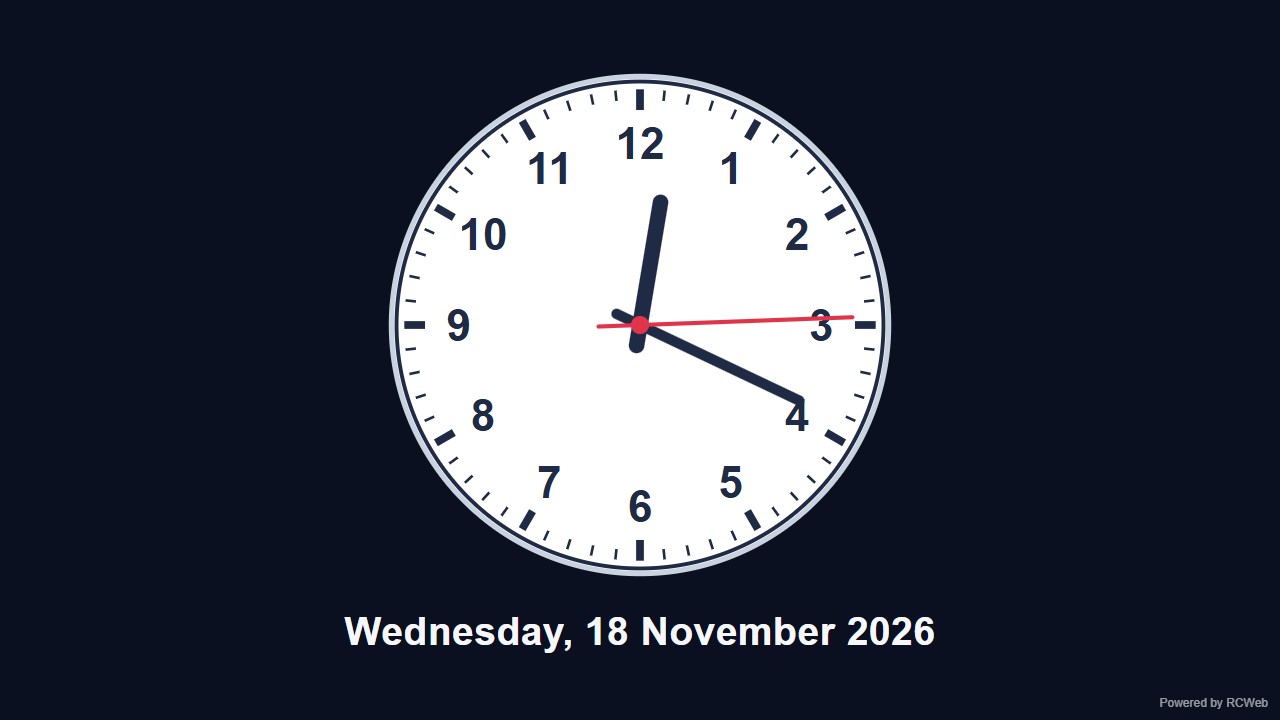
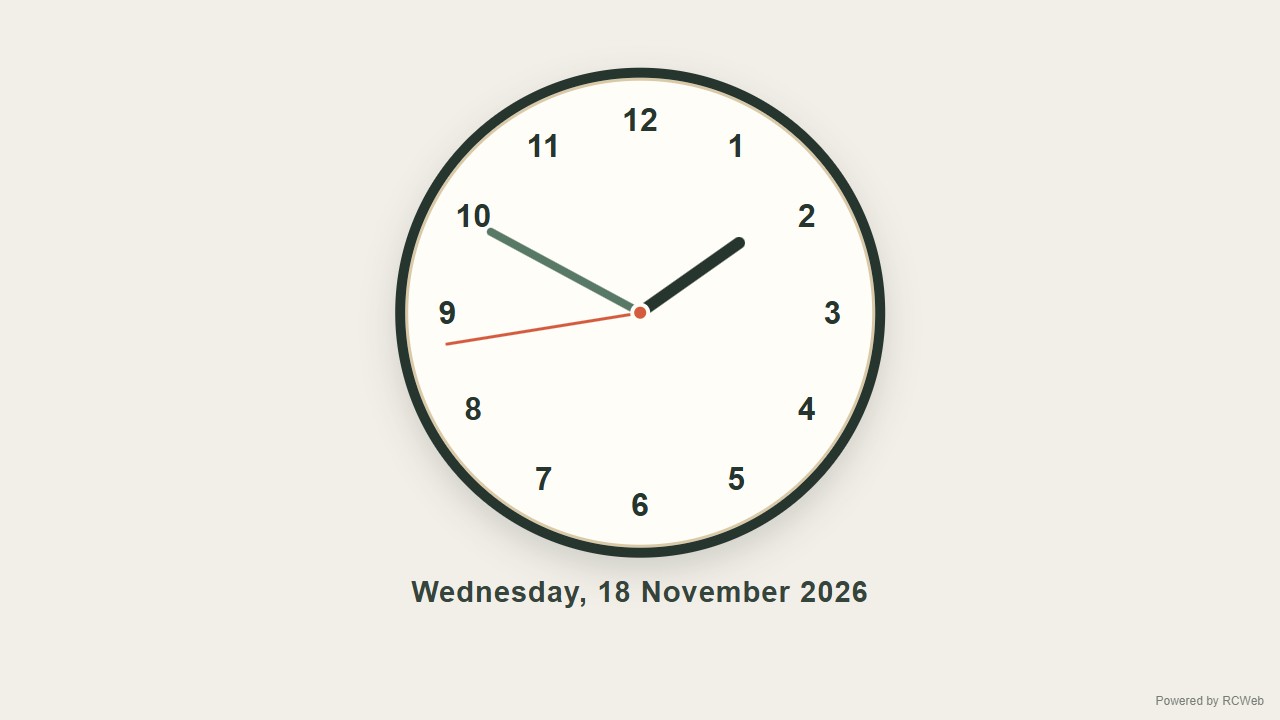
User: Create and display a large analog clock in the middle of the screen with clearly readable numbers 1 to 12 and hour, minute and second hands. Add todays date below the clock in the center.
Assistant: The built-in assistant requested the display update. The conversation JSON includes the recorded responses and tool calls.
Tool: Executed through the actual RCWeb assistant in a dedicated local viewer room.
Assistant: The analog clock is now showing in the middle of the screen (client yhnmbzxs). It has numbers 1 to 12, hour, minute and second hands that update live, and today's date in large text below it. A small "Powered by RCWeb" badge sits in the bottom-right corner.
User: Create and display a large analog clock in the middle of the screen with clearly readable numbers 1 to 12 and hour, minute and second hands. Add todays date below the clock in the center.
Assistant: In the simulated conversation, the assistant called execute_javascript to load the Codex-authored scene in an isolated viewer.
Tool: Rendered successfully in the isolated browser viewer at 1280 × 720.
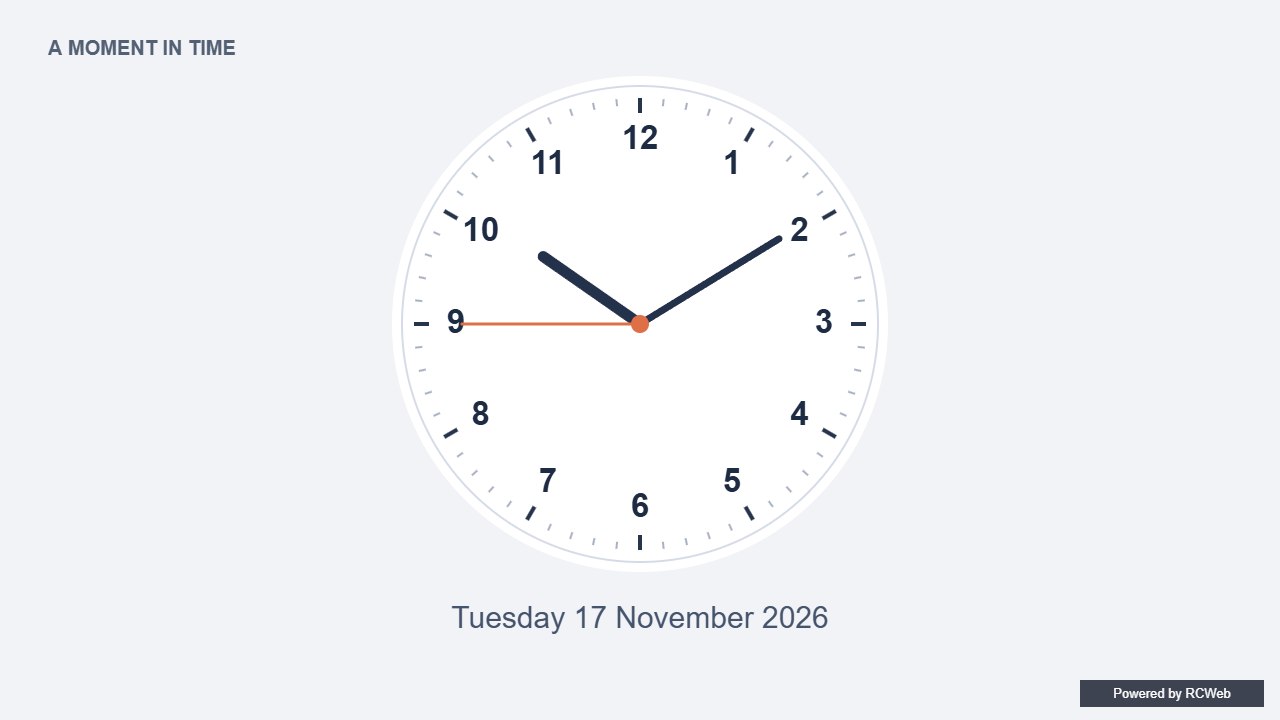
Assistant: The clock has numbered hours, three moving hands and the recorded date beneath it.
User: Create and display a large analog clock in the middle of the screen with clearly readable numbers 1 to 12 and hour, minute and second hands. Add todays date below the clock in the center.
Assistant: The built-in assistant requested the display update. The conversation JSON includes the recorded responses and tool calls.
Tool: Executed through the actual RCWeb assistant in a dedicated local viewer room.
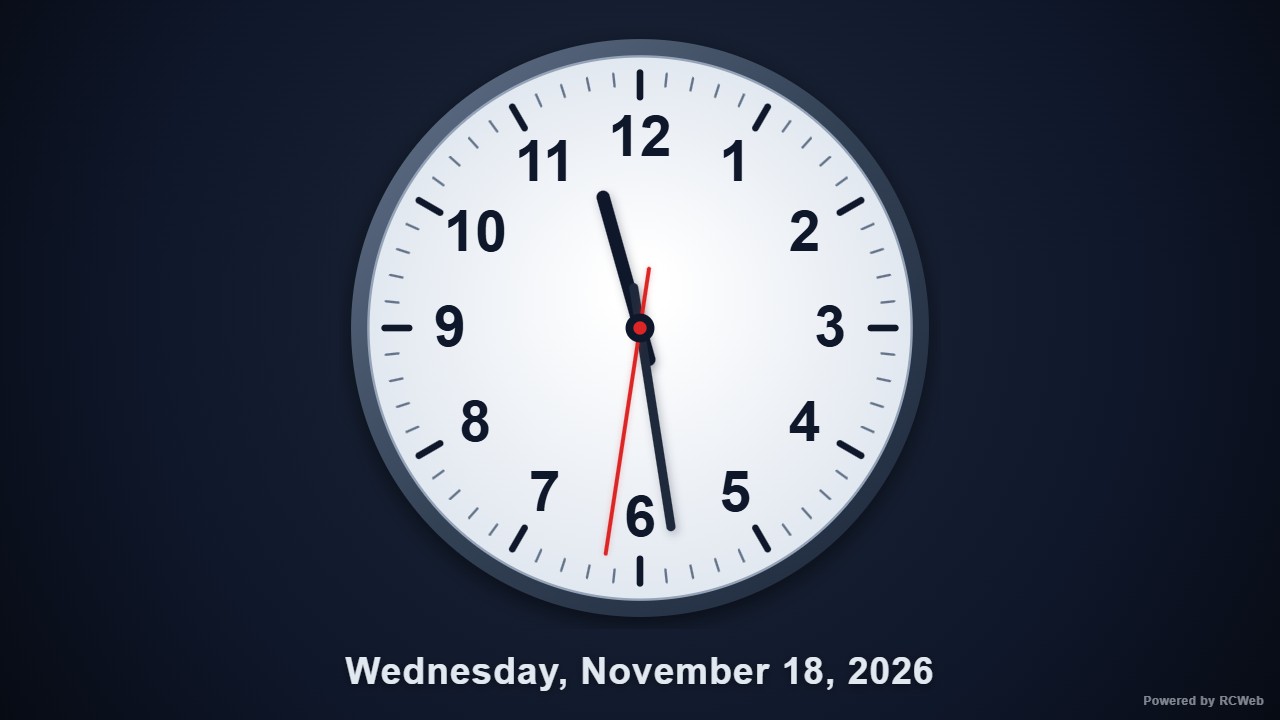
Assistant: Displayed a large centered analog clock (602x602 px) with bold numbers 1 to 12, tick marks, and smooth hour, minute, and red second hands, with today's date (Wednesday, November 18, 2026) centered below the clock.
User: Create and display a large analog clock in the middle of the screen with clearly readable numbers 1 to 12 and hour, minute and second hands. Add todays date below the clock in the center.
Assistant: The built-in assistant requested the display update. The conversation JSON includes the recorded responses and tool calls.
Tool: Executed through the actual RCWeb assistant in a dedicated local viewer room.
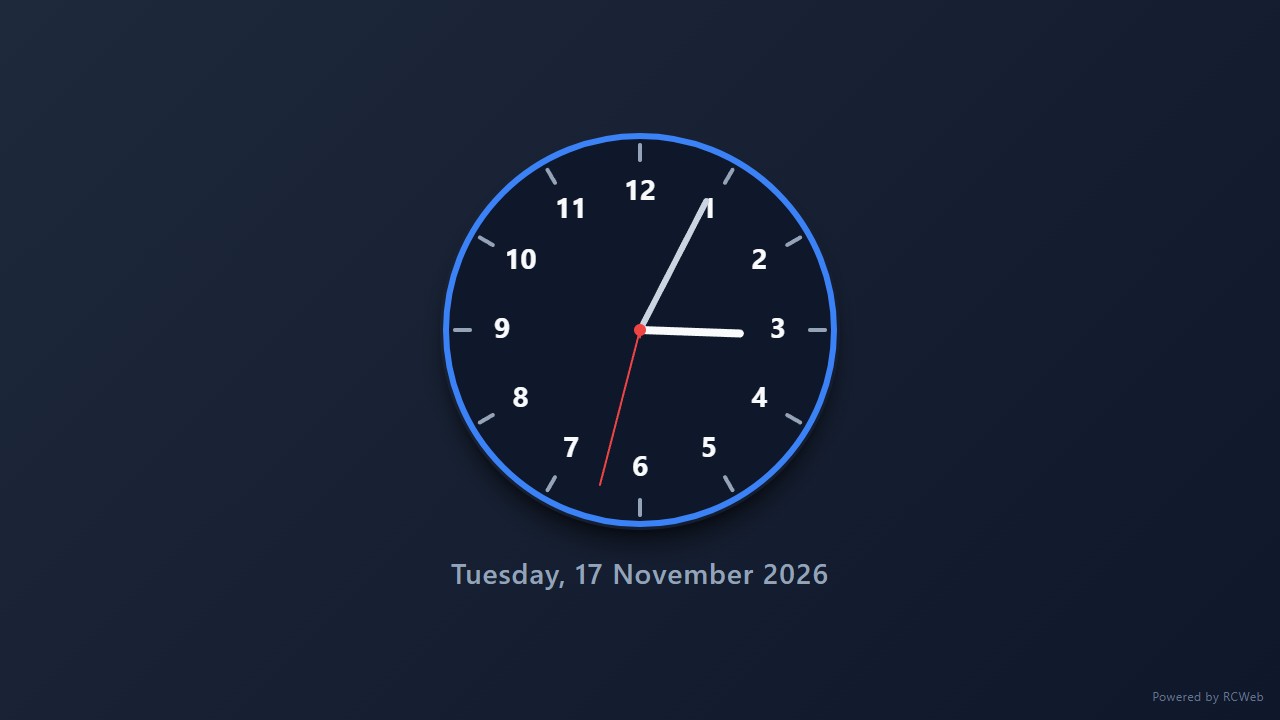
Assistant: I have created and displayed a large analog clock with clear numbers, hour, minute, and second hands, along with today's date centered below it.
User: Create and display a large analog clock in the middle of the screen with clearly readable numbers 1 to 12 and hour, minute and second hands. Add todays date below the clock in the center.
Assistant: The built-in assistant requested the display update. The conversation JSON includes the recorded responses and tool calls.
Tool: Executed through the actual RCWeb assistant in a dedicated local viewer room.
Assistant: The analog clock is displayed with numbered hours, hour, minute, and second hands, and today’s date below it.
Create and display a large analog clock in the middle of the screen with clearly readable numbers 1 to 12 and hour, minute and second hands. Add todays date below the clock in the center.
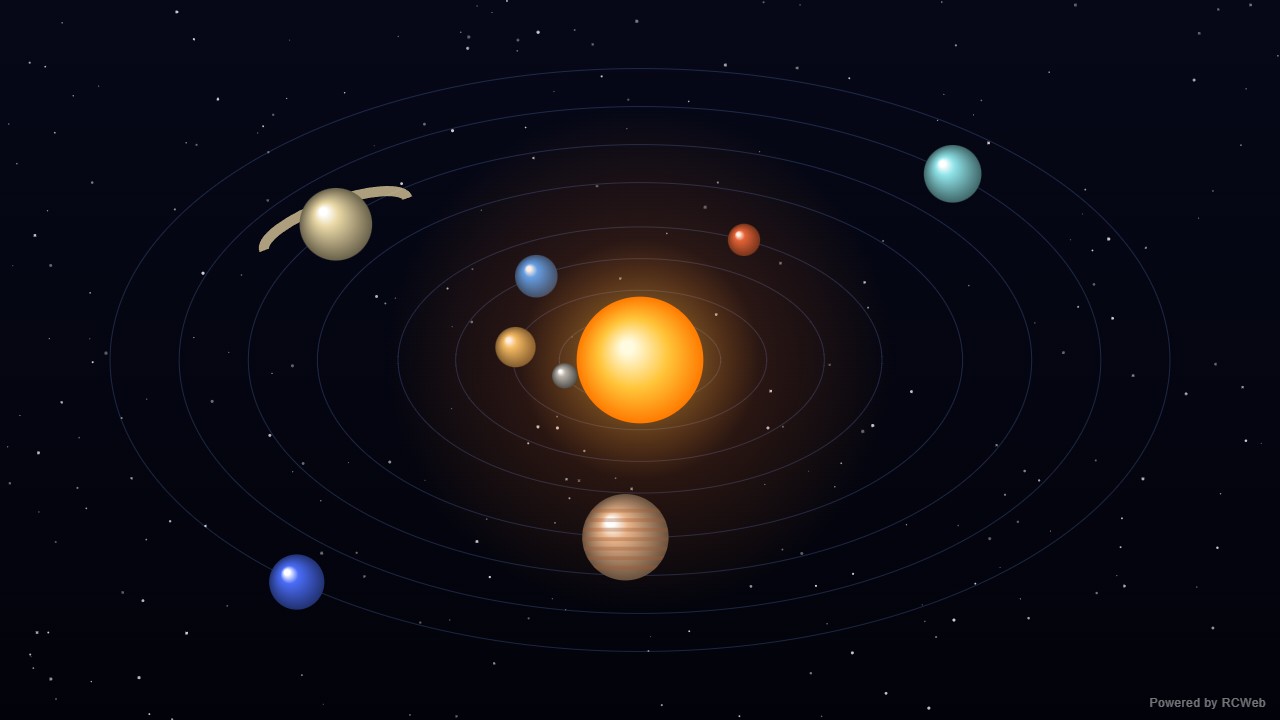
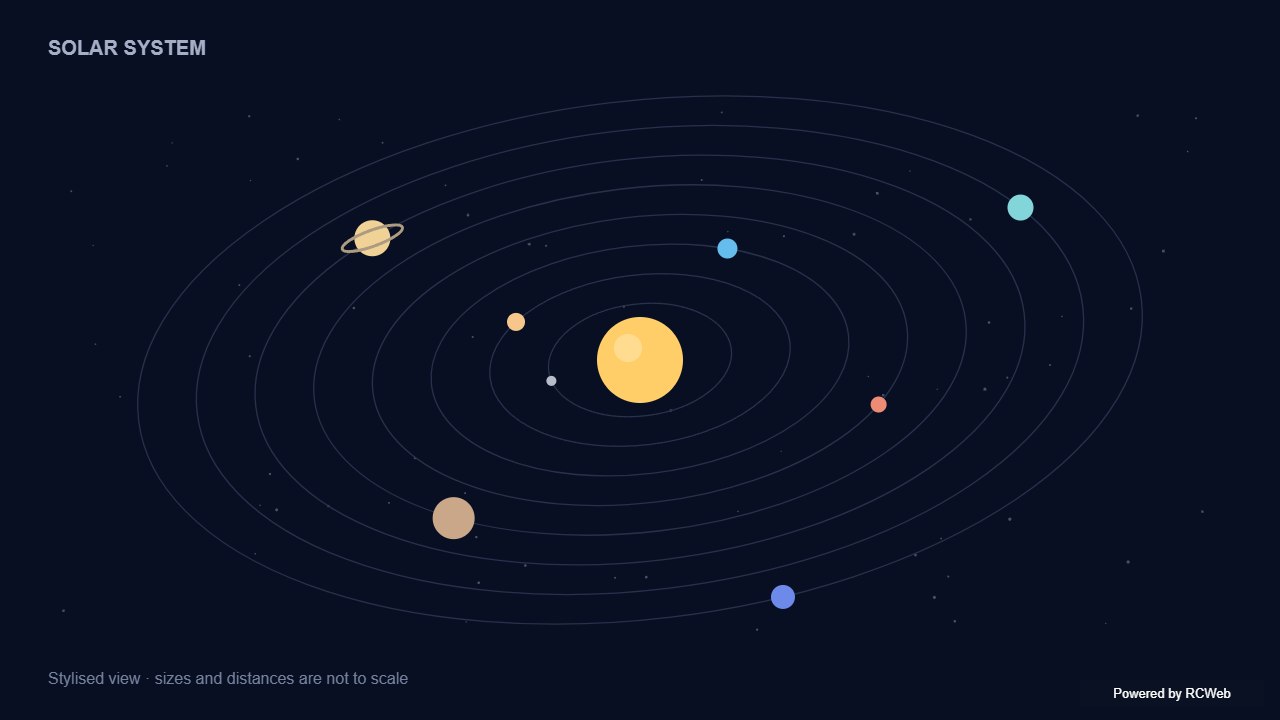
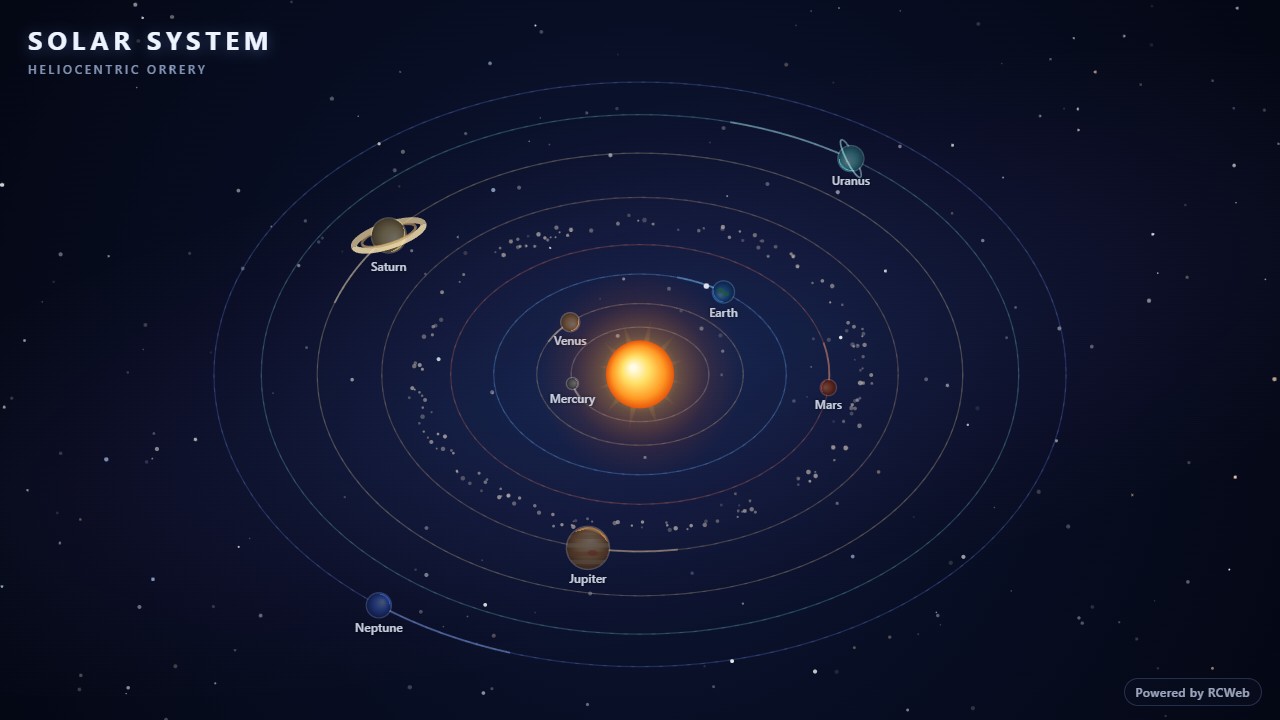
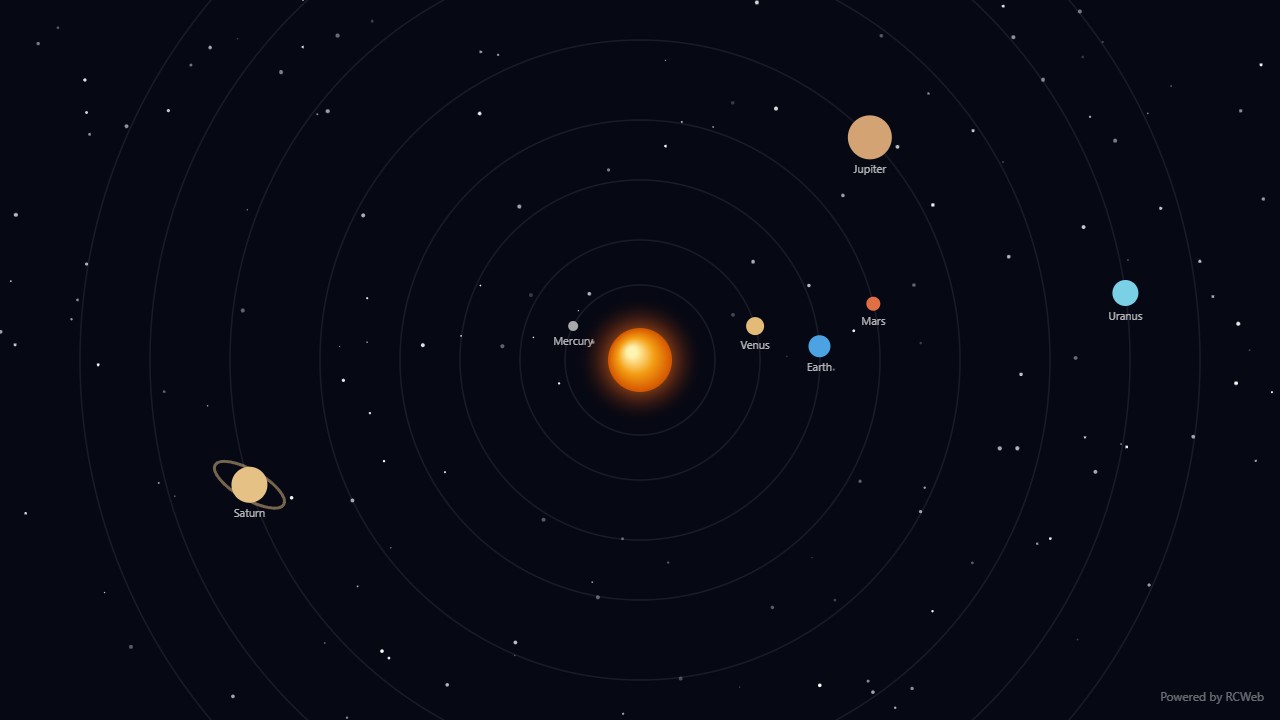
User: Create a stylised animated solar system on my screen, with a central sun and colourful planets moving slowly around visible orbits.
Assistant: The built-in assistant requested the display update. The conversation JSON includes the recorded responses and tool calls.
Tool: Executed through the actual RCWeb assistant in a dedicated local viewer room.
Assistant: The solar system is now running on your screen (client pdxzyfju, 1280×720). It has a glowing central sun, eight colourful planets moving slowly along visible elliptical orbits, Saturn's rings, Jupiter's bands, and a twinkling starfield. A small "Powered by RCWeb" badge sits in the bottom-right corner.
The animation resizes with the window and stops cleanly when the view is replaced.
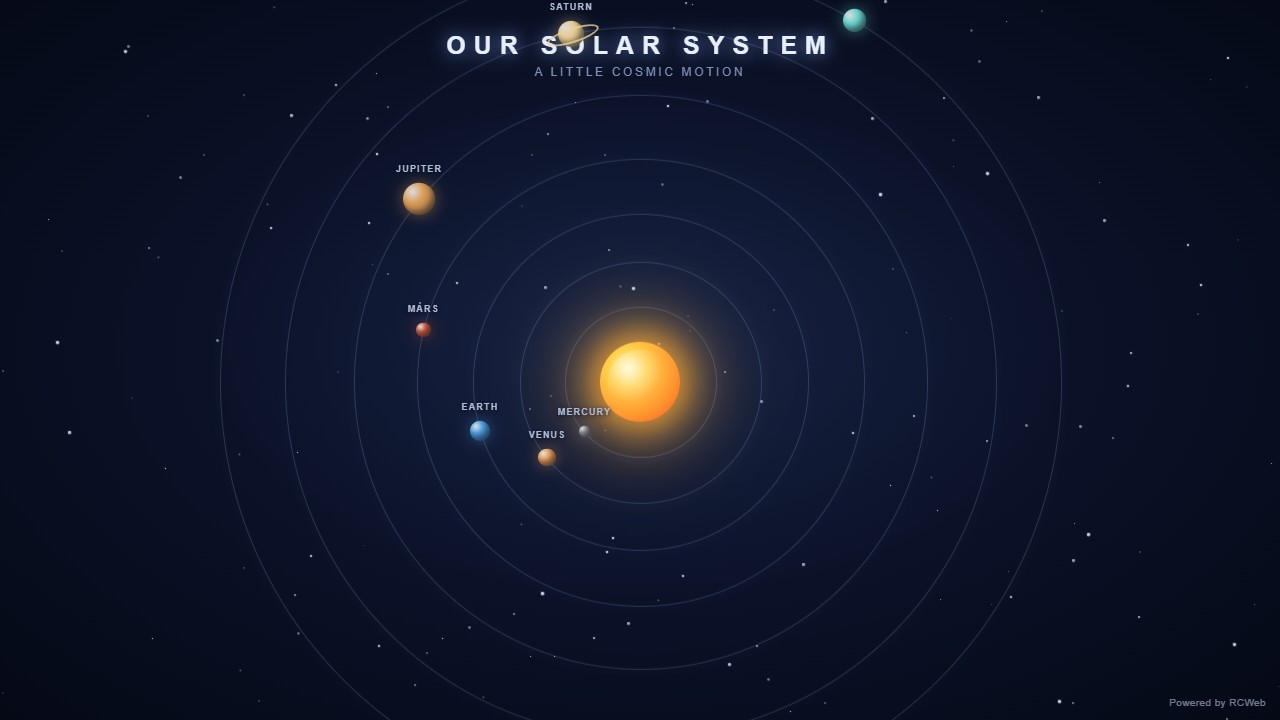
User: Create a stylised animated solar system on my screen, with a central sun and colourful planets moving slowly around visible orbits.
Assistant: The built-in assistant requested the display update. The conversation JSON includes the recorded responses and tool calls.
Tool: Executed through the actual RCWeb assistant in a dedicated local viewer room.
Assistant: I have created a stylised animated solar system on your screen with a glowing central sun, visible elliptical orbits, a subtle asteroid belt, and eight colourful planets moving slowly around the sun, including Saturn's rings, Earth's moon, and twinkling stars.
User: Create a stylised animated solar system on my screen, with a central sun and colourful planets moving slowly around visible orbits.
Assistant: The built-in assistant requested the display update. The conversation JSON includes the recorded responses and tool calls.
Tool: Executed through the actual RCWeb assistant in a dedicated local viewer room.
Assistant: I have created a stylised animated solar system with a central glowing sun, visible orbital paths, and colorful planets moving across your screen.
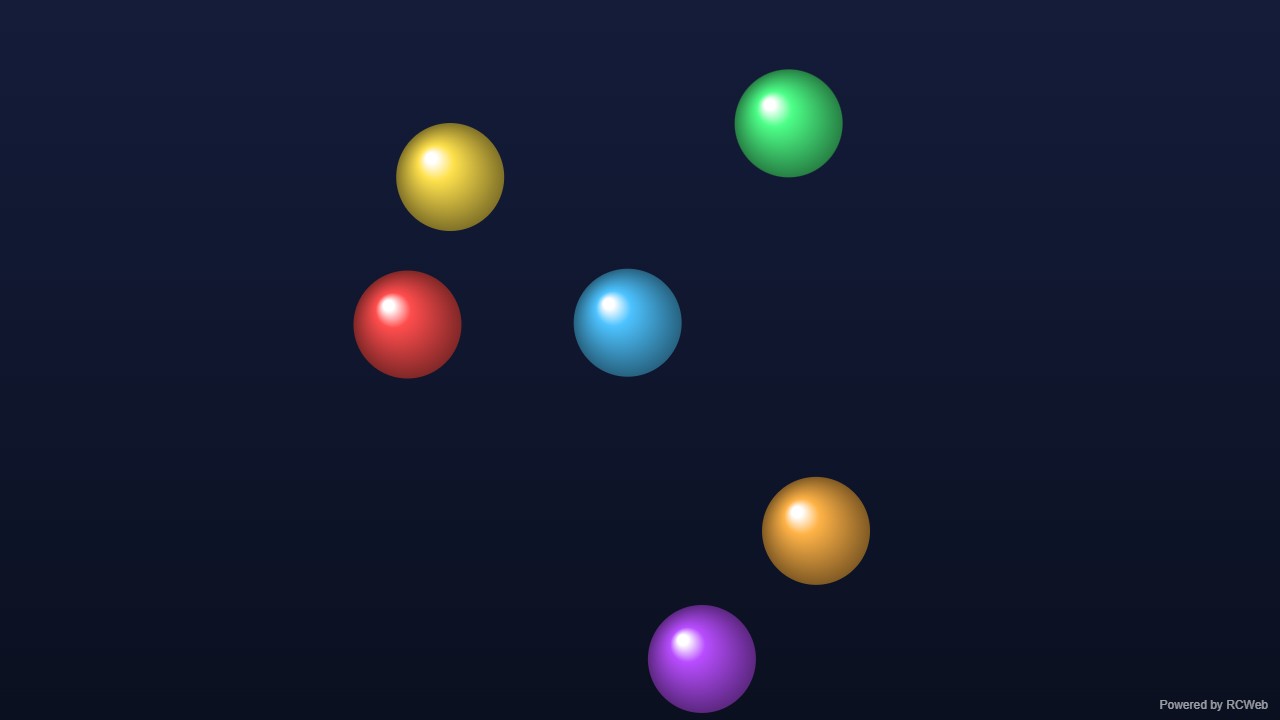
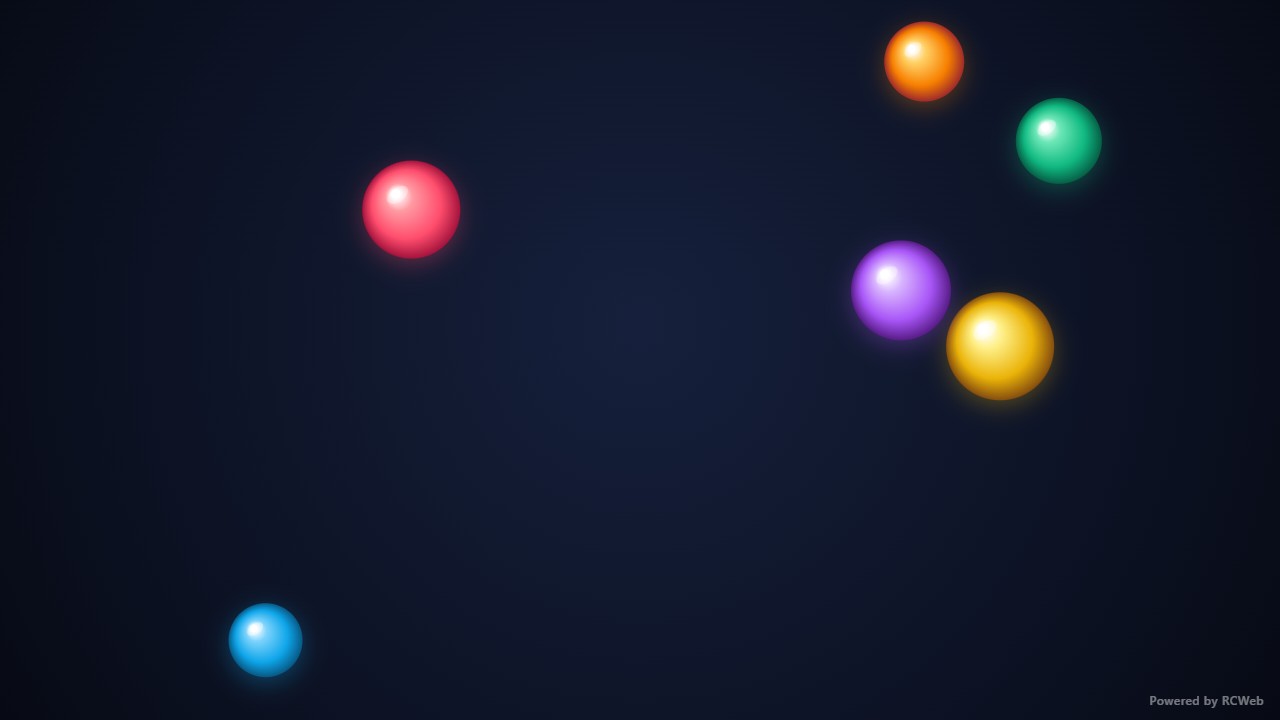
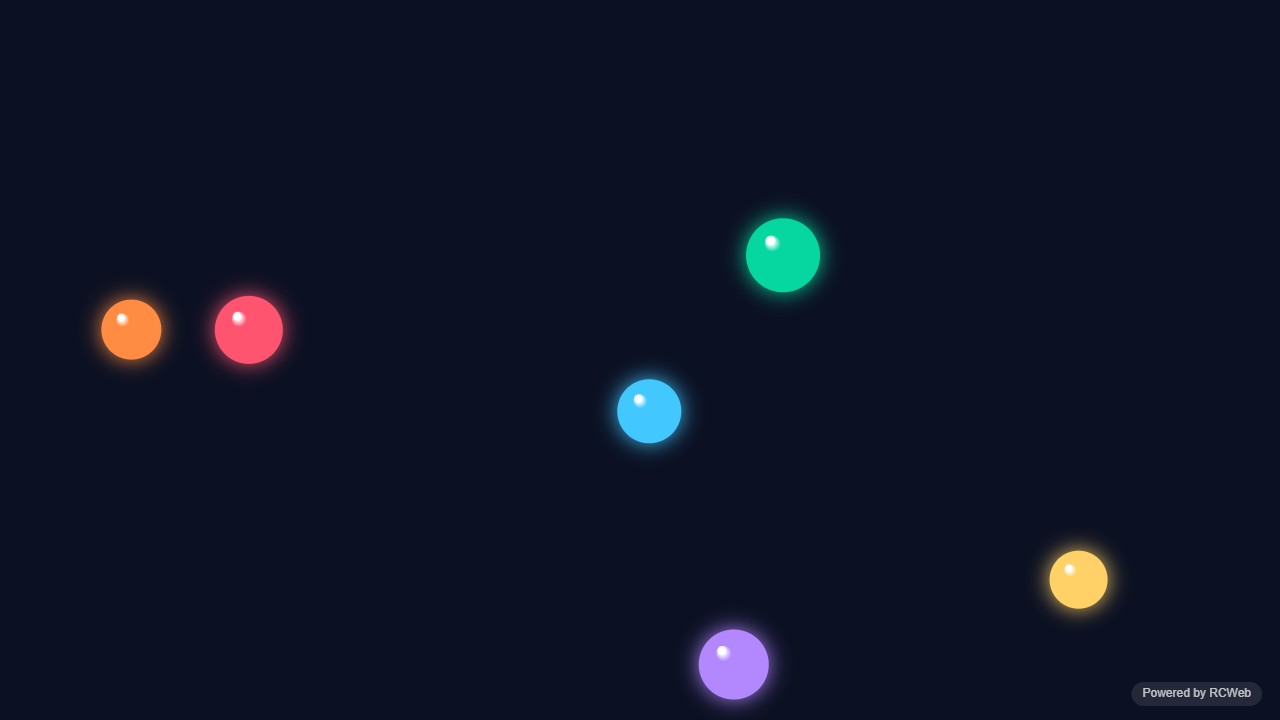
User: Show a bouncing ball simulation on my screen with six colourful balls that move smoothly, bounce off the edges and collide with each other.
Assistant: The built-in assistant requested the display update. The conversation JSON includes the recorded responses and tool calls.
Tool: Executed through the actual RCWeb assistant in a dedicated local viewer room.
Assistant: The bouncing ball simulation is now running on your screen (client tybhkhri). Six coloured balls move smoothly, bounce off all four edges and collide with each other, and a small "Powered by RCWeb" badge sits in the bottom-right corner. It fills the 1280×720 viewport and rescales if the window is resized.
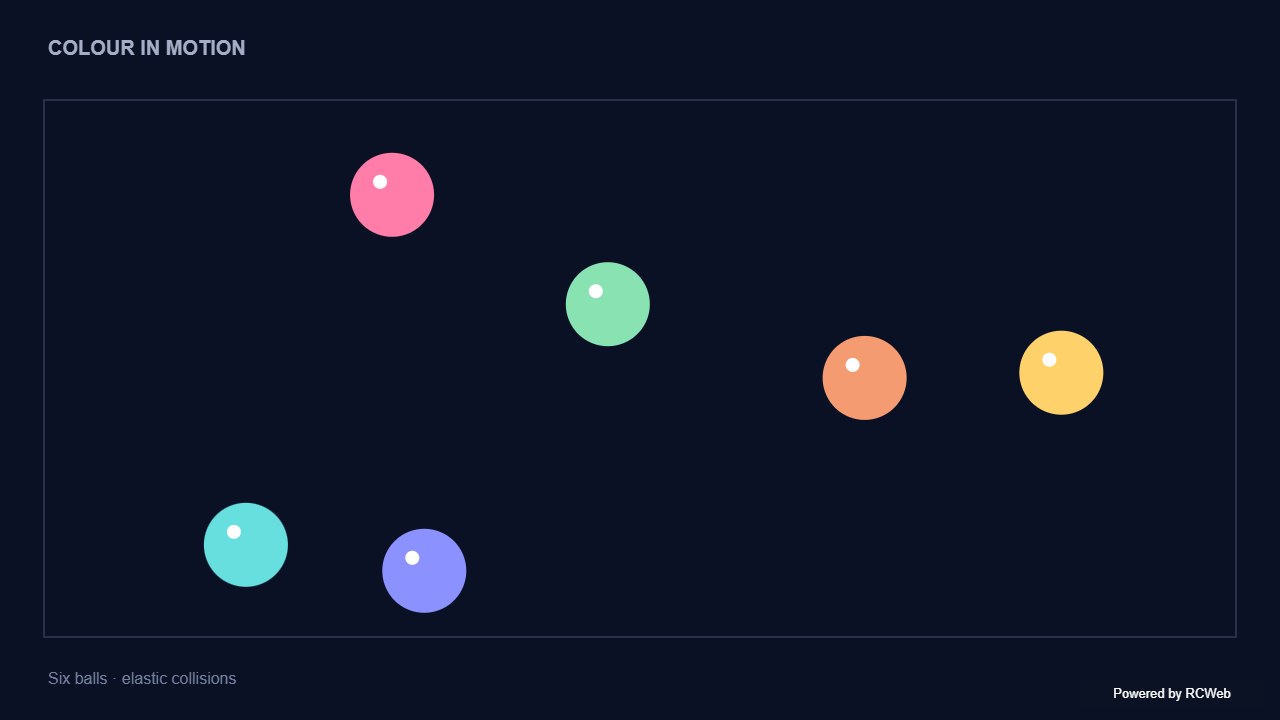
User: Show a bouncing ball simulation on my screen with six colourful balls that move smoothly, bounce off the edges and collide with each other.
Assistant: The built-in assistant requested the display update. The conversation JSON includes the recorded responses and tool calls.
Tool: Executed through the actual RCWeb assistant in a dedicated local viewer room.
Assistant: I have started the bouncing ball simulation on your screen with six colourful balls moving smoothly, bouncing off the edges, and colliding elastically with each other.
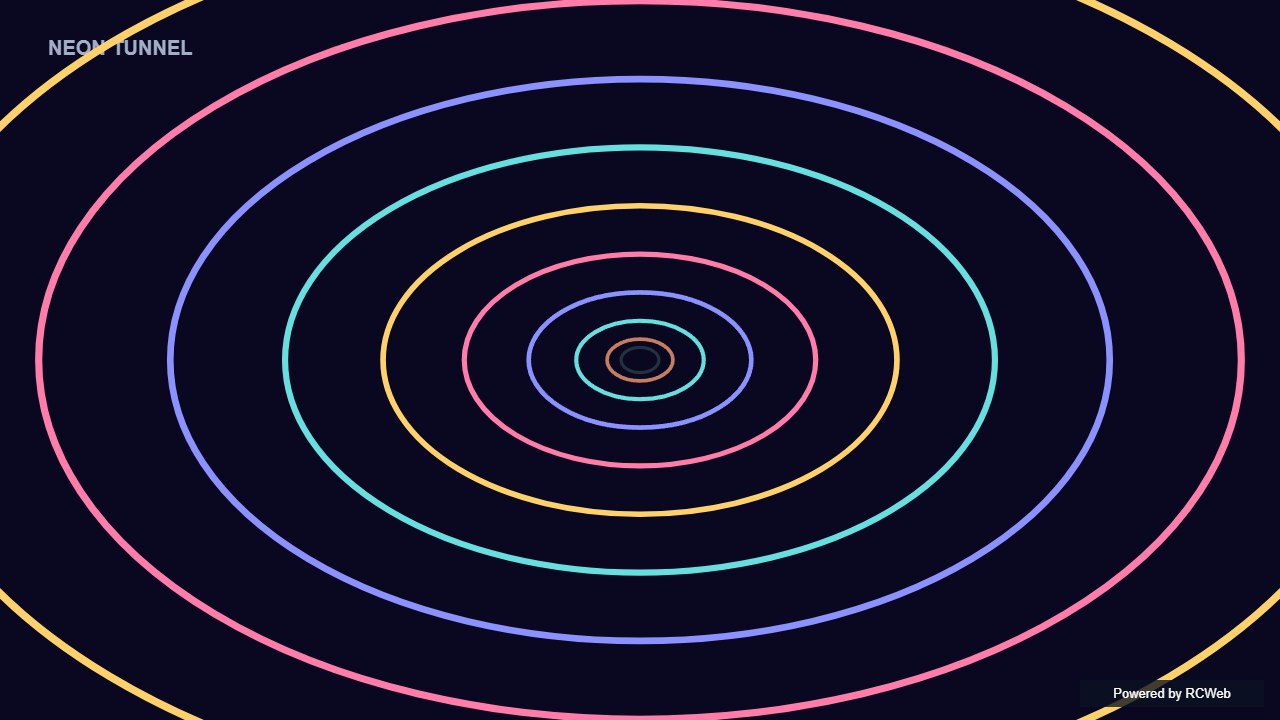
User: Show a simple neon tunnel: coloured rings expanding from the centre towards the edges on a dark background. Use flat bright colours, no glow filters.
Assistant: The built-in assistant requested the display update. The conversation JSON includes the recorded responses and tool calls.
Tool: Executed through the actual RCWeb assistant in a dedicated local viewer room.
Assistant: The neon tunnel is now running on client x8ri6pmg. Coloured rings expand from the centre towards the edges on a dark background, drawn as flat bright strokes with no glow. The rings thicken as they move outward, and a small "Powered by RCWeb" badge sits in the bottom-right corner. I haven't taken a screenshot to check the result visually.
User: Show a simple neon tunnel: coloured rings expanding from the centre towards the edges on a dark background. Use flat bright colours, no glow filters.
Assistant: In the simulated conversation, the assistant called execute_javascript to load the Codex-authored scene in an isolated viewer.
Tool: Rendered successfully in the isolated browser viewer at 1280 × 720.
Assistant: Bright flat-colour rings expand outwards from the centre, creating a looping tunnel without glow filters.
User: Show a simple neon tunnel: coloured rings expanding from the centre towards the edges on a dark background. Use flat bright colours, no glow filters.
Assistant: The built-in assistant requested the display update. The conversation JSON includes the recorded responses and tool calls.
Tool: Executed through the actual RCWeb assistant in a dedicated local viewer room.
Assistant: Displayed a full-screen neon tunnel on the screen with bright, flat-coloured rings expanding smoothly from the centre toward the edges on a dark background, with no glow filters.
User: Show a simple neon tunnel: coloured rings expanding from the centre towards the edges on a dark background. Use flat bright colours, no glow filters.
Assistant: The built-in assistant requested the display update. The conversation JSON includes the recorded responses and tool calls.
Tool: Executed through the actual RCWeb assistant in a dedicated local viewer room.
Assistant: Here is the simple neon tunnel animation with expanding geometric rings on a dark background.
User: Show a simple neon tunnel: coloured rings expanding from the centre towards the edges on a dark background. Use flat bright colours, no glow filters.
Assistant: The built-in assistant requested the display update. The conversation JSON includes the recorded responses and tool calls.
Tool: Executed through the actual RCWeb assistant in a dedicated local viewer room.
Assistant: Done — the screen now shows bright, flat-coloured rings expanding across a dark background, with no glow effects.
User: Show simple fireworks on a dark background: small groups of coloured dots burst outwards and fade, then repeat at random positions. Keep particle counts low.
Assistant: The built-in assistant requested the display update. The conversation JSON includes the recorded responses and tool calls.
Tool: Executed through the actual RCWeb assistant in a dedicated local viewer room.
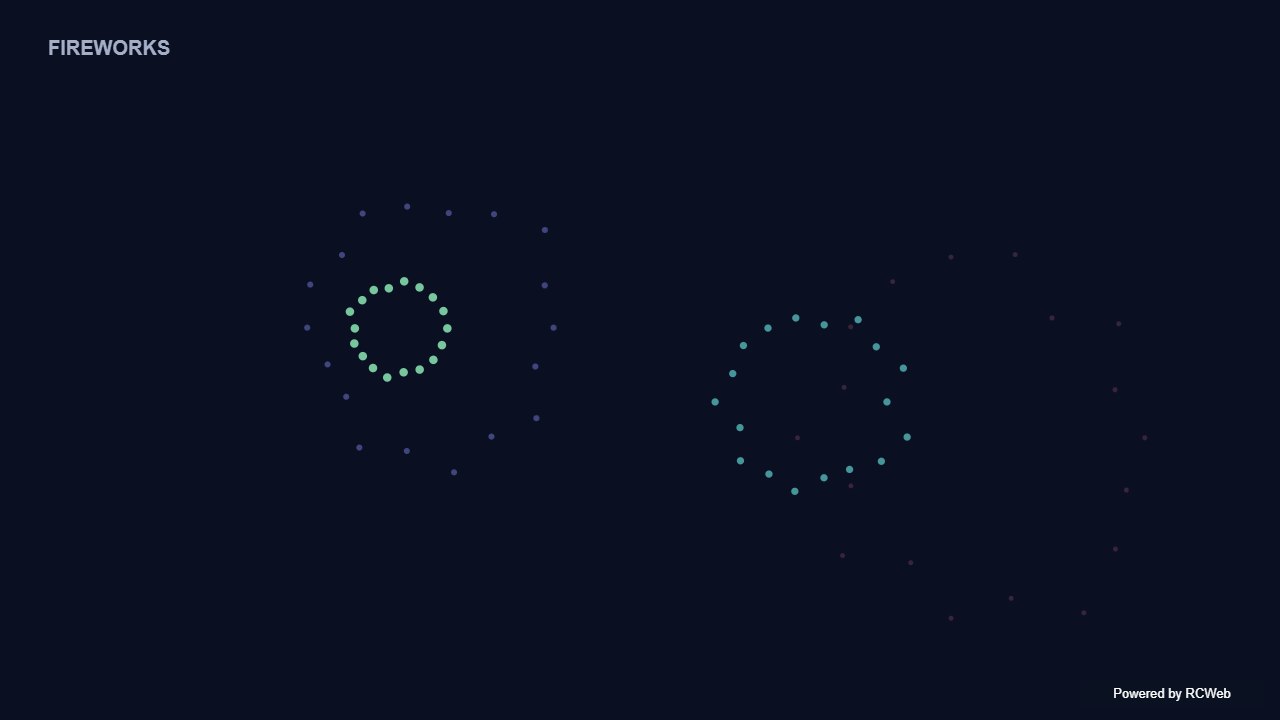
Assistant: The fireworks display is running on screen qxjx36k5. Small groups of coloured dots burst outward from random positions, fade out, and the next burst follows after a short pause. Each burst uses about 14 to 19 dots, and the background is dark with a small "Powered by RCWeb" badge in the bottom-right corner.
User: Show simple fireworks on a dark background: small groups of coloured dots burst outwards and fade, then repeat at random positions. Keep particle counts low.
Assistant: In the simulated conversation, the assistant called execute_javascript to load the Codex-authored scene in an isolated viewer.
Tool: Rendered successfully in the isolated browser viewer at 1280 × 720.
Assistant: Small groups of coloured dots burst and fade at seeded positions across a dark sky.
User: Show simple fireworks on a dark background: small groups of coloured dots burst outwards and fade, then repeat at random positions. Keep particle counts low.
Assistant: The built-in assistant requested the display update. The conversation JSON includes the recorded responses and tool calls.
Tool: Executed through the actual RCWeb assistant in a dedicated local viewer room.
Assistant: Displayed simple fireworks on a dark background on the screen. Small groups of coloured dots burst outward, fade out, and repeat at random positions with low particle counts.
User: Show simple fireworks on a dark background: small groups of coloured dots burst outwards and fade, then repeat at random positions. Keep particle counts low.
Assistant: The built-in assistant requested the display update. The conversation JSON includes the recorded responses and tool calls.
Tool: Executed through the actual RCWeb assistant in a dedicated local viewer room.
Assistant: Simple fireworks are now playing on the screen.
User: Show simple fireworks on a dark background: small groups of coloured dots burst outwards and fade, then repeat at random positions. Keep particle counts low.
Assistant: The built-in assistant requested the display update. The conversation JSON includes the recorded responses and tool calls.
Tool: Executed through the actual RCWeb assistant in a dedicated local viewer room.
Assistant: Simple fireworks are running on a dark background, with small bursts of coloured dots appearing at random positions and fading out.
Show simple fireworks on a dark background: small groups of coloured dots burst outwards and fade, then repeat at random positions. Keep particle counts low.
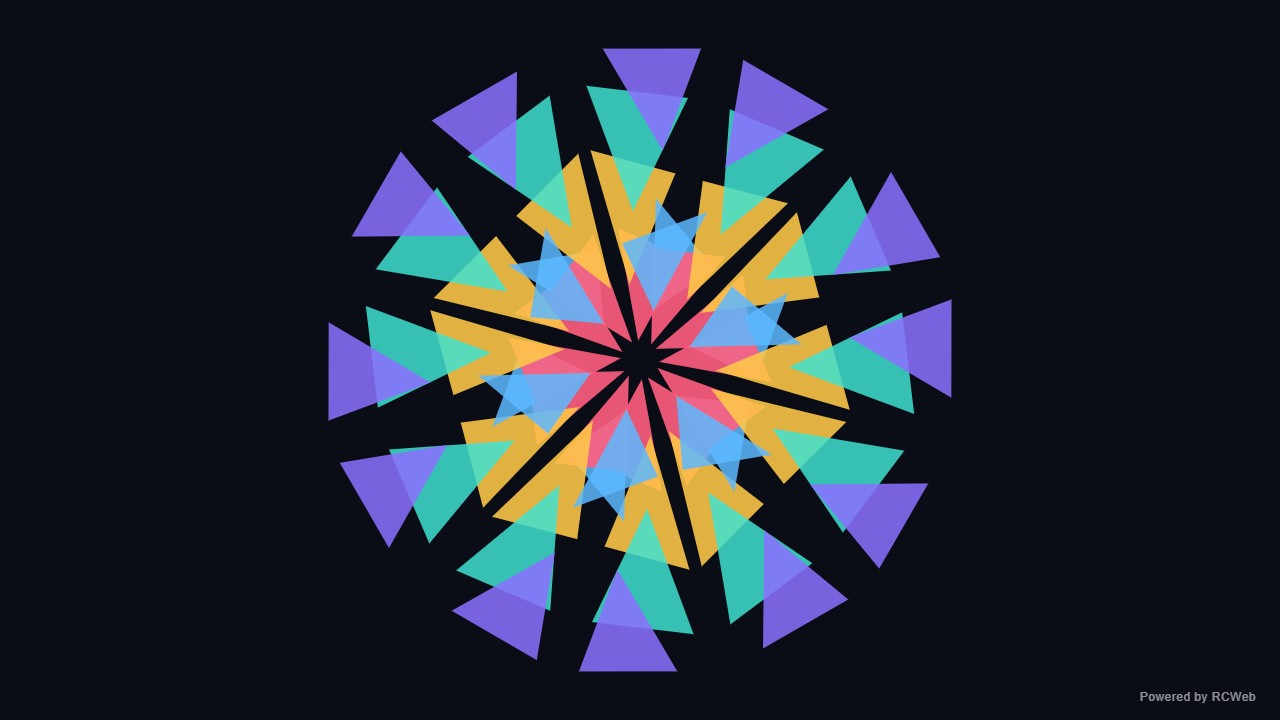
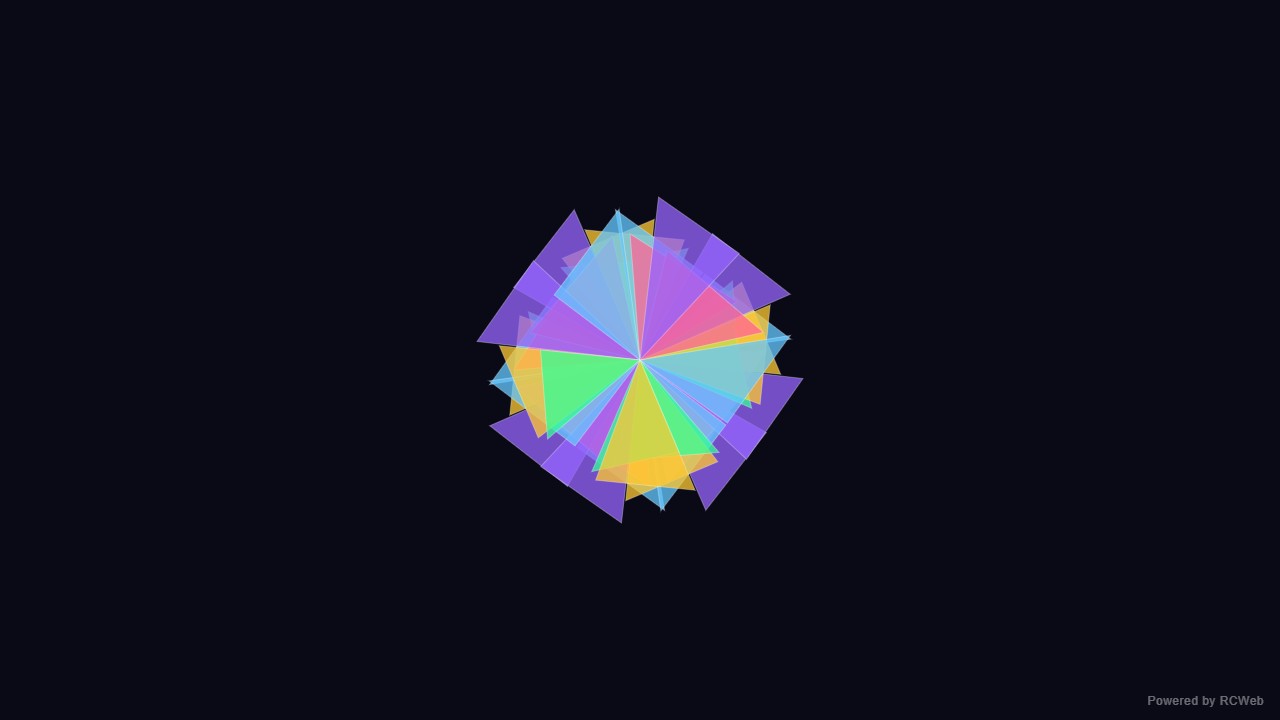
User: Show a simple kaleidoscope using a few coloured triangles repeated symmetrically around the centre and rotating slowly. Use basic 2D shapes only.
Assistant: The built-in assistant requested the display update. The conversation JSON includes the recorded responses and tool calls.
Tool: Executed through the actual RCWeb assistant in a dedicated local viewer room.
Assistant: The kaleidoscope is running on screen s5sq9jxk. It has six mirrored segments, each with four coloured triangles (pink, yellow, green and blue) and a white centre dot, and it rotates slowly while the triangles pulse in size. A small "Powered by RCWeb" badge sits in the bottom-right corner.
User: Show a simple kaleidoscope using a few coloured triangles repeated symmetrically around the centre and rotating slowly. Use basic 2D shapes only.
Assistant: In the simulated conversation, the assistant called execute_javascript to load the Codex-authored scene in an isolated viewer.
Tool: Rendered successfully in the isolated browser viewer at 1280 × 720.
Assistant: Repeated triangles rotate in six-fold symmetry, forming an animated kaleidoscope.
User: Show a simple kaleidoscope using a few coloured triangles repeated symmetrically around the centre and rotating slowly. Use basic 2D shapes only.
Assistant: The built-in assistant requested the display update. The conversation JSON includes the recorded responses and tool calls.
Tool: Executed through the actual RCWeb assistant in a dedicated local viewer room.
Assistant: Displayed a simple rotating kaleidoscope on the screen using 2D coloured triangles arranged with 6-fold mirrored symmetry around the centre.
User: Show a simple kaleidoscope using a few coloured triangles repeated symmetrically around the centre and rotating slowly. Use basic 2D shapes only.
Assistant: The built-in assistant requested the display update. The conversation JSON includes the recorded responses and tool calls.
Tool: Executed through the actual RCWeb assistant in a dedicated local viewer room.
Assistant: A rotating kaleidoscope with coloured triangles has been created on the screen.
User: Show a simple kaleidoscope using a few coloured triangles repeated symmetrically around the centre and rotating slowly. Use basic 2D shapes only.
Assistant: The built-in assistant requested the display update. The conversation JSON includes the recorded responses and tool calls.
Tool: Executed through the actual RCWeb assistant in a dedicated local viewer room.
Assistant: A simple, slowly rotating kaleidoscope of coloured triangles is now displayed.
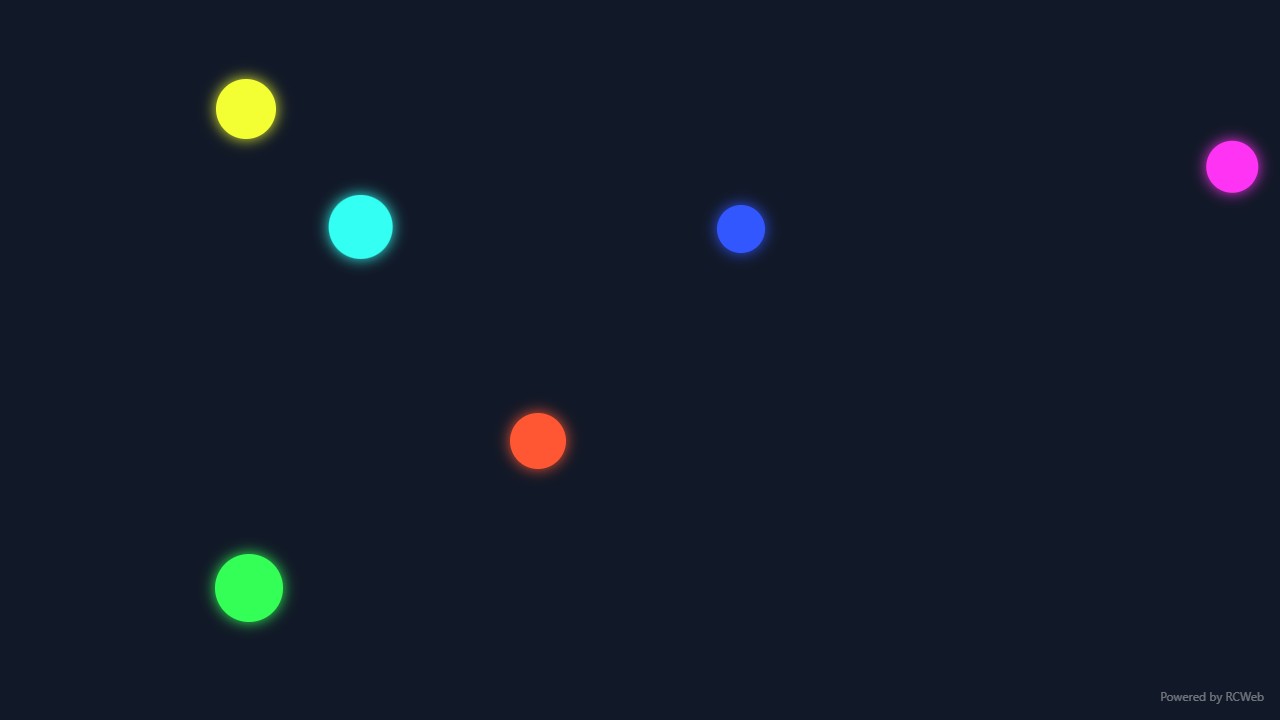
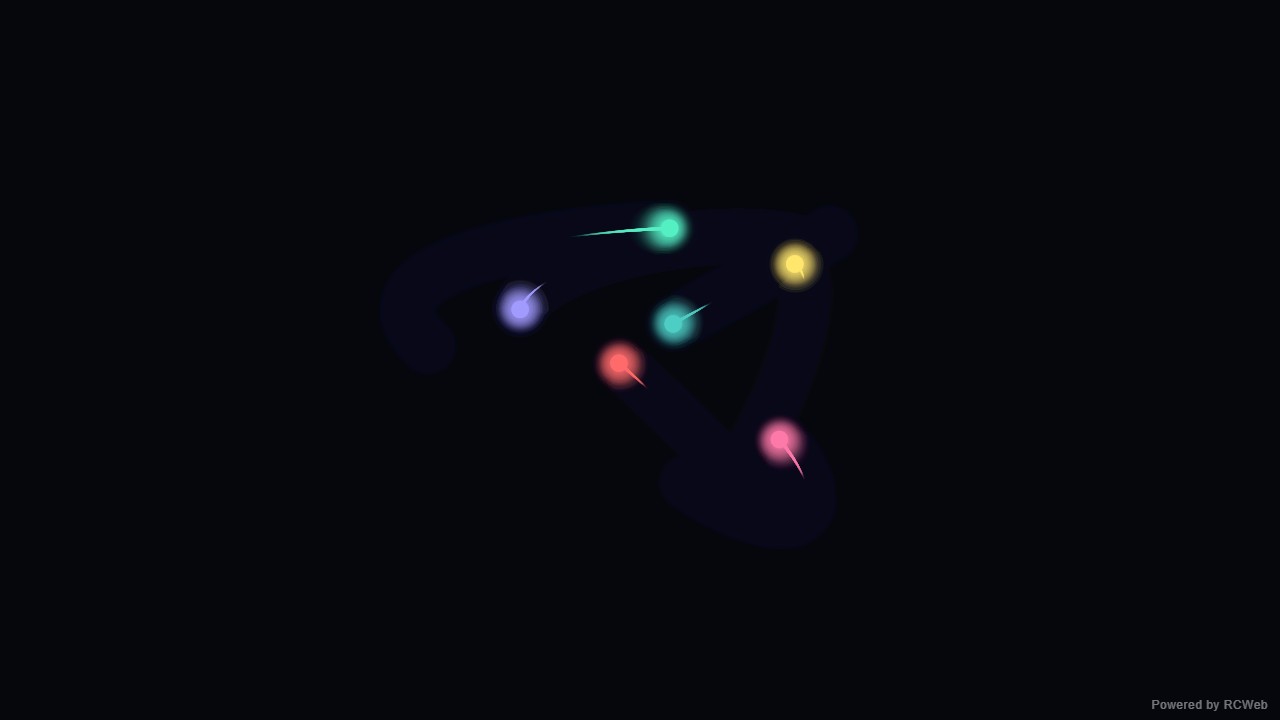
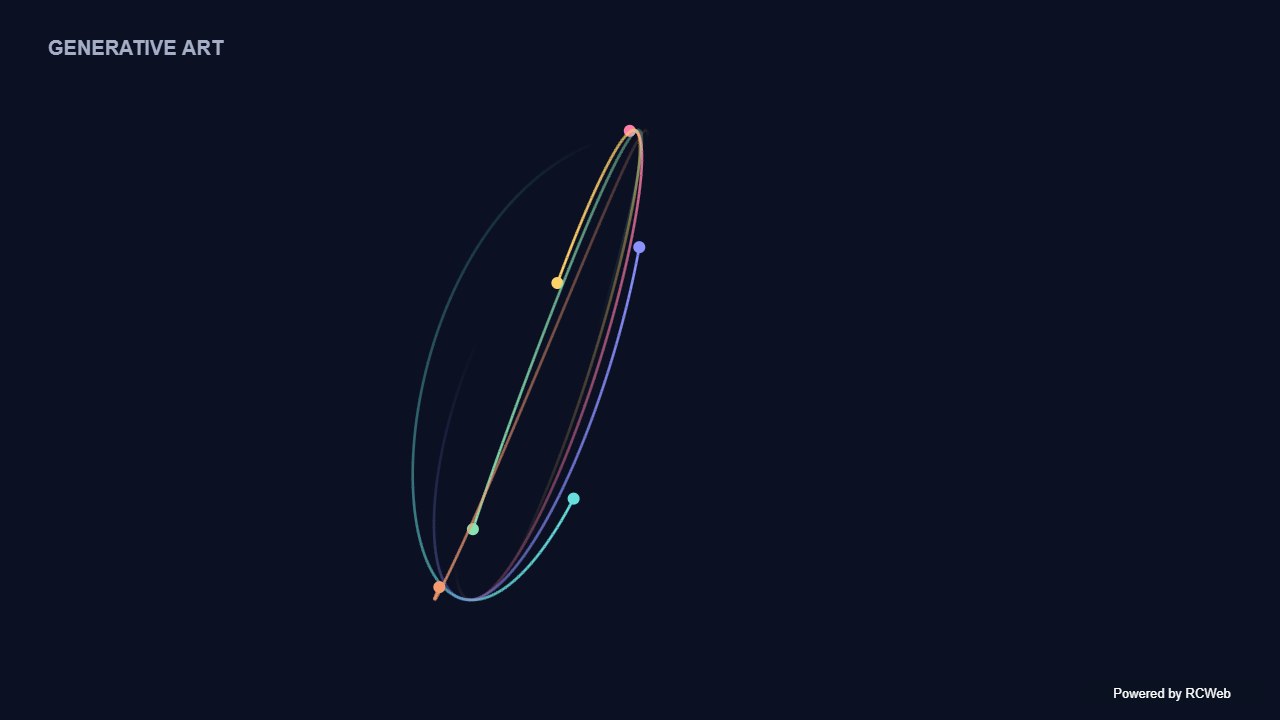
User: Show simple generative art with a small number of coloured dots moving in smooth curves and leaving gradually fading trails on a dark background.
Assistant: The built-in assistant requested the display update. The conversation JSON includes the recorded responses and tool calls.
Tool: Executed through the actual RCWeb assistant in a dedicated local viewer room.
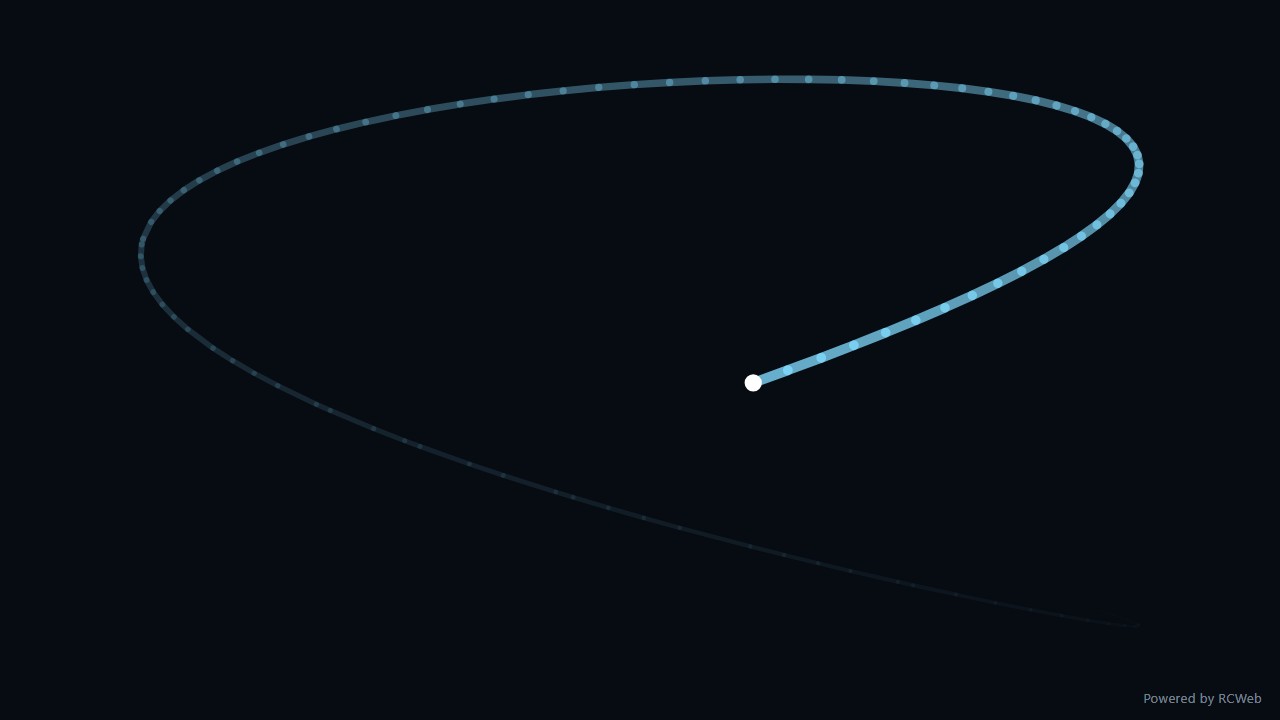
Assistant: The generative art is now running on screen ycgr2pws in room hk18-187d. Six coloured dots drift along smooth, looping curves on a dark background, each leaving a trail that fades gradually. A small "Powered by RCWeb" badge sits in the bottom-right corner. The animation resizes with the window and cleans up when the view is replaced.
User: Show simple generative art with a small number of coloured dots moving in smooth curves and leaving gradually fading trails on a dark background.
Assistant: In the simulated conversation, the assistant called execute_javascript to load the Codex-authored scene in an isolated viewer.
Tool: Rendered successfully in the isolated browser viewer at 1280 × 720.
Assistant: Six dots follow smooth curves, with short fading trails drawing a flowing abstract composition.
User: Show simple generative art with a small number of coloured dots moving in smooth curves and leaving gradually fading trails on a dark background.
Assistant: The built-in assistant requested the display update. The conversation JSON includes the recorded responses and tool calls.
Tool: Executed through the actual RCWeb assistant in a dedicated local viewer room.
Assistant: Displayed full-screen generative art on the screen with 7 coloured glowing dots moving along smooth harmonic curves and leaving tapered, gradually fading trails on a dark background.
User: Show simple generative art with a small number of coloured dots moving in smooth curves and leaving gradually fading trails on a dark background.
Assistant: The built-in assistant requested the display update. The conversation JSON includes the recorded responses and tool calls.
Tool: Executed through the actual RCWeb assistant in a dedicated local viewer room.
Assistant: Simple generative art with smooth moving coloured dots and fading trails has been displayed.
User: Show simple generative art with a small number of coloured dots moving in smooth curves and leaving gradually fading trails on a dark background.
Assistant: The built-in assistant requested the display update. The conversation JSON includes the recorded responses and tool calls.
Tool: Executed through the actual RCWeb assistant in a dedicated local viewer room.
Assistant: Created a dark generative display with six coloured dots moving in smooth curves and leaving fading trails.
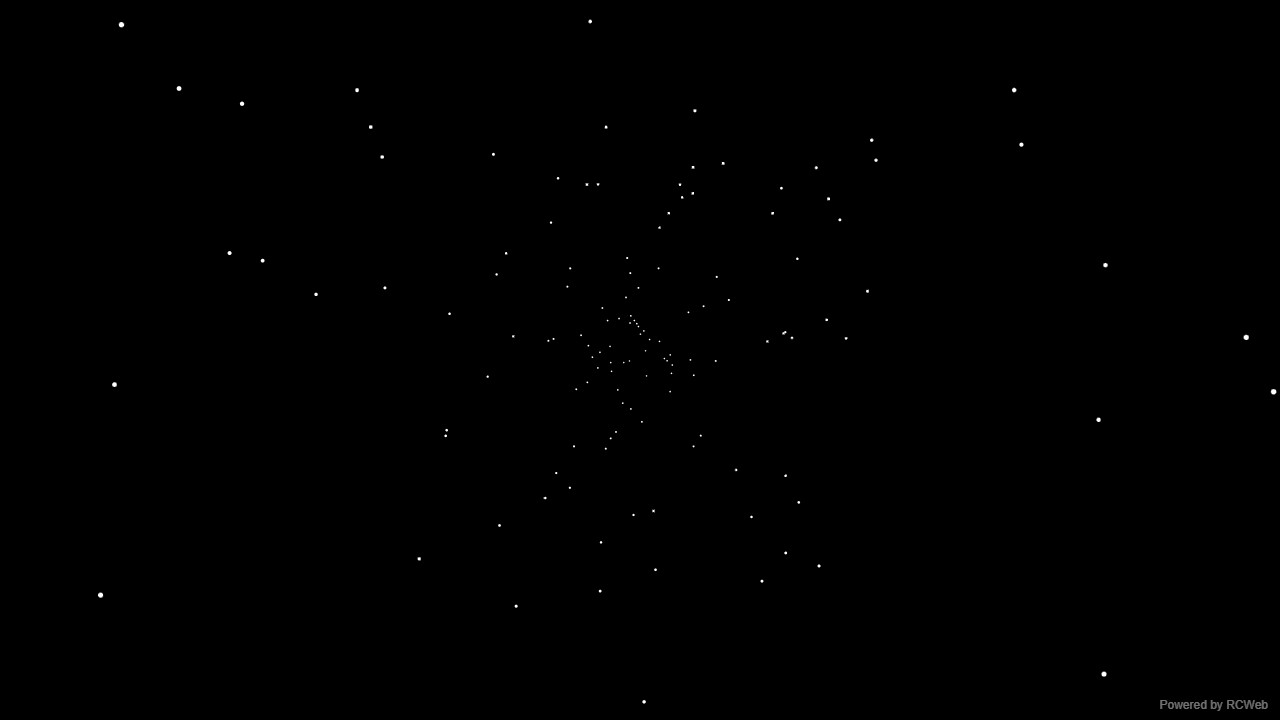
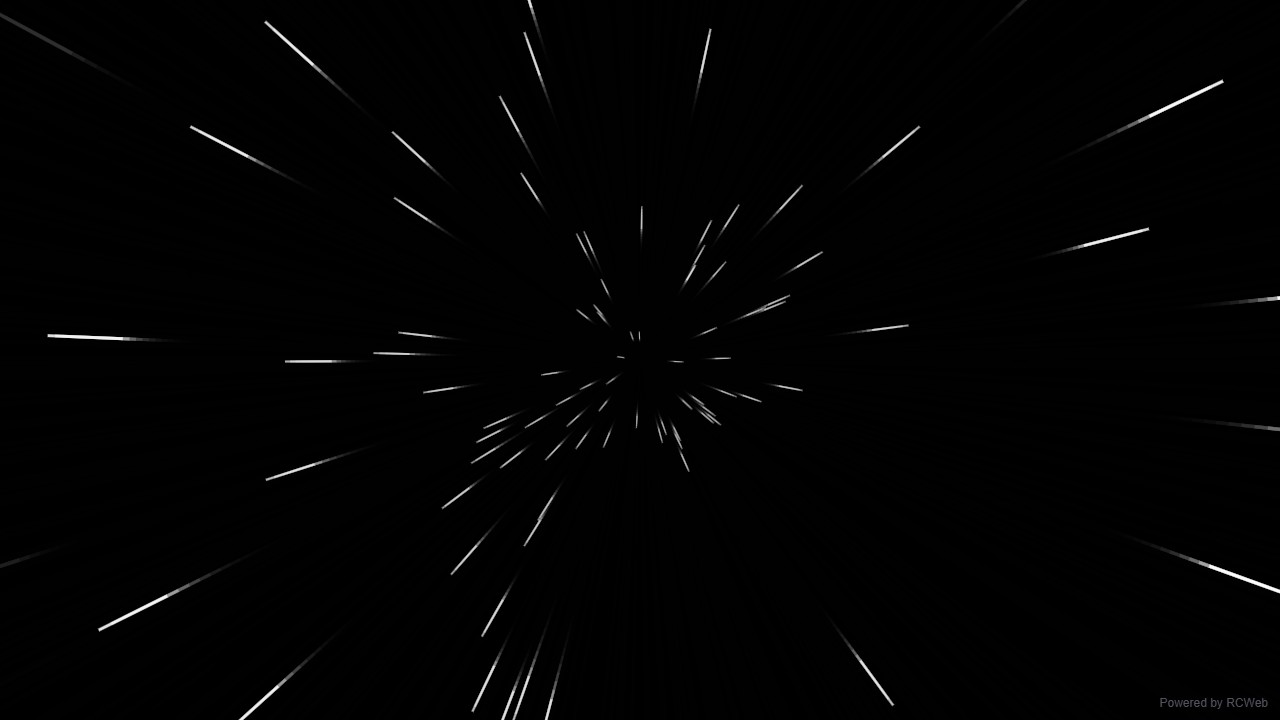
User: Show a simple flying starfield: white dots stream outwards from the centre on a black background, growing slightly as they approach the edges. Keep the star count modest.
Assistant: The built-in assistant requested the display update. The conversation JSON includes the recorded responses and tool calls.
Tool: Executed through the actual RCWeb assistant in a dedicated local viewer room.
Assistant: The starfield is running on client 4uh667ta. It has 150 white dots on black that stream outward from the centre and grow as they move toward the edges. A small "Powered by RCWeb" badge sits in the bottom-right corner. The animation is cleaned up automatically when the view is replaced.
User: Show a simple flying starfield: white dots stream outwards from the centre on a black background, growing slightly as they approach the edges. Keep the star count modest.
Assistant: In the simulated conversation, the assistant called execute_javascript to load the Codex-authored scene in an isolated viewer.
Tool: Rendered successfully in the isolated browser viewer at 1280 × 720.
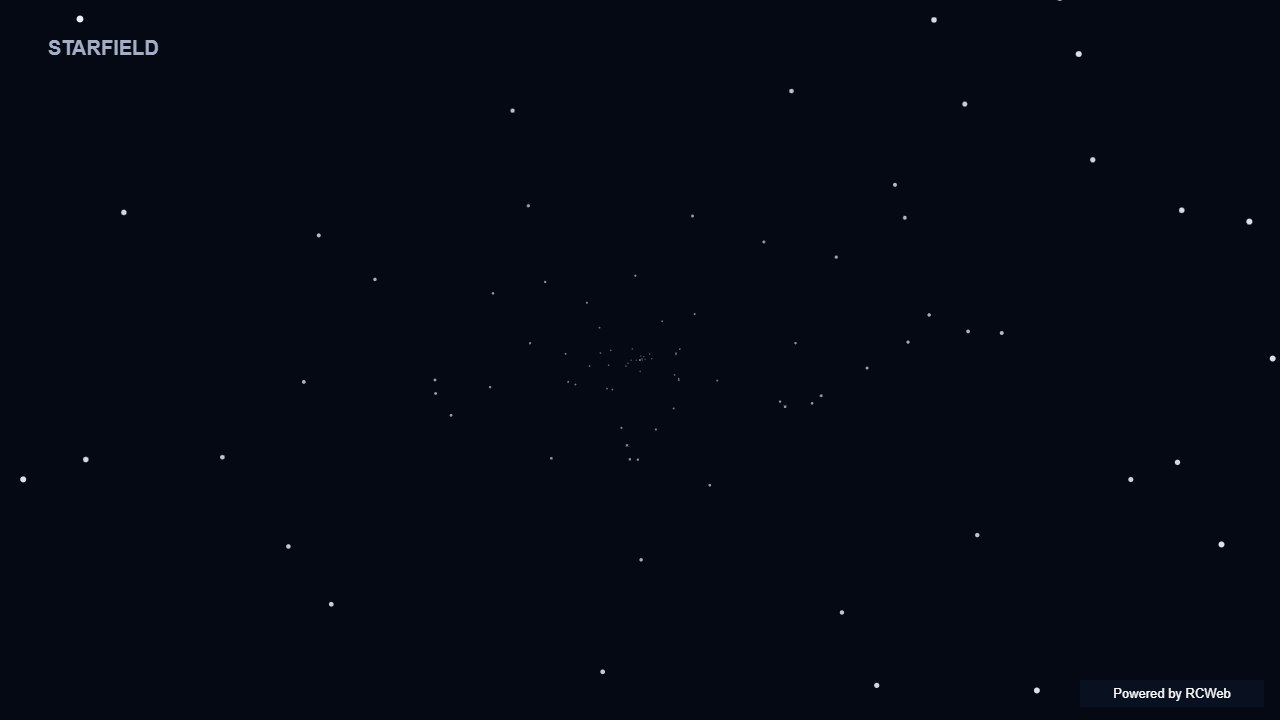
Assistant: A modest field of white stars travels outwards, growing as it approaches the screen edge.
User: Show a simple flying starfield: white dots stream outwards from the centre on a black background, growing slightly as they approach the edges. Keep the star count modest.
Assistant: The built-in assistant requested the display update. The conversation JSON includes the recorded responses and tool calls.
Tool: Executed through the actual RCWeb assistant in a dedicated local viewer room.
Assistant: Displayed a flying starfield on a black background with 120 white dots streaming outward from the centre and growing slightly toward the edges.
User: Show a simple flying starfield: white dots stream outwards from the centre on a black background, growing slightly as they approach the edges. Keep the star count modest.
Assistant: The built-in assistant requested the display update. The conversation JSON includes the recorded responses and tool calls.
Tool: Executed through the actual RCWeb assistant in a dedicated local viewer room.
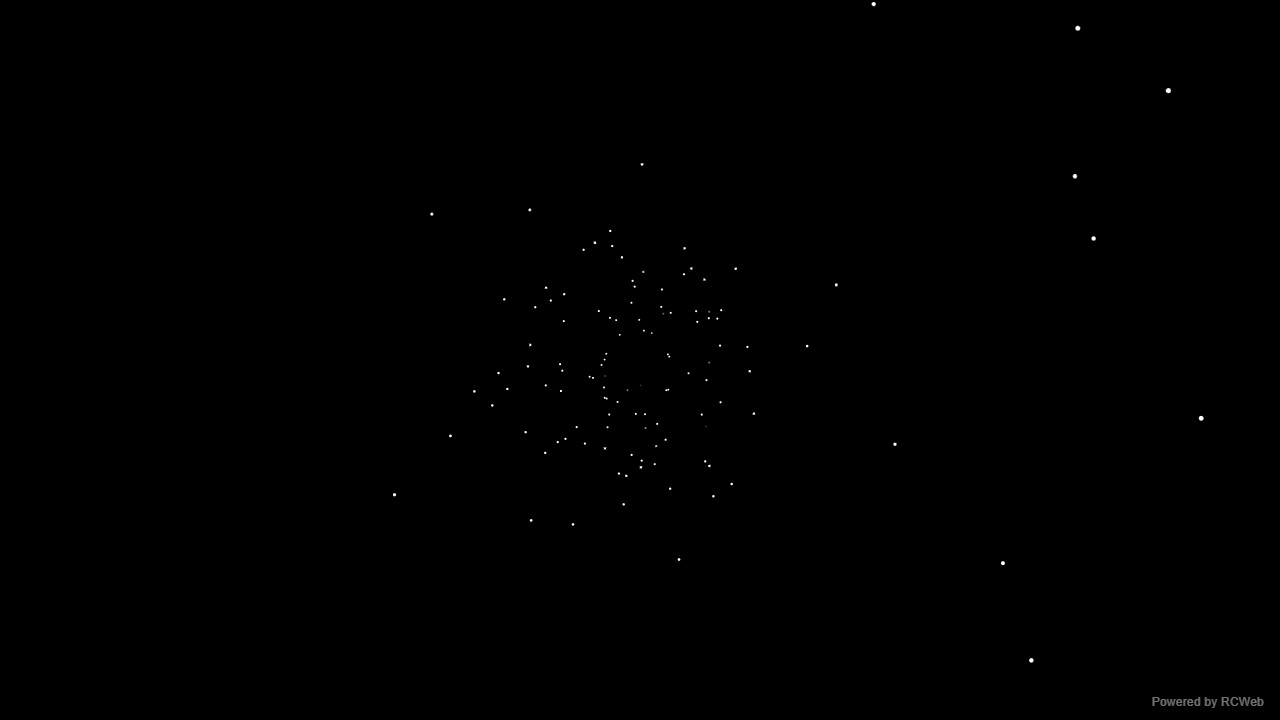
Assistant: I have created a simple flying starfield animation with white dots streaming outwards from the centre.
User: Show a simple flying starfield: white dots stream outwards from the centre on a black background, growing slightly as they approach the edges. Keep the star count modest.
Assistant: The built-in assistant requested the display update. The conversation JSON includes the recorded responses and tool calls.
Tool: Executed through the actual RCWeb assistant in a dedicated local viewer room.
Assistant: Done — a simple black starfield with 92 white dots streaming outward and growing slightly toward the edges.
Show a simple flying starfield: white dots stream outwards from the centre on a black background, growing slightly as they approach the edges. Keep the star count modest.
User: Show a simple retro DVD screensaver: the text DVD moves diagonally across a black screen, bounces off the edges and changes colour on each bounce. Draw the label as text.
Assistant: The built-in assistant requested the display update. The conversation JSON includes the recorded responses and tool calls.
Tool: Executed through the actual RCWeb assistant in a dedicated local viewer room.
Assistant: The DVD screensaver is running on screen gkm82z93. The "DVD" label moves diagonally across a black background, bounces off all four edges, and changes colour on each bounce. It is drawn as live text, with a small "Powered by RCWeb" badge in the bottom-right corner.
User: Show a simple retro DVD screensaver: the text DVD moves diagonally across a black screen, bounces off the edges and changes colour on each bounce. Draw the label as text.
Assistant: In the simulated conversation, the assistant called execute_javascript to load the Codex-authored scene in an isolated viewer.
Tool: Rendered successfully in the isolated browser viewer at 1280 × 720.
Assistant: The DVD text bounces diagonally and changes colour each time it reaches a screen boundary.
User: Show a simple retro DVD screensaver: the text DVD moves diagonally across a black screen, bounces off the edges and changes colour on each bounce. Draw the label as text.
Assistant: The built-in assistant requested the display update. The conversation JSON includes the recorded responses and tool calls.
Tool: Executed through the actual RCWeb assistant in a dedicated local viewer room.
Assistant: The retro DVD screensaver is now running on the screen. The text DVD moves diagonally across the black background, bounces off the screen edges, and cycles to a new colour on each bounce.
User: Show a simple retro DVD screensaver: the text DVD moves diagonally across a black screen, bounces off the edges and changes colour on each bounce. Draw the label as text.
Assistant: The built-in assistant requested the display update. The conversation JSON includes the recorded responses and tool calls.
Tool: Executed through the actual RCWeb assistant in a dedicated local viewer room.
Assistant: I have created a retro DVD screensaver where the DVD logo moves diagonally, bounces off the edges, and changes color on each bounce.
User: Show a simple retro DVD screensaver: the text DVD moves diagonally across a black screen, bounces off the edges and changes colour on each bounce. Draw the label as text.
Assistant: The built-in assistant requested the display update. The conversation JSON includes the recorded responses and tool calls.
Tool: Executed through the actual RCWeb assistant in a dedicated local viewer room.
Assistant: The retro DVD screensaver is running. The text bounces diagonally across the black screen and changes colour at each edge.
Show a simple retro DVD screensaver: the text DVD moves diagonally across a black screen, bounces off the edges and changes colour on each bounce. Draw the label as text.
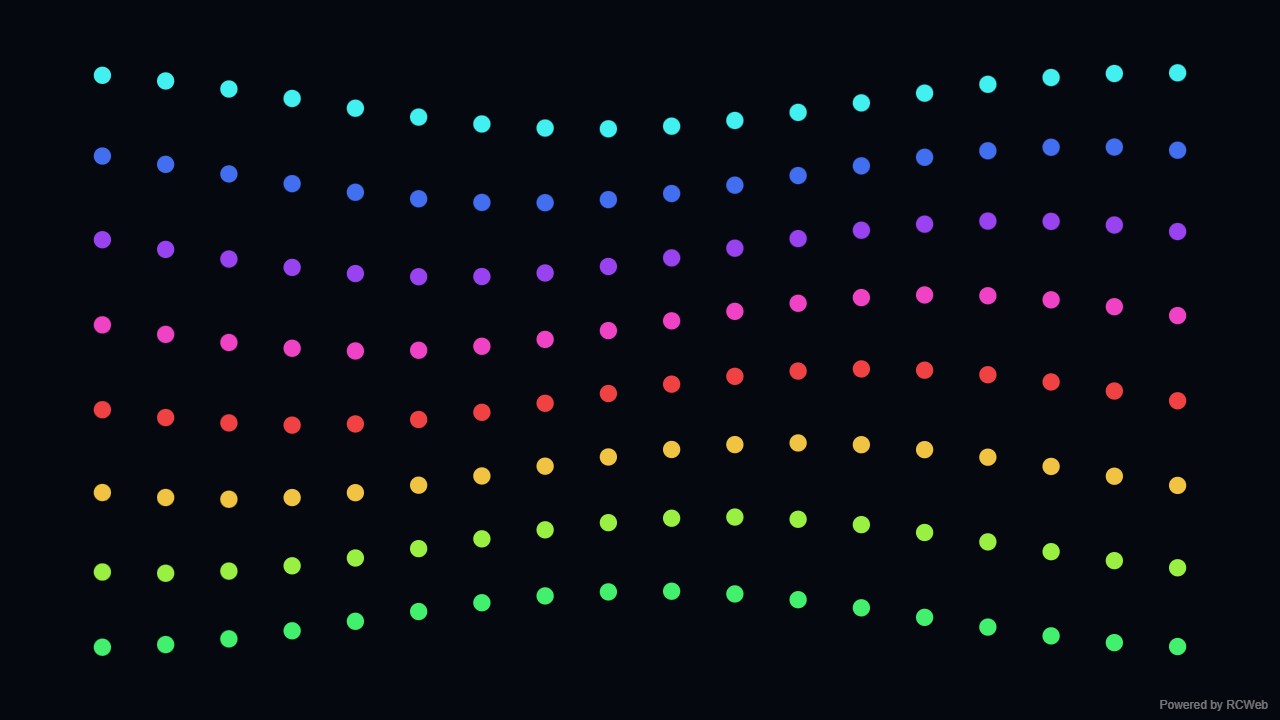
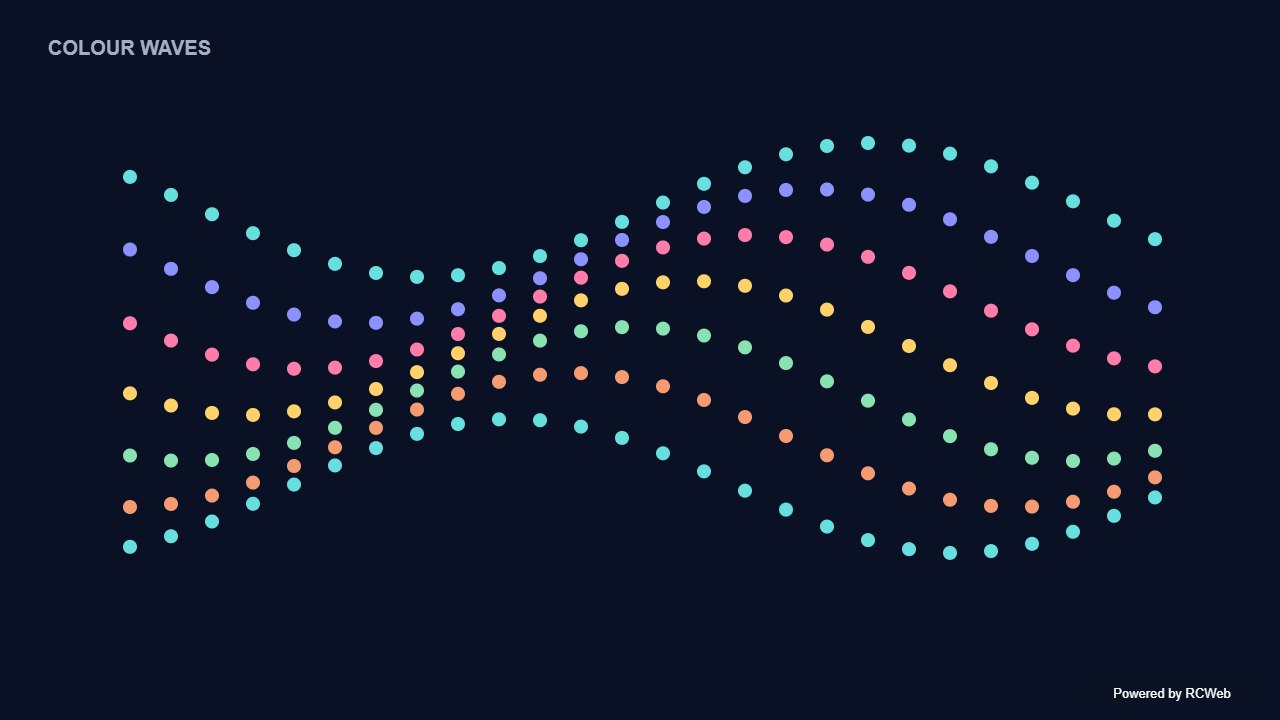
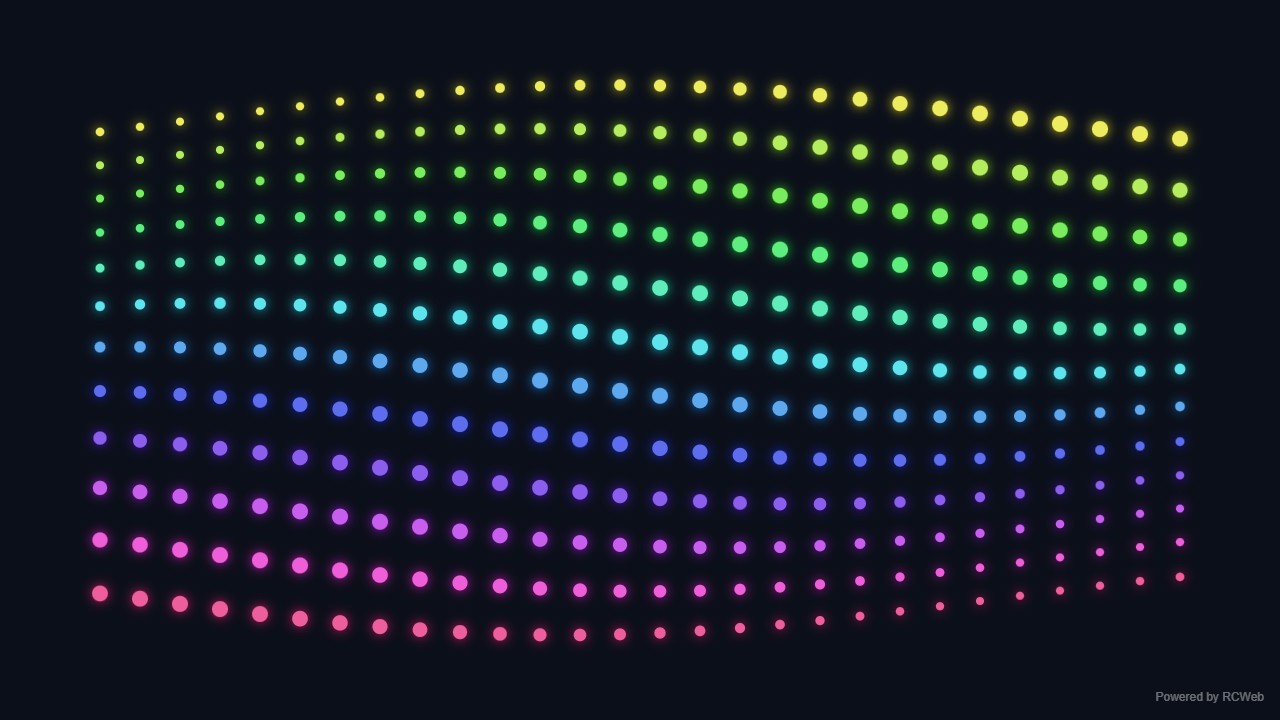
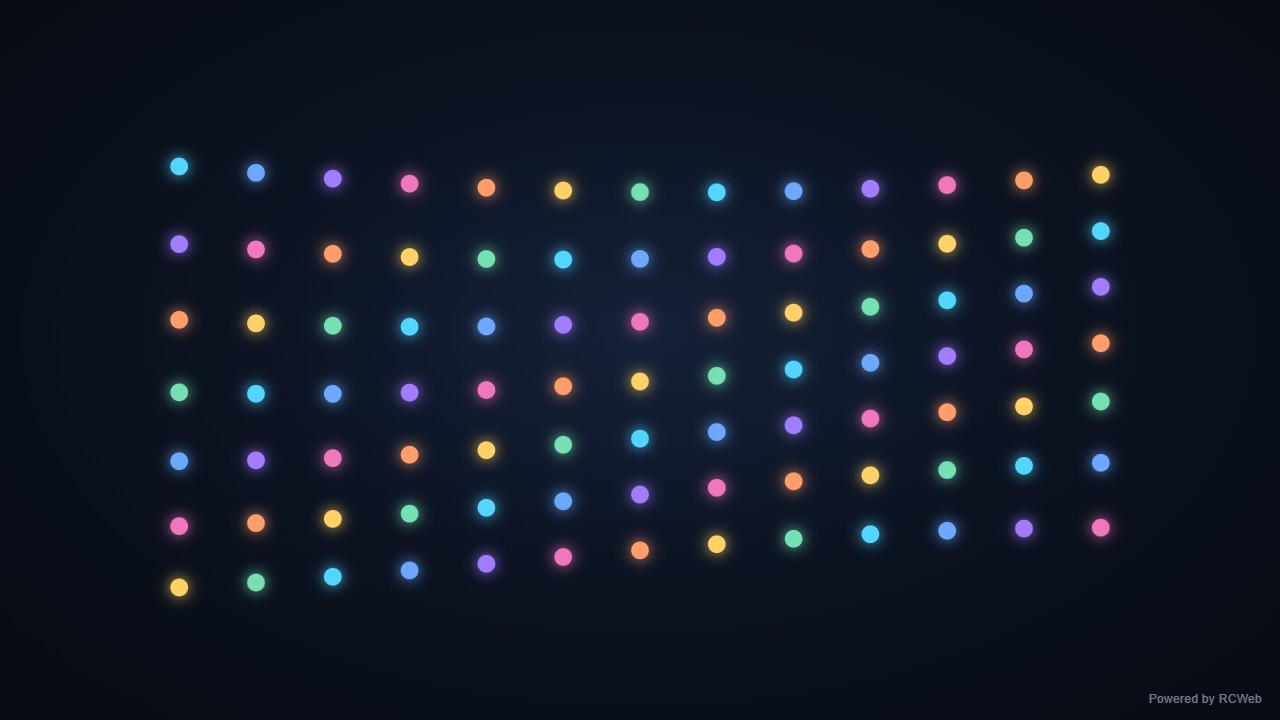
User: Show rows of coloured dots moving up and down in smooth sine waves, with a small phase offset between rows. Keep the dot count modest and use a dark background.
Assistant: The built-in assistant requested the display update. The conversation JSON includes the recorded responses and tool calls.
Tool: Executed through the actual RCWeb assistant in a dedicated local viewer room.
Assistant: The display is running on screen zzem3kjp. It shows 8 rows of 18 coloured dots on a dark background. Each row moves in a smooth sine wave, and each row lags the one above by a small phase offset, so the motion ripples down the display. A small "Powered by RCWeb" badge sits in the bottom-right corner.
User: Show rows of coloured dots moving up and down in smooth sine waves, with a small phase offset between rows. Keep the dot count modest and use a dark background.
Assistant: In the simulated conversation, the assistant called execute_javascript to load the Codex-authored scene in an isolated viewer.
Tool: Rendered successfully in the isolated browser viewer at 1280 × 720.
Assistant: Rows of coloured dots rise and fall with a small phase offset between each row.
User: Show rows of coloured dots moving up and down in smooth sine waves, with a small phase offset between rows. Keep the dot count modest and use a dark background.
Assistant: The built-in assistant requested the display update. The conversation JSON includes the recorded responses and tool calls.
Tool: Executed through the actual RCWeb assistant in a dedicated local viewer room.
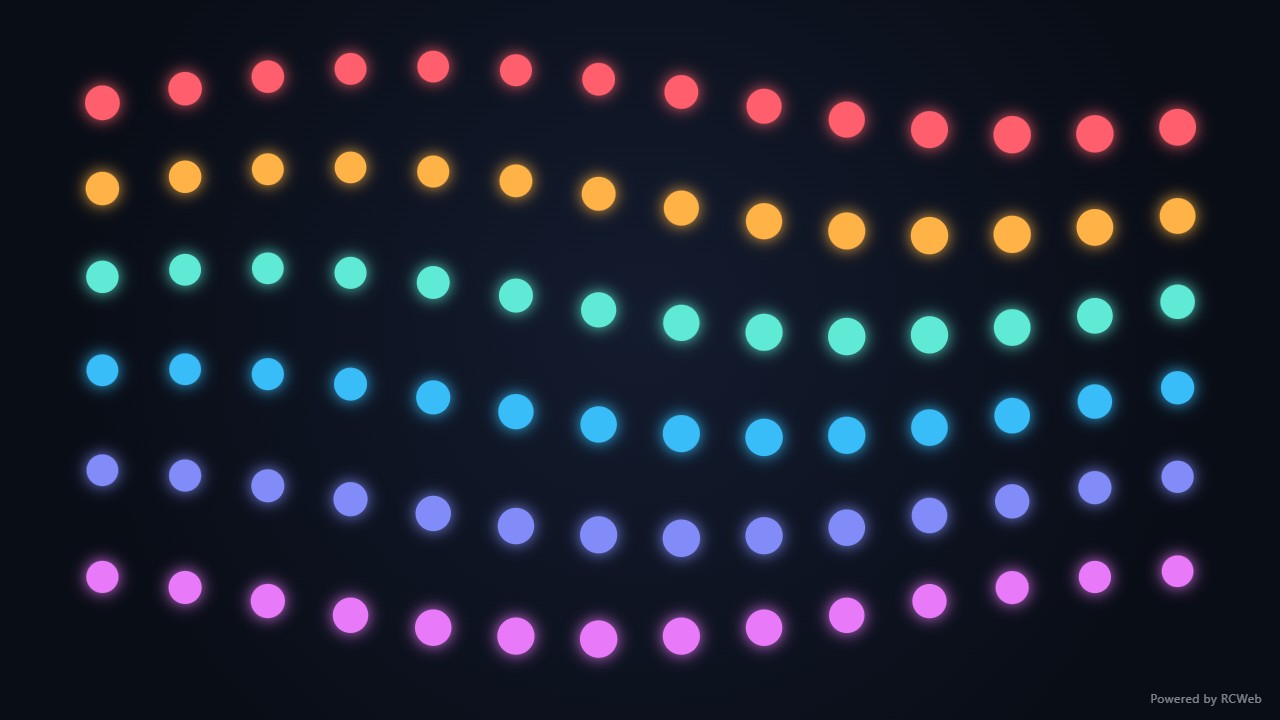
Assistant: Displayed 6 rows of 14 coloured dots (84 dots total) moving in smooth sine waves with a phase offset between rows on a dark background, along with the Powered by RCWeb badge in the bottom-right corner.
User: Show rows of coloured dots moving up and down in smooth sine waves, with a small phase offset between rows. Keep the dot count modest and use a dark background.
Assistant: The built-in assistant requested the display update. The conversation JSON includes the recorded responses and tool calls.
Tool: Executed through the actual RCWeb assistant in a dedicated local viewer room.
Assistant: I have displayed rows of coloured dots moving in smooth sine waves with phase offsets on the dark background.
User: Show rows of coloured dots moving up and down in smooth sine waves, with a small phase offset between rows. Keep the dot count modest and use a dark background.
Assistant: The built-in assistant requested the display update. The conversation JSON includes the recorded responses and tool calls.
Tool: Executed through the actual RCWeb assistant in a dedicated local viewer room.
Assistant: Displayed rows of coloured dots moving smoothly in sine waves against a dark background.
Show rows of coloured dots moving up and down in smooth sine waves, with a small phase offset between rows. Keep the dot count modest and use a dark background.
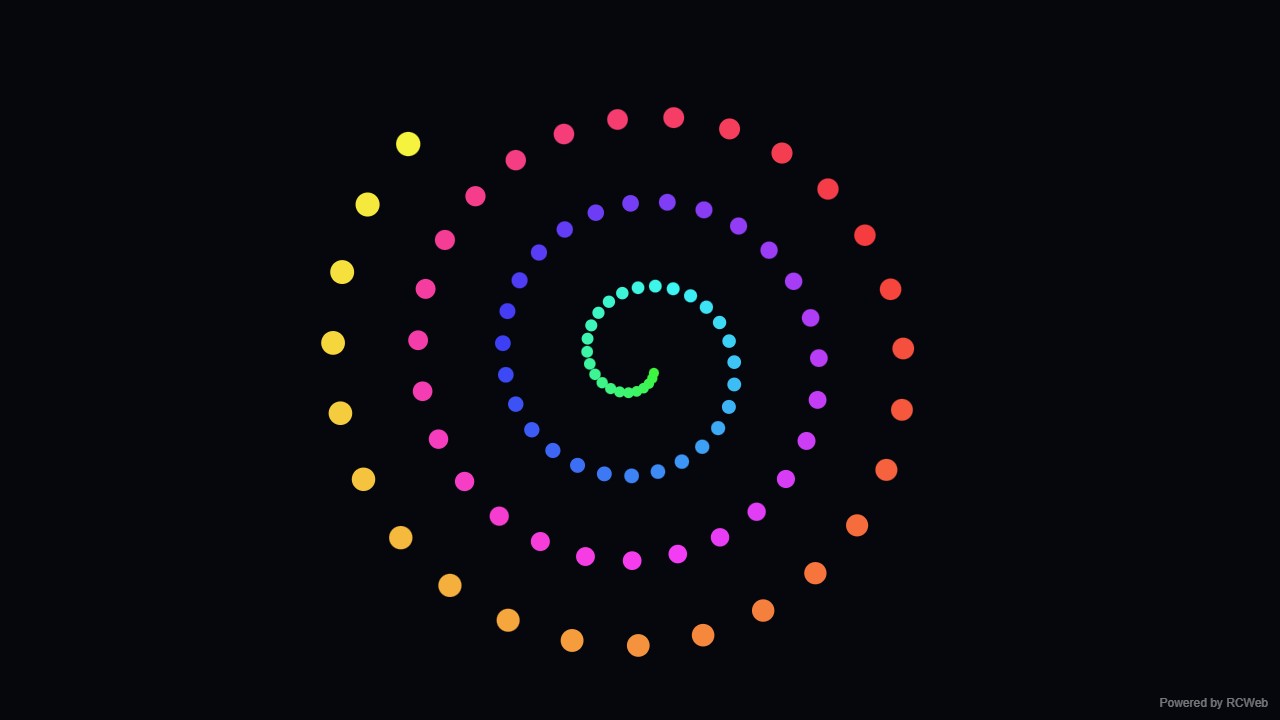
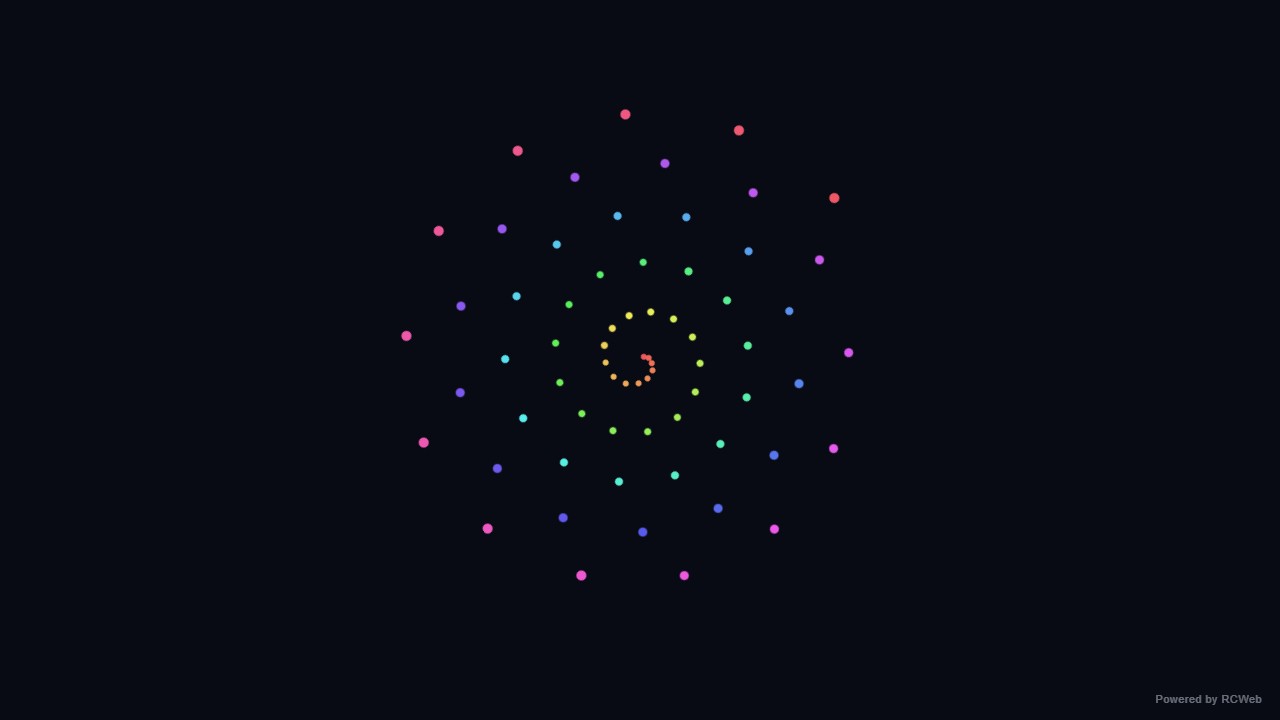
User: Show a simple spiral made of coloured dots, slowly rotating around the centre of a dark screen. Use one flat 2D spiral with a modest number of dots.
Assistant: The built-in assistant requested the display update. The conversation JSON includes the recorded responses and tool calls.
Tool: Executed through the actual RCWeb assistant in a dedicated local viewer room.
Assistant: The spiral is now showing on screen up3wwgbk. It has 96 coloured dots arranged in one flat spiral of about 3.5 turns, on a dark background. The spiral rotates slowly, completing one turn about every 60 seconds, and the colours shift gradually along the arm. A small "Powered by RCWeb" badge sits in the bottom-right corner.
User: Show a simple spiral made of coloured dots, slowly rotating around the centre of a dark screen. Use one flat 2D spiral with a modest number of dots.
Assistant: In the simulated conversation, the assistant called execute_javascript to load the Codex-authored scene in an isolated viewer.
Tool: Rendered successfully in the isolated browser viewer at 1280 × 720.
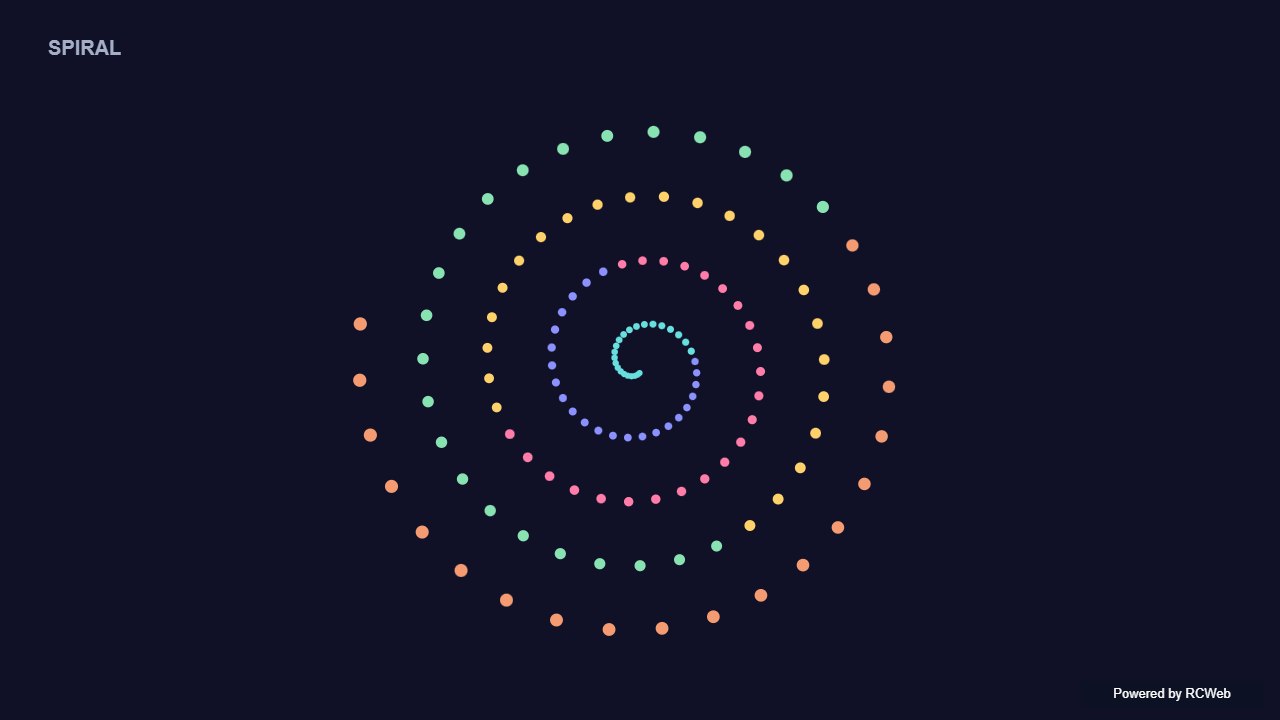
Assistant: A single flat spiral of colourful dots slowly rotates around the screen centre.
User: Show a simple spiral made of coloured dots, slowly rotating around the centre of a dark screen. Use one flat 2D spiral with a modest number of dots.
Assistant: The built-in assistant requested the display update. The conversation JSON includes the recorded responses and tool calls.
Tool: Executed through the actual RCWeb assistant in a dedicated local viewer room.
Assistant: Displayed a slowly rotating 2D spiral of 84 coloured dots centred on a dark screen on client 2i6sexd7.
User: Show a simple spiral made of coloured dots, slowly rotating around the centre of a dark screen. Use one flat 2D spiral with a modest number of dots.
Assistant: The built-in assistant requested the display update. The conversation JSON includes the recorded responses and tool calls.
Tool: Executed through the actual RCWeb assistant in a dedicated local viewer room.
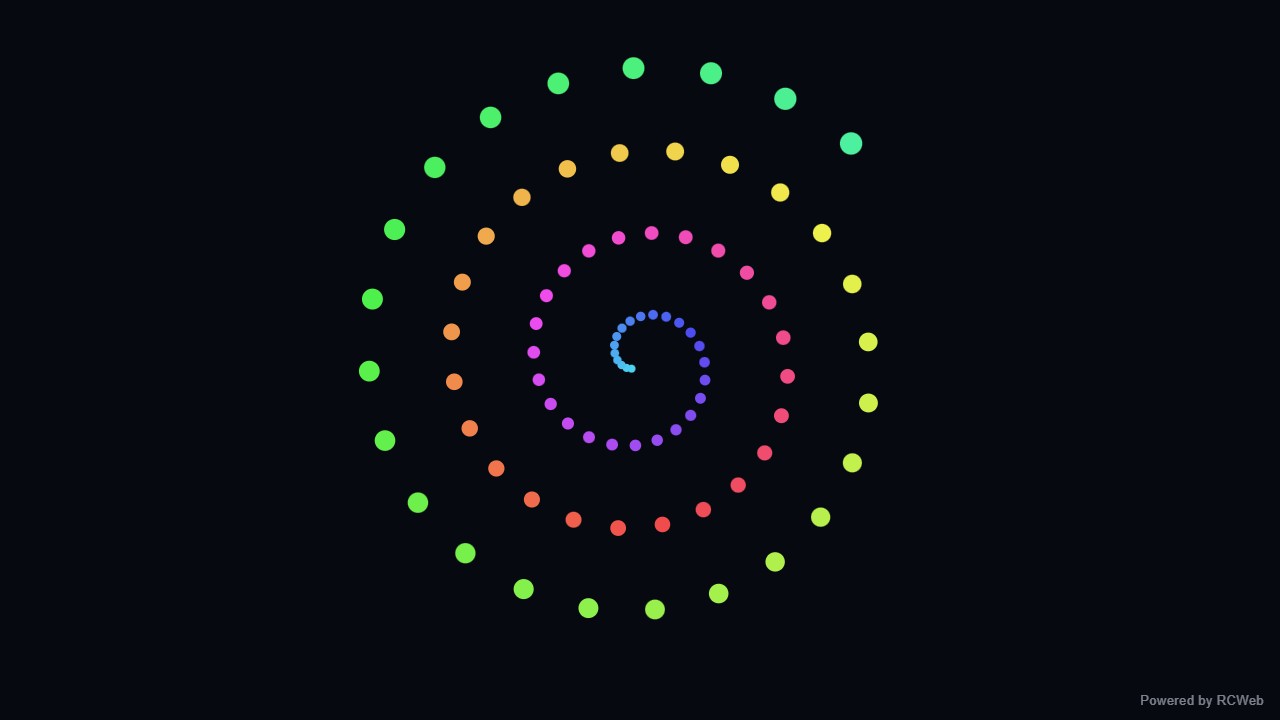
Assistant: A rotating coloured spiral has been displayed on the screen.
User: Show a simple spiral made of coloured dots, slowly rotating around the centre of a dark screen. Use one flat 2D spiral with a modest number of dots.
Assistant: The built-in assistant requested the display update. The conversation JSON includes the recorded responses and tool calls.
Tool: Executed through the actual RCWeb assistant in a dedicated local viewer room.
Assistant: A simple spiral of 68 coloured dots is slowly rotating on a dark screen.
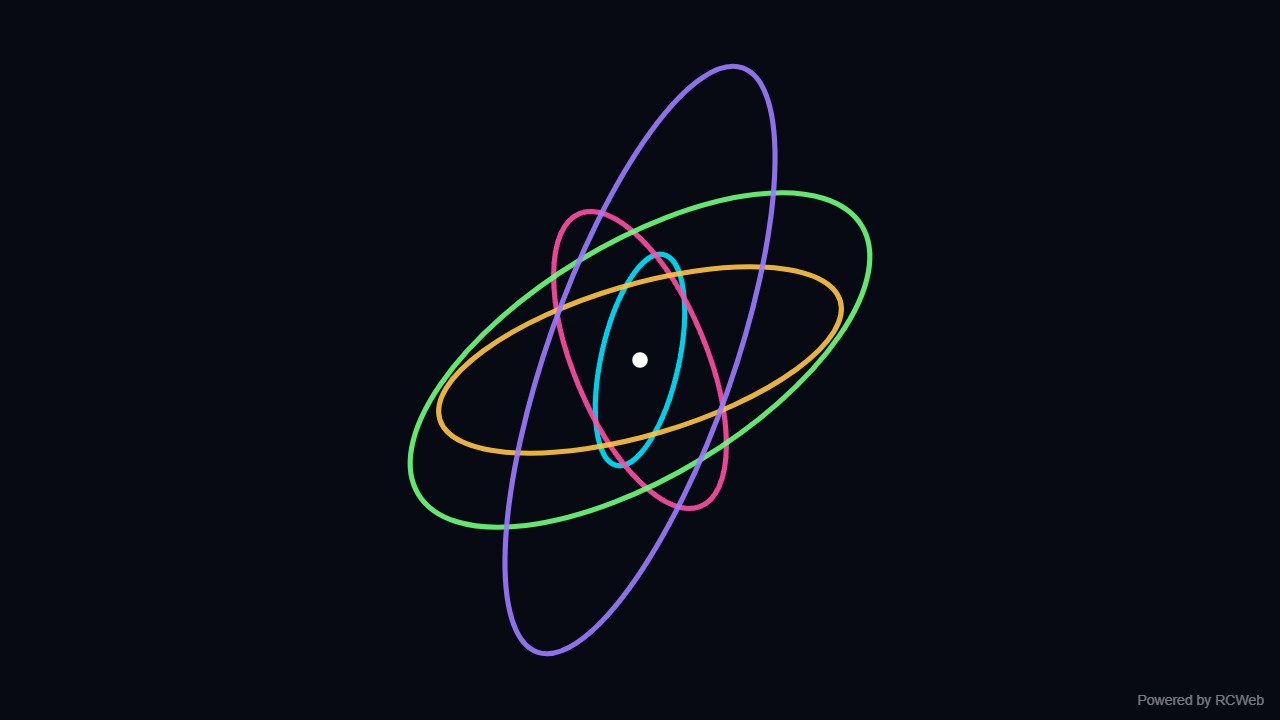
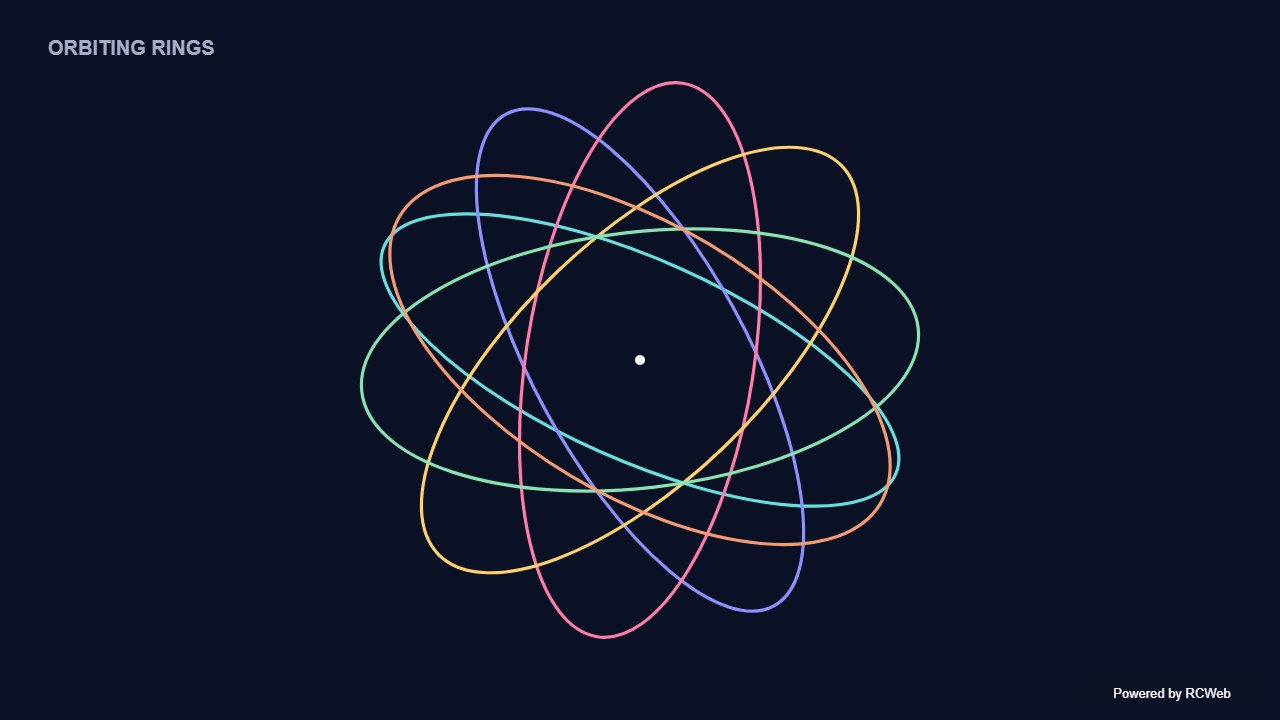
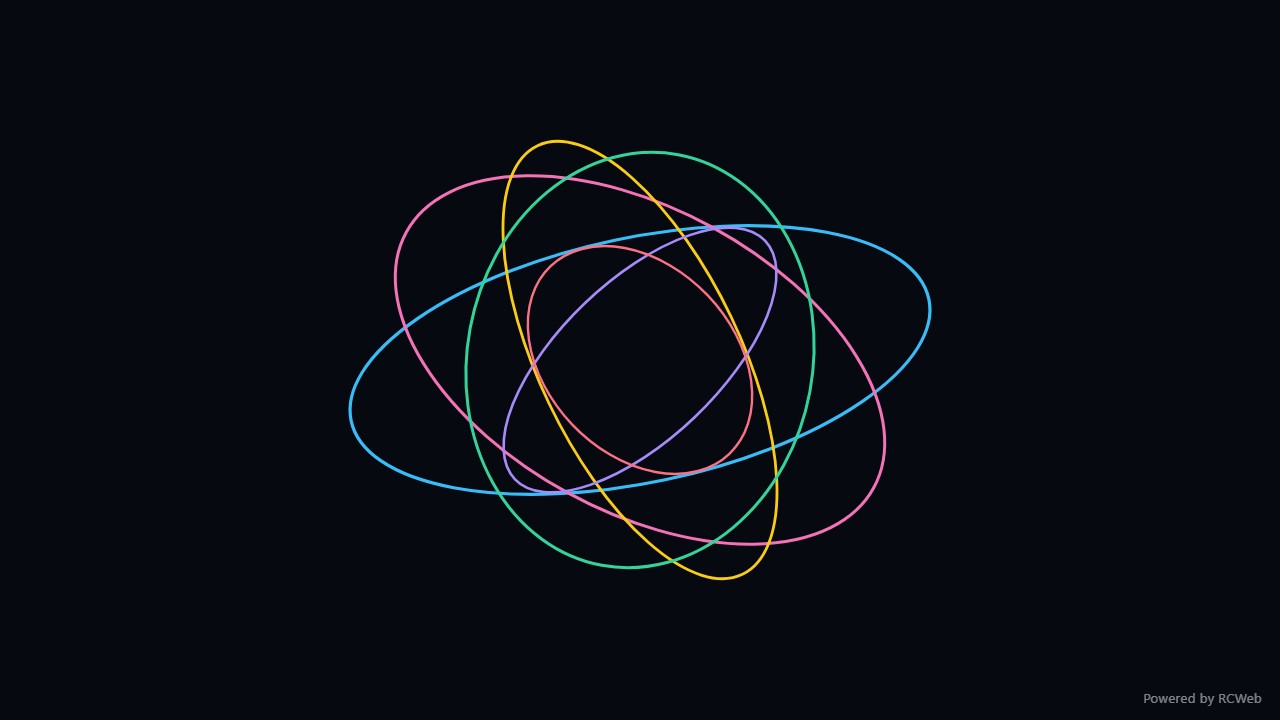
User: Show a few coloured elliptical rings rotating at different speeds around the centre on a dark background. Use simple 2D outlines, with no 3D rendering.
Assistant: The built-in assistant requested the display update. The conversation JSON includes the recorded responses and tool calls.
Tool: Executed through the actual RCWeb assistant in a dedicated local viewer room.
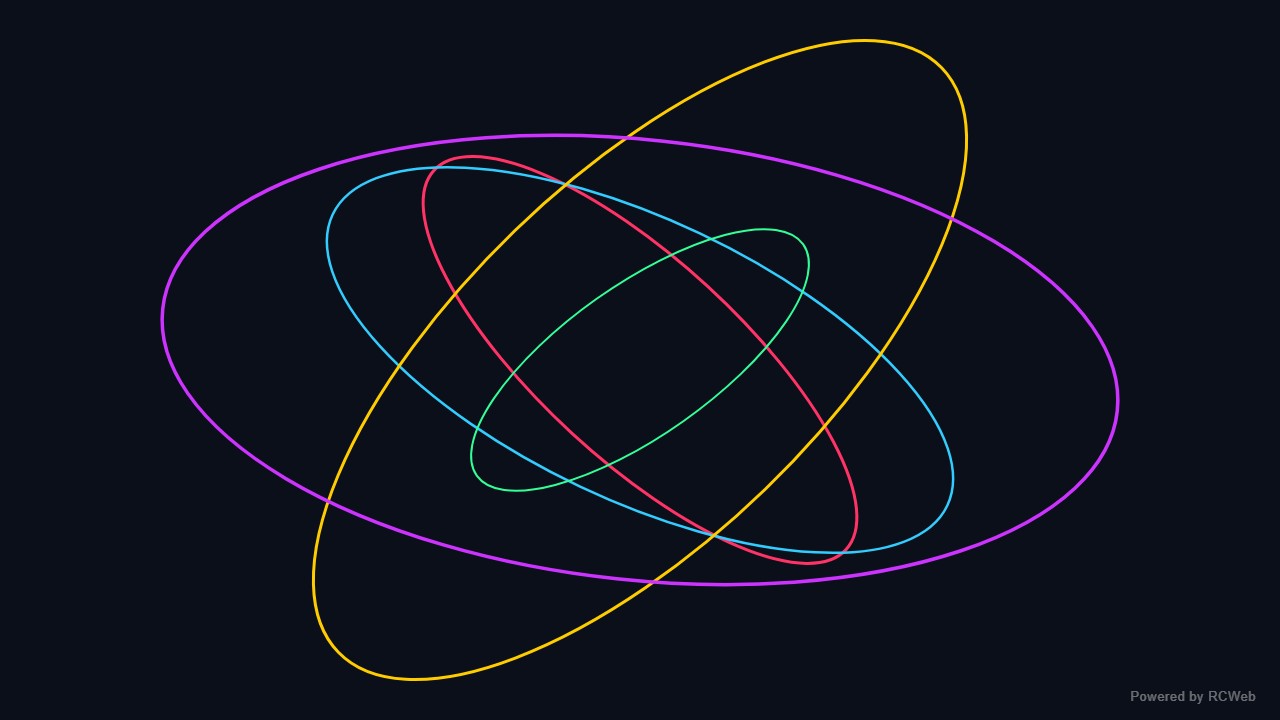
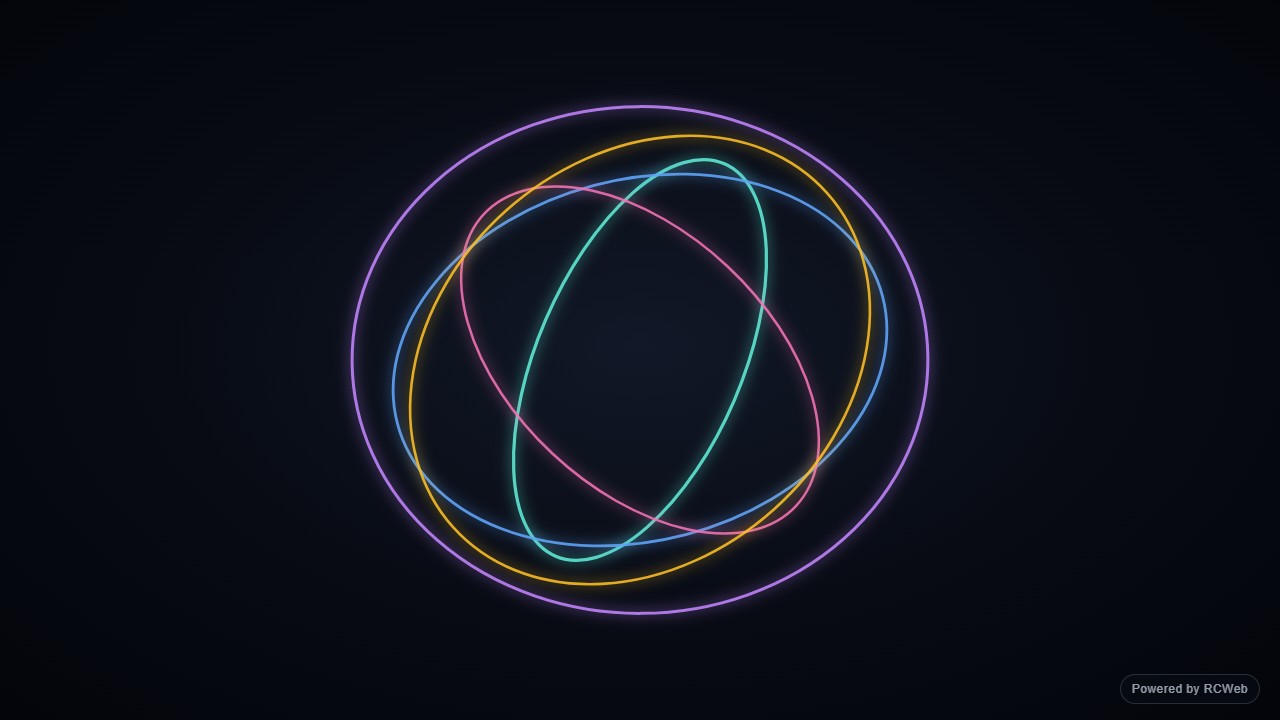
Assistant: The animation is running on client bmrmtd5h. It shows five coloured elliptical outlines (cyan, pink, amber, green and violet) on a dark background, each rotating around the centre at a different speed and direction. A small "Powered by RCWeb" badge sits in the bottom-right corner. The drawing is flat 2D canvas, and it resizes with the window.
User: Show a few coloured elliptical rings rotating at different speeds around the centre on a dark background. Use simple 2D outlines, with no 3D rendering.
Assistant: In the simulated conversation, the assistant called execute_javascript to load the Codex-authored scene in an isolated viewer.
Tool: Rendered successfully in the isolated browser viewer at 1280 × 720.
Assistant: Six coloured elliptical outlines turn at different speeds around a common centre.
User: Show a few coloured elliptical rings rotating at different speeds around the centre on a dark background. Use simple 2D outlines, with no 3D rendering.
Assistant: The built-in assistant requested the display update. The conversation JSON includes the recorded responses and tool calls.
Tool: Executed through the actual RCWeb assistant in a dedicated local viewer room.
Assistant: Displayed six coloured 2D elliptical ring outlines rotating at different speeds and directions around the centre of the screen on a dark background.
User: Show a few coloured elliptical rings rotating at different speeds around the centre on a dark background. Use simple 2D outlines, with no 3D rendering.
Assistant: The built-in assistant requested the display update. The conversation JSON includes the recorded responses and tool calls.
Tool: Executed through the actual RCWeb assistant in a dedicated local viewer room.
User: Show a few coloured elliptical rings rotating at different speeds around the centre on a dark background. Use simple 2D outlines, with no 3D rendering.
Assistant: The built-in assistant requested the display update. The conversation JSON includes the recorded responses and tool calls.
Tool: Executed through the actual RCWeb assistant in a dedicated local viewer room.
Assistant: Done. A few coloured 2D elliptical outlines are rotating at different speeds around the centre on a dark background.
Show a few coloured elliptical rings rotating at different speeds around the centre on a dark background. Use simple 2D outlines, with no 3D rendering.
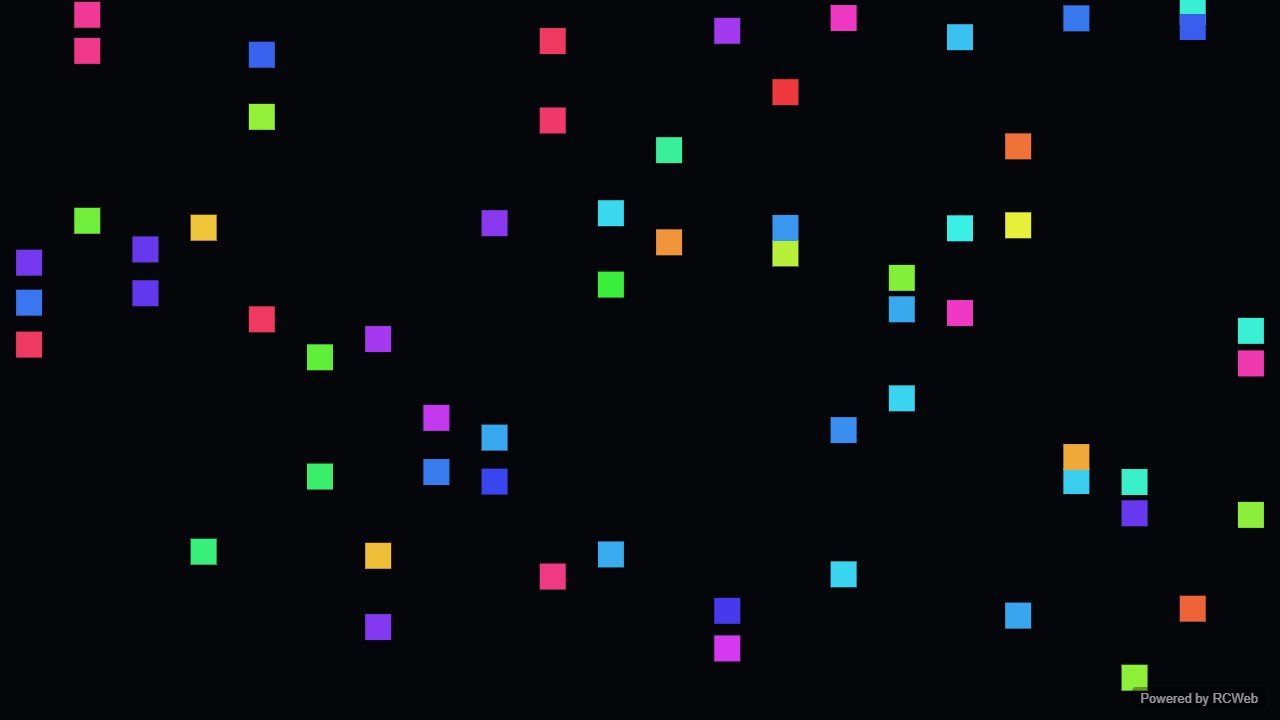
User: Show simple confetti: a modest number of small coloured rectangles falling and slowly spinning, reappearing at the top when they leave the screen.
Assistant: The built-in assistant requested the display update. The conversation JSON includes the recorded responses and tool calls.
Tool: Executed through the actual RCWeb assistant in a dedicated local viewer room.
Assistant: The confetti is now running on screen qnwu2eng. It shows 70 small coloured rectangles that fall and slowly spin, sway gently from side to side, and reappear at the top when they leave the bottom. I added a small "Powered by RCWeb" badge in the bottom-right corner. The animation replaced the previous view content on that screen.
User: Show simple confetti: a modest number of small coloured rectangles falling and slowly spinning, reappearing at the top when they leave the screen.
Assistant: In the simulated conversation, the assistant called execute_javascript to load the Codex-authored scene in an isolated viewer.
Tool: Rendered successfully in the isolated browser viewer at 1280 × 720.
Assistant: Colourful rectangular confetti falls, turns and reappears above the screen.
User: Show simple confetti: a modest number of small coloured rectangles falling and slowly spinning, reappearing at the top when they leave the screen.
Assistant: The built-in assistant requested the display update. The conversation JSON includes the recorded responses and tool calls.
Tool: Executed through the actual RCWeb assistant in a dedicated local viewer room.
Assistant: Simple confetti is now displayed on the screen, with 60 small coloured rectangles slowly spinning and falling and reappearing at the top when they exit the bottom.
User: Show simple confetti: a modest number of small coloured rectangles falling and slowly spinning, reappearing at the top when they leave the screen.
Assistant: The built-in assistant requested the display update. The conversation JSON includes the recorded responses and tool calls.
Tool: Executed through the actual RCWeb assistant in a dedicated local viewer room.
Assistant: Simple confetti animation displayed on the screen.
User: Show simple confetti: a modest number of small coloured rectangles falling and slowly spinning, reappearing at the top when they leave the screen.
Assistant: The built-in assistant requested the display update. The conversation JSON includes the recorded responses and tool calls.
Tool: Executed through the actual RCWeb assistant in a dedicated local viewer room.
Assistant: Done — simple confetti is falling and slowly spinning across the screen.
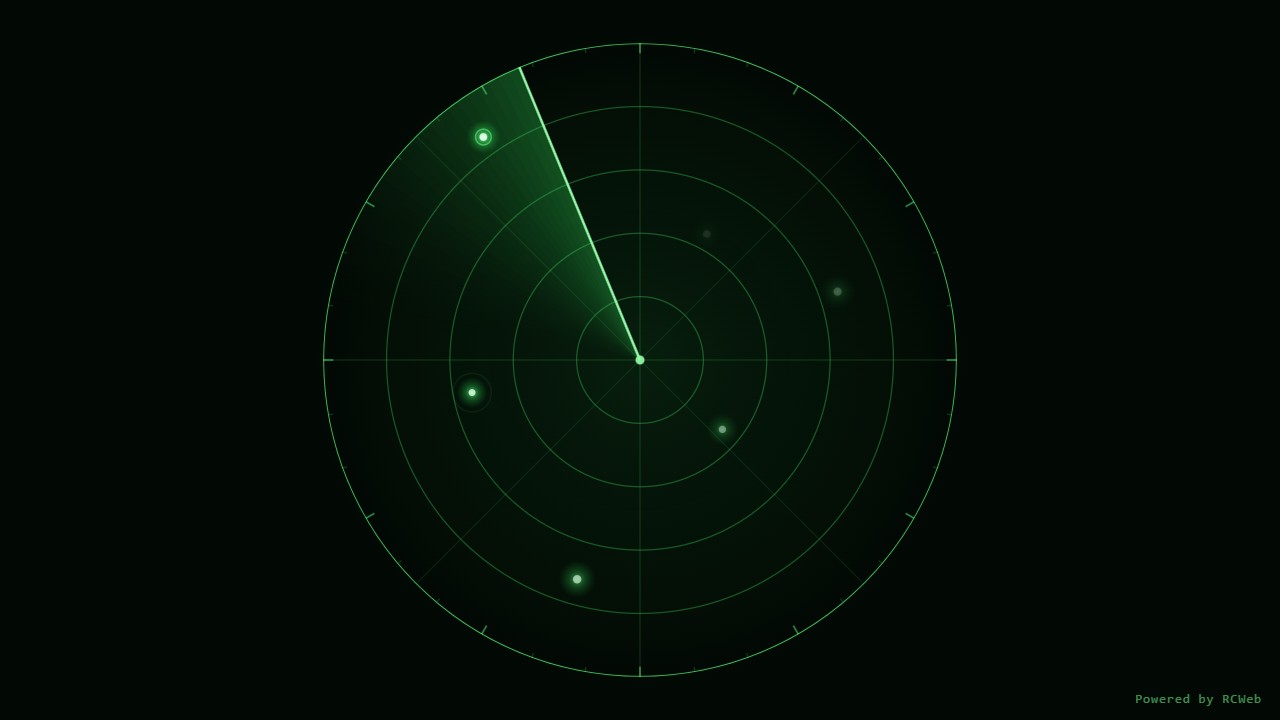
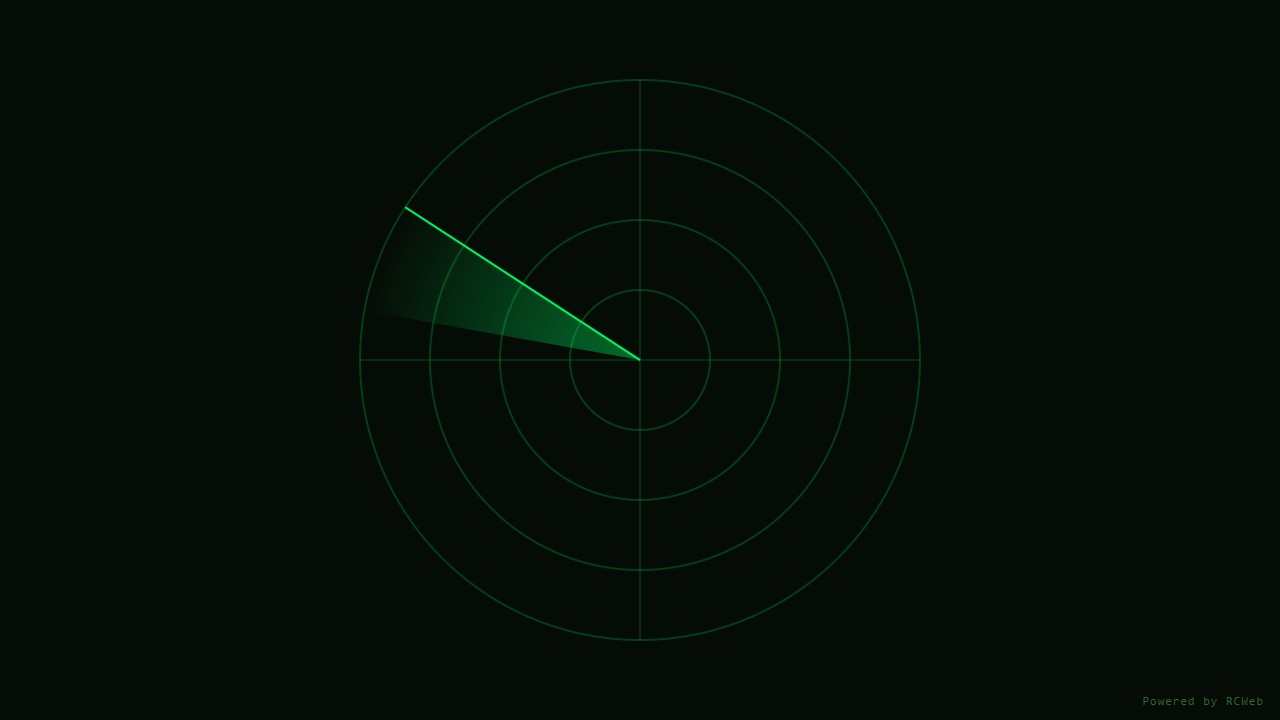
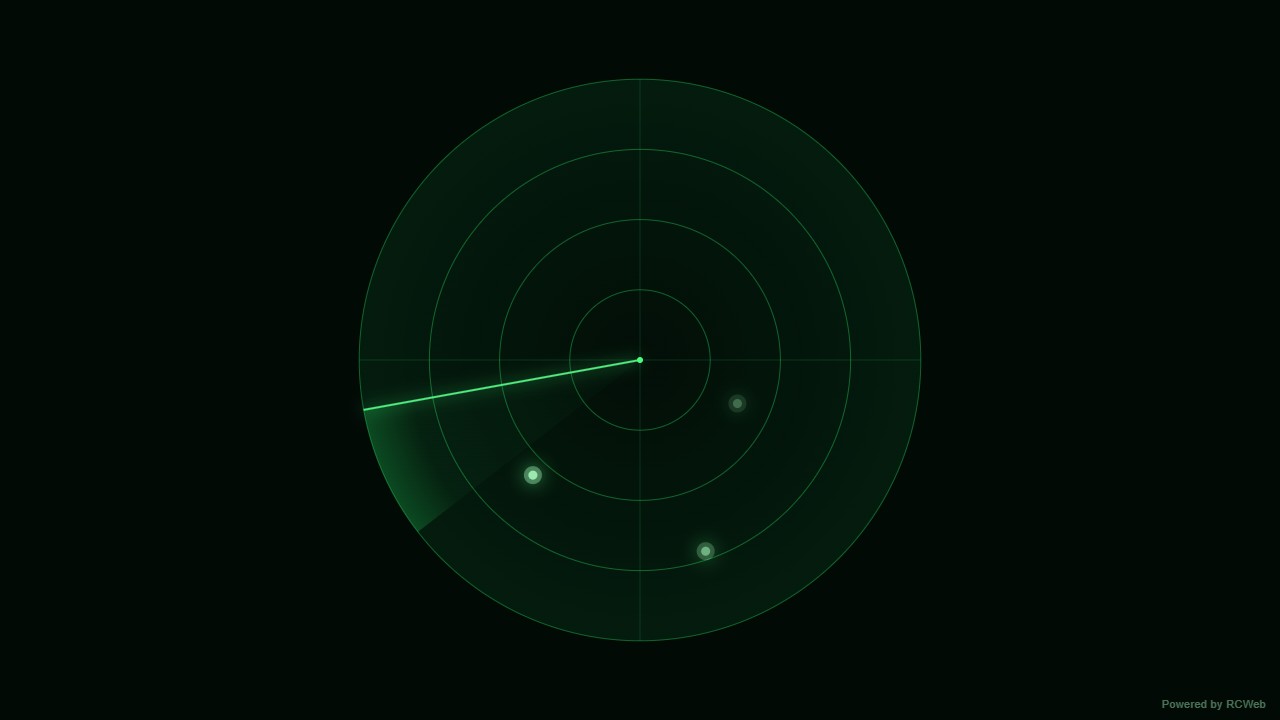
User: Show a simple radar sweep with concentric green circles, a rotating beam and a few blips that appear as it passes and slowly fade.
Assistant: The built-in assistant requested the display update. The conversation JSON includes the recorded responses and tool calls.
Tool: Executed through the actual RCWeb assistant in a dedicated local viewer room.
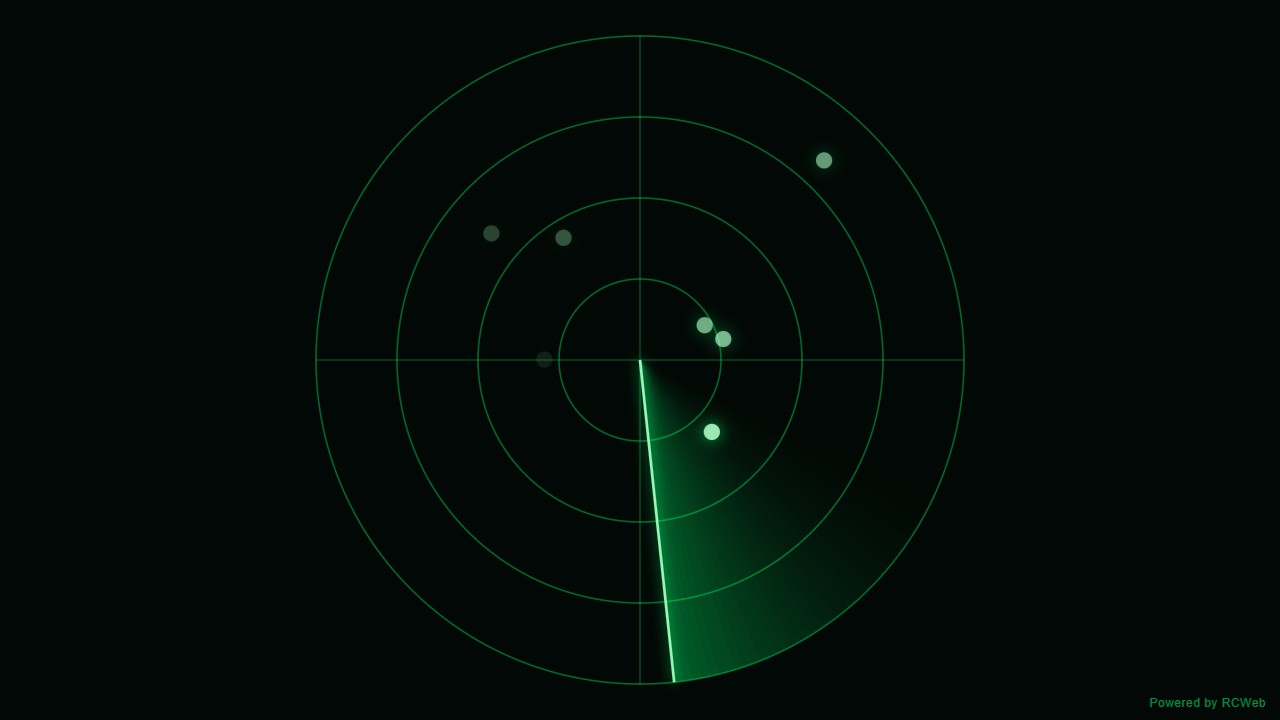
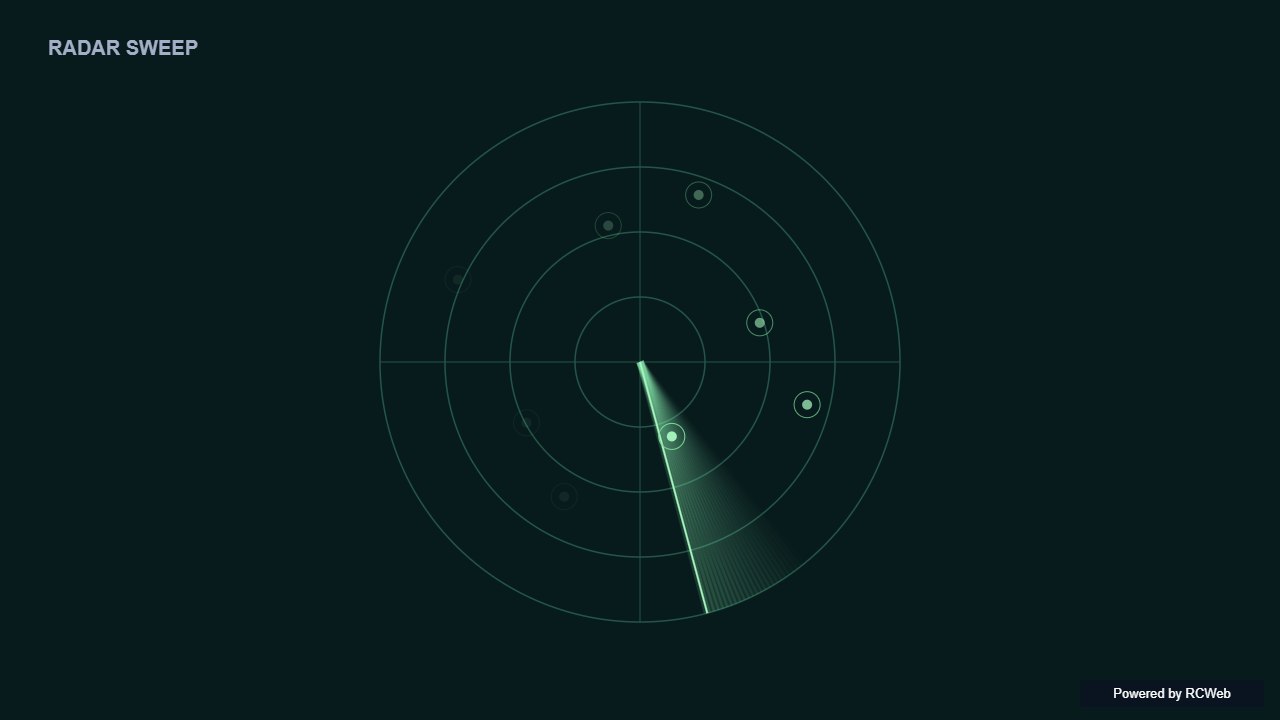
Assistant: The radar sweep is now running on the screen. It has four concentric green rings, a crosshair, and a rotating beam with a fading green trail, completing one revolution every 5 seconds. Blips appear as the beam passes their bearing and fade out over about 4 seconds. A small "Powered by RCWeb" badge sits in the bottom-right corner.
User: Show a simple radar sweep with concentric green circles, a rotating beam and a few blips that appear as it passes and slowly fade.
Assistant: The built-in assistant requested the display update. The conversation JSON includes the recorded responses and tool calls.
Tool: Executed through the actual RCWeb assistant in a dedicated local viewer room.
Assistant: Displayed a full-screen green radar sweep on the screen with concentric rings, crosshairs, a rotating beam with a fading trail, and six blips that light up as the beam passes and gradually fade.
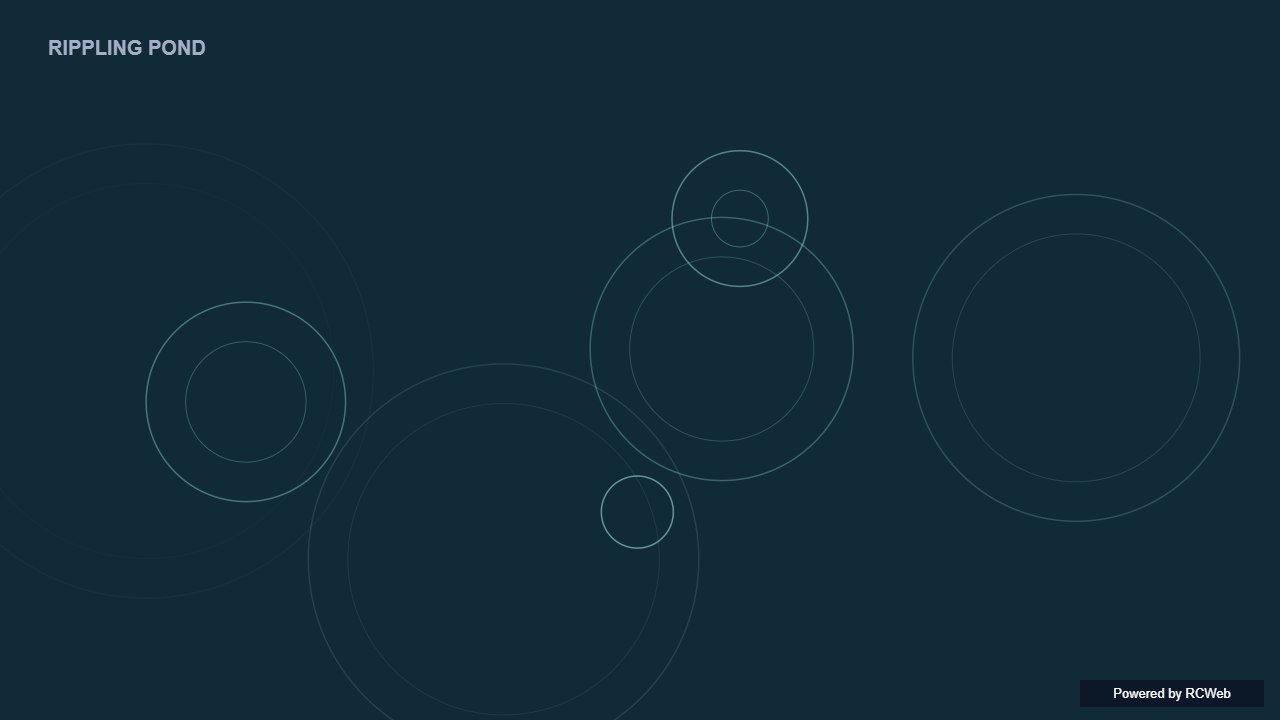
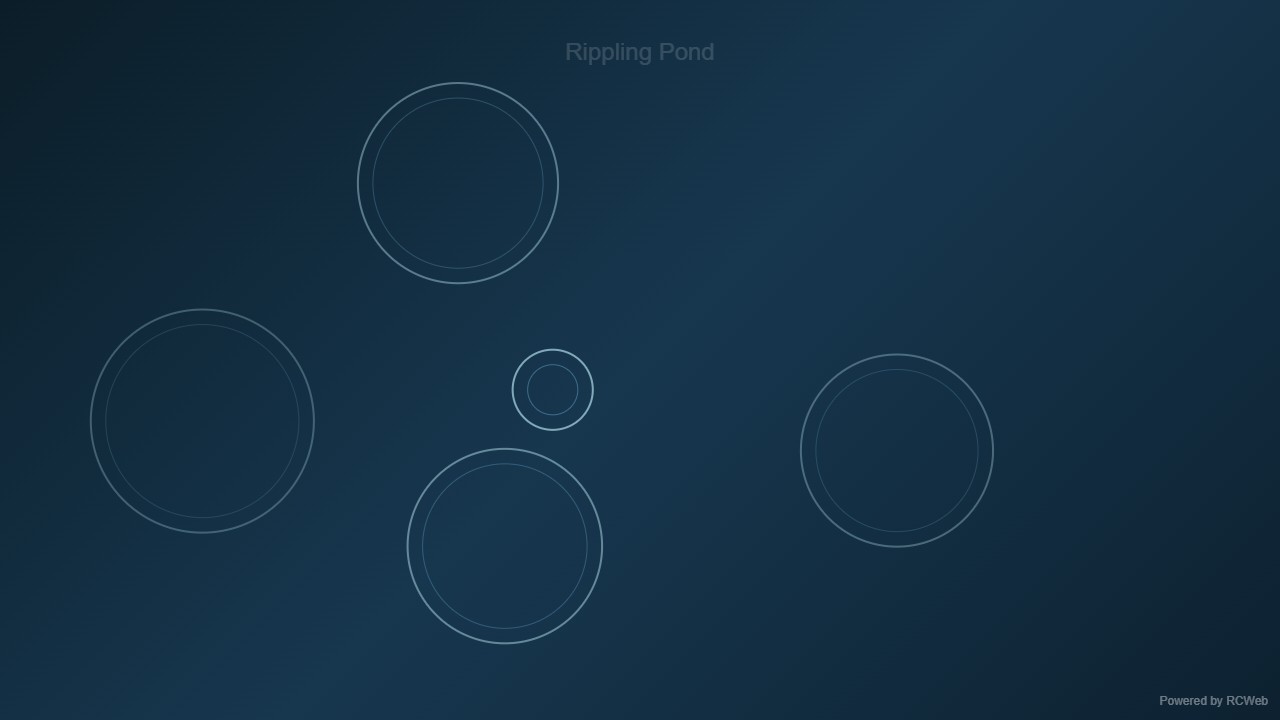
User: Show a simple rippling pond using thin circles that expand and fade from random points, like raindrops on water. Limit the number of active ripples.
Assistant: The built-in assistant requested the display update. The conversation JSON includes the recorded responses and tool calls.
Tool: Executed through the actual RCWeb assistant in a dedicated local viewer room.
Assistant: The rippling pond is now running on screen fhgvyjiy. Thin circles expand and fade from random points across a dark blue water background, with raindrop-like spawns every half second to 1.5 seconds. Active ripples are capped at 12, and each ripple lasts 3 to 5 seconds before it is removed. A small "Powered by RCWeb" badge sits in the bottom-right corner.
User: Show a simple rippling pond using thin circles that expand and fade from random points, like raindrops on water. Limit the number of active ripples.
Assistant: In the simulated conversation, the assistant called execute_javascript to load the Codex-authored scene in an isolated viewer.
Tool: Rendered successfully in the isolated browser viewer at 1280 × 720.
Assistant: A limited number of thin ripples expand and fade from seeded raindrop positions.
User: Show a simple rippling pond using thin circles that expand and fade from random points, like raindrops on water. Limit the number of active ripples.
Assistant: The built-in assistant requested the display update. The conversation JSON includes the recorded responses and tool calls.
Tool: Executed through the actual RCWeb assistant in a dedicated local viewer room.
Assistant: Displayed a rippling pond on the screen using thin, expanding and fading circles spawned from random points over a deep blue-teal water backdrop, capped at 16 active ripples at a time.
User: Show a simple rippling pond using thin circles that expand and fade from random points, like raindrops on water. Limit the number of active ripples.
Assistant: The built-in assistant requested the display update. The conversation JSON includes the recorded responses and tool calls.
Tool: Executed through the actual RCWeb assistant in a dedicated local viewer room.
Assistant: I have created a simple rippling pond display featuring expanding and fading thin circles from random points across the screen.
User: Show a simple rippling pond using thin circles that expand and fade from random points, like raindrops on water. Limit the number of active ripples.
Assistant: The built-in assistant requested the display update. The conversation JSON includes the recorded responses and tool calls.
Tool: Executed through the actual RCWeb assistant in a dedicated local viewer room.
Assistant: A rippling pond is now displayed, with a limited number of thin rings expanding and fading from random points.
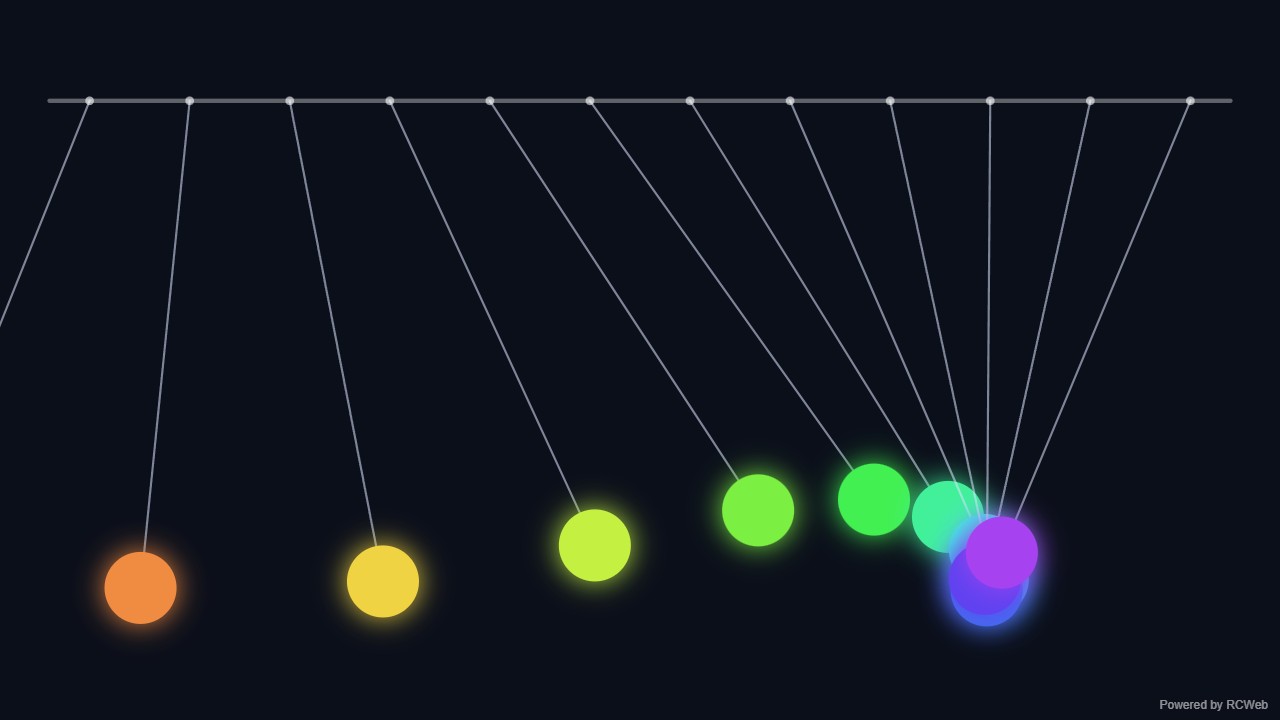
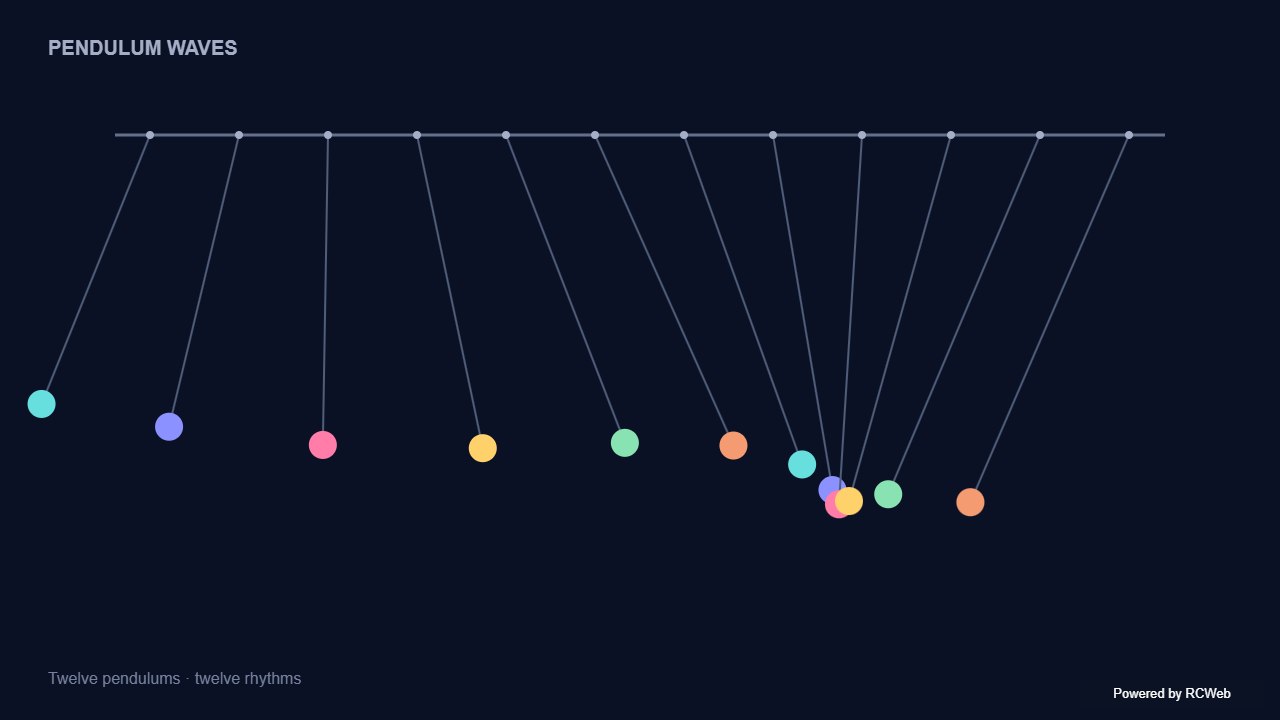
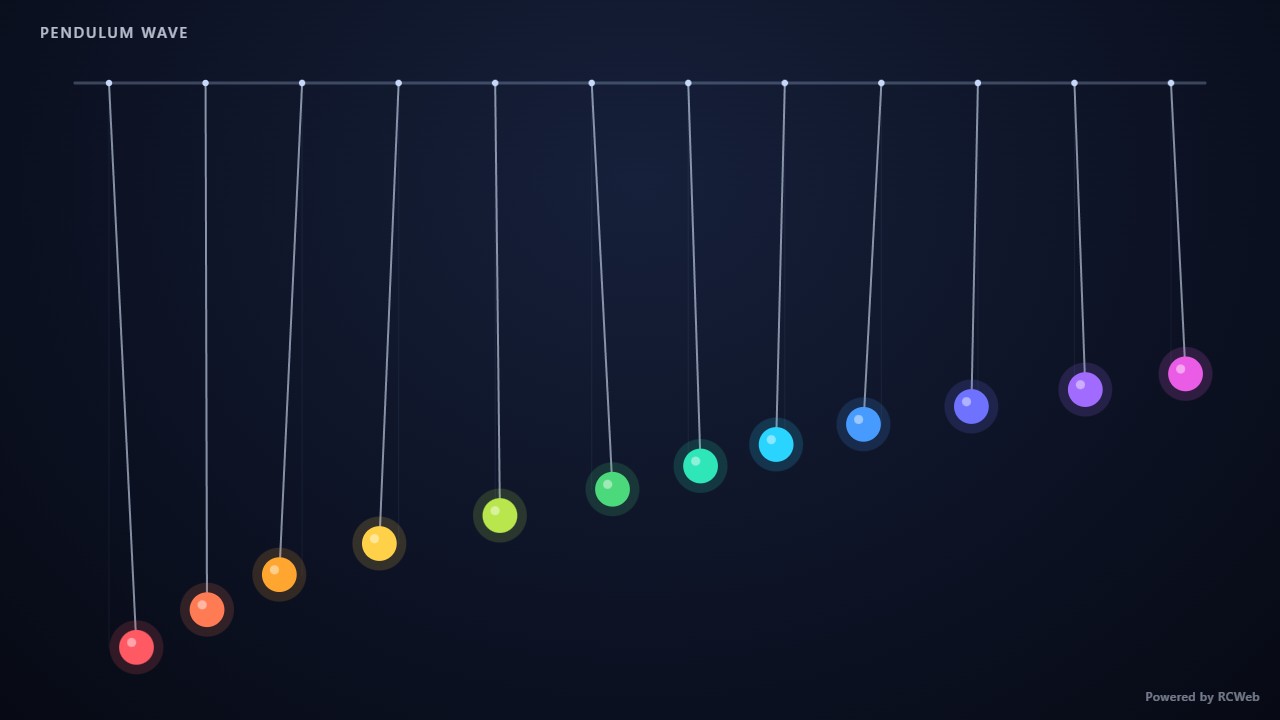
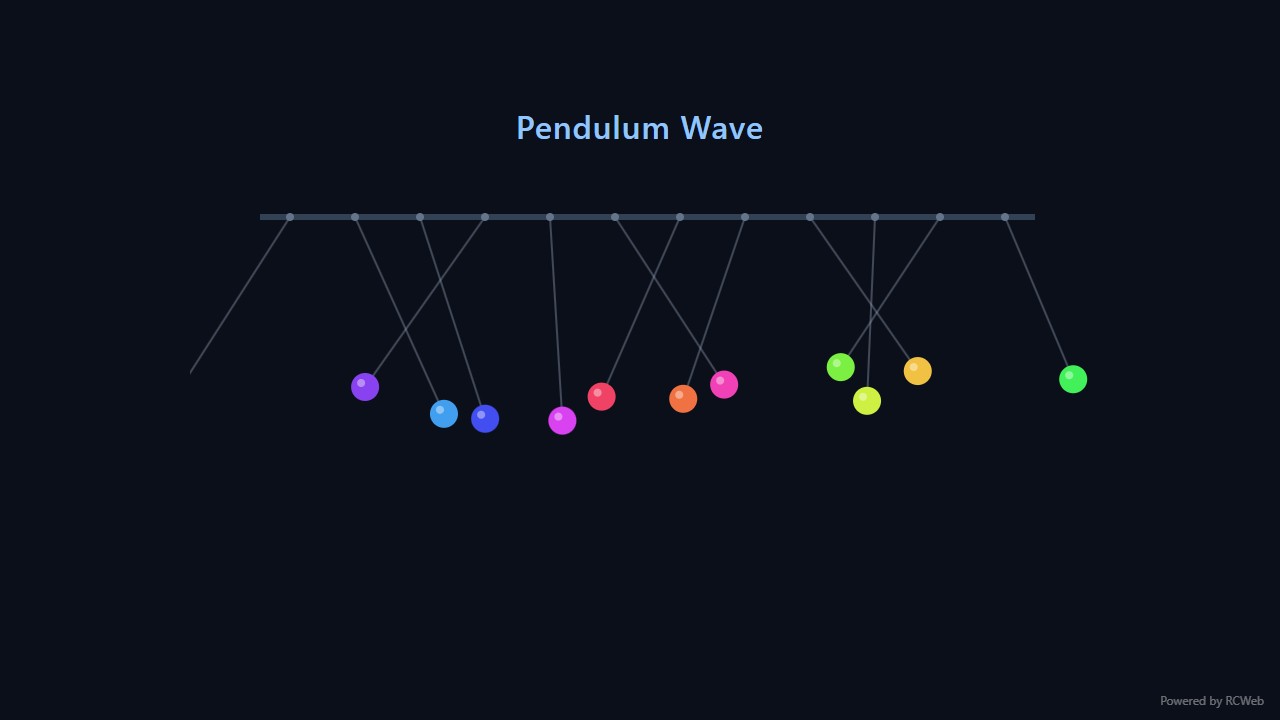
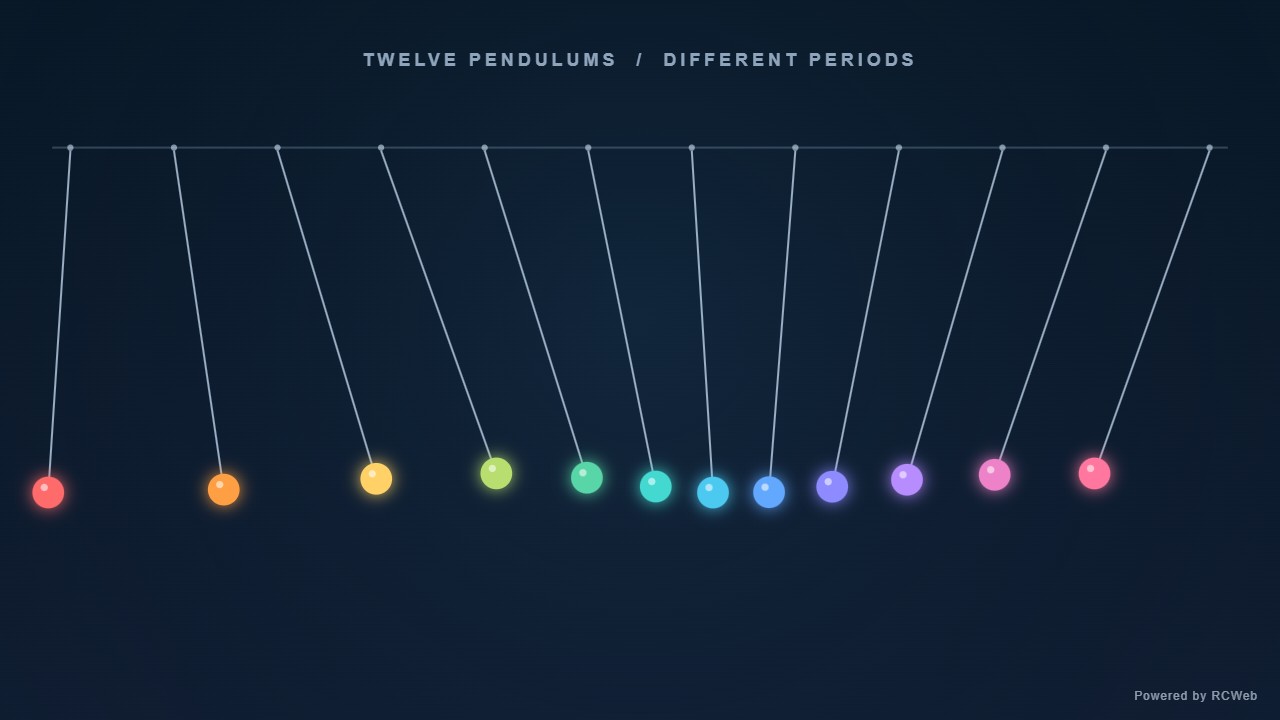
User: Show a row of twelve simple pendulums, drawn as lines and coloured dots, swinging with slightly different periods so they form changing waves.
Assistant: The built-in assistant requested the display update. The conversation JSON includes the recorded responses and tool calls.
Tool: Executed through the actual RCWeb assistant in a dedicated local viewer room.
Assistant: The pendulum wave is now running on screen 8z583khw. Twelve pendulums hang from a bar across the top, drawn as lines with coloured bobs that run from red through to violet. Their periods step from 2.00s to 2.50s, so they start in phase and drift in and out of step to form travelling waves. A small "Powered by RCWeb" badge sits in the bottom-right corner.
User: Show a row of twelve simple pendulums, drawn as lines and coloured dots, swinging with slightly different periods so they form changing waves.
Assistant: The built-in assistant requested the display update. The conversation JSON includes the recorded responses and tool calls.
Tool: Executed through the actual RCWeb assistant in a dedicated local viewer room.
Assistant: Displayed a row of twelve simple pendulums across the screen, each drawn as a line and a brightly coloured dot with a fading motion trail. Their periods step smoothly from 28 to 39 oscillations per 48-second cycle, so they continually drift in and out of phase to form changing waves across the row.
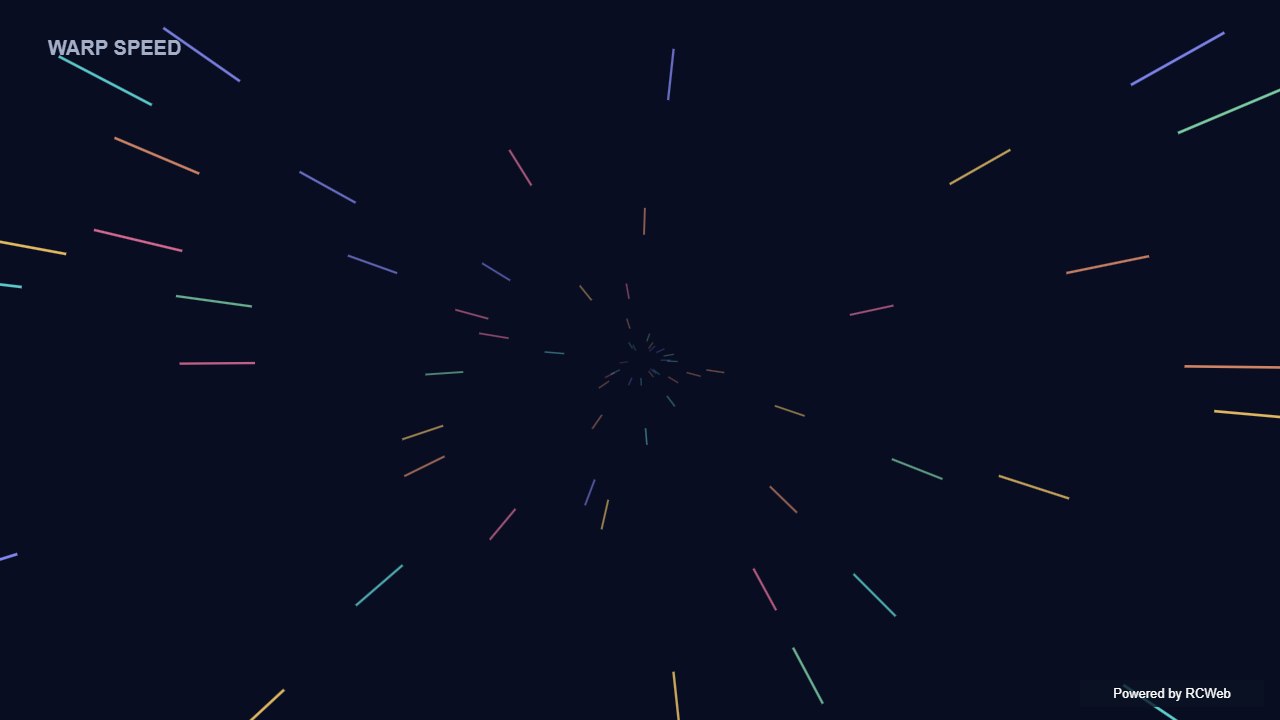
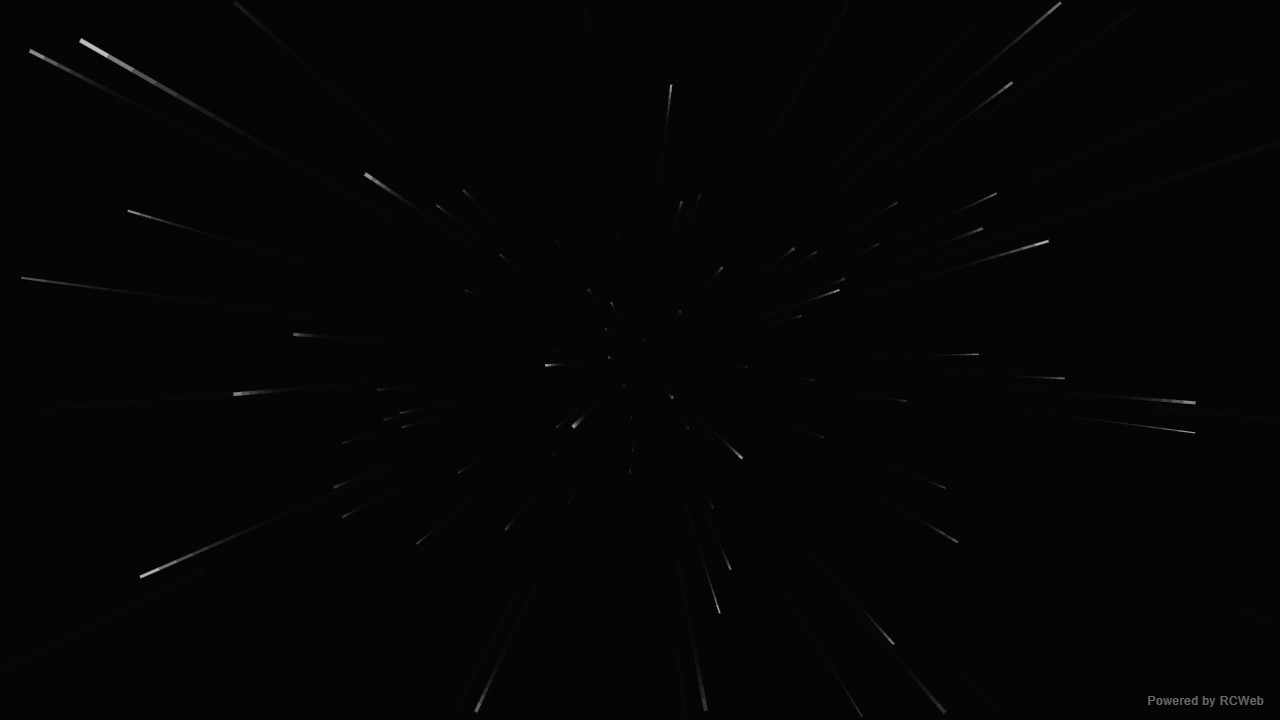
User: Show a simple warp-speed effect with a modest number of bright line segments moving out from the centre of a dark screen.
Assistant: The built-in assistant requested the display update. The conversation JSON includes the recorded responses and tool calls.
Tool: Executed through the actual RCWeb assistant in a dedicated local viewer room.
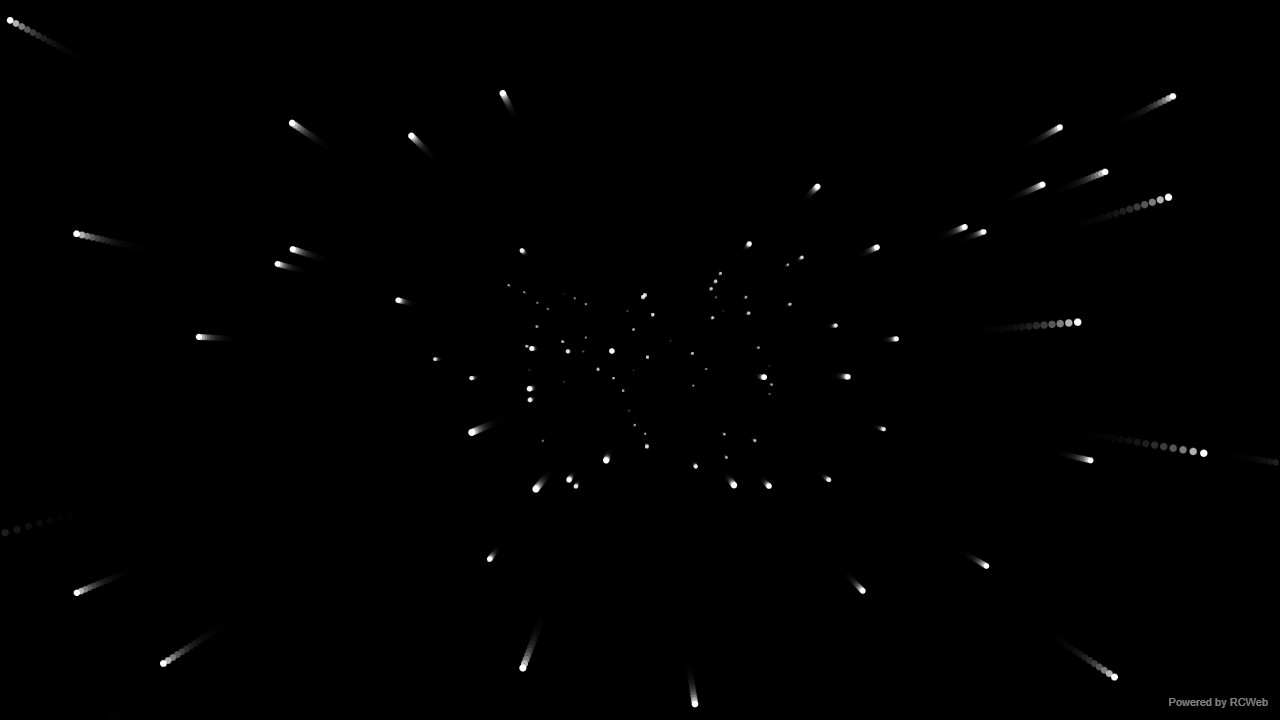
Assistant: The warp-speed effect is now running on screen eq8hqv4z in room hk18-6766. It shows 90 white line segments streaming outward from the centre of a black background, getting longer and brighter as they accelerate, and recycling back near the centre. A small "Powered by RCWeb" badge sits in the bottom-right corner. The page was reset for the effect, so the previous content is gone.
User: Show a simple warp-speed effect with a modest number of bright line segments moving out from the centre of a dark screen.
Assistant: The built-in assistant requested the display update. The conversation JSON includes the recorded responses and tool calls.
Tool: Executed through the actual RCWeb assistant in a dedicated local viewer room.
Assistant: Displayed a full-screen warp-speed effect on the 1280x720 screen with 85 bright white and cool blue line segments streaking outward from the center against a dark radial background.
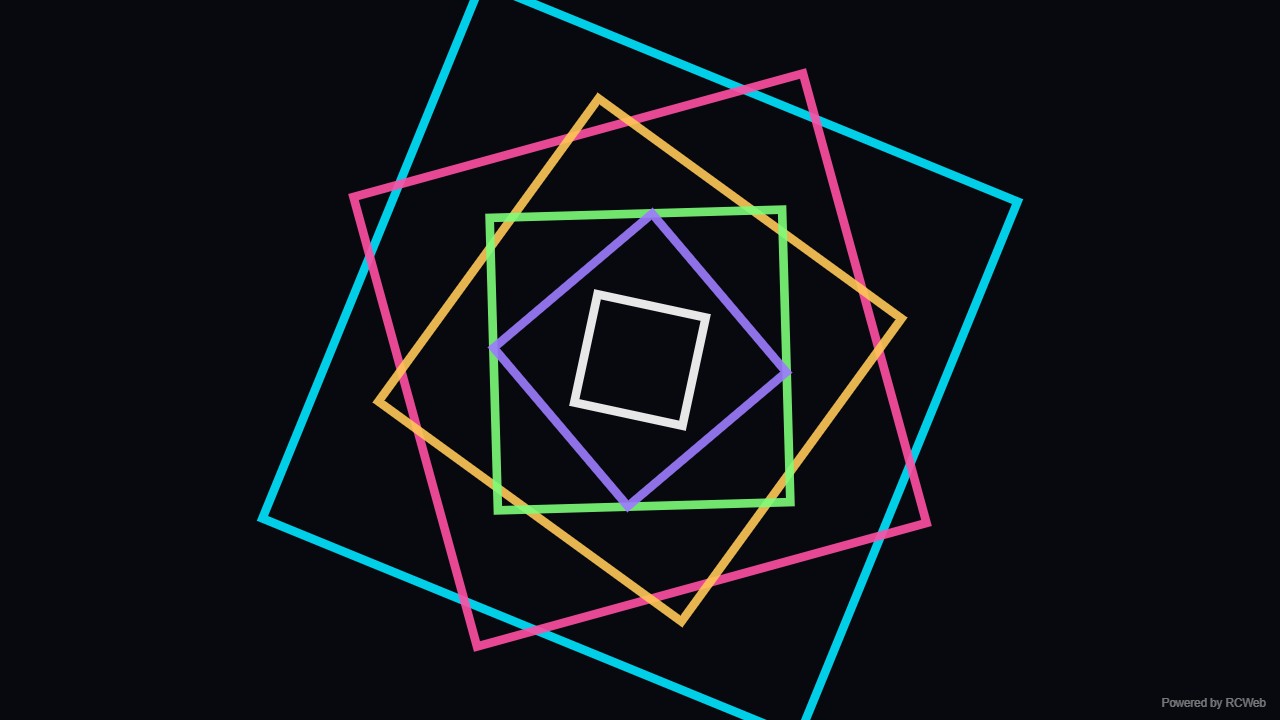
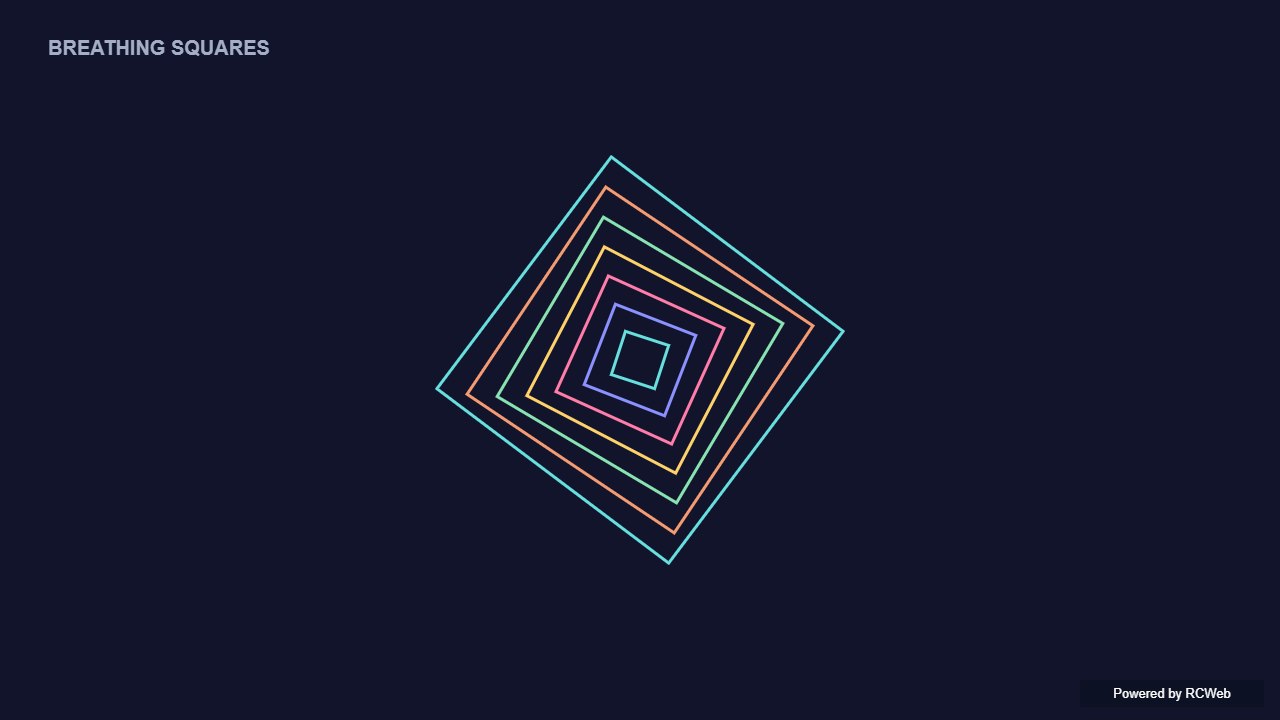
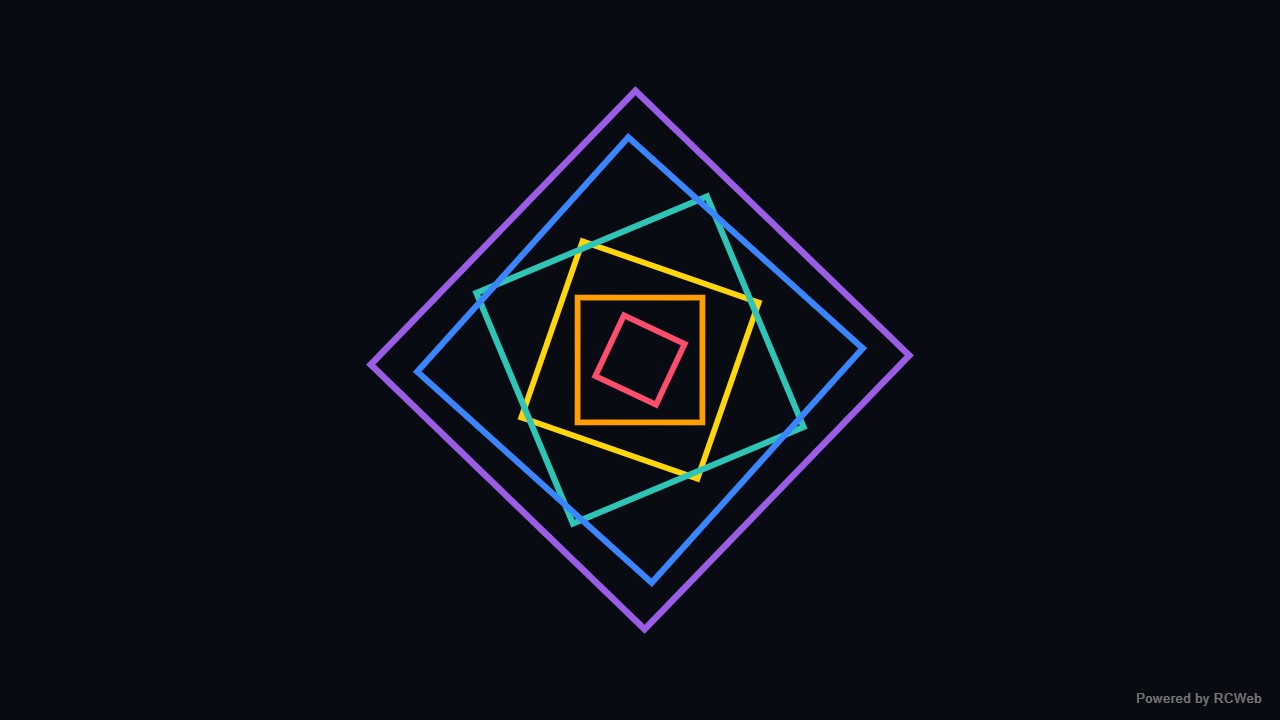
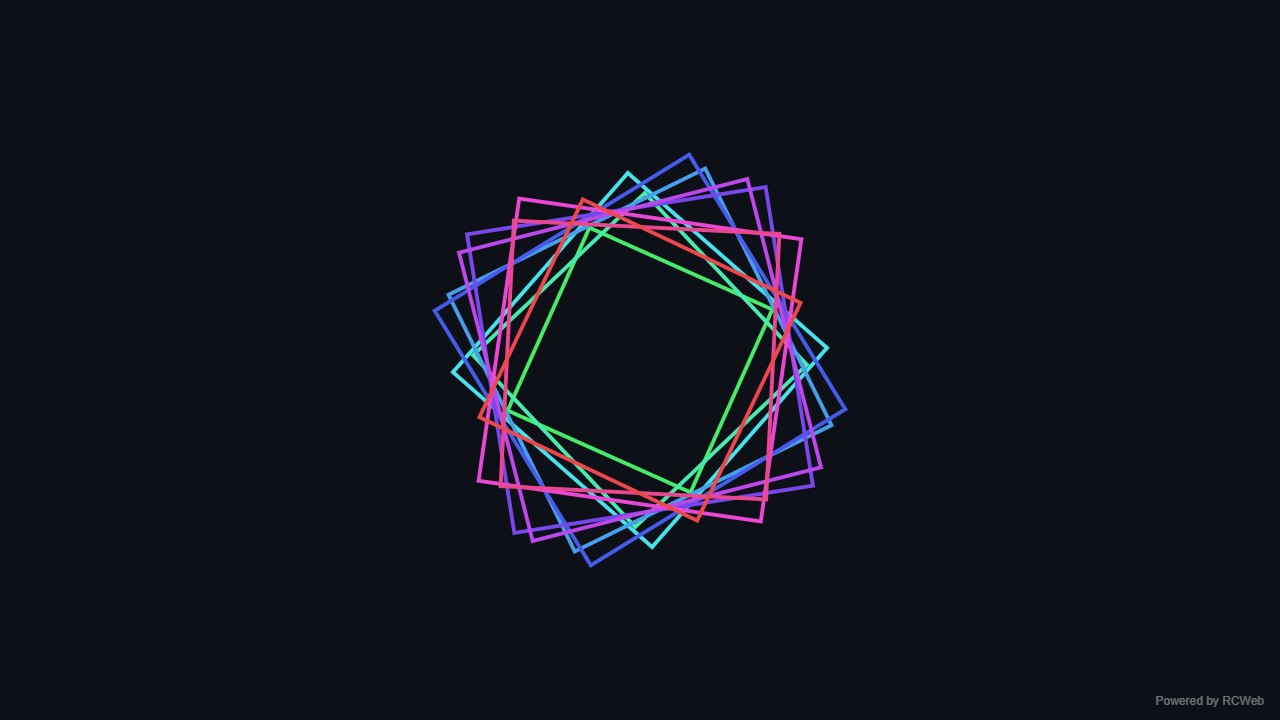
User: Show a few nested coloured square outlines that slowly expand, contract and rotate on a dark background. Use basic 2D shapes.
Assistant: The built-in assistant requested the display update. The conversation JSON includes the recorded responses and tool calls.
Tool: Executed through the actual RCWeb assistant in a dedicated local viewer room.
Assistant: The animation is now running on screen dt3y5gji. It shows six nested colored square outlines on a dark background. Each square pulses in and out at a slightly different phase, and alternate squares rotate in opposite directions. A small "Powered by RCWeb" badge sits in the bottom-right corner.
User: Show a few nested coloured square outlines that slowly expand, contract and rotate on a dark background. Use basic 2D shapes.
Assistant: The built-in assistant requested the display update. The conversation JSON includes the recorded responses and tool calls.
Tool: Executed through the actual RCWeb assistant in a dedicated local viewer room.
Assistant: Displayed six nested coloured square outlines on a dark background, slowly expanding, contracting, and rotating in a continuous 2D canvas animation on the selected screen.
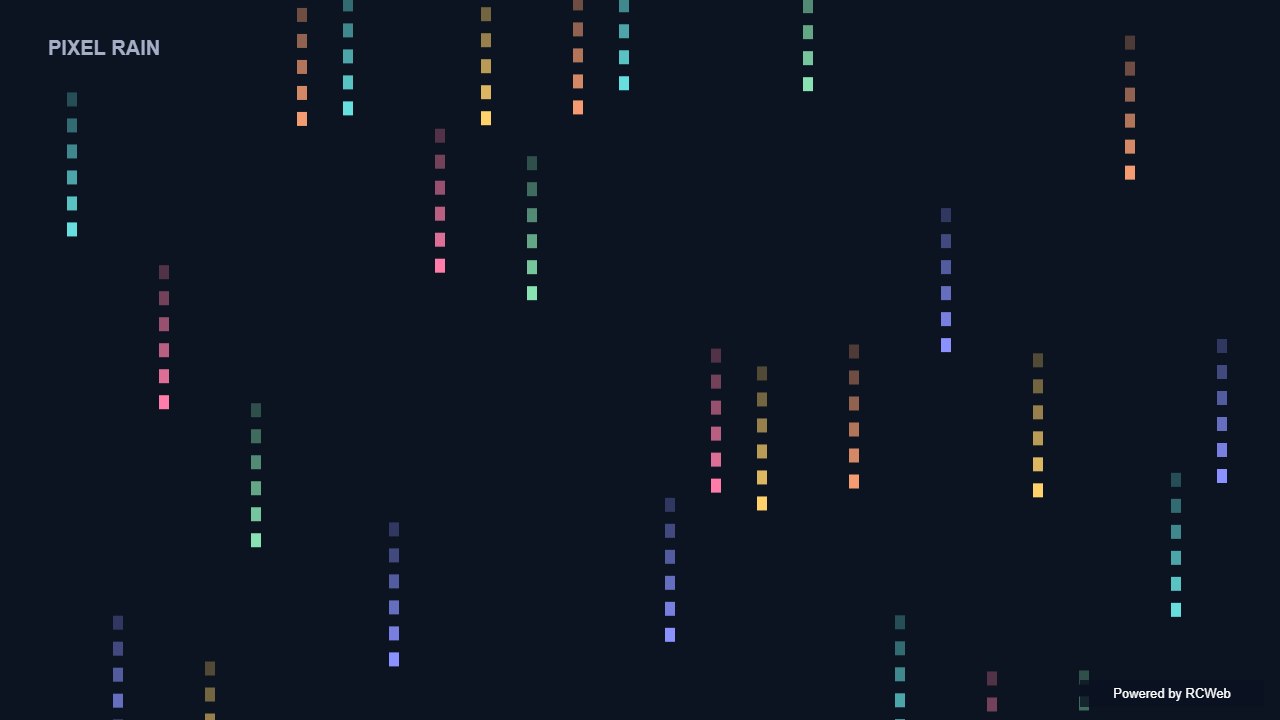
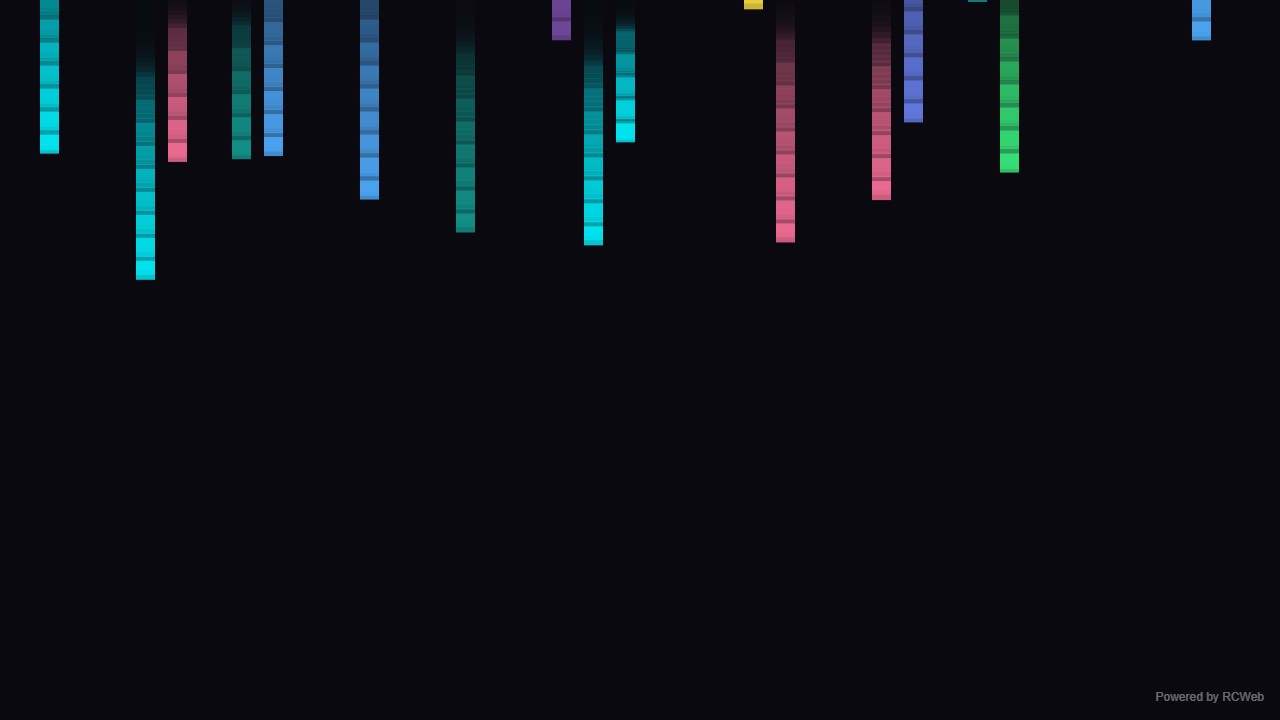
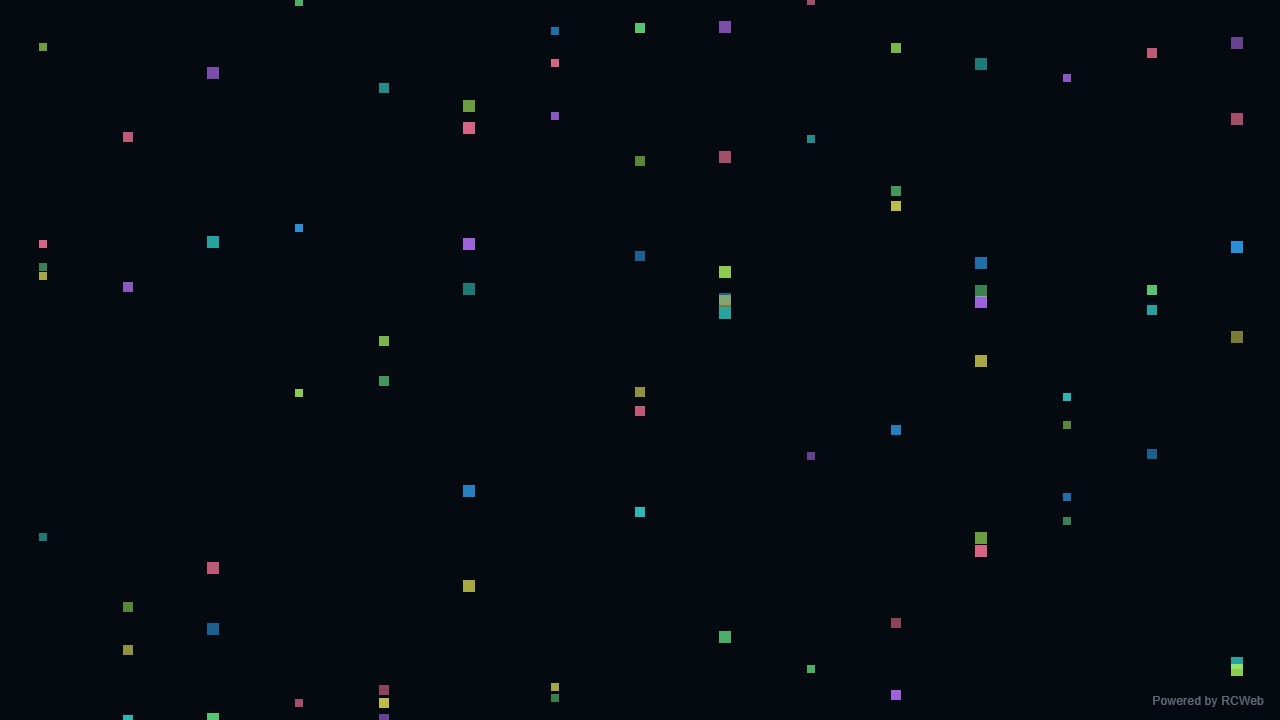
User: Show simple pixel rain: columns of small coloured squares falling at different speeds on a dark background and looping from the top. Keep the square count modest.
Assistant: The built-in assistant requested the display update. The conversation JSON includes the recorded responses and tool calls.
Tool: Executed through the actual RCWeb assistant in a dedicated local viewer room.
Assistant: The pixel rain is running on screen u2muy3wu. It has 22 columns with 3 coloured squares each (66 total), falling at different speeds on a dark background and wrapping back to the top. A small "Powered by RCWeb" badge sits in the bottom-right corner.
User: Show simple pixel rain: columns of small coloured squares falling at different speeds on a dark background and looping from the top. Keep the square count modest.
Assistant: In the simulated conversation, the assistant called execute_javascript to load the Codex-authored scene in an isolated viewer.
Tool: Rendered successfully in the isolated browser viewer at 1280 × 720.
Assistant: Columns of small coloured squares fall at different speeds and loop from the top.
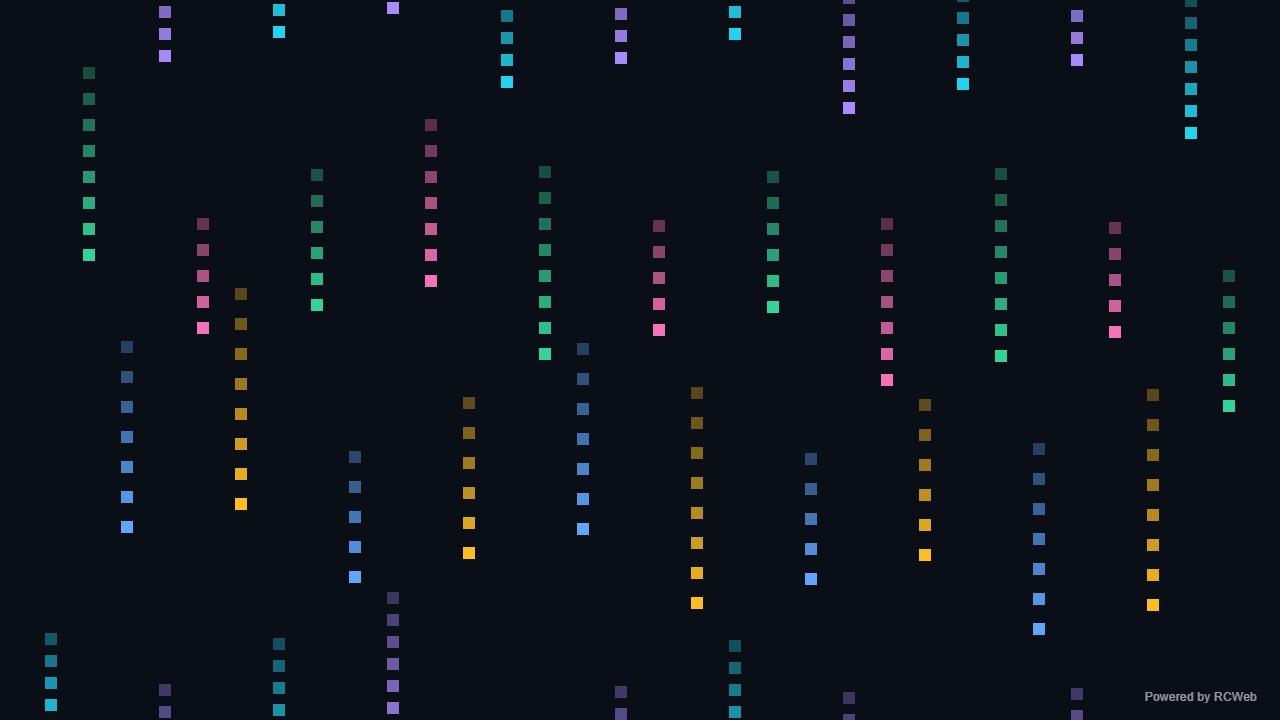
User: Show simple pixel rain: columns of small coloured squares falling at different speeds on a dark background and looping from the top. Keep the square count modest.
Assistant: The built-in assistant requested the display update. The conversation JSON includes the recorded responses and tool calls.
Tool: Executed through the actual RCWeb assistant in a dedicated local viewer room.
Assistant: Displayed simple pixel rain on client yg4iz2dz in room gm18-ddae using 32 columns and 208 small coloured squares falling at varying speeds on a dark background and looping from the top.
User: Show simple pixel rain: columns of small coloured squares falling at different speeds on a dark background and looping from the top. Keep the square count modest.
Assistant: The built-in assistant requested the display update. The conversation JSON includes the recorded responses and tool calls.
Tool: Executed through the actual RCWeb assistant in a dedicated local viewer room.
Assistant: Simple pixel rain is now running on the screen.
User: Show simple pixel rain: columns of small coloured squares falling at different speeds on a dark background and looping from the top. Keep the square count modest.
Assistant: The built-in assistant requested the display update. The conversation JSON includes the recorded responses and tool calls.
Tool: Executed through the actual RCWeb assistant in a dedicated local viewer room.
Assistant: Pixel rain is running with 90 coloured squares falling across the dark screen.
Show simple pixel rain: columns of small coloured squares falling at different speeds on a dark background and looping from the top. Keep the square count modest.
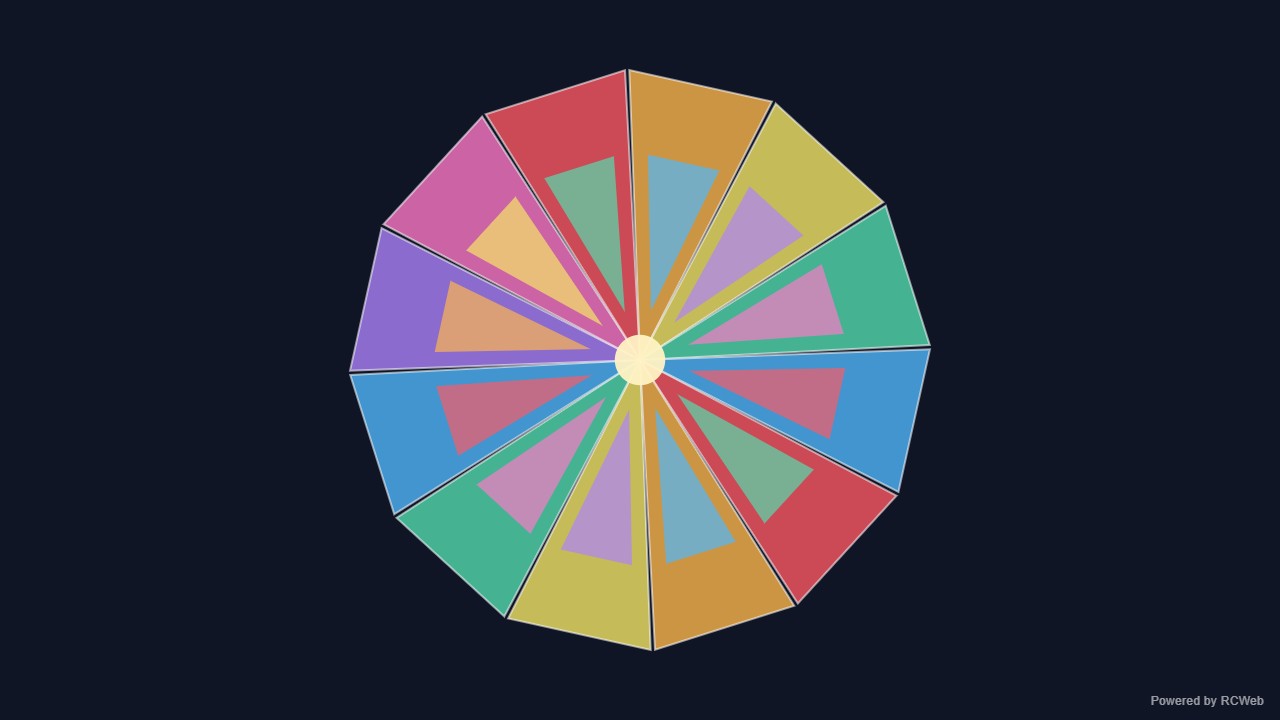
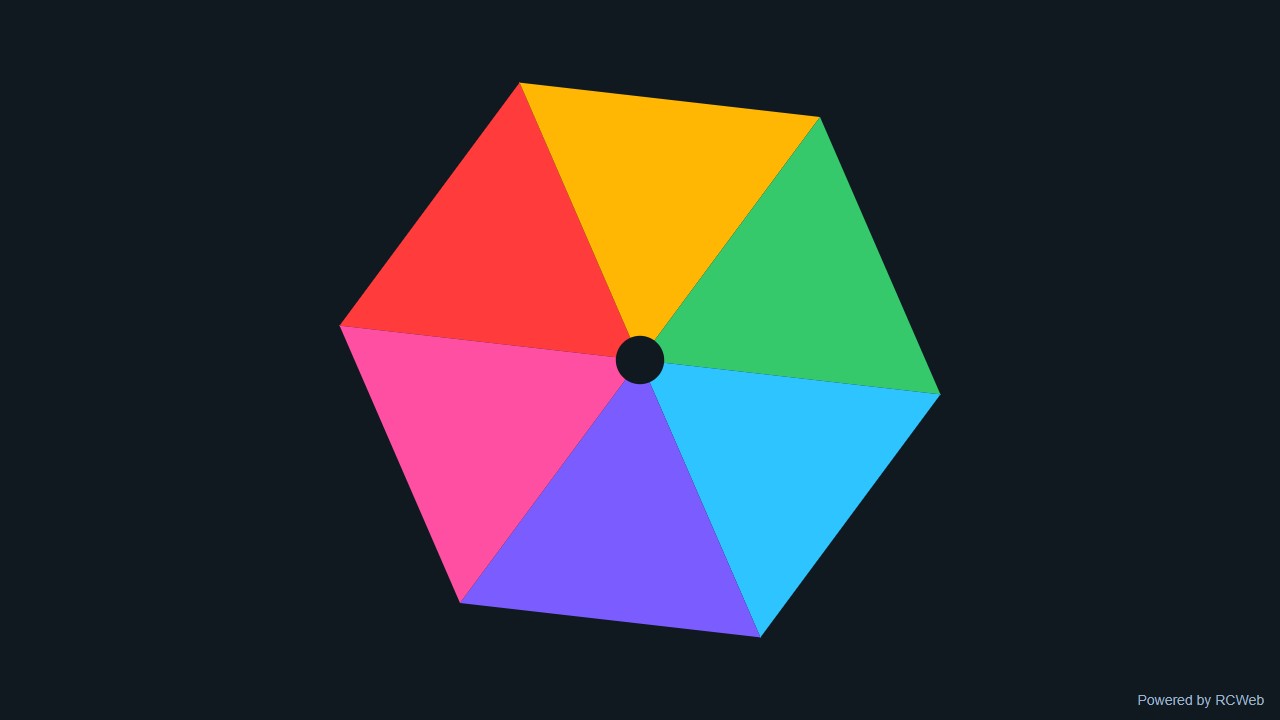
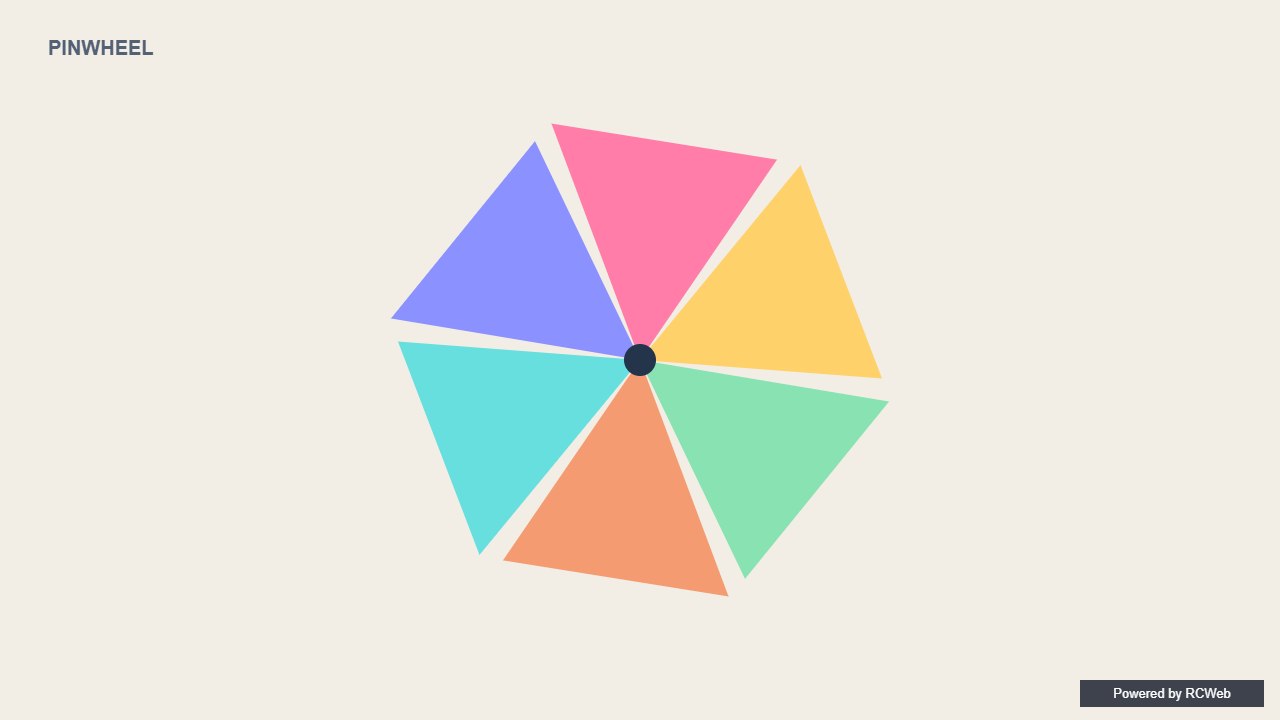
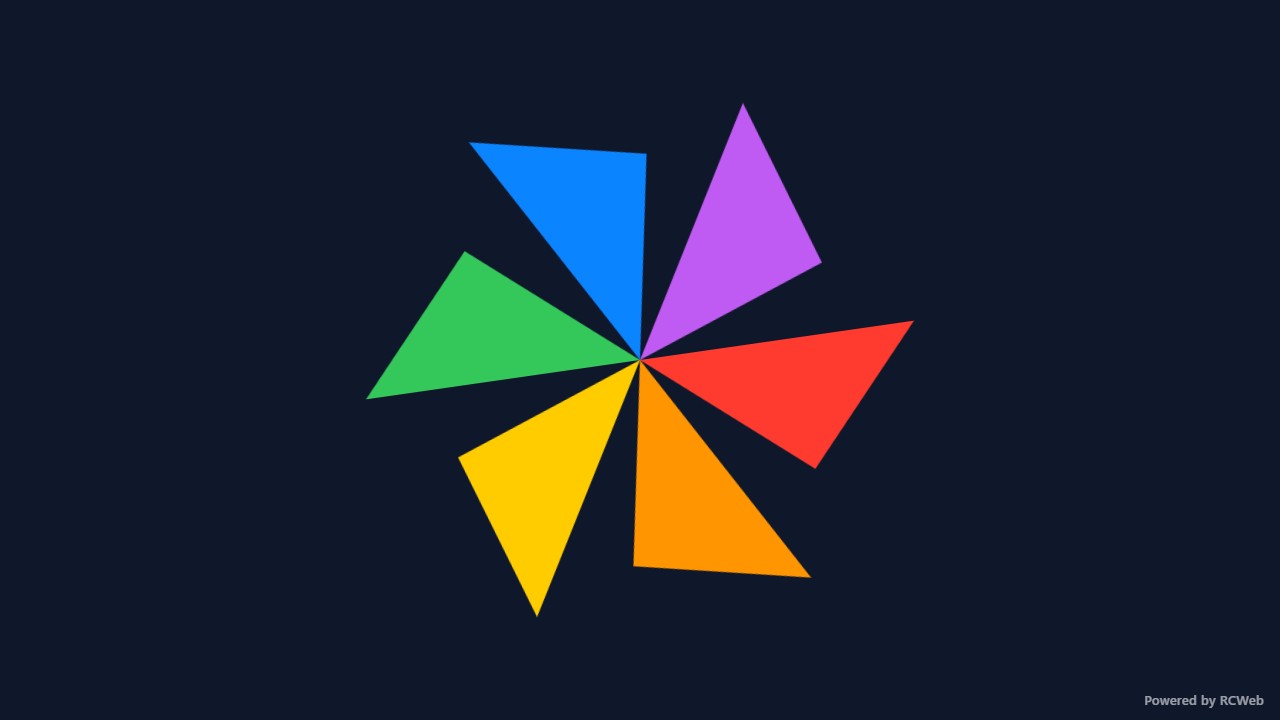
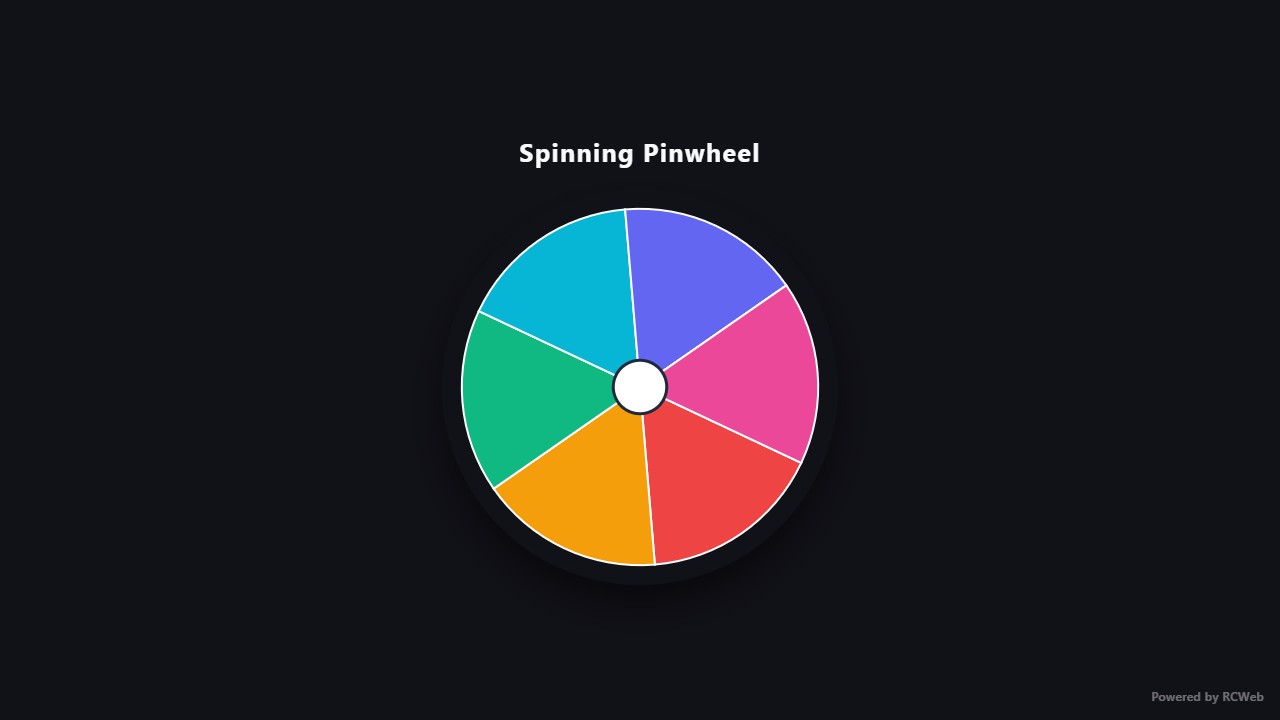
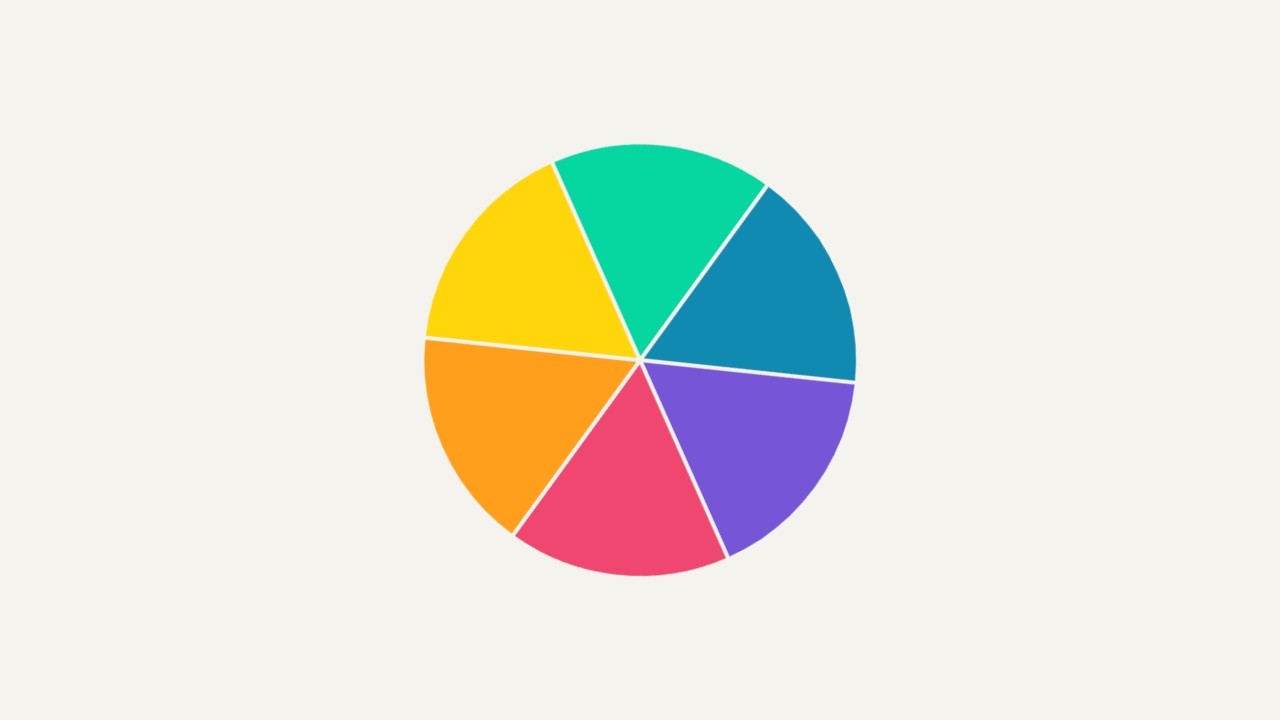
User: Show a simple spinning pinwheel made from six bold coloured triangular wedges around the centre. Rotate the whole flat shape smoothly.
Assistant: The built-in assistant requested the display update. The conversation JSON includes the recorded responses and tool calls.
Tool: Executed through the actual RCWeb assistant in a dedicated local viewer room.
Assistant: The pinwheel is now showing on screen yw49yq6f. It has six bold coloured triangular wedges around a centre hub, and the whole flat shape rotates smoothly at about 45 degrees per second. It scales to the window size and includes a small "Powered by RCWeb" badge in the bottom-right corner.
User: Show a simple spinning pinwheel made from six bold coloured triangular wedges around the centre. Rotate the whole flat shape smoothly.
Assistant: The built-in assistant requested the display update. The conversation JSON includes the recorded responses and tool calls.
Tool: Executed through the actual RCWeb assistant in a dedicated local viewer room.
Assistant: Displayed a smoothly spinning pinwheel made of six bold coloured triangular wedges (red, orange, yellow, green, blue, and purple) centered on the screen.
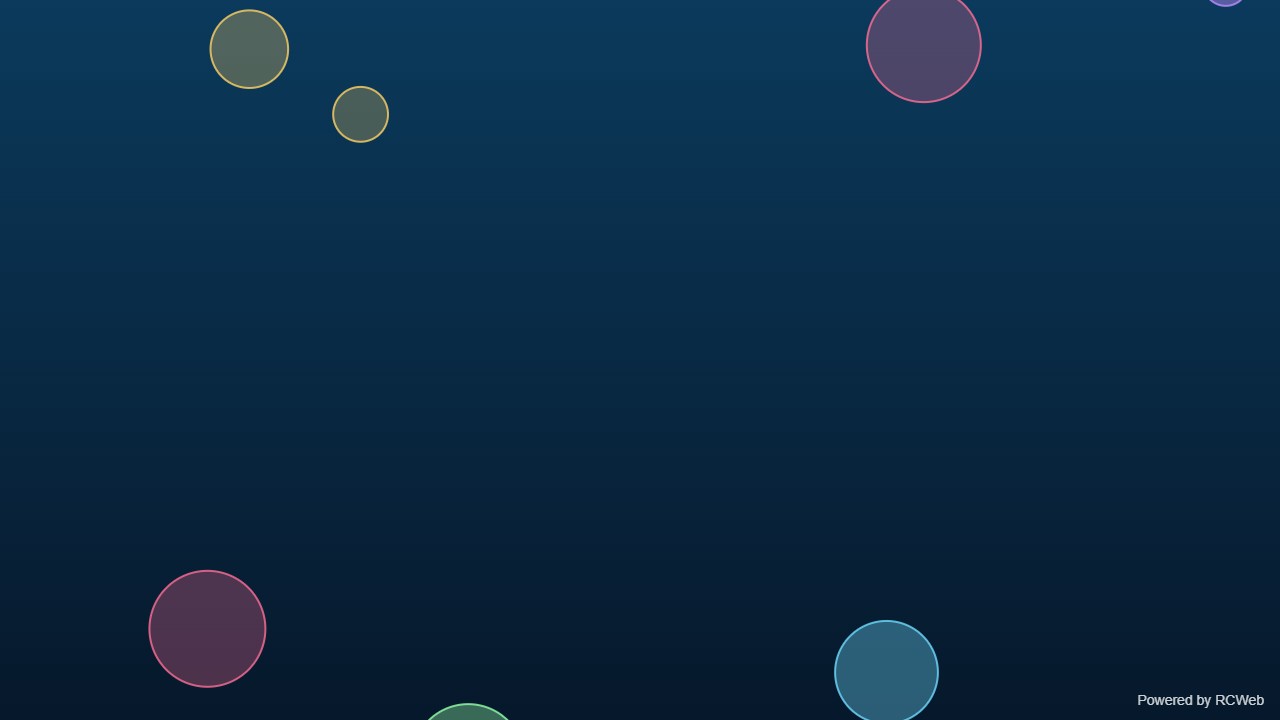
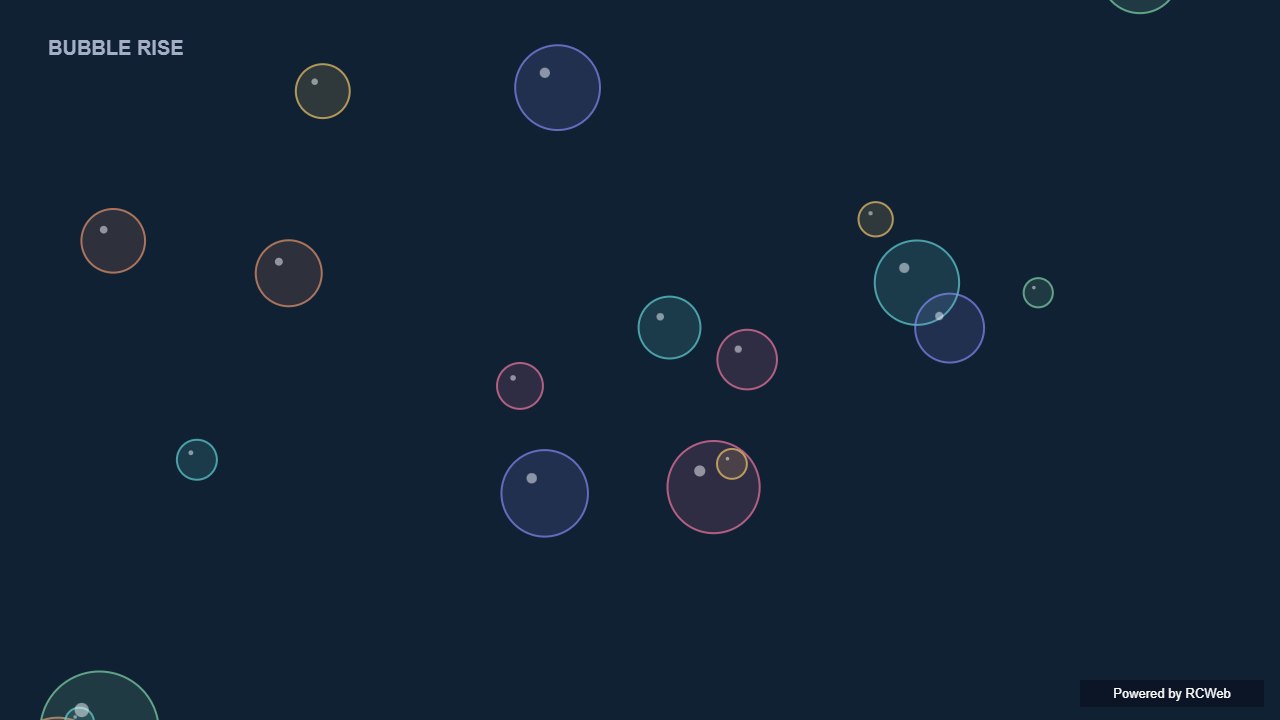
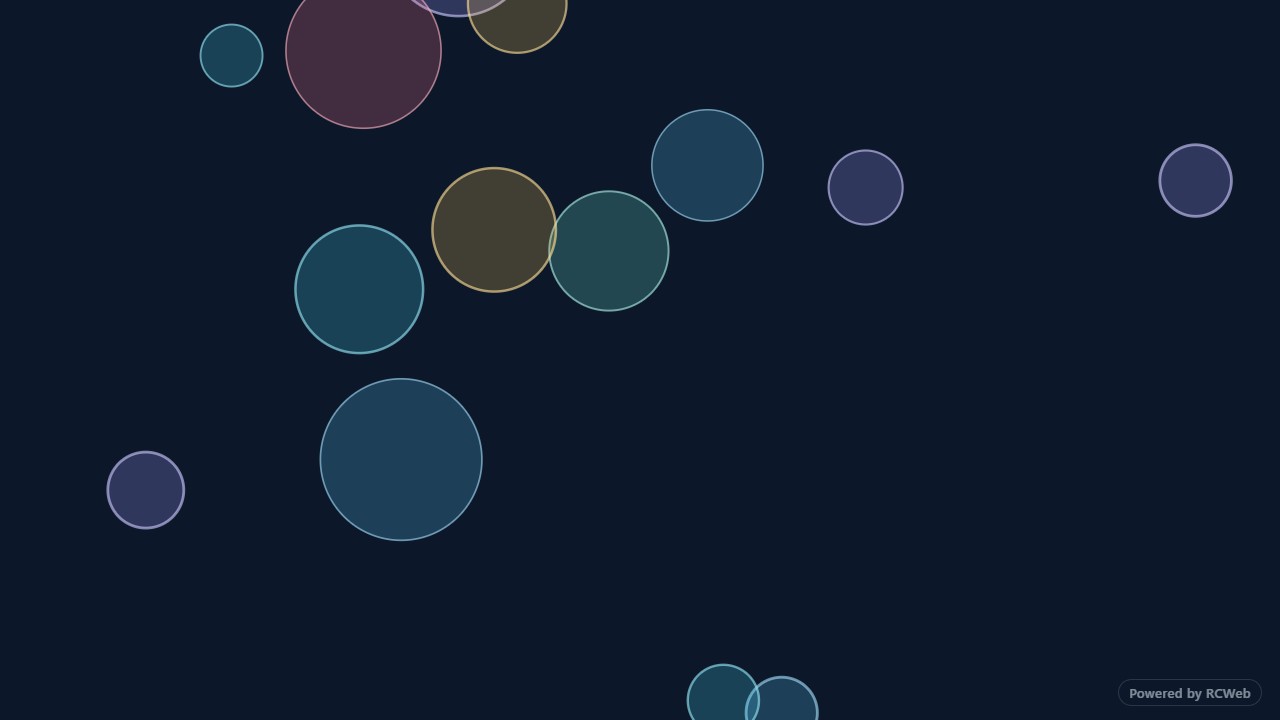
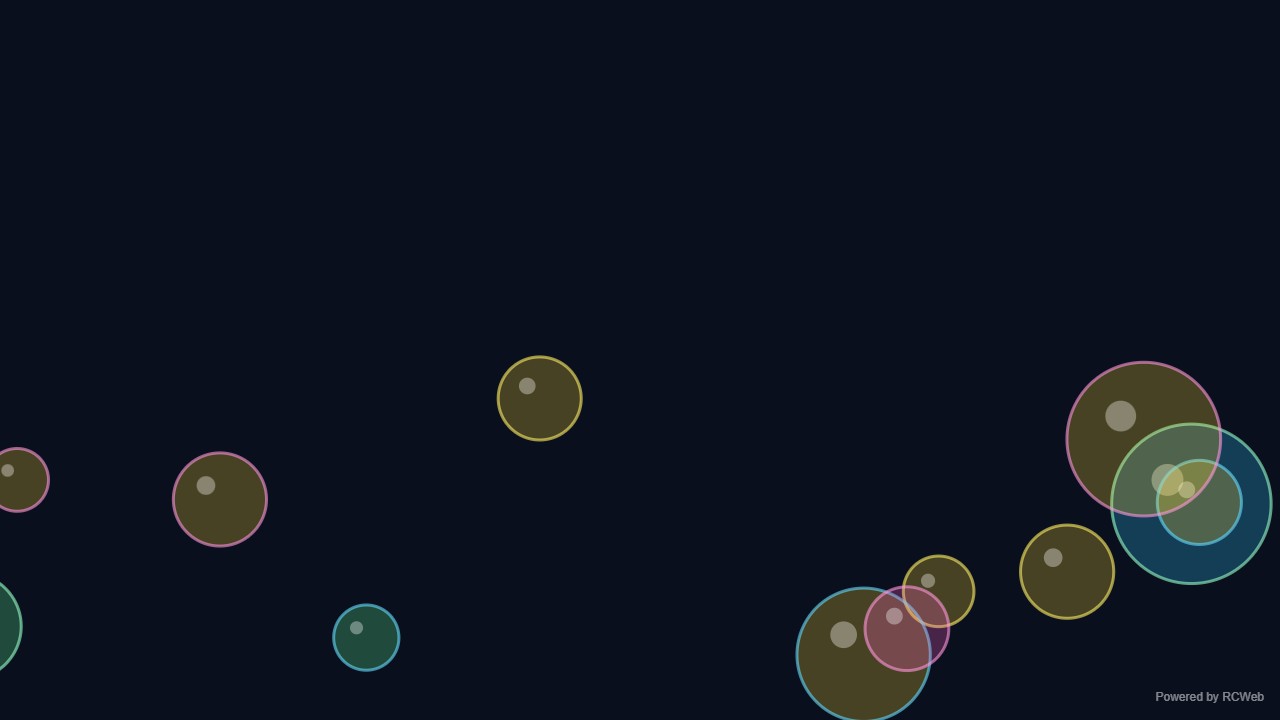
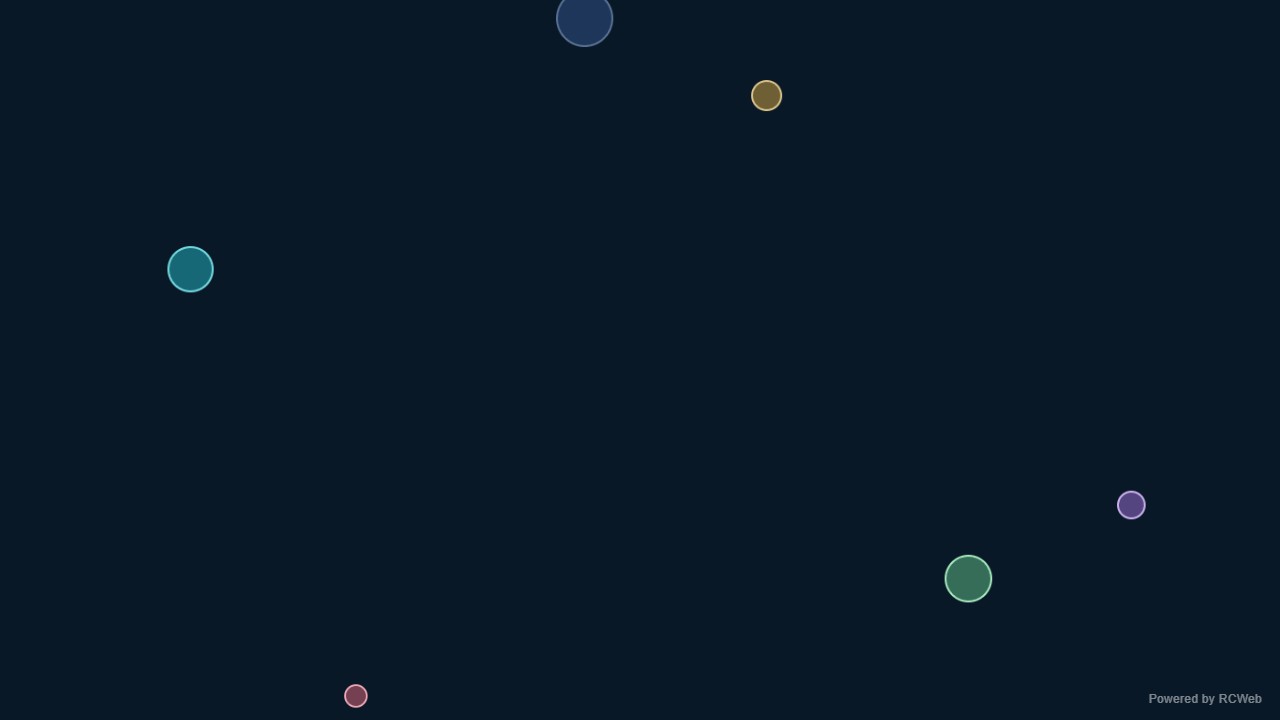
User: Show a small number of translucent coloured circles rising and gently wobbling like bubbles, looping from the bottom. Use flat fills or outlines, no blur filters.
Assistant: The built-in assistant requested the display update. The conversation JSON includes the recorded responses and tool calls.
Tool: Executed through the actual RCWeb assistant in a dedicated local viewer room.
Assistant: The bubble animation is running on client i4sfahaw. Seven translucent coloured bubbles with outlines rise from the bottom, wobble side to side, and loop back once they leave the top. The background is a dark blue gradient, and a small "Powered by RCWeb" badge sits in the bottom-right corner. I haven't taken a screenshot to check the visuals.
User: Show a small number of translucent coloured circles rising and gently wobbling like bubbles, looping from the bottom. Use flat fills or outlines, no blur filters.
Assistant: In the simulated conversation, the assistant called execute_javascript to load the Codex-authored scene in an isolated viewer.
Tool: Rendered successfully in the isolated browser viewer at 1280 × 720.
Assistant: Translucent bubbles float upwards and gently wobble as they loop back from below.
User: Show a small number of translucent coloured circles rising and gently wobbling like bubbles, looping from the bottom. Use flat fills or outlines, no blur filters.
Assistant: The built-in assistant requested the display update. The conversation JSON includes the recorded responses and tool calls.
Tool: Executed through the actual RCWeb assistant in a dedicated local viewer room.
Assistant: Displayed 15 translucent coloured circles rising and gently wobbling across the screen on a dark background, using flat fills and crisp outlines without blur filters, looping smoothly from the bottom.
User: Show a small number of translucent coloured circles rising and gently wobbling like bubbles, looping from the bottom. Use flat fills or outlines, no blur filters.
Assistant: The built-in assistant requested the display update. The conversation JSON includes the recorded responses and tool calls.
Tool: Executed through the actual RCWeb assistant in a dedicated local viewer room.
Assistant: Bubbles rising and gently wobbling have been displayed on the screen.
User: Show a small number of translucent coloured circles rising and gently wobbling like bubbles, looping from the bottom. Use flat fills or outlines, no blur filters.
Assistant: The built-in assistant requested the display update. The conversation JSON includes the recorded responses and tool calls.
Tool: Executed through the actual RCWeb assistant in a dedicated local viewer room.
Assistant: Done. A small set of translucent colored bubbles is rising and gently wobbling in a continuous loop.
Show a small number of translucent coloured circles rising and gently wobbling like bubbles, looping from the bottom. Use flat fills or outlines, no blur filters.
User: Show a simple repeating eclipse: a dark circle slowly crosses a bright yellow circle on a dark background. Use two flat circles with no realistic lighting.
Assistant: The built-in assistant requested the display update. The conversation JSON includes the recorded responses and tool calls.
Tool: Executed through the actual RCWeb assistant in a dedicated local viewer room.
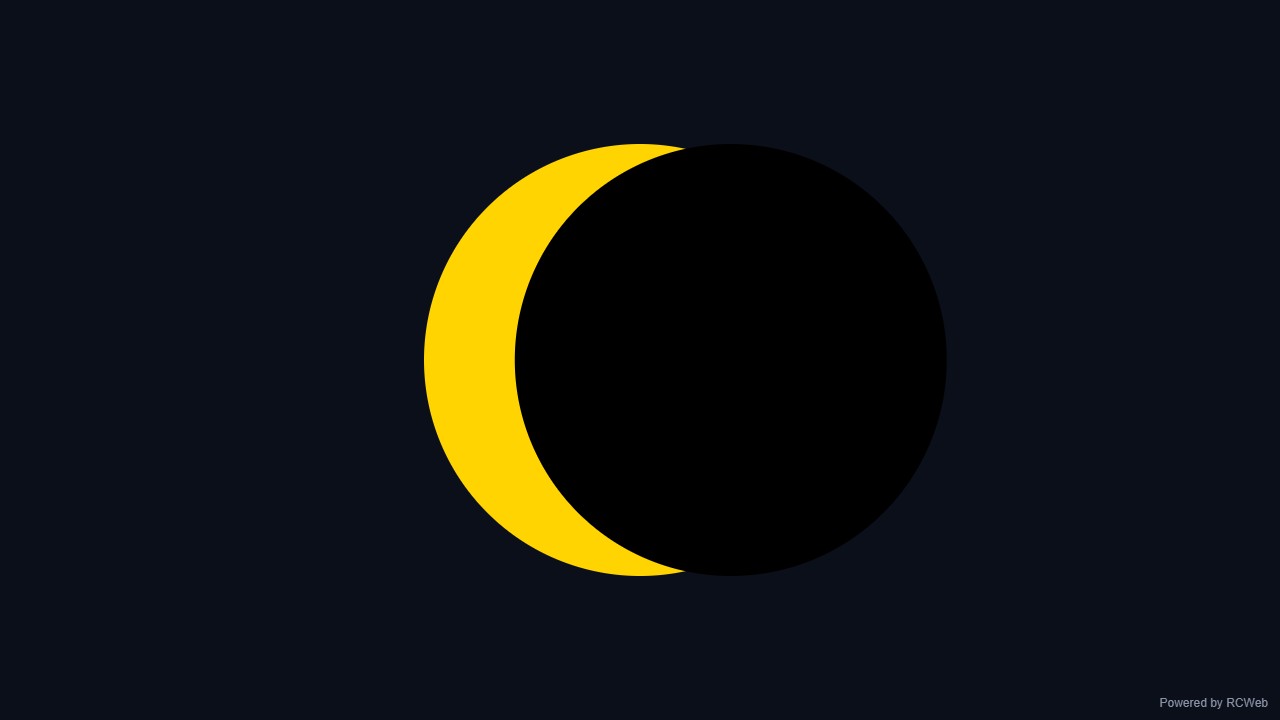
Assistant: The eclipse animation is now running on screen npnqnvck. A flat yellow circle sits in the centre of a dark background, and a black circle of the same size slides across it from left to right, then loops every 12 seconds. A small "Powered by RCWeb" badge sits in the bottom-right corner.
User: Show a simple repeating eclipse: a dark circle slowly crosses a bright yellow circle on a dark background. Use two flat circles with no realistic lighting.
Assistant: In the simulated conversation, the assistant called execute_javascript to load the Codex-authored scene in an isolated viewer.
Tool: Rendered successfully in the isolated browser viewer at 1280 × 720.
Assistant: A dark disc crosses a flat yellow Sun and reveals a changing crescent before repeating.
User: Show a simple repeating eclipse: a dark circle slowly crosses a bright yellow circle on a dark background. Use two flat circles with no realistic lighting.
Assistant: The built-in assistant requested the display update. The conversation JSON includes the recorded responses and tool calls.
Tool: Executed through the actual RCWeb assistant in a dedicated local viewer room.
Assistant: Displayed a repeating flat eclipse animation on the screen: a flat dark circle slowly crosses in front of a centered bright yellow circle on a dark background, looping continuously every 16 seconds with no lighting effects or gradients.
User: Show a simple repeating eclipse: a dark circle slowly crosses a bright yellow circle on a dark background. Use two flat circles with no realistic lighting.
Assistant: The built-in assistant requested the display update. The conversation JSON includes the recorded responses and tool calls.
Tool: Executed through the actual RCWeb assistant in a dedicated local viewer room.
Assistant: I have created a simple repeating eclipse animation with a dark circle crossing a yellow sun on a dark background.
User: Show a simple repeating eclipse: a dark circle slowly crosses a bright yellow circle on a dark background. Use two flat circles with no realistic lighting.
Assistant: The built-in assistant requested the display update. The conversation JSON includes the recorded responses and tool calls.
Tool: Executed through the actual RCWeb assistant in a dedicated local viewer room.
Assistant: Done. A flat dark circle slowly moves back and forth across the bright yellow circle against a dark background.
Show a simple repeating eclipse: a dark circle slowly crosses a bright yellow circle on a dark background. Use two flat circles with no realistic lighting.
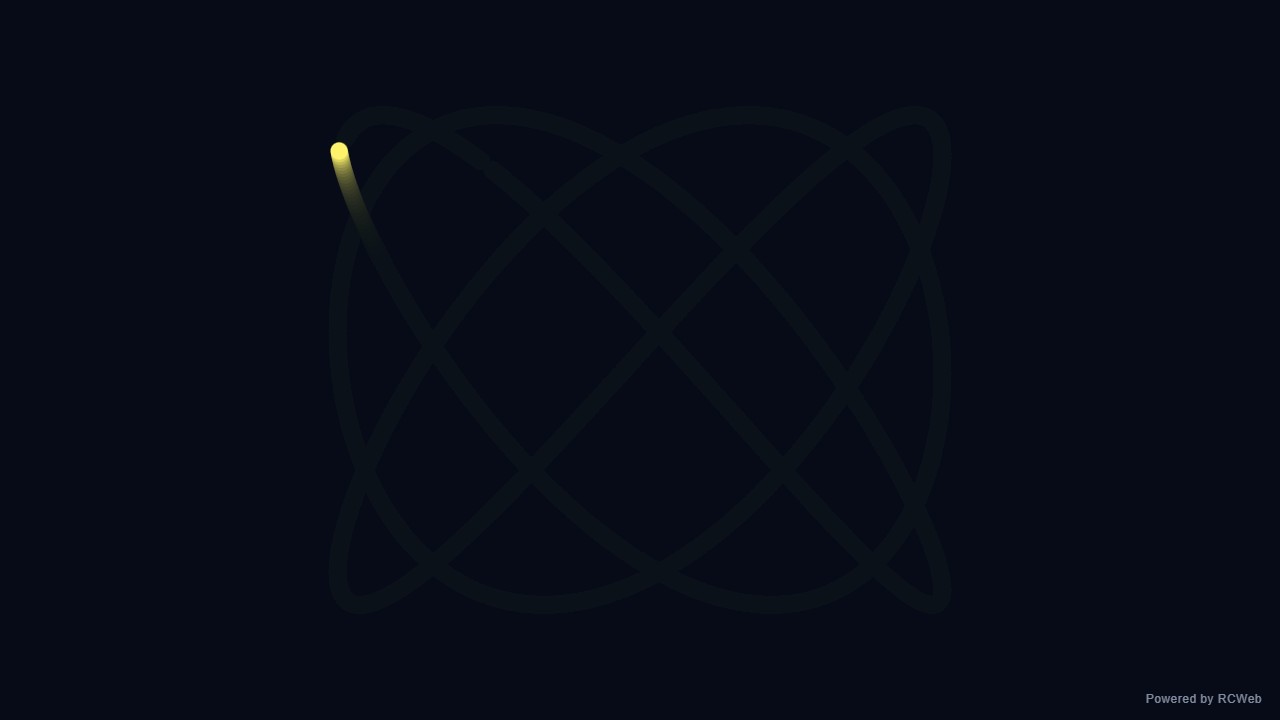
User: Show one bright dot following a Lissajous curve with sine-based x and y positions and a slowly changing phase. Leave a short fading trail on a dark background; use no glow filters.
Assistant: The built-in assistant requested the display update. The conversation JSON includes the recorded responses and tool calls.
Tool: Executed through the actual RCWeb assistant in a dedicated local viewer room.
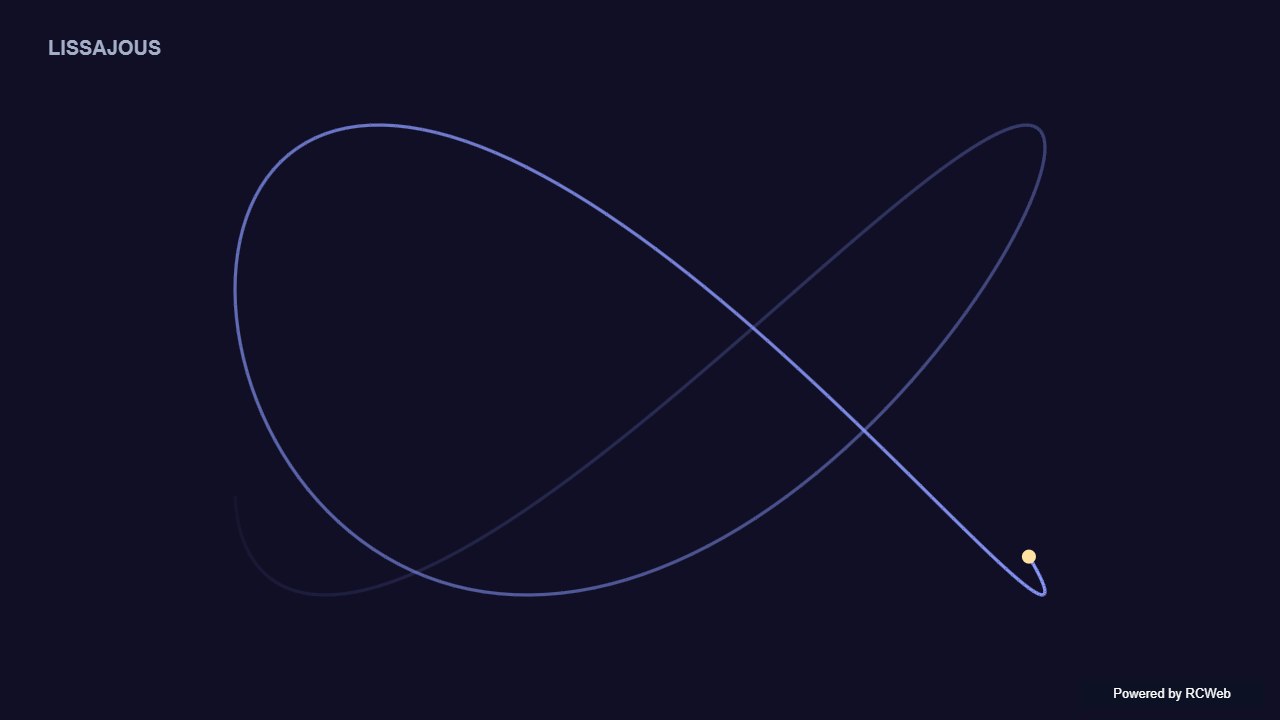
Assistant: The Lissajous animation is running on client q9f75u75. A bright dot traces a sine-based x/y curve with a slowly drifting phase, leaving a short fading trail on a dark background. It uses no glow filters, and a small "Powered by RCWeb" badge sits in the bottom-right corner.
User: Show one bright dot following a Lissajous curve with sine-based x and y positions and a slowly changing phase. Leave a short fading trail on a dark background; use no glow filters.
Assistant: In the simulated conversation, the assistant called execute_javascript to load the Codex-authored scene in an isolated viewer.
Tool: Rendered successfully in the isolated browser viewer at 1280 × 720.
Assistant: A bright point traces a sine-based Lissajous curve with a slowly changing phase and a short fading trail.
User: Show one bright dot following a Lissajous curve with sine-based x and y positions and a slowly changing phase. Leave a short fading trail on a dark background; use no glow filters.
Assistant: The built-in assistant requested the display update. The conversation JSON includes the recorded responses and tool calls.
Tool: Executed through the actual RCWeb assistant in a dedicated local viewer room.
Assistant: Displayed a bright dot following a 3:2 sine-based Lissajous curve with a slowly drifting phase and a short fading trail on a dark background, rendered on a full-screen canvas with no glow filters.
User: Show one bright dot following a Lissajous curve with sine-based x and y positions and a slowly changing phase. Leave a short fading trail on a dark background; use no glow filters.
Assistant: The built-in assistant requested the display update. The conversation JSON includes the recorded responses and tool calls.
Tool: Executed through the actual RCWeb assistant in a dedicated local viewer room.
Assistant: The Lissajous curve animation with a fading trail and bright dot is now running on the screen.
User: Show one bright dot following a Lissajous curve with sine-based x and y positions and a slowly changing phase. Leave a short fading trail on a dark background; use no glow filters.
Assistant: The built-in assistant requested the display update. The conversation JSON includes the recorded responses and tool calls.
Tool: Executed through the actual RCWeb assistant in a dedicated local viewer room.
Assistant: Done. A bright dot follows a slowly shifting Lissajous curve, leaving a short fading trail on a dark background.
Show one bright dot following a Lissajous curve with sine-based x and y positions and a slowly changing phase. Leave a short fading trail on a dark background; use no glow filters.
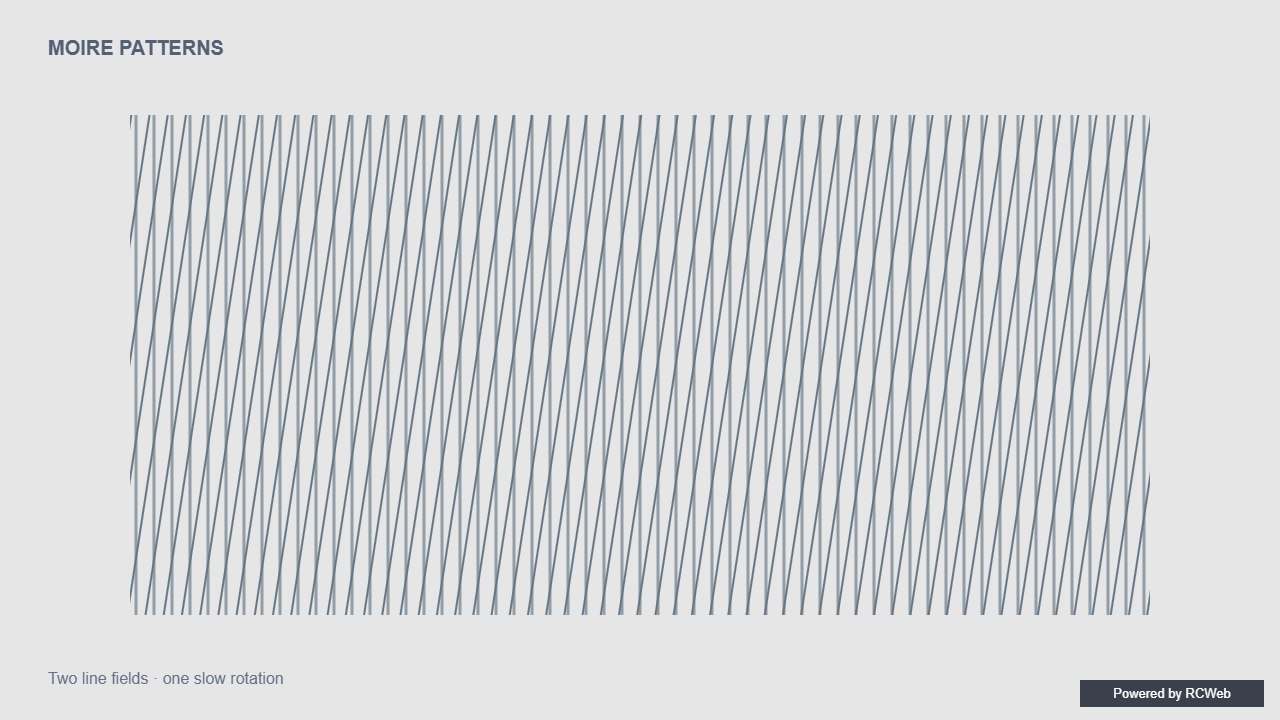
User: Show a simple moiré pattern with two sets of evenly spaced thin lines, one slowly rotating over the other. Use moderate spacing and subdued contrast, with no flashing.
Assistant: The built-in assistant requested the display update. The conversation JSON includes the recorded responses and tool calls.
Tool: Executed through the actual RCWeb assistant in a dedicated local viewer room.
Assistant: The moiré pattern is now running on the client's screen. It has two sets of thin, evenly spaced lines (14 px apart) in low-contrast grey on a dark background. One set stays fixed, and the other rotates slowly over the top, completing a full turn about every 90 seconds. The animation is smooth with no flashing, and a small "Powered by RCWeb" badge sits in the bottom-right corner. The display resizes with the window.
User: Show a simple moiré pattern with two sets of evenly spaced thin lines, one slowly rotating over the other. Use moderate spacing and subdued contrast, with no flashing.
Assistant: In the simulated conversation, the assistant called execute_javascript to load the Codex-authored scene in an isolated viewer.
Tool: Rendered successfully in the isolated browser viewer at 1280 × 720.
Assistant: Two sets of moderately spaced lines overlap while one rotates slowly, revealing changing moire bands.
User: Show a simple moiré pattern with two sets of evenly spaced thin lines, one slowly rotating over the other. Use moderate spacing and subdued contrast, with no flashing.
Assistant: The built-in assistant requested the display update. The conversation JSON includes the recorded responses and tool calls.
Tool: Executed through the actual RCWeb assistant in a dedicated local viewer room.
Assistant: Displayed a full-screen moire pattern on the screen using two sets of evenly spaced 1.5 px lines (14 px spacing) in muted slate tones on a dark charcoal background, with one set slowly rotating over the other without flashing.
User: Show a simple moiré pattern with two sets of evenly spaced thin lines, one slowly rotating over the other. Use moderate spacing and subdued contrast, with no flashing.
Assistant: The built-in assistant requested the display update. The conversation JSON includes the recorded responses and tool calls.
Tool: Executed through the actual RCWeb assistant in a dedicated local viewer room.
Assistant: Simple moiré pattern displayed with subtle rotating lines.
User: Show a simple moiré pattern with two sets of evenly spaced thin lines, one slowly rotating over the other. Use moderate spacing and subdued contrast, with no flashing.
Assistant: The built-in assistant requested the display update. The conversation JSON includes the recorded responses and tool calls.
Tool: Executed through the actual RCWeb assistant in a dedicated local viewer room.
Assistant: Displayed a subdued moiré pattern with two evenly spaced line sets, one rotating slowly without flashing.
Show a simple moiré pattern with two sets of evenly spaced thin lines, one slowly rotating over the other. Use moderate spacing and subdued contrast, with no flashing.
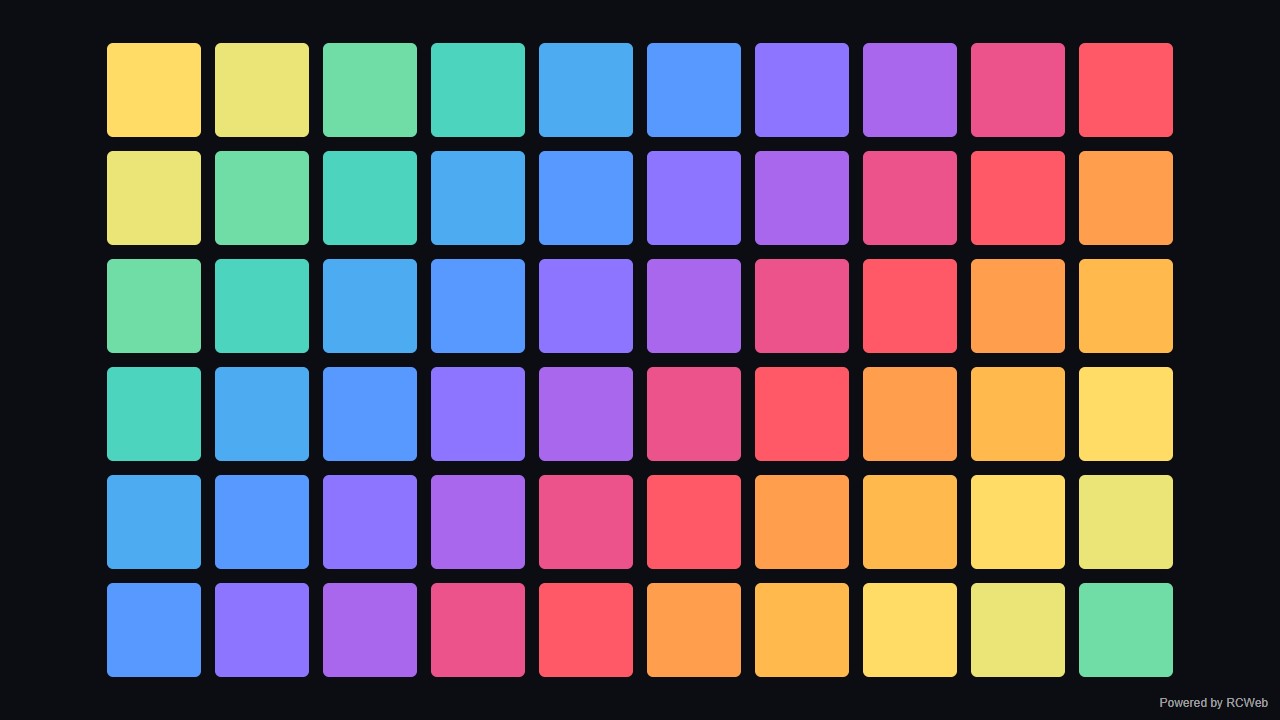
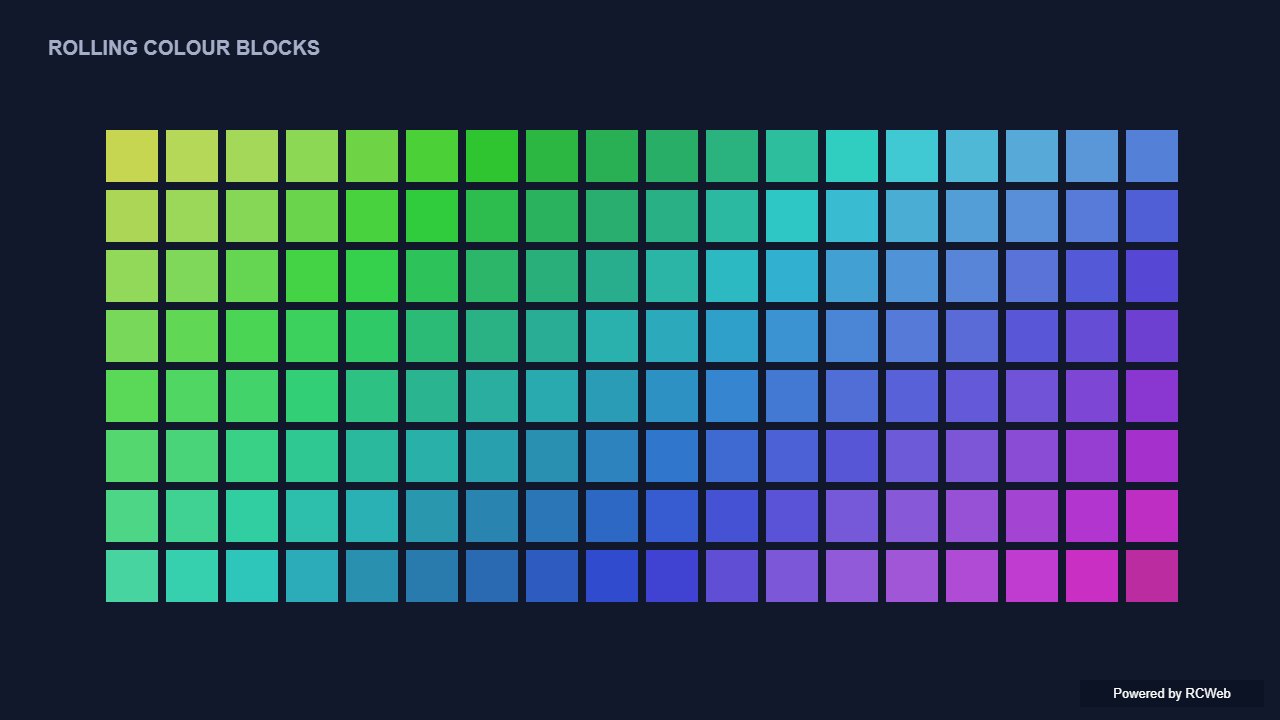
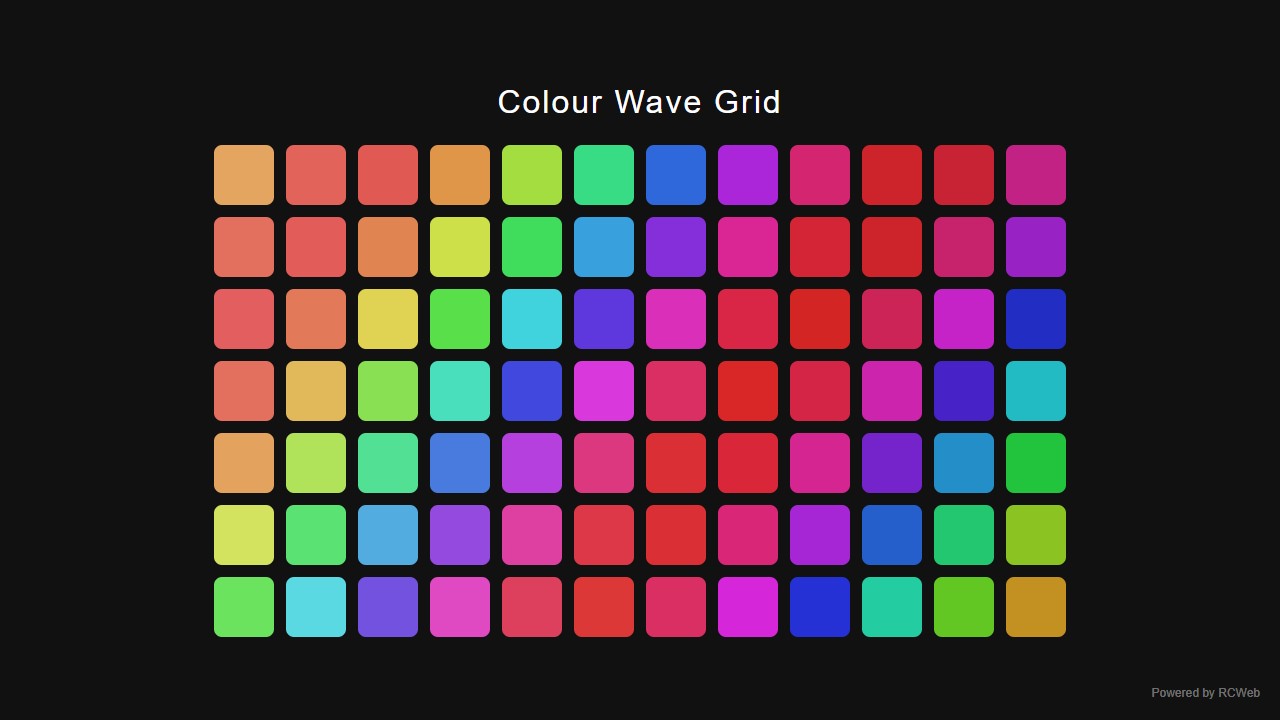
User: Show a simple grid of coloured squares whose colours change smoothly in a wave across the screen. Use a small grid and a repeating palette, with no flashing.
Assistant: The built-in assistant requested the display update. The conversation JSON includes the recorded responses and tool calls.
Tool: Executed through the actual RCWeb assistant in a dedicated local viewer room.
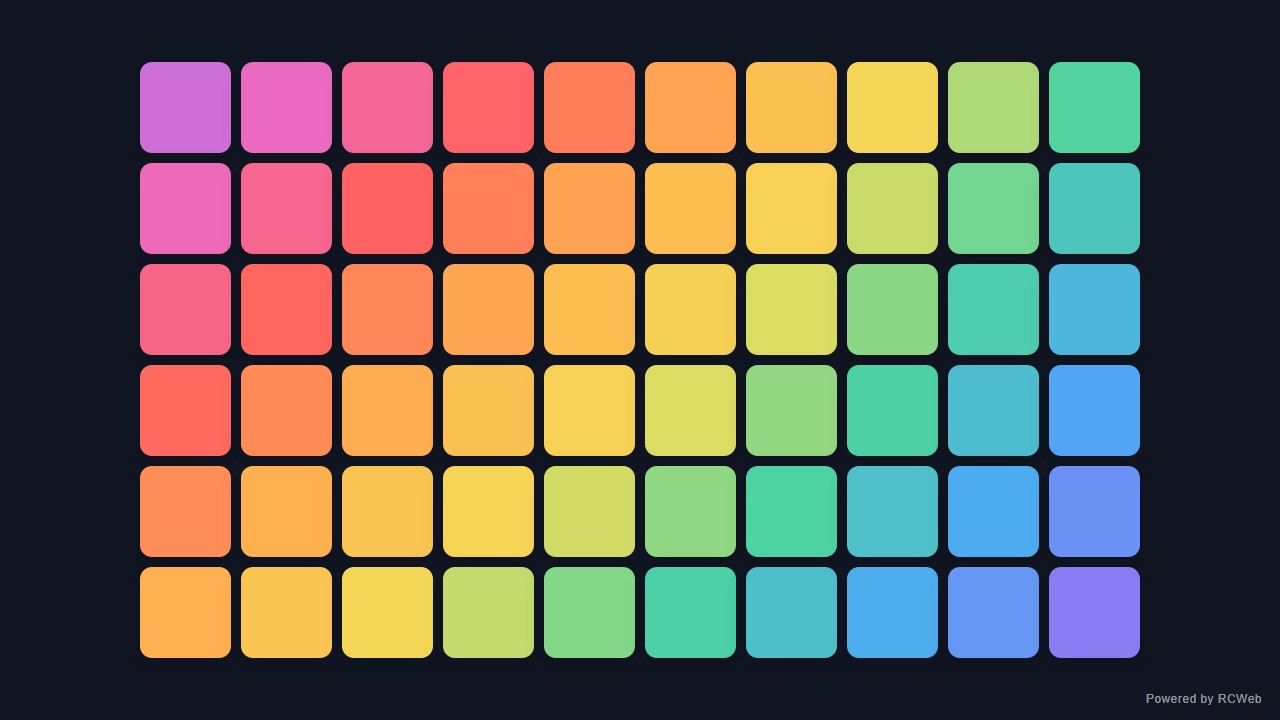
Assistant: The screen now shows a 10 by 6 grid of coloured squares (it switches to 6 by 10 in portrait). A colour wave rolls diagonally across the grid. The colours cycle through a six-colour repeating palette and blend smoothly between shades. The motion is slow and steady, with no flashing. A small "Powered by RCWeb" badge sits in the bottom-right corner. The display resizes with the window and cleans up its animation if the view is reset.
User: Show a simple grid of coloured squares whose colours change smoothly in a wave across the screen. Use a small grid and a repeating palette, with no flashing.
Assistant: In the simulated conversation, the assistant called execute_javascript to load the Codex-authored scene in an isolated viewer.
Tool: Rendered successfully in the isolated browser viewer at 1280 × 720.
Assistant: A small grid changes through a smooth rolling wave of colour without flashing.
User: Show a simple grid of coloured squares whose colours change smoothly in a wave across the screen. Use a small grid and a repeating palette, with no flashing.
Assistant: The built-in assistant requested the display update. The conversation JSON includes the recorded responses and tool calls.
Tool: Executed through the actual RCWeb assistant in a dedicated local viewer room.
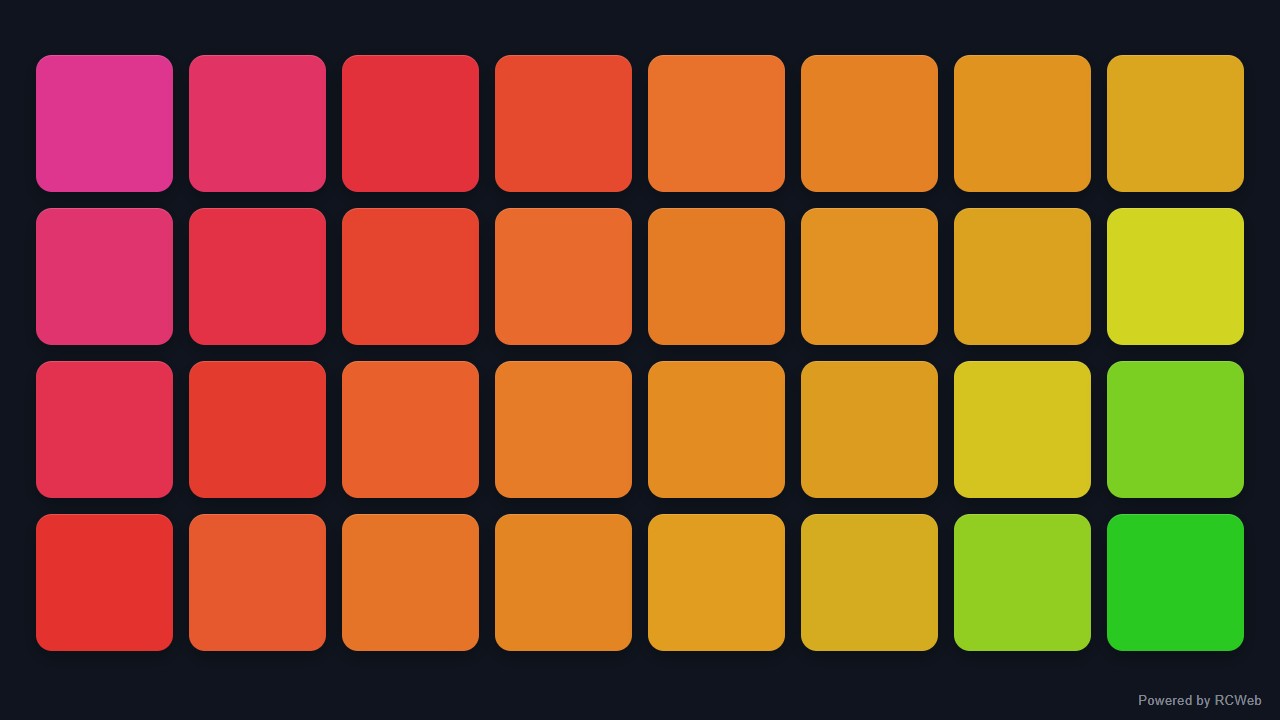
Assistant: Displayed an 8x4 grid of 32 coloured squares on the screen, smoothly cycling through a repeating six-colour palette in a gentle diagonal wave with no flashing.
User: Show a simple grid of coloured squares whose colours change smoothly in a wave across the screen. Use a small grid and a repeating palette, with no flashing.
Assistant: The built-in assistant requested the display update. The conversation JSON includes the recorded responses and tool calls.
Tool: Executed through the actual RCWeb assistant in a dedicated local viewer room.
Assistant: I have displayed a smooth colour wave grid on the screen.
User: Show a simple grid of coloured squares whose colours change smoothly in a wave across the screen. Use a small grid and a repeating palette, with no flashing.
Assistant: The built-in assistant requested the display update. The conversation JSON includes the recorded responses and tool calls.
Tool: Executed through the actual RCWeb assistant in a dedicated local viewer room.
Assistant: Displayed a 10 × 6 grid of coloured squares with a smooth, gently moving wave through a repeating palette.
Show a simple grid of coloured squares whose colours change smoothly in a wave across the screen. Use a small grid and a repeating palette, with no flashing.
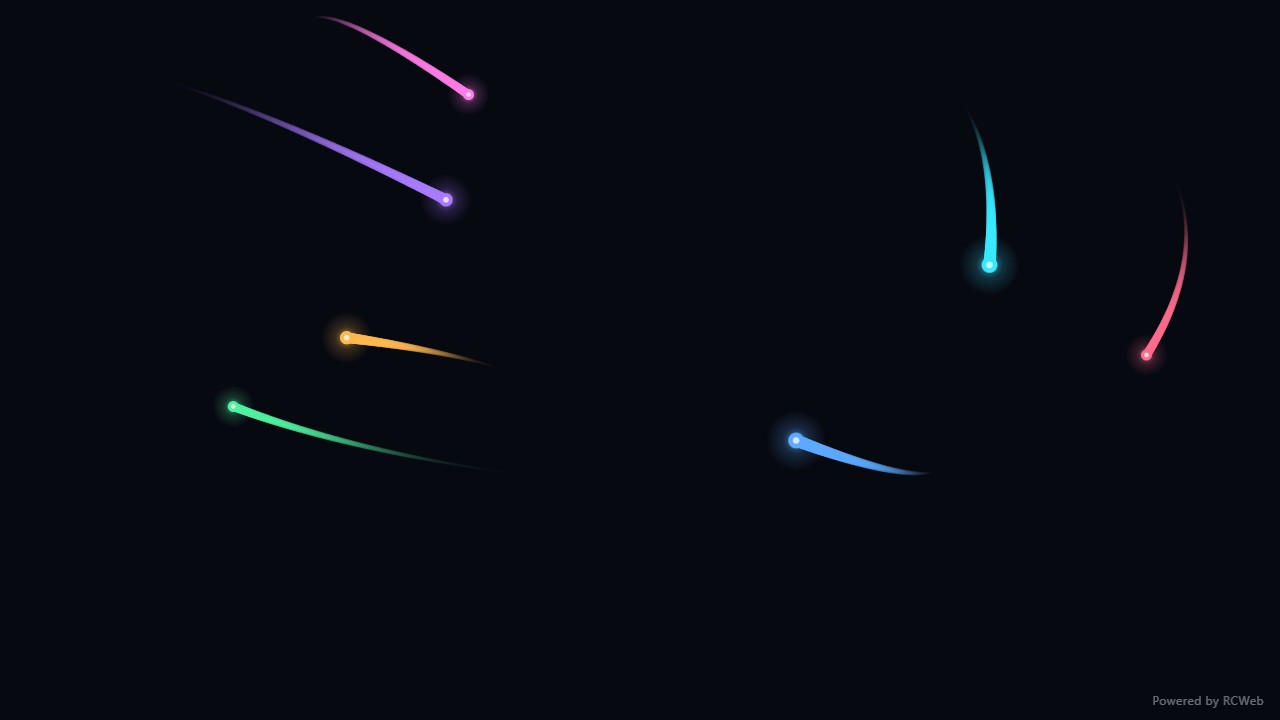
User: Show a few bright dots gliding diagonally across a dark screen with short fading tails, looping from the opposite edge. Keep this a simple 2D comet effect.
Assistant: The built-in assistant requested the display update. The conversation JSON includes the recorded responses and tool calls.
Tool: Executed through the actual RCWeb assistant in a dedicated local viewer room.
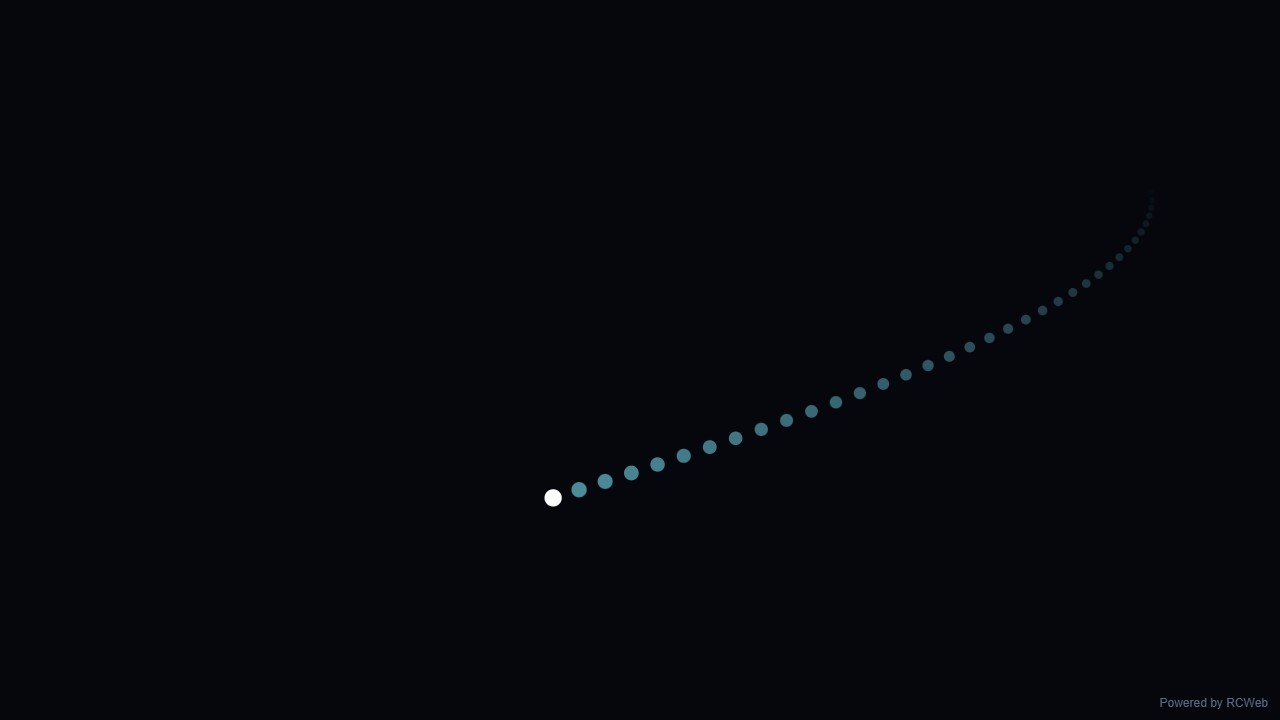
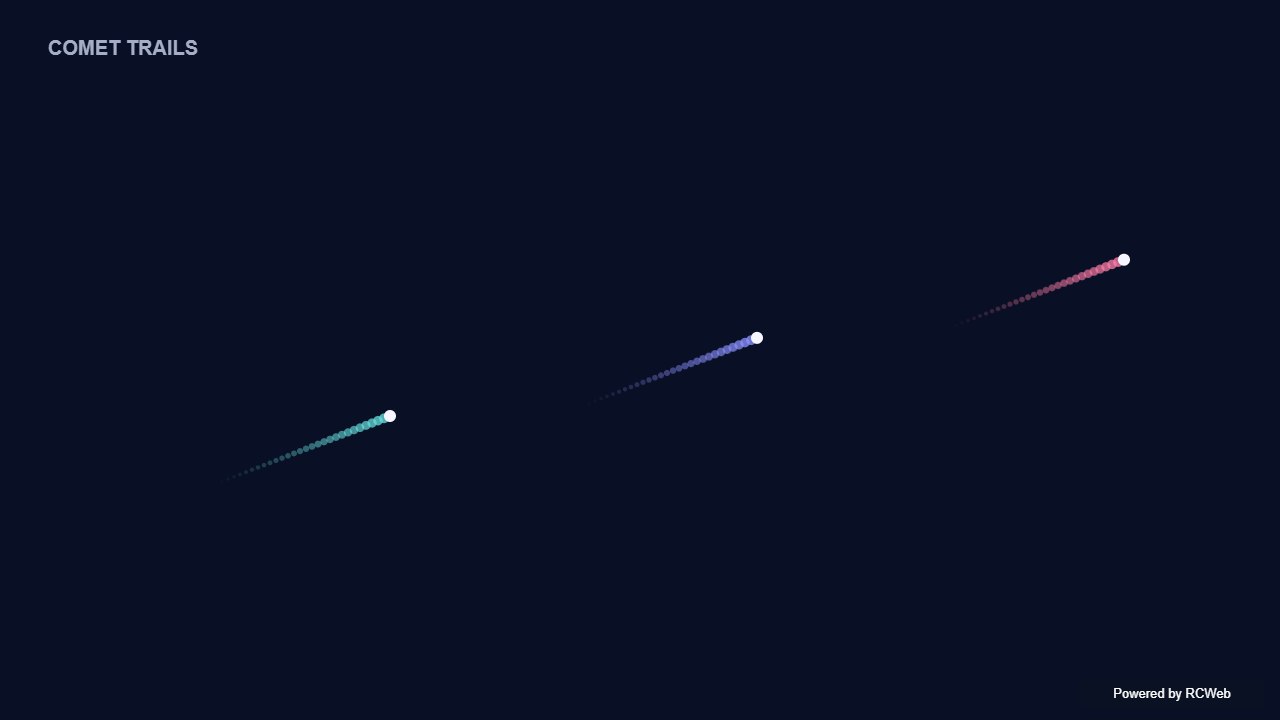
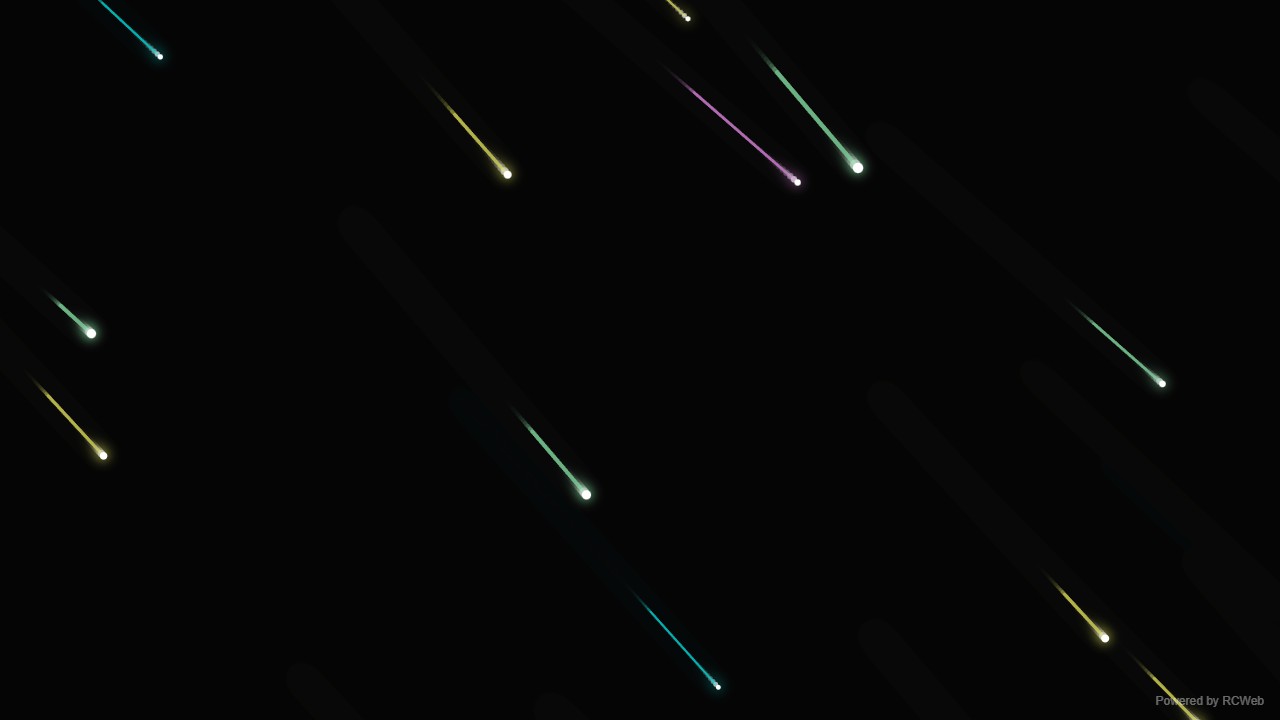
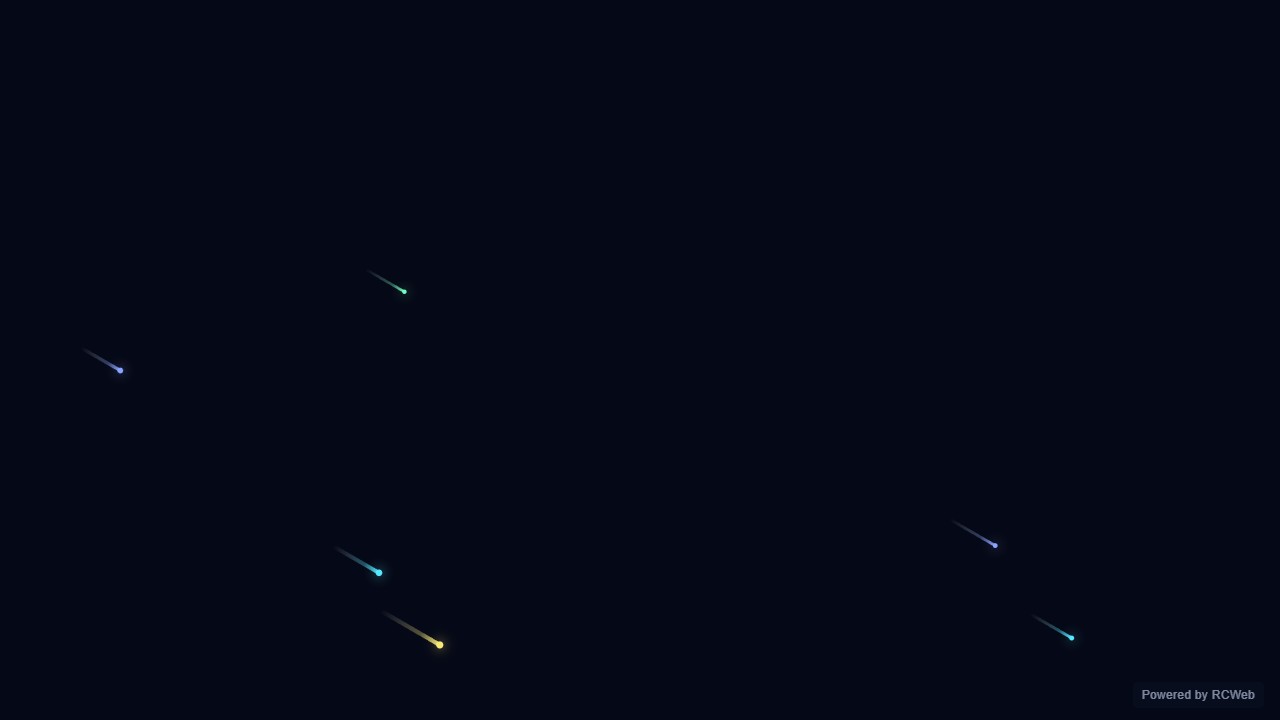
Assistant: The comet effect is now running on screen 7ht4nwxy in room hk18-83c7. Five bright dots glide diagonally across a dark background, each with a short fading tail, and they loop back in from the opposite edge. The effect uses a plain 2D canvas, and a small "Powered by RCWeb" badge sits in the bottom-right corner.
User: Show a few bright dots gliding diagonally across a dark screen with short fading tails, looping from the opposite edge. Keep this a simple 2D comet effect.
Assistant: In the simulated conversation, the assistant called execute_javascript to load the Codex-authored scene in an isolated viewer.
Tool: Rendered successfully in the isolated browser viewer at 1280 × 720.
Assistant: Five bright comets glide diagonally across the screen with short fading tails.
User: Show a few bright dots gliding diagonally across a dark screen with short fading tails, looping from the opposite edge. Keep this a simple 2D comet effect.
Assistant: The built-in assistant requested the display update. The conversation JSON includes the recorded responses and tool calls.
Tool: Executed through the actual RCWeb assistant in a dedicated local viewer room.
Assistant: Displayed 7 bright comets gliding diagonally across a dark 1280x720 canvas with short fading tails, looping smoothly from the opposite edges.
User: Show a few bright dots gliding diagonally across a dark screen with short fading tails, looping from the opposite edge. Keep this a simple 2D comet effect.
Assistant: The built-in assistant requested the display update. The conversation JSON includes the recorded responses and tool calls.
Tool: Executed through the actual RCWeb assistant in a dedicated local viewer room.
User: Show a few bright dots gliding diagonally across a dark screen with short fading tails, looping from the opposite edge. Keep this a simple 2D comet effect.
Assistant: The built-in assistant requested the display update. The conversation JSON includes the recorded responses and tool calls.
Tool: Executed through the actual RCWeb assistant in a dedicated local viewer room.
Assistant: Done — the screen now shows eight bright comets gliding diagonally across a dark background, with short fading tails and looping motion.
Show a few bright dots gliding diagonally across a dark screen with short fading tails, looping from the opposite edge. Keep this a simple 2D comet effect.
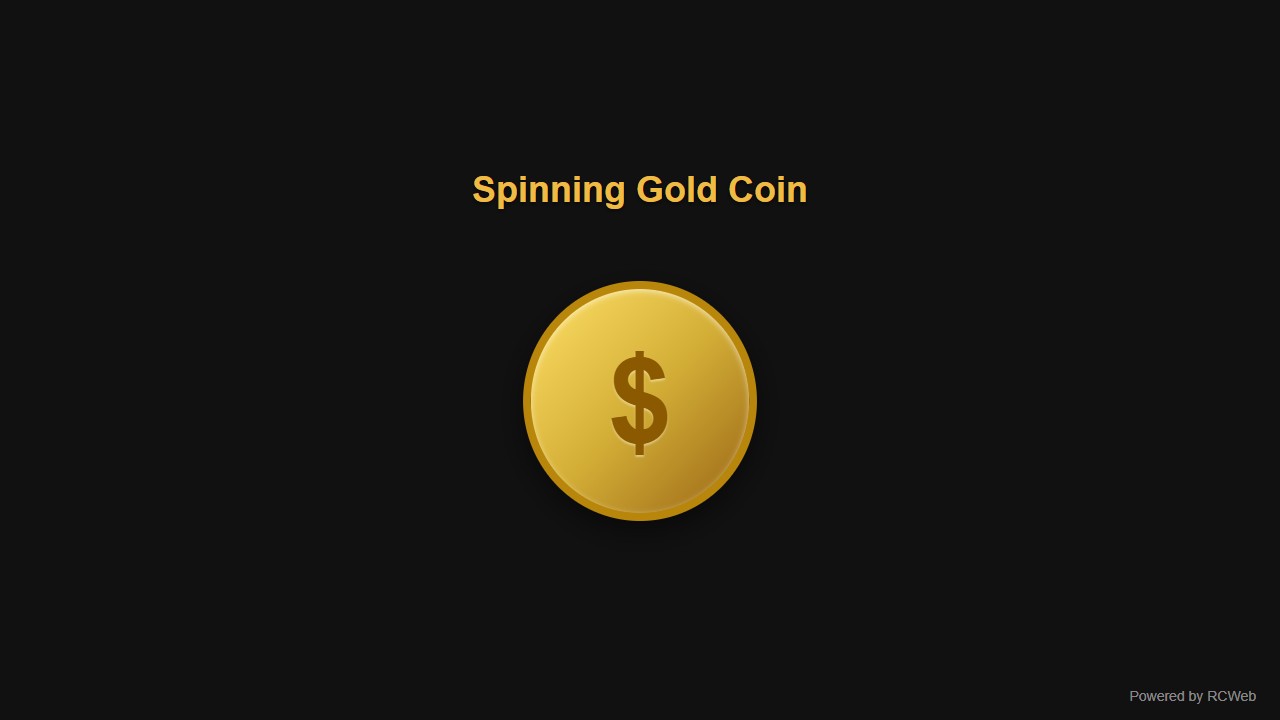
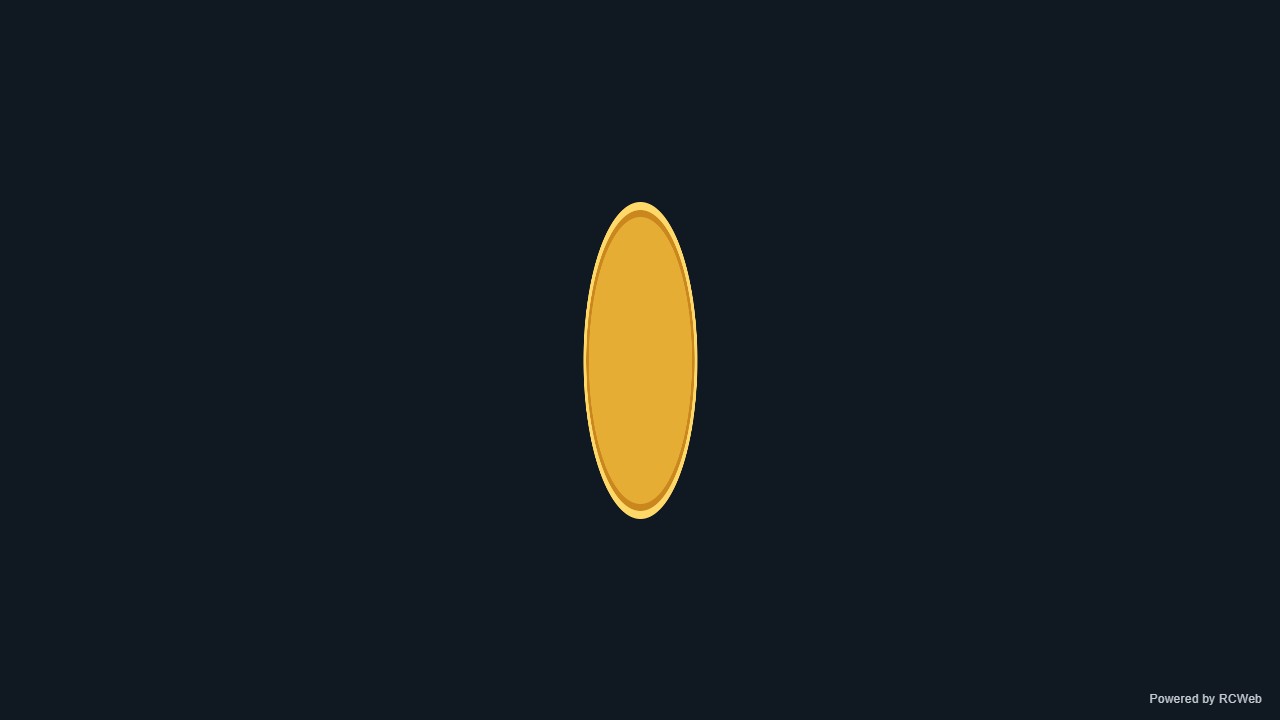
User: Show a simple spinning gold coin by repeatedly changing the horizontal scale of a gold circle from full width to nearly zero and back. Use flat 2D shapes, no 3D rendering.
Assistant: The built-in assistant requested the display update. The conversation JSON includes the recorded responses and tool calls.
Tool: Executed through the actual RCWeb assistant in a dedicated local viewer room.
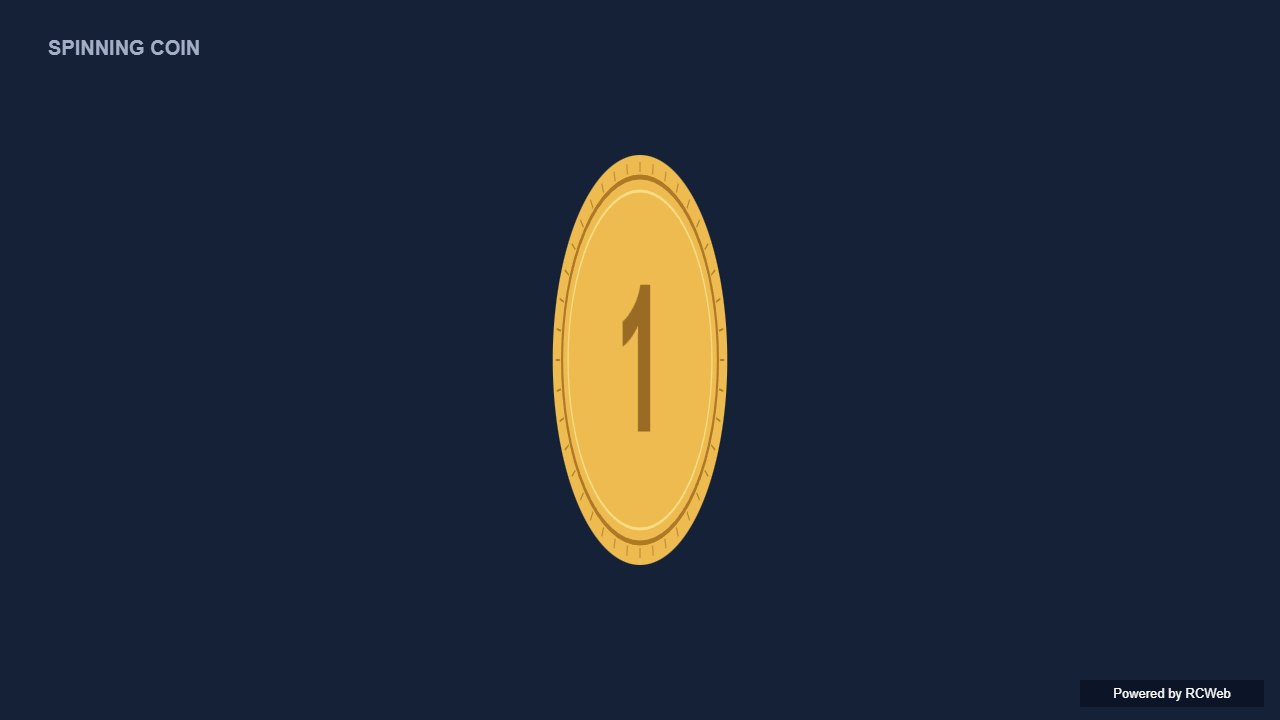
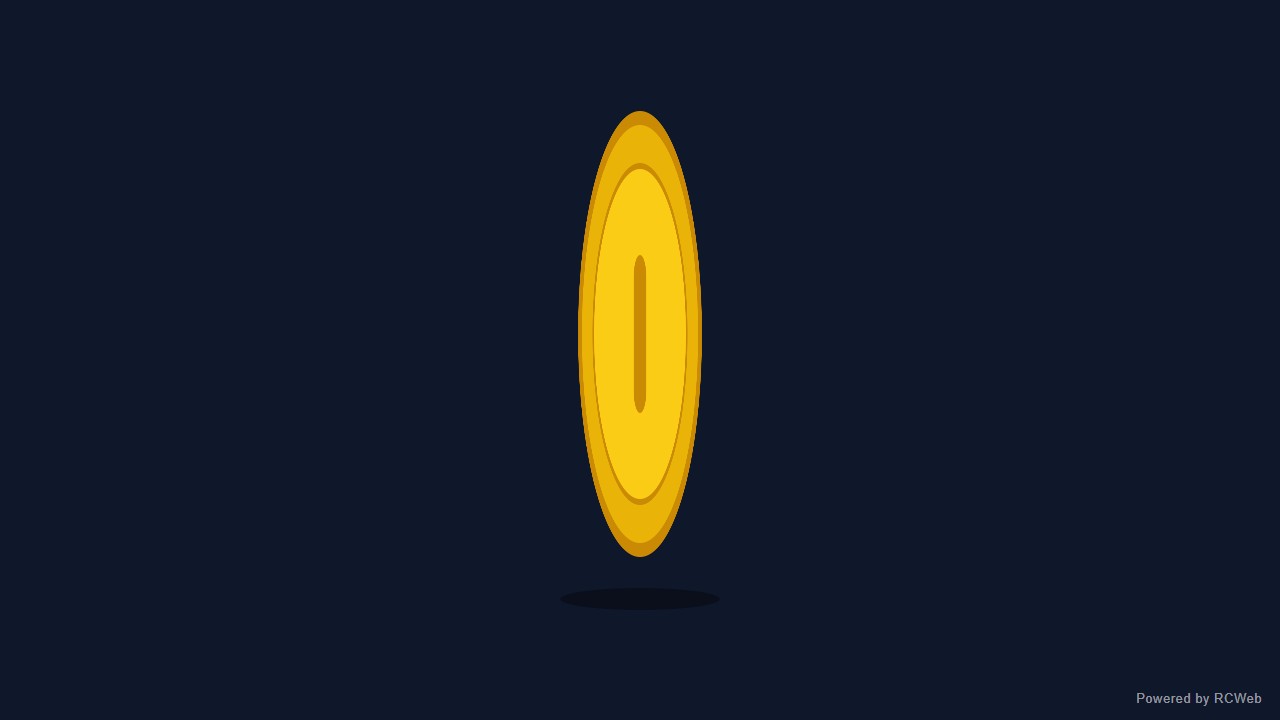
Assistant: The spinning gold coin is now running on client xmmsd7f8 in room hk18-25d7. It's a flat 2D gold circle with a thin inner ring, centred on a dark background. Its horizontal scale eases from full width down to nearly zero and back over about 2.4 seconds, so it looks like it is turning. A small "Powered by RCWeb" badge sits in the bottom-right corner. The animation cancels cleanly when the view is replaced.
User: Show a simple spinning gold coin by repeatedly changing the horizontal scale of a gold circle from full width to nearly zero and back. Use flat 2D shapes, no 3D rendering.
Assistant: In the simulated conversation, the assistant called execute_javascript to load the Codex-authored scene in an isolated viewer.
Tool: Rendered successfully in the isolated browser viewer at 1280 × 720.
Assistant: A flat gold coin narrows and widens, creating a simple spinning illusion.
User: Show a simple spinning gold coin by repeatedly changing the horizontal scale of a gold circle from full width to nearly zero and back. Use flat 2D shapes, no 3D rendering.
Assistant: The built-in assistant requested the display update. The conversation JSON includes the recorded responses and tool calls.
Tool: Executed through the actual RCWeb assistant in a dedicated local viewer room.
Assistant: Displayed a flat 2D spinning gold coin on screen j9qmazty. The 446px gold circle scales smoothly along the horizontal axis from full width down to 3% width and back every 2.2 seconds using CSS scaleX and requestAnimationFrame, with no 3D rendering.
User: Show a simple spinning gold coin by repeatedly changing the horizontal scale of a gold circle from full width to nearly zero and back. Use flat 2D shapes, no 3D rendering.
Assistant: The built-in assistant requested the display update. The conversation JSON includes the recorded responses and tool calls.
Tool: Executed through the actual RCWeb assistant in a dedicated local viewer room.
Assistant: I have displayed a simple spinning gold coin animation using flat 2D shapes and horizontal scaling.
User: Show a simple spinning gold coin by repeatedly changing the horizontal scale of a gold circle from full width to nearly zero and back. Use flat 2D shapes, no 3D rendering.
Assistant: The built-in assistant requested the display update. The conversation JSON includes the recorded responses and tool calls.
Tool: Executed through the actual RCWeb assistant in a dedicated local viewer room.
Assistant: Done. The flat gold coin spins by repeatedly narrowing and widening its horizontal scale.
Show a simple spinning gold coin by repeatedly changing the horizontal scale of a gold circle from full width to nearly zero and back. Use flat 2D shapes, no 3D rendering.
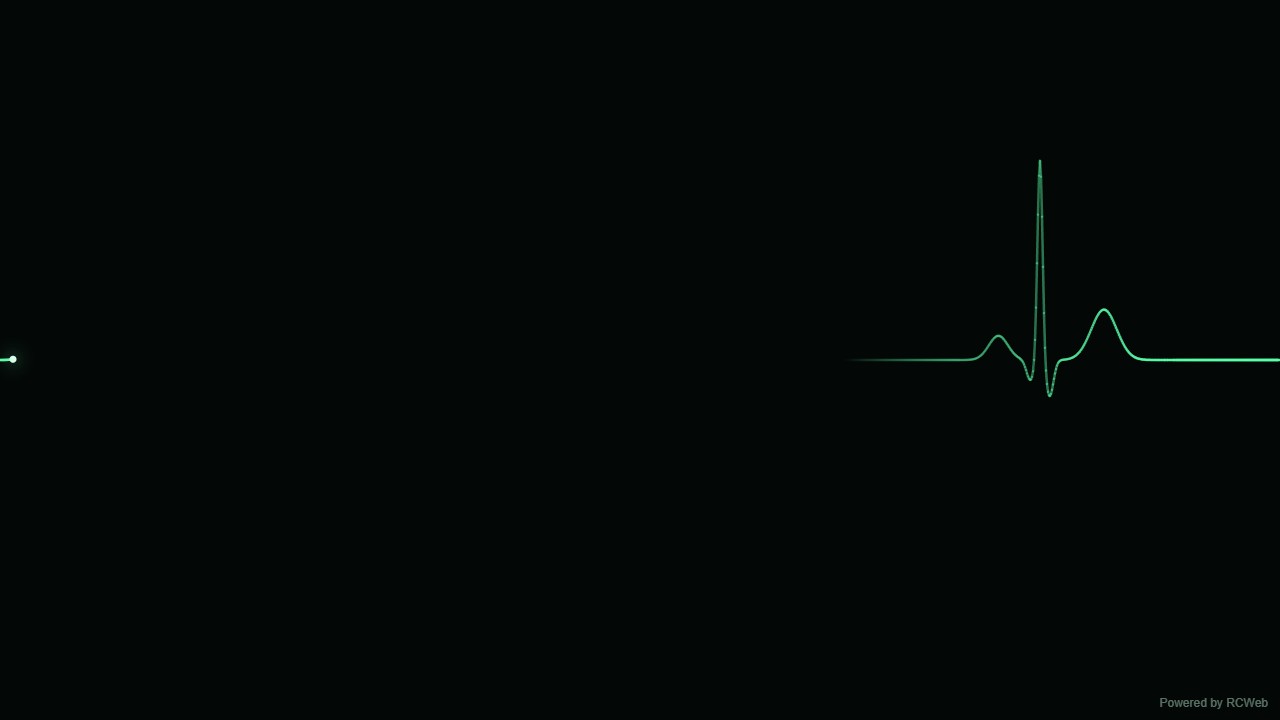
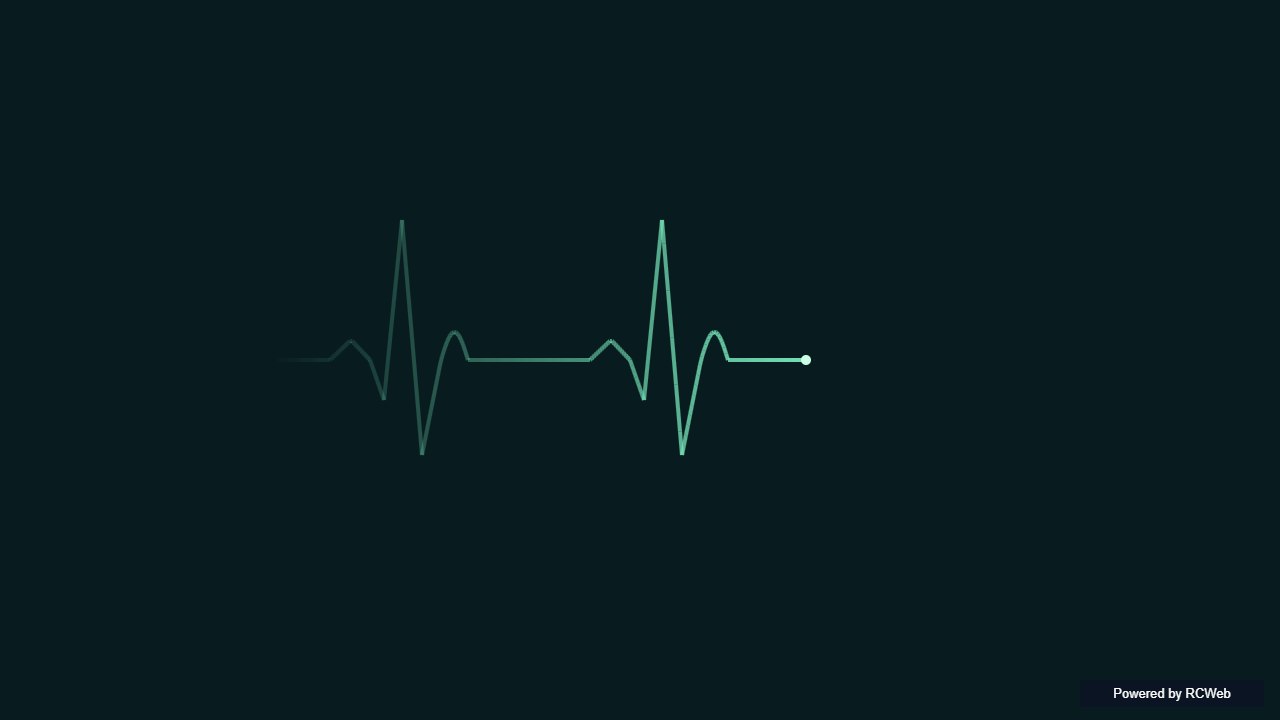
User: Show a stylised heartbeat line sweeping across a dark screen with a repeating pulse shape and a short fading trace. Use a simple decorative animation, with no readings or medical labels.
Assistant: The built-in assistant requested the display update. The conversation JSON includes the recorded responses and tool calls.
Tool: Executed through the actual RCWeb assistant in a dedicated local viewer room.
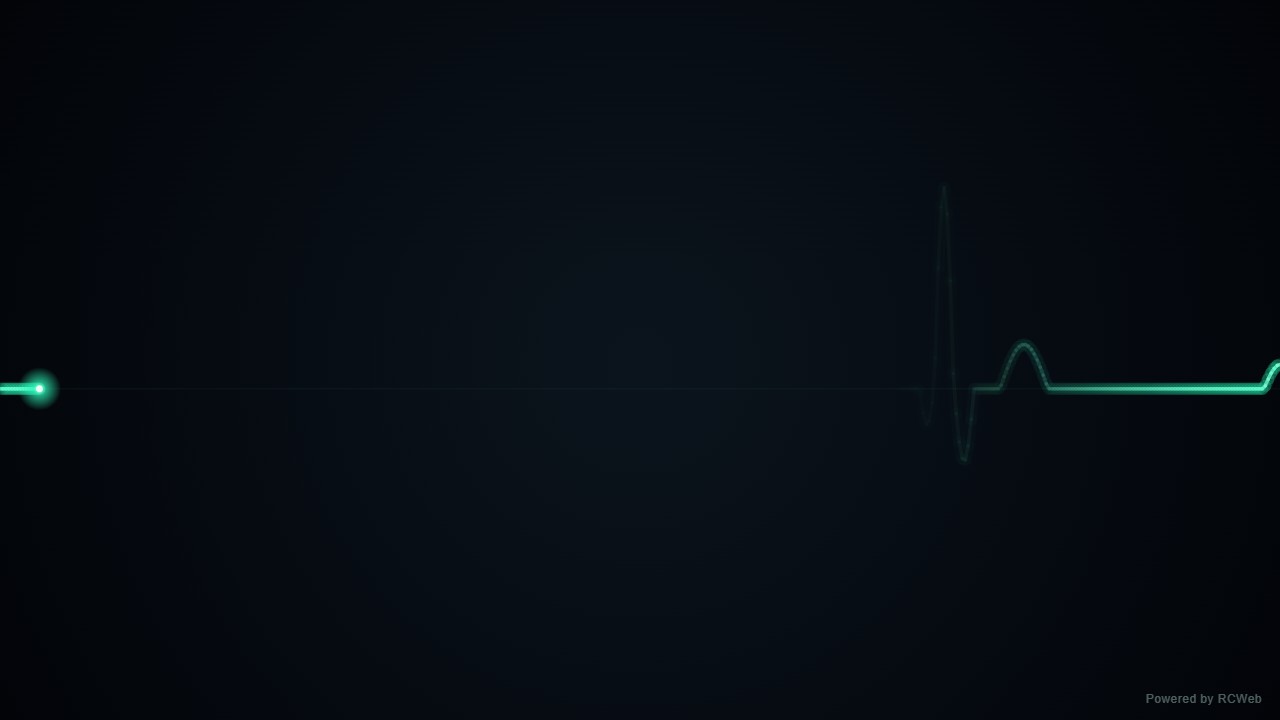
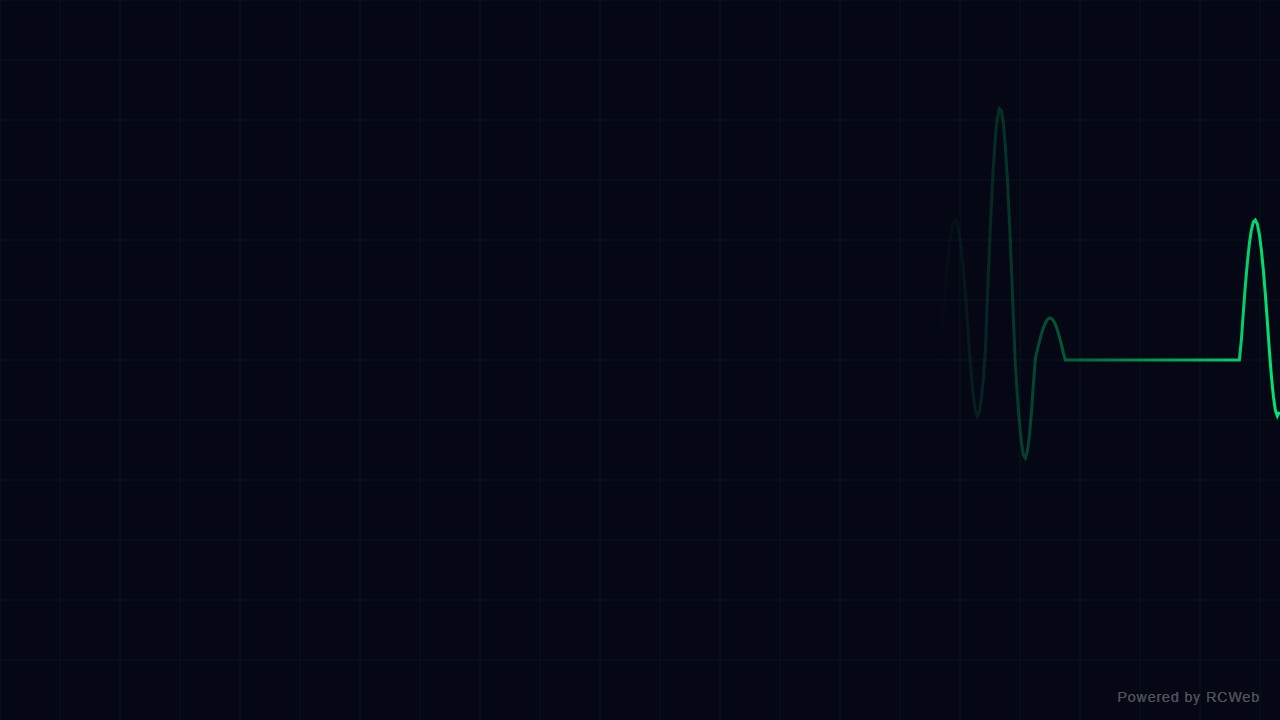
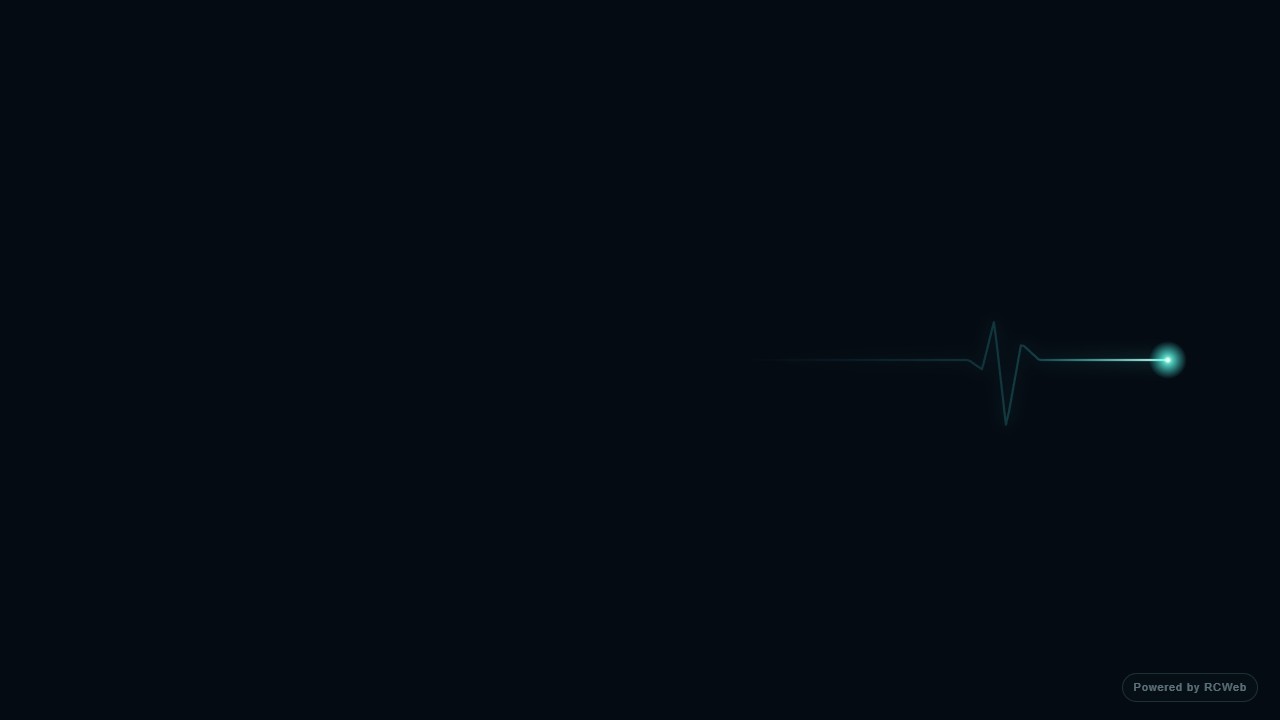
Assistant: The heartbeat animation is now running on screen 6edwb52v. It shows a stylised green pulse line on a dark background, sweeping left to right with a short fading trail and a bright head dot. It has no readings or medical labels, and a small "Powered by RCWeb" badge sits in the bottom-right corner.
User: Show a stylised heartbeat line sweeping across a dark screen with a repeating pulse shape and a short fading trace. Use a simple decorative animation, with no readings or medical labels.
Assistant: In the simulated conversation, the assistant called execute_javascript to load the Codex-authored scene in an isolated viewer.
Tool: Rendered successfully in the isolated browser viewer at 1280 × 720.
Assistant: A decorative pulse trace sweeps across the dark screen with a fading tail and no medical readings.
User: Show a stylised heartbeat line sweeping across a dark screen with a repeating pulse shape and a short fading trace. Use a simple decorative animation, with no readings or medical labels.
Assistant: The built-in assistant requested the display update. The conversation JSON includes the recorded responses and tool calls.
Tool: Executed through the actual RCWeb assistant in a dedicated local viewer room.
Assistant: Displayed a dark full-screen animation with a glowing teal heartbeat line sweeping across the screen, featuring a repeating pulse shape, a short fading trace, and no readings or labels.
User: Show a stylised heartbeat line sweeping across a dark screen with a repeating pulse shape and a short fading trace. Use a simple decorative animation, with no readings or medical labels.
Assistant: The built-in assistant requested the display update. The conversation JSON includes the recorded responses and tool calls.
Tool: Executed through the actual RCWeb assistant in a dedicated local viewer room.
Assistant: A stylised heartbeat animation is now playing on the screen.
User: Show a stylised heartbeat line sweeping across a dark screen with a repeating pulse shape and a short fading trace. Use a simple decorative animation, with no readings or medical labels.
Assistant: The built-in assistant requested the display update. The conversation JSON includes the recorded responses and tool calls.
Tool: Executed through the actual RCWeb assistant in a dedicated local viewer room.
Assistant: Done — a stylised, glowing heartbeat trace now sweeps across the dark screen, with a repeating pulse and fading trail. No readings or medical labels.
Show a stylised heartbeat line sweeping across a dark screen with a repeating pulse shape and a short fading trace. Use a simple decorative animation, with no readings or medical labels.
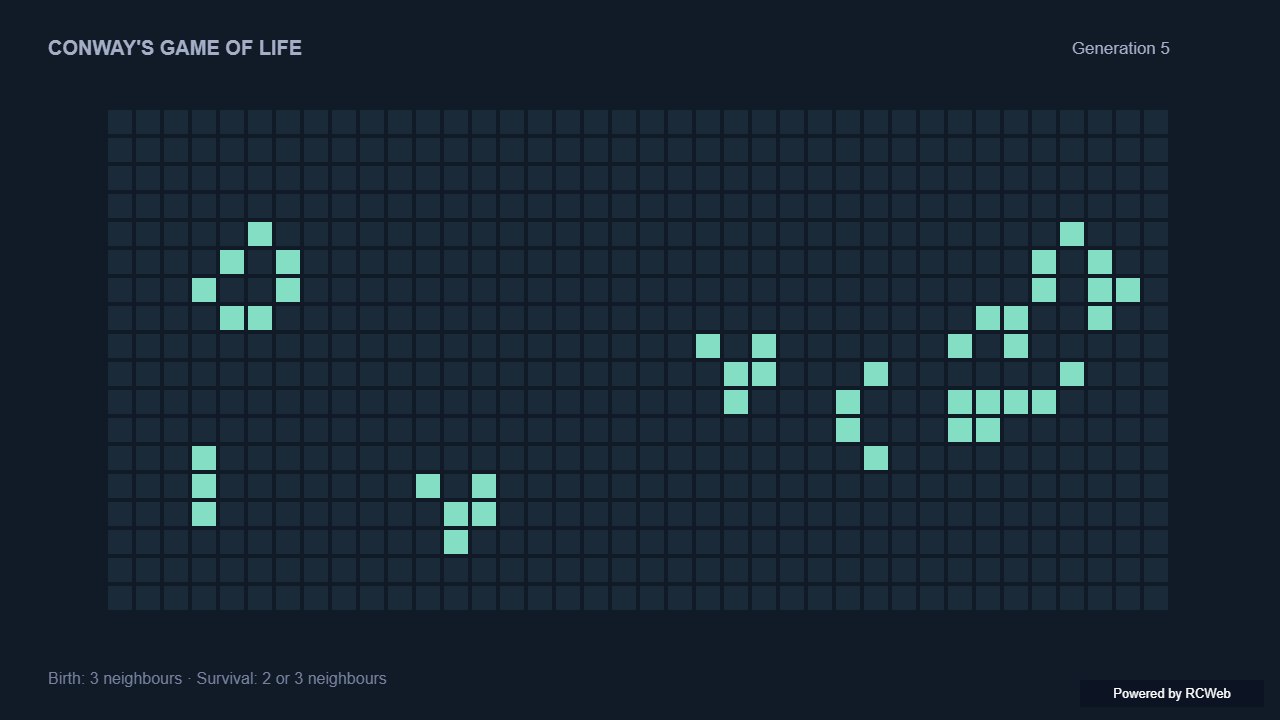
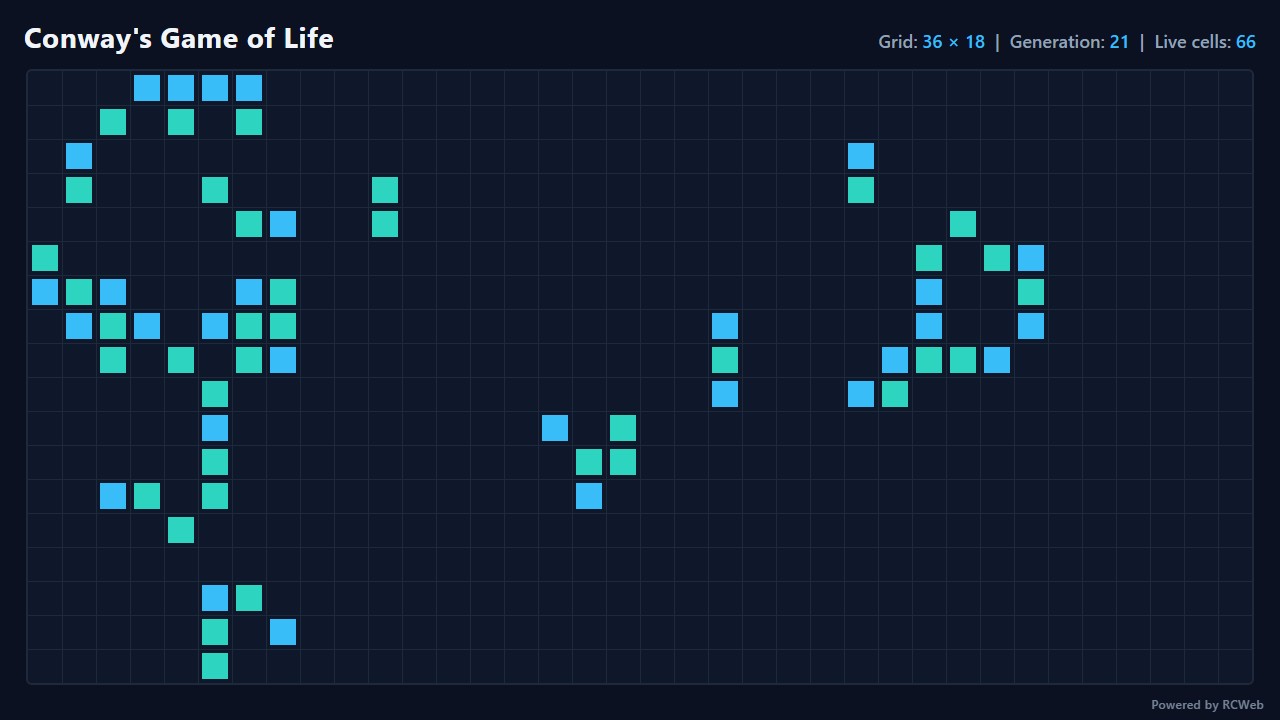
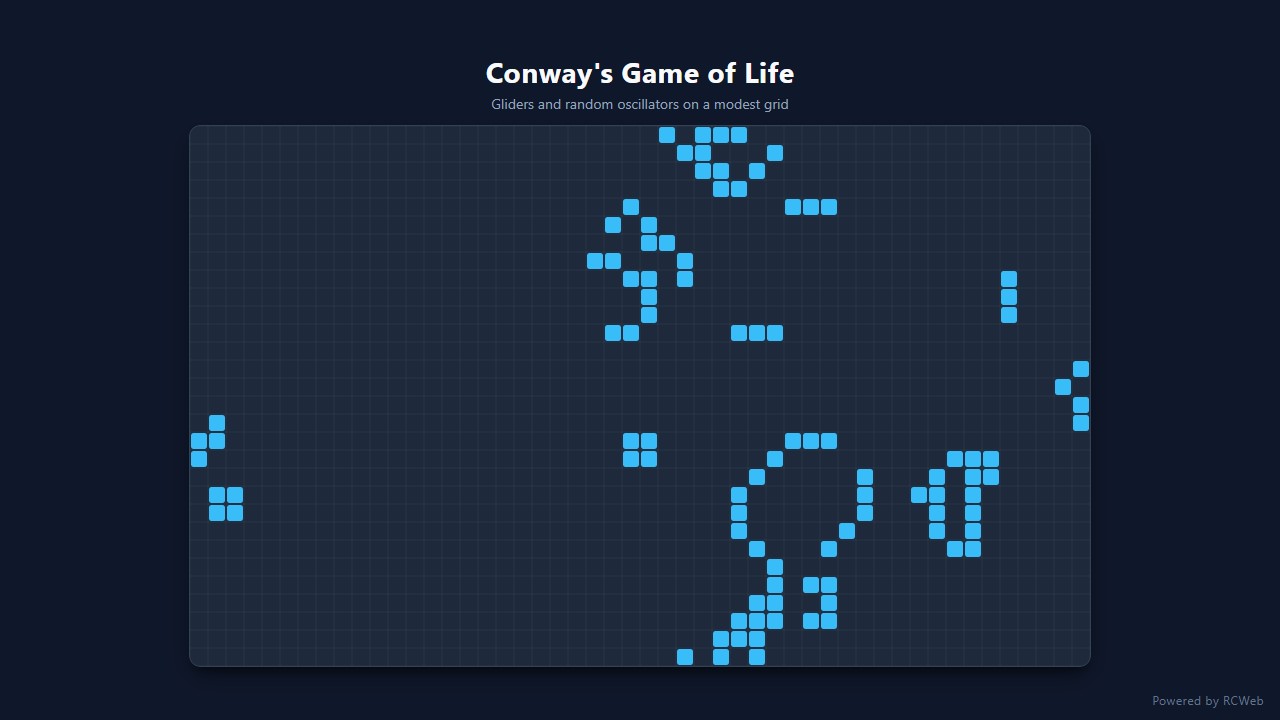
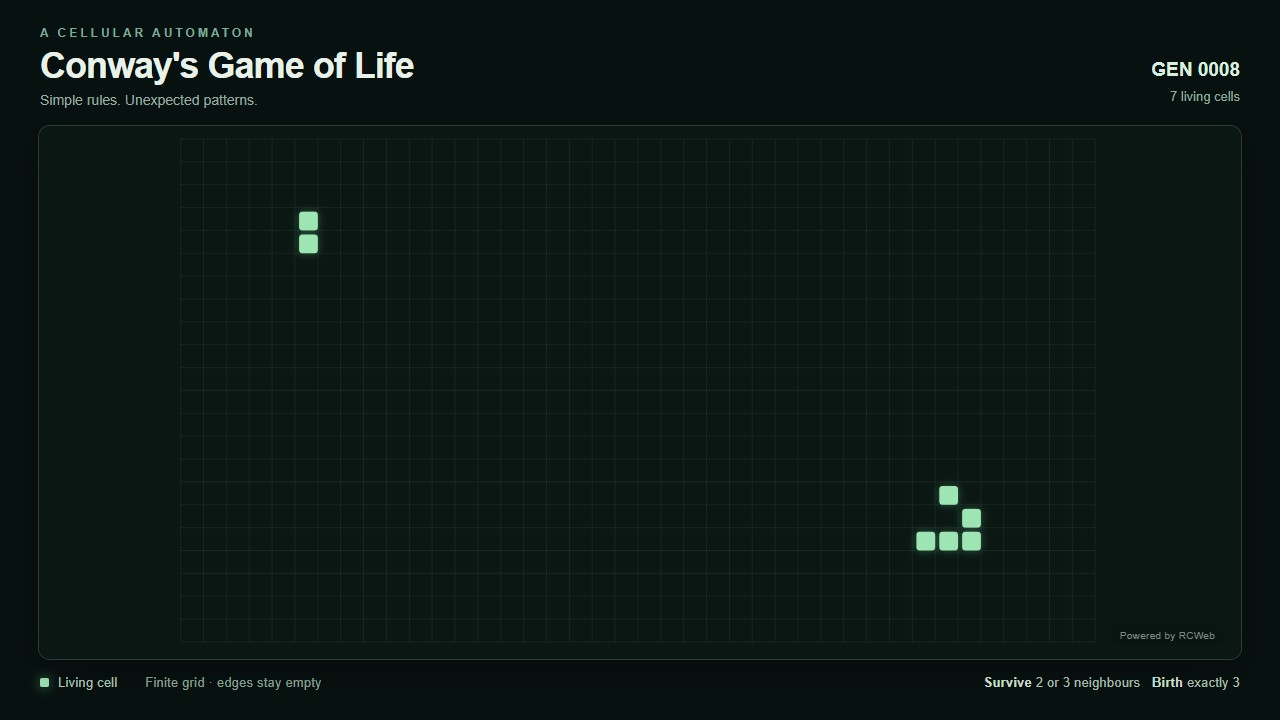
User: Show Conway's Game of Life on a modest grid using the standard eight-neighbour rules: live cells survive with two or three neighbours; dead cells are born with three. Start with gliders and a few random cells, updating at a leisurely pace.
Assistant: The built-in assistant requested the display update. The conversation JSON includes the recorded responses and tool calls.
Tool: Executed through the actual RCWeb assistant in a dedicated local viewer room.
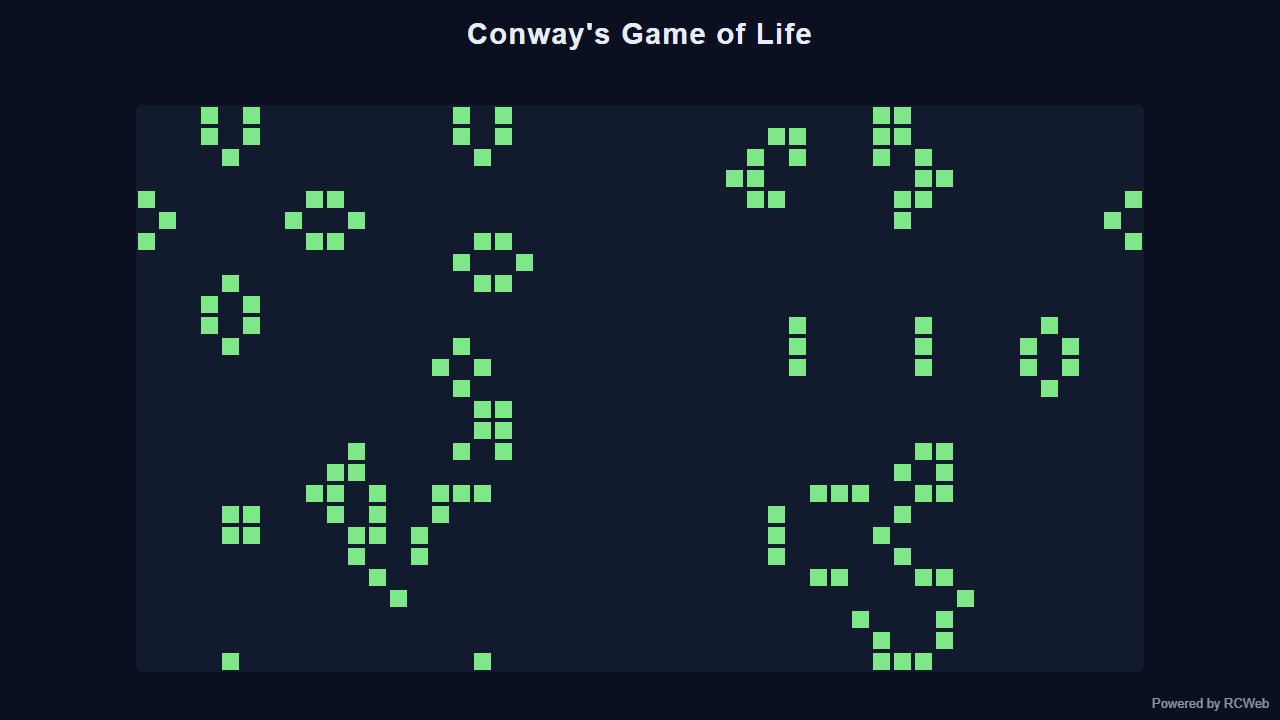
Assistant: Conway's Game of Life is now running on the screen (client 5m8ht58c). It uses a 48 by 27 toroidal grid that wraps at the edges, with the standard eight-neighbour rules. It starts with four gliders plus about 12% random cells, and updates every 350 ms. If the population drops below 8, it reseeds with gliders and random cells so the display never goes blank. The page has a title and a "Powered by RCWeb" badge in the bottom-right corner.
User: Show Conway's Game of Life on a modest grid using the standard eight-neighbour rules: live cells survive with two or three neighbours; dead cells are born with three. Start with gliders and a few random cells, updating at a leisurely pace.
Assistant: In the simulated conversation, the assistant called execute_javascript to load the Codex-authored scene in an isolated viewer.
Tool: Rendered successfully in the isolated browser viewer at 1280 × 720.
Assistant: Cells follow Conway’s eight-neighbour rules, starting with gliders and seeded random cells. The finite board has empty boundaries.
User: Show Conway's Game of Life on a modest grid using the standard eight-neighbour rules: live cells survive with two or three neighbours; dead cells are born with three. Start with gliders and a few random cells, updating at a leisurely pace.
Assistant: The built-in assistant requested the display update. The conversation JSON includes the recorded responses and tool calls.
Tool: Executed through the actual RCWeb assistant in a dedicated local viewer room.
Assistant: Conway's Game of Life is now running on the screen using a 36 by 18 wrap-around grid with standard eight-neighbour rules (live cells survive with two or three neighbours; dead cells are born with three). It starts with five gliders and a light scatter of random cells, advancing one generation every 500 ms with live generation and cell counts shown above the grid.
User: Show Conway's Game of Life on a modest grid using the standard eight-neighbour rules: live cells survive with two or three neighbours; dead cells are born with three. Start with gliders and a few random cells, updating at a leisurely pace.
Assistant: The built-in assistant requested the display update. The conversation JSON includes the recorded responses and tool calls.
Tool: Executed through the actual RCWeb assistant in a dedicated local viewer room.
Assistant: Conway's Game of Life is now running on the screen with gliders and random cells updating at a leisurely pace.
User: Show Conway's Game of Life on a modest grid using the standard eight-neighbour rules: live cells survive with two or three neighbours; dead cells are born with three. Start with gliders and a few random cells, updating at a leisurely pace.
Assistant: The built-in assistant requested the display update. The conversation JSON includes the recorded responses and tool calls.
Tool: Executed through the actual RCWeb assistant in a dedicated local viewer room.
Assistant: Conway’s Game of Life is running on a 40 × 22 grid, seeded with gliders and a few random live cells. It updates every 700 ms using the standard neighbour rules.
Show Conway's Game of Life on a modest grid using the standard eight-neighbour rules: live cells survive with two or three neighbours; dead cells are born with three. Start with gliders and a few random cells, updating at a leisurely pace.
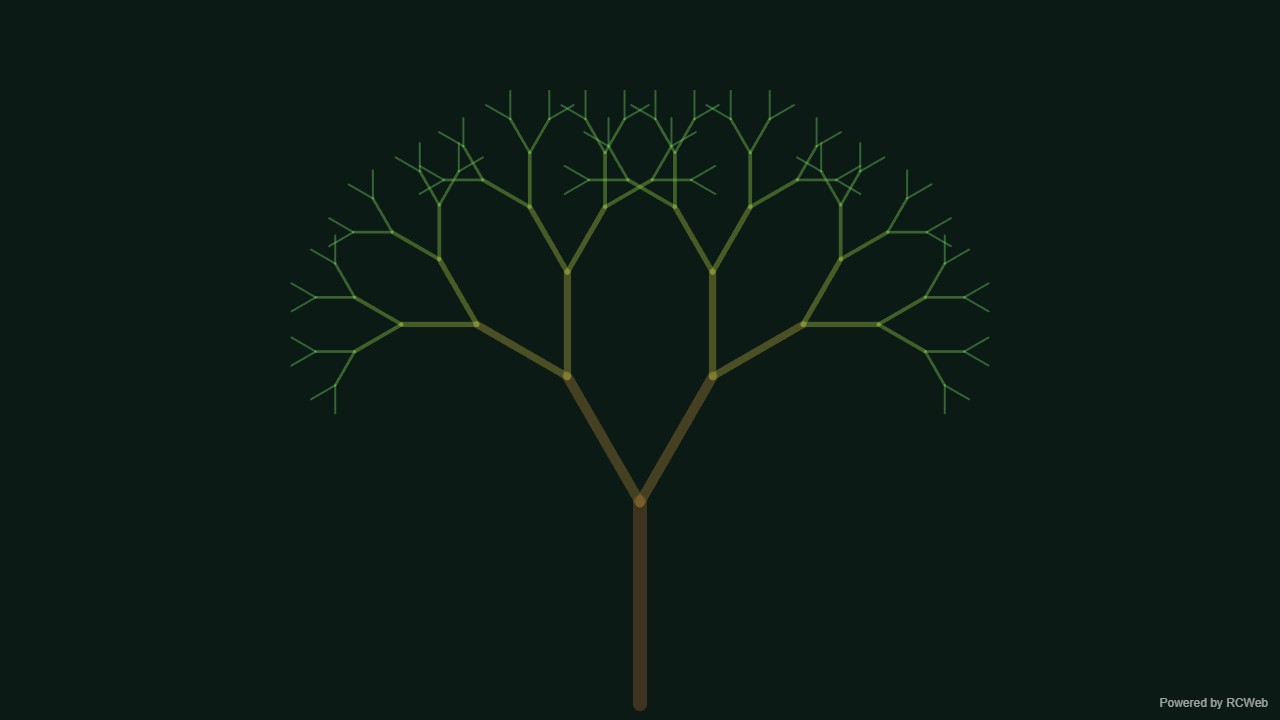
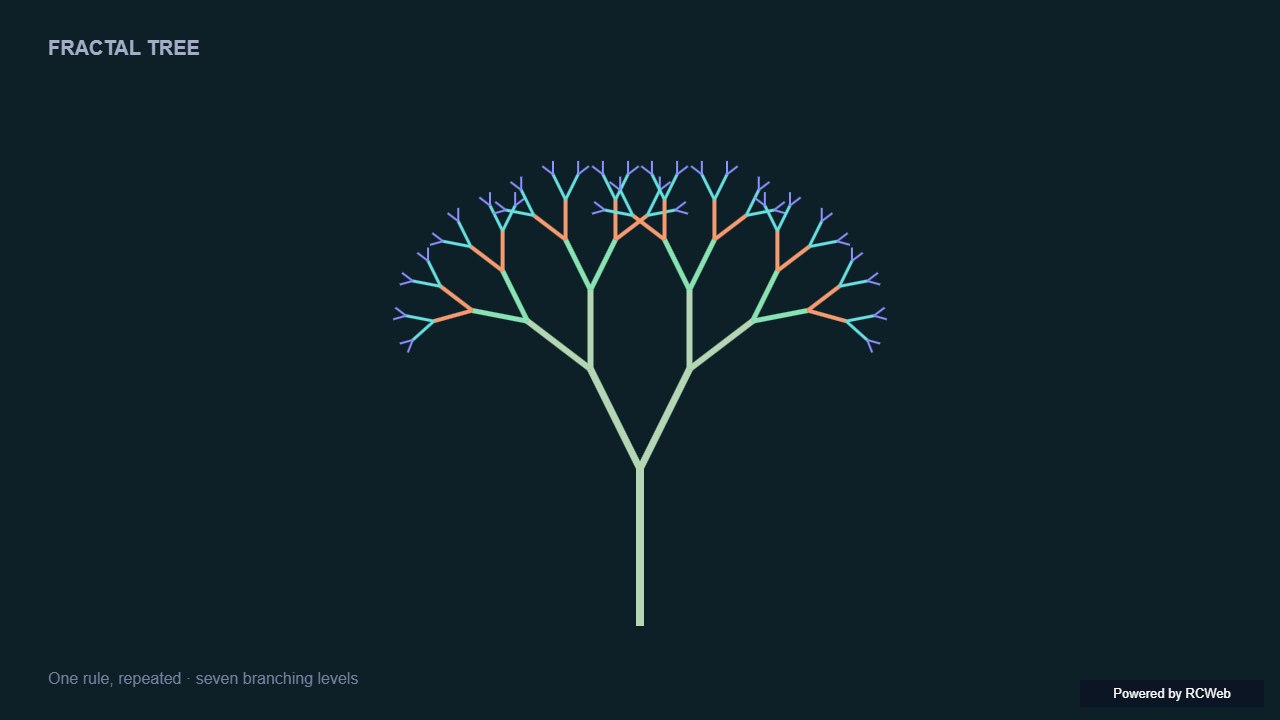
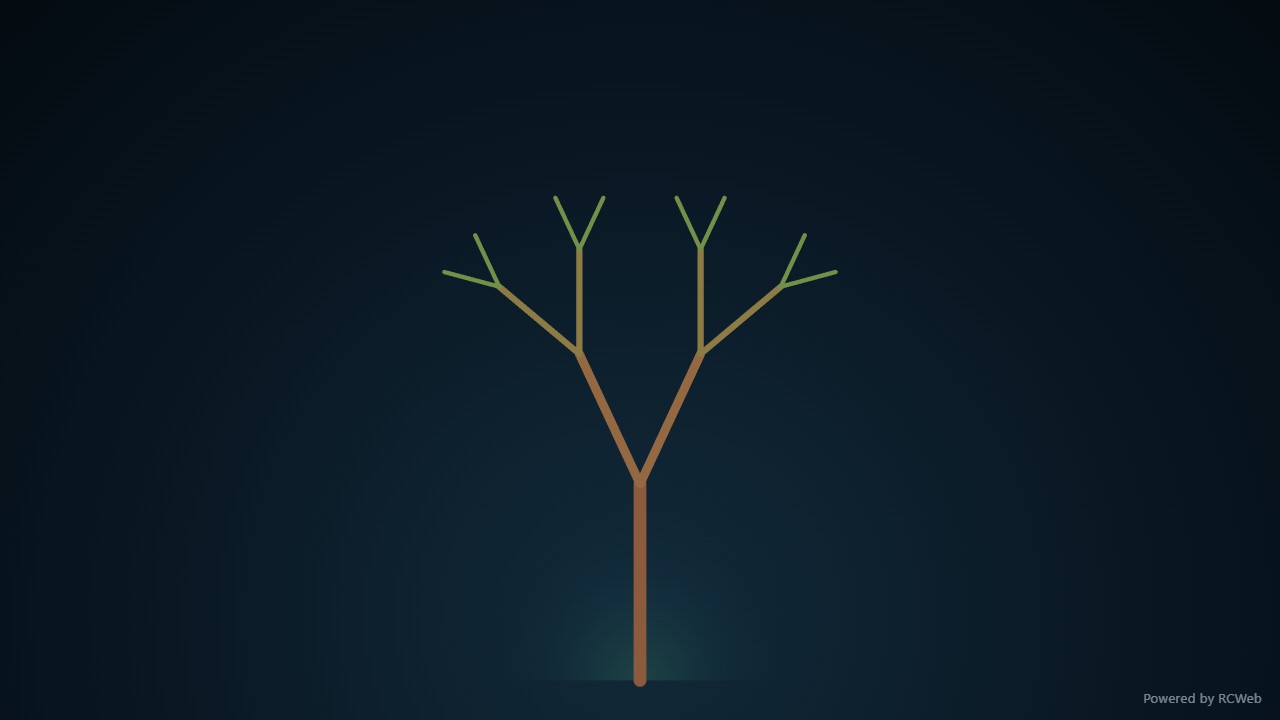
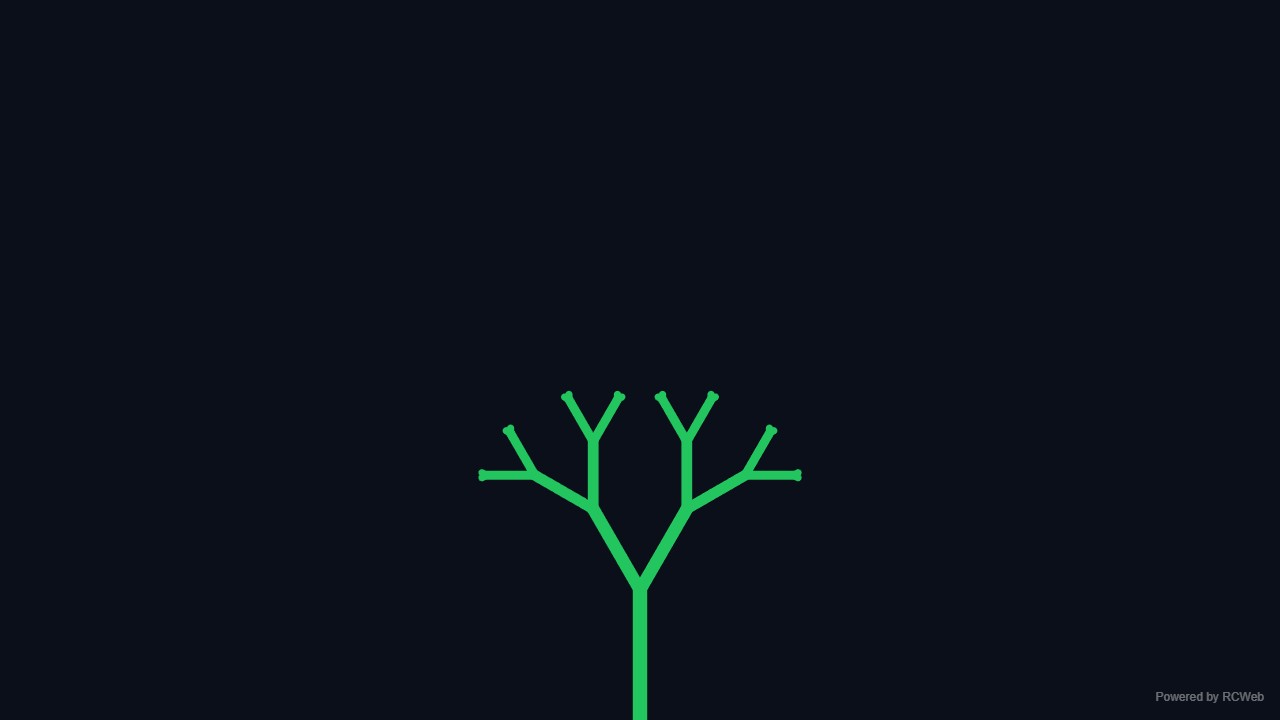
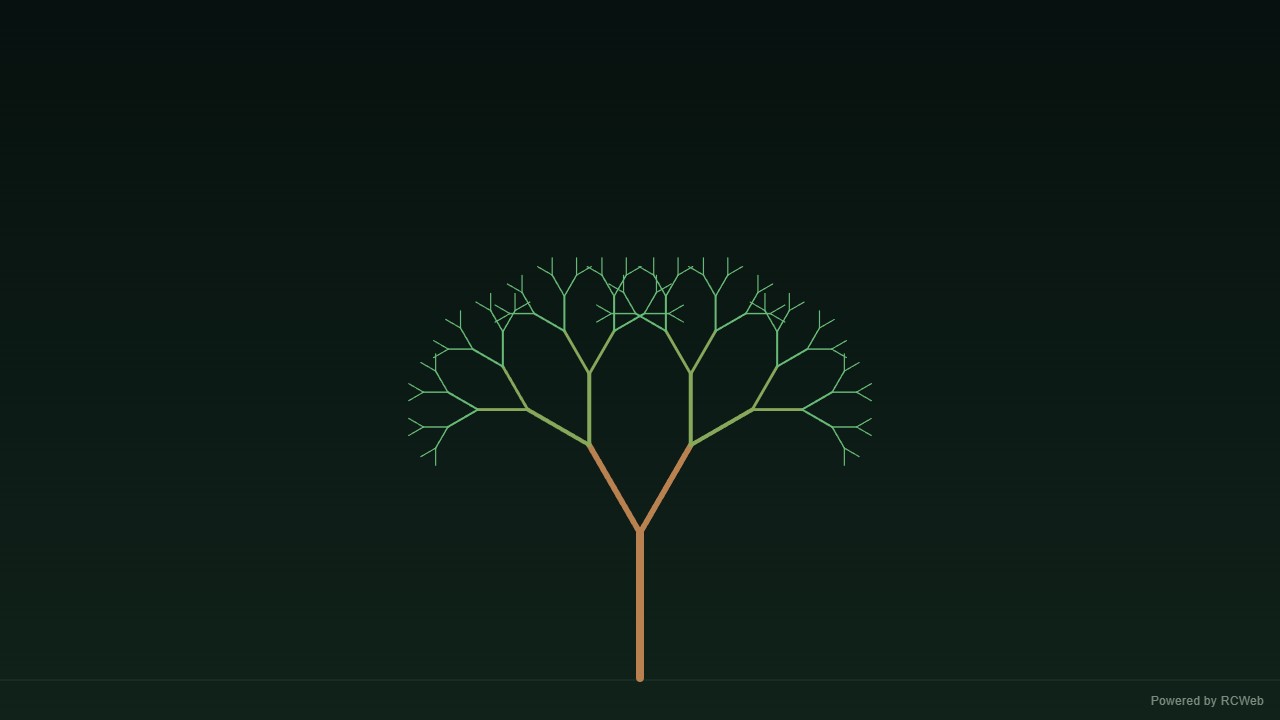
User: Show a simple fractal tree growing from the bottom centre. Draw branches level by level, splitting each into two smaller branches with a fixed angle. Limit recursion to seven levels, then pause and repeat.
Assistant: The built-in assistant requested the display update. The conversation JSON includes the recorded responses and tool calls.
Tool: Executed through the actual RCWeb assistant in a dedicated local viewer room.
Assistant: The fractal tree is now running on screen xhcxcnex in room hk18-19e0.
It grows from the bottom centre, one level at a time across seven levels, with each branch splitting into two smaller ones at a fixed 30-degree angle. After the full tree holds for about 2.5 seconds, it fades out and the growth starts again. A small "Powered by RCWeb" badge sits in the bottom-right corner.
User: Show a simple fractal tree growing from the bottom centre. Draw branches level by level, splitting each into two smaller branches with a fixed angle. Limit recursion to seven levels, then pause and repeat.
Assistant: In the simulated conversation, the assistant called execute_javascript to load the Codex-authored scene in an isolated viewer.
Tool: Rendered successfully in the isolated browser viewer at 1280 × 720.
Assistant: A geometric tree grows one branching level at a time, reaches seven levels, pauses and repeats.
User: Show a simple fractal tree growing from the bottom centre. Draw branches level by level, splitting each into two smaller branches with a fixed angle. Limit recursion to seven levels, then pause and repeat.
Assistant: The built-in assistant requested the display update. The conversation JSON includes the recorded responses and tool calls.
Tool: Executed through the actual RCWeb assistant in a dedicated local viewer room.
Assistant: A seven-level fractal tree is now growing from the bottom centre of the screen. Each branch splits into two smaller branches at a fixed 25-degree angle, drawing level by level over 7 levels before pausing briefly and repeating.
User: Show a simple fractal tree growing from the bottom centre. Draw branches level by level, splitting each into two smaller branches with a fixed angle. Limit recursion to seven levels, then pause and repeat.
Assistant: The built-in assistant requested the display update. The conversation JSON includes the recorded responses and tool calls.
Tool: Executed through the actual RCWeb assistant in a dedicated local viewer room.
Assistant: I have displayed a fractal tree growing level by level from the bottom centre, pausing at 7 levels of recursion before repeating.
User: Show a simple fractal tree growing from the bottom centre. Draw branches level by level, splitting each into two smaller branches with a fixed angle. Limit recursion to seven levels, then pause and repeat.
Assistant: The built-in assistant requested the display update. The conversation JSON includes the recorded responses and tool calls.
Tool: Executed through the actual RCWeb assistant in a dedicated local viewer room.
Assistant: The fractal tree is growing level by level, pausing after seven levels, then repeating.
Show a simple fractal tree growing from the bottom centre. Draw branches level by level, splitting each into two smaller branches with a fixed angle. Limit recursion to seven levels, then pause and repeat.
User: Show a slowly rotating wireframe cube using eight vertices, twelve lines and simple 3D-to-2D projection on a dark background. Use no textures, lighting engine or external 3D library.
Assistant: The built-in assistant requested the display update. The conversation JSON includes the recorded responses and tool calls.
Tool: Executed through the actual RCWeb assistant in a dedicated local viewer room.
Assistant: The rotating wireframe cube is now running on the screen (client ppcptqfu). It uses eight vertices and twelve edges, with a simple perspective projection on a dark background, drawn on a canvas with no textures, lighting or external libraries. A small "Powered by RCWeb" badge sits in the bottom-right corner. The animation stops and its listeners are removed when the view is replaced.
User: Show a slowly rotating wireframe cube using eight vertices, twelve lines and simple 3D-to-2D projection on a dark background. Use no textures, lighting engine or external 3D library.
Assistant: In the simulated conversation, the assistant called execute_javascript to load the Codex-authored scene in an isolated viewer.
Tool: Rendered successfully in the isolated browser viewer at 1280 × 720.
Assistant: Eight vertices and twelve projected edges form a slowly rotating wireframe cube.
User: Show a slowly rotating wireframe cube using eight vertices, twelve lines and simple 3D-to-2D projection on a dark background. Use no textures, lighting engine or external 3D library.
Assistant: The built-in assistant requested the display update. The conversation JSON includes the recorded responses and tool calls.
Tool: Executed through the actual RCWeb assistant in a dedicated local viewer room.
Assistant: Displayed a slowly rotating wireframe cube on a dark background using 8 vertices, 12 edges, and 3D-to-2D perspective projection on the 2D canvas.
User: Show a slowly rotating wireframe cube using eight vertices, twelve lines and simple 3D-to-2D projection on a dark background. Use no textures, lighting engine or external 3D library.
Assistant: The built-in assistant requested the display update. The conversation JSON includes the recorded responses and tool calls.
Tool: Executed through the actual RCWeb assistant in a dedicated local viewer room.
Assistant: I have created the rotating wireframe cube with custom 3D projection on a dark background.
User: Show a slowly rotating wireframe cube using eight vertices, twelve lines and simple 3D-to-2D projection on a dark background. Use no textures, lighting engine or external 3D library.
Assistant: The built-in assistant requested the display update. The conversation JSON includes the recorded responses and tool calls.
Tool: Executed through the actual RCWeb assistant in a dedicated local viewer room.
Assistant: The slowly rotating wireframe cube is displayed on a dark background. It uses eight vertices, twelve lines, and simple 3D-to-2D projection.
Show a slowly rotating wireframe cube using eight vertices, twelve lines and simple 3D-to-2D projection on a dark background. Use no textures, lighting engine or external 3D library.
User: Show one large friendly pixel-art face built from a small grid of coloured squares. Make it blink, smile and occasionally look left or right using a few simple animation frames.
Assistant: The built-in assistant requested the display update. The conversation JSON includes the recorded responses and tool calls.
Tool: Executed through the actual RCWeb assistant in a dedicated local viewer room.
Assistant: The pixel-art face is now running full-screen on client 8birj8uf in room hk18-83c7. It's a 16×16 grid of coloured squares with a yellow face, dark eyes, a smile and pink cheeks. It loops through a short sequence: it holds open-eyed, blinks with a half and closed frame, then glances left, holds, glances right, and blinks again. A small "Powered by RCWeb" badge sits in the bottom-right corner. I haven't seen the screen itself, so the rendering is confirmed only by the script reporting success at 1280×720.
User: Show one large friendly pixel-art face built from a small grid of coloured squares. Make it blink, smile and occasionally look left or right using a few simple animation frames.
Assistant: In the simulated conversation, the assistant called execute_javascript to load the Codex-authored scene in an isolated viewer.
Tool: Rendered successfully in the isolated browser viewer at 1280 × 720.
Assistant: A friendly pixel face blinks, smiles and glances left and right using a few simple frames.
User: Show one large friendly pixel-art face built from a small grid of coloured squares. Make it blink, smile and occasionally look left or right using a few simple animation frames.
Assistant: The built-in assistant requested the display update. The conversation JSON includes the recorded responses and tool calls.
Tool: Executed through the actual RCWeb assistant in a dedicated local viewer room.
Assistant: Displayed a large friendly pixel-art face on the screen built from a 16x16 grid of coloured squares. It cycles through simple animation frames to blink, smile broadly, and look left and right.
User: Show one large friendly pixel-art face built from a small grid of coloured squares. Make it blink, smile and occasionally look left or right using a few simple animation frames.
Assistant: The built-in assistant requested the display update. The conversation JSON includes the recorded responses and tool calls.
Tool: Executed through the actual RCWeb assistant in a dedicated local viewer room.
Assistant: Pixel-art face displayed and animating with blinking, smiling, and looking around.
User: Show one large friendly pixel-art face built from a small grid of coloured squares. Make it blink, smile and occasionally look left or right using a few simple animation frames.
Assistant: The built-in assistant requested the display update. The conversation JSON includes the recorded responses and tool calls.
Tool: Executed through the actual RCWeb assistant in a dedicated local viewer room.
Assistant: A large, friendly pixel-art face is now displayed. It blinks, smiles, and occasionally looks left and right.
Show one large friendly pixel-art face built from a small grid of coloured squares. Make it blink, smile and occasionally look left or right using a few simple animation frames.
02
Digital Signage
38 examples for welcomes, menus, events and everyday information. All businesses, schedules, offers and credentials shown are samples.
User: Show a sample welcome screen saying 'Welcome to TargetR' and 'Make yourself at home', with green, blue and white colours, centering them on the screen.
Assistant: The built-in assistant requested the display update. The conversation JSON includes the recorded responses and tool calls.
Tool: Executed through the actual RCWeb assistant in a dedicated local viewer room.
Assistant: The welcome screen is now showing on client jna5fdzz. It has "Welcome to TargetR" as the large headline and "Make yourself at home" beneath it, both white and centred on a green-to-blue gradient, with white rules above and below and a small "Powered by RCWeb" badge in the bottom-right corner.
User: Show a sample welcome screen saying 'Welcome to TargetR' and 'Make yourself at home', with green, blue and white colours, centering them on the screen.
Assistant: In the simulated conversation, the assistant called execute_javascript to load the Codex-authored scene in an isolated viewer.
Tool: Rendered successfully in the isolated browser viewer at 1280 × 720.
Assistant: Created the green, blue and white welcome display with the requested greeting.
User: Show a sample welcome screen saying 'Welcome to TargetR' and 'Make yourself at home', with green, blue and white colours, centering them on the screen.
Assistant: The built-in assistant requested the display update. The conversation JSON includes the recorded responses and tool calls.
Tool: Executed through the actual RCWeb assistant in a dedicated local viewer room.
Assistant: The welcome screen is now displayed on client y868zjty in room gm18-dbe6, with "Welcome to TargetR" and "Make yourself at home" centered on a blue, green, and white full-screen layout.
User: Show a sample welcome screen saying 'Welcome to TargetR' and 'Make yourself at home', with green, blue and white colours, centering them on the screen.
Assistant: The built-in assistant requested the display update. The conversation JSON includes the recorded responses and tool calls.
Tool: Executed through the actual RCWeb assistant in a dedicated local viewer room.
User: Show a sample welcome screen saying 'Welcome to TargetR' and 'Make yourself at home', with green, blue and white colours, centering them on the screen.
Assistant: The built-in assistant requested the display update. The conversation JSON includes the recorded responses and tool calls.
Tool: Executed through the actual RCWeb assistant in a dedicated local viewer room.
Assistant: The welcome screen is displayed with the requested centered text in green, blue, and white.
Show a sample welcome screen saying 'Welcome to TargetR' and 'Make yourself at home', with green, blue and white colours, centering them on the screen.
User: Show a sample special-offer sign saying '20% off this weekend', with a bold headline and yellow background in the middle of the screen.
Assistant: The built-in assistant requested the display update. The conversation JSON includes the recorded responses and tool calls.
Tool: Executed through the actual RCWeb assistant in a dedicated local viewer room.
Assistant: The sample offer sign is now showing on the screen. It has a full yellow background, a large bold "20% off" headline with "this weekend" beneath it in the centre, and a small "Powered by RCWeb" badge in the bottom-right corner.
User: Show a sample special-offer sign saying '20% off this weekend', with a bold headline and yellow background in the middle of the screen.
Assistant: The built-in assistant requested the display update. The conversation JSON includes the recorded responses and tool calls.
Tool: Executed through the actual RCWeb assistant in a dedicated local viewer room.
Assistant: Displayed the special-offer sign on screen bqce77pt with a yellow background, a bold centered "20% OFF THIS WEEKEND" headline, and the "Powered by RCWeb" badge in the bottom-right corner.
User: Show a sample cafe menu with Coffee £3, Tea £2 and Cake £4 in large readable text in a table in the middle of the screen.
Assistant: The built-in assistant requested the display update. The conversation JSON includes the recorded responses and tool calls.
Tool: Executed through the actual RCWeb assistant in a dedicated local viewer room.
Assistant: The cafe menu is now showing on screen stp7zmn7 in room hk18-6324. It has a centred table listing Coffee £3, Tea £2 and Cake £4 in large text, with a "CAFE MENU" heading and a small "Powered by RCWeb" badge in the bottom-right corner.
User: Show a sample cafe menu with Coffee £3, Tea £2 and Cake £4 in large readable text in a table in the middle of the screen.
Assistant: The built-in assistant requested the display update. The conversation JSON includes the recorded responses and tool calls.
Tool: Executed through the actual RCWeb assistant in a dedicated local viewer room.
Assistant: Displayed a full-screen Cafe Menu centered in a large, high-contrast table with Coffee £3, Tea £2, and Cake £4, along with the Powered by RCWeb badge in the bottom-right corner.
User: Show a sample slideshow with three locally drawn landscape illustrations, changing every 10 seconds. No photo URLs are needed.
Assistant: The built-in assistant requested the display update. The conversation JSON includes the recorded responses and tool calls.
Tool: Executed through the actual RCWeb assistant in a dedicated local viewer room.
Assistant: The slideshow is running on client mybdfd7w in room hk18-19e0. It has three locally drawn landscape illustrations (Mountain Dawn, Coastal Calm, Evening Meadow) with captions and a "Powered by RCWeb" badge. Each slide fades in and changes every 10 seconds, and the timer is cleared when the view is replaced.
User: Show a sample slideshow with three locally drawn landscape illustrations, changing every 10 seconds. No photo URLs are needed.
Assistant: The built-in assistant requested the display update. The conversation JSON includes the recorded responses and tool calls.
Tool: Executed through the actual RCWeb assistant in a dedicated local viewer room.
Assistant: A full-screen slideshow with three locally drawn landscape illustrations (Alpine Dawn, Coastal Twilight, and Desert Canyon) is now running on the screen, crossfading every 10 seconds with a slide indicator, progress bar, and the Powered by RCWeb badge in the bottom-right corner.
User: Show a sample event schedule: 10:00 Welcome, 11:00 Workshop and 12:00 Lunch, all in the Main Hall.
Assistant: The built-in assistant requested the display update. The conversation JSON includes the recorded responses and tool calls.
Tool: Executed through the actual RCWeb assistant in a dedicated local viewer room.
Assistant: The sample schedule is now showing on screen d4r8ay3m. It has the title "Sample Event Schedule" with "Main Hall" beneath it, then three rows: 10:00 Welcome, 11:00 Workshop and 12:00 Lunch, each listed in the Main Hall. A small "Powered by RCWeb" badge sits in the bottom-right corner.
User: Show a sample countdown starting at ten minutes, titled 'Starting soon' in the middle of the screen. At zero, show 'Welcome!'.
Assistant: The built-in assistant requested the display update. The conversation JSON includes the recorded responses and tool calls.
Tool: Executed through the actual RCWeb assistant in a dedicated local viewer room.
Assistant: The countdown is now running on screen 5nifn84e, starting at 10:00 with "Starting soon" centred above it. When it reaches zero, the display shows "Welcome!". I haven't taken a screenshot to confirm the layout visually.
User: Show a sample announcement board rotating 'Welcome', 'Enjoy your visit' and 'Thanks for stopping by' every 10 seconds in the middle of the screen.
Assistant: The built-in assistant requested the display update. The conversation JSON includes the recorded responses and tool calls.
Tool: Executed through the actual RCWeb assistant in a dedicated local viewer room.
Assistant: The announcement board is now running on screen gaq3d7n4. It shows a white board in the middle of the display with "Welcome" first, then switches to "Enjoy your visit" and "Thanks for stopping by" every 10 seconds, looping in that order. Each change fades out and back in, and a small "Powered by RCWeb" badge sits in the bottom-right corner.
User: Show a sample announcement board rotating 'Welcome', 'Enjoy your visit' and 'Thanks for stopping by' every 10 seconds in the middle of the screen.
Assistant: In the simulated conversation, the assistant called execute_javascript to load the Codex-authored scene in an isolated viewer.
Tool: Rendered successfully in the isolated browser viewer at 1280 × 720.
Assistant: Created a rotating announcement display with a new message every ten seconds.
User: Show a sample announcement board rotating 'Welcome', 'Enjoy your visit' and 'Thanks for stopping by' every 10 seconds in the middle of the screen.
Assistant: The built-in assistant requested the display update. The conversation JSON includes the recorded responses and tool calls.
Tool: Executed through the actual RCWeb assistant in a dedicated local viewer room.
Assistant: An announcement board is now displayed on screen cfrvb8bk in room gm18-dbe6, rotating "Welcome", "Enjoy your visit", and "Thanks for stopping by" every 10 seconds in the center of the screen with a progress bar and indicator dots.
User: Show a sample announcement board rotating 'Welcome', 'Enjoy your visit' and 'Thanks for stopping by' every 10 seconds in the middle of the screen.
Assistant: The built-in assistant requested the display update. The conversation JSON includes the recorded responses and tool calls.
Tool: Executed through the actual RCWeb assistant in a dedicated local viewer room.
Assistant: I have displayed the rotating announcement board on the screen.
User: Show a sample announcement board rotating 'Welcome', 'Enjoy your visit' and 'Thanks for stopping by' every 10 seconds in the middle of the screen.
Assistant: The built-in assistant requested the display update. The conversation JSON includes the recorded responses and tool calls.
Tool: Executed through the actual RCWeb assistant in a dedicated local viewer room.
Assistant: The announcement board is displayed and will rotate through the three messages every 10 seconds.
User: Show a sample wayfinding sign with a large right arrow and the word 'Reception'.
Assistant: The built-in assistant requested the display update. The conversation JSON includes the recorded responses and tool calls.
Tool: Executed through the actual RCWeb assistant in a dedicated local viewer room.
Assistant: The sample wayfinding sign is now showing on screen j6cbhw39 in room hk18-3b82. It has a large black right arrow on a yellow background, the word "Reception" below it, and a small "Powered by RCWeb" badge in the bottom-right corner. I haven't taken a screenshot to check the layout visually.
User: Show a sample wayfinding sign with a large right arrow and the word 'Reception'.
Assistant: The built-in assistant requested the display update. The conversation JSON includes the recorded responses and tool calls.
Tool: Executed through the actual RCWeb assistant in a dedicated local viewer room.
Assistant: Displayed a full-screen wayfinding sign on the screen with the word Reception, a large right-pointing arrow, and a Powered by RCWeb badge in the bottom-right corner.
User: Show a sample QR poster saying 'Discover RCWeb', linking to https://rcweb.live in the middle of the screen. Use existing QR support.
Assistant: The built-in assistant requested the display update. The conversation JSON includes the recorded responses and tool calls.
Tool: Executed through the actual RCWeb assistant in a dedicated local viewer room.
Assistant: The QR poster is now showing on screen xsma2nne. It has a "Discover RCWeb" headline, a white-margined QR code in the middle linking to https://rcweb.live, the URL beneath it, and a "Powered by RCWeb" badge in the bottom-right corner. It uses the existing QR library at /assets/lib/qrcode-04f46c6/qrcode.min.js and fills the 1280x720 viewport. I did not scan the code to confirm it resolves.
User: Show a sample QR poster saying 'Discover RCWeb', linking to https://rcweb.live in the middle of the screen. Use existing QR support.
Assistant: The built-in assistant requested the display update. The conversation JSON includes the recorded responses and tool calls.
Tool: Executed through the actual RCWeb assistant in a dedicated local viewer room.
Assistant: Displayed a full-screen QR poster on the screen with the headline "Discover RCWeb", a centered 324px QR code linking to https://rcweb.live inside a square white margin, the URL below it, and the "Powered by RCWeb" badge in the bottom-right corner.
User: Show a sample opening-hours board for TargetR: Monday to Friday 9am–5pm, Saturday 10am–4pm, Sunday closed as a table in the middle of the screen.
Assistant: The built-in assistant requested the display update. The conversation JSON includes the recorded responses and tool calls.
Tool: Executed through the actual RCWeb assistant in a dedicated local viewer room.
Assistant: The opening-hours board for TargetR is now showing on screen scyu7trm. It has a centred table with Monday to Friday 9am–5pm, Saturday 10am–4pm, and Sunday marked as Closed, plus a "Powered by RCWeb" badge in the bottom-right corner.
User: Show a sample opening-hours board for TargetR: Monday to Friday 9am–5pm, Saturday 10am–4pm, Sunday closed as a table in the middle of the screen.
Assistant: In the simulated conversation, the assistant called execute_javascript to load the Codex-authored scene in an isolated viewer.
Tool: Rendered successfully in the isolated browser viewer at 1280 × 720.
Assistant: Created TargetR opening hours with the requested weekday, Saturday and Sunday schedule.
User: Show a sample opening-hours board for TargetR: Monday to Friday 9am–5pm, Saturday 10am–4pm, Sunday closed as a table in the middle of the screen.
Assistant: The built-in assistant requested the display update. The conversation JSON includes the recorded responses and tool calls.
Tool: Executed through the actual RCWeb assistant in a dedicated local viewer room.
Assistant: Displayed the TargetR opening-hours board on the screen with a centered table showing Monday - Friday 9am - 5pm, Saturday 10am - 4pm, and Sunday Closed, along with the Powered by RCWeb badge in the bottom-right corner.
User: Show a sample opening-hours board for TargetR: Monday to Friday 9am–5pm, Saturday 10am–4pm, Sunday closed as a table in the middle of the screen.
Assistant: The built-in assistant requested the display update. The conversation JSON includes the recorded responses and tool calls.
Tool: Executed through the actual RCWeb assistant in a dedicated local viewer room.
Assistant: I have displayed the opening hours board for TargetR as requested.
User: Show a sample opening-hours board for TargetR: Monday to Friday 9am–5pm, Saturday 10am–4pm, Sunday closed as a table in the middle of the screen.
Assistant: The built-in assistant requested the display update. The conversation JSON includes the recorded responses and tool calls.
Tool: Executed through the actual RCWeb assistant in a dedicated local viewer room.
Assistant: The TargetR opening-hours board is displayed in the middle of the screen.
User: Show a sample split screen with a locally drawn sun illustration on the left and 'Welcome — enjoy your visit' on the right.
Assistant: The built-in assistant requested the display update. The conversation JSON includes the recorded responses and tool calls.
Tool: Executed through the actual RCWeb assistant in a dedicated local viewer room.
Assistant: The split screen is now showing on client thcwpa64. The left half has a locally drawn sun (SVG with a disc and 12 rays) on a sky gradient. The right half has "Welcome — enjoy your visit" in large white type on a dark panel, with a small "Powered by RCWeb" badge in the bottom-right corner.
User: Show a sample split screen with a locally drawn sun illustration on the left and 'Welcome — enjoy your visit' on the right.
Assistant: The built-in assistant requested the display update. The conversation JSON includes the recorded responses and tool calls.
Tool: Executed through the actual RCWeb assistant in a dedicated local viewer room.
Assistant: Displayed the split-screen welcome view on client vws7tu4z in room gm18-ddae, with a locally drawn canvas sun illustration on the left half and "Welcome — enjoy your visit" on the right half.
User: Show a sample guest Wi-Fi sign titled 'Stay connected', with a large Wi-Fi symbol, network name 'TargetR Guest' and sample password 'welcome123' in clearly readable text in the middle of the screen. Include a large, scannable Wi-Fi QR code encoding these WPA/WPA2 network credentials so visitors can scan to join the network. Use existing QR support, a white margin around the code and the caption 'Scan to join Wi-Fi'.
Assistant: The built-in assistant requested the display update. The conversation JSON includes the recorded responses and tool calls.
Tool: Executed through the actual RCWeb assistant in a dedicated local viewer room.
Assistant: The guest Wi-Fi sign is now showing on screen yx8gsrd3.
It has the title "Stay connected" with a large Wi-Fi symbol, and the network name "TargetR Guest" and password "welcome123" in large text beside it. On the right is a 340px QR code with a white margin, captioned "Scan to join Wi-Fi". The QR code encodes WPA network credentials for TargetR Guest, so phones can scan it to join. A small "Powered by RCWeb" badge sits in the bottom-right corner.
I haven't taken a screenshot to check the layout visually, and I haven't tested the code with a phone scanner.
User: Show a sample guest Wi-Fi sign titled 'Stay connected', with a large Wi-Fi symbol, network name 'TargetR Guest' and sample password 'welcome123' in clearly readable text in the middle of the screen. Include a large, scannable Wi-Fi QR code encoding these WPA/WPA2 network credentials so visitors can scan to join the network. Use existing QR support, a white margin around the code and the caption 'Scan to join Wi-Fi'.
Assistant: In the simulated conversation, the assistant called execute_javascript to load the Codex-authored scene in an isolated viewer.
Tool: Rendered successfully in the isolated browser viewer at 1280 × 720.
Assistant: Created the guest Wi-Fi sign and a QR code encoding the sample TargetR Guest WPA credentials.
User: Show a sample guest Wi-Fi sign titled 'Stay connected', with a large Wi-Fi symbol, network name 'TargetR Guest' and sample password 'welcome123' in clearly readable text in the middle of the screen. Include a large, scannable Wi-Fi QR code encoding these WPA/WPA2 network credentials so visitors can scan to join the network. Use existing QR support, a white margin around the code and the caption 'Scan to join Wi-Fi'.
Assistant: The built-in assistant requested the display update. The conversation JSON includes the recorded responses and tool calls.
Tool: Executed through the actual RCWeb assistant in a dedicated local viewer room.
Assistant: Displayed the guest Wi-Fi sign on the screen with the title "Stay connected", a large Wi-Fi symbol, the network name "TargetR Guest", the password "welcome123", and a 300x300 px WPA/WPA2 Wi-Fi QR code with a square white margin and the caption "Scan to join Wi-Fi".
User: Show a sample guest Wi-Fi sign titled 'Stay connected', with a large Wi-Fi symbol, network name 'TargetR Guest' and sample password 'welcome123' in clearly readable text in the middle of the screen. Include a large, scannable Wi-Fi QR code encoding these WPA/WPA2 network credentials so visitors can scan to join the network. Use existing QR support, a white margin around the code and the caption 'Scan to join Wi-Fi'.
Assistant: The built-in assistant requested the display update. The conversation JSON includes the recorded responses and tool calls.
Tool: Executed through the actual RCWeb assistant in a dedicated local viewer room.
Assistant: Displayed guest Wi-Fi sign titled 'Stay connected' with the network name, password, Wi-Fi symbol, and QR code.
User: Show a sample guest Wi-Fi sign titled 'Stay connected', with a large Wi-Fi symbol, network name 'TargetR Guest' and sample password 'welcome123' in clearly readable text in the middle of the screen. Include a large, scannable Wi-Fi QR code encoding these WPA/WPA2 network credentials so visitors can scan to join the network. Use existing QR support, a white margin around the code and the caption 'Scan to join Wi-Fi'.
Assistant: The built-in assistant requested the display update. The conversation JSON includes the recorded responses and tool calls.
Tool: Executed through the actual RCWeb assistant in a dedicated local viewer room.
Assistant: The guest Wi-Fi sign is displayed with the network details and a scannable QR code.
Show a sample guest Wi-Fi sign titled 'Stay connected', with a large Wi-Fi symbol, network name 'TargetR Guest' and sample password 'welcome123' in clearly readable text in the middle of the screen. Include a large, scannable Wi-Fi QR code encoding these WPA/WPA2 network credentials so visitors can scan to join the network. Use existing QR support, a white margin around the code and the caption 'Scan to join Wi-Fi'.
User: Show a sample Quote of the day screen. Use large elegant text, decorative quotation marks and no attributed author.
Assistant: The built-in assistant requested the display update. The conversation JSON includes the recorded responses and tool calls.
Tool: Executed through the actual RCWeb assistant in a dedicated local viewer room.
Assistant: The sample Quote of the day screen is now showing on client nsgsv94e. It has a cream background with a gold frame, a small "Quote of the day" label, a large italic serif quote ("Small steps, taken every day, carry you further than any single leap."), large gold decorative quotation marks, and no author. A "Powered by RCWeb" badge sits in the bottom-right corner.
User: Show a sample Quote of the day screen. Use large elegant text, decorative quotation marks and no attributed author.
Assistant: The built-in assistant requested the display update. The conversation JSON includes the recorded responses and tool calls.
Tool: Executed through the actual RCWeb assistant in a dedicated local viewer room.
Assistant: Displayed a full-screen Quote of the Day layout on the screen with large italic serif text, gold decorative quotation marks, no attributed author, and a Powered by RCWeb badge in the bottom-right corner.
User: Show a sample Employee spotlight for Alex, Customer Support, with Thanks for always going the extra mile. Use a locally drawn profile icon instead of a photo.
Assistant: The built-in assistant requested the display update. The conversation JSON includes the recorded responses and tool calls.
Tool: Executed through the actual RCWeb assistant in a dedicated local viewer room.
Assistant: The Employee spotlight is now showing on screen h578rgq5. It has a large "EMPLOYEE SPOTLIGHT" heading, a locally drawn profile icon (a simple SVG silhouette, no photo), the name "Alex", the role "Customer Support", and the quote "Thanks for always going the extra mile." A small "Powered by RCWeb" badge sits in the bottom-right corner.
User: Show a sample Employee spotlight for Alex, Customer Support, with Thanks for always going the extra mile. Use a locally drawn profile icon instead of a photo.
Assistant: In the simulated conversation, the assistant called execute_javascript to load the Codex-authored scene in an isolated viewer.
Tool: Rendered successfully in the isolated browser viewer at 1280 × 720.
Assistant: Created Alex’s sample Customer Support spotlight with a locally drawn profile icon.
User: Show a sample Employee spotlight for Alex, Customer Support, with Thanks for always going the extra mile. Use a locally drawn profile icon instead of a photo.
Assistant: The built-in assistant requested the display update. The conversation JSON includes the recorded responses and tool calls.
Tool: Executed through the actual RCWeb assistant in a dedicated local viewer room.
Assistant: Displayed the Employee Spotlight for Alex (Customer Support) with the message "Thanks for always going the extra mile." and a locally drawn canvas profile icon on screen yy2x9quk.
User: Show a sample Employee spotlight for Alex, Customer Support, with Thanks for always going the extra mile. Use a locally drawn profile icon instead of a photo.
Assistant: The built-in assistant requested the display update. The conversation JSON includes the recorded responses and tool calls.
Tool: Executed through the actual RCWeb assistant in a dedicated local viewer room.
User: Show a sample Employee spotlight for Alex, Customer Support, with Thanks for always going the extra mile. Use a locally drawn profile icon instead of a photo.
Assistant: The built-in assistant requested the display update. The conversation JSON includes the recorded responses and tool calls.
Tool: Executed through the actual RCWeb assistant in a dedicated local viewer room.
Assistant: Shown a sample employee spotlight for Alex in Customer Support, with the requested thank-you message and a locally drawn profile icon.
Show a sample Employee spotlight for Alex, Customer Support, with Thanks for always going the extra mile. Use a locally drawn profile icon instead of a photo.
User: Show a sample Happy birthday, Sam! greeting with Have a wonderful day, a simple locally drawn cake and colourful decorations.
Assistant: The built-in assistant requested the display update. The conversation JSON includes the recorded responses and tool calls.
Tool: Executed through the actual RCWeb assistant in a dedicated local viewer room.
Assistant: The greeting is now showing on screen J7BYM2SJ. It has the headline "Happy birthday, Sam!" with "Have a wonderful day" beneath it, a locally drawn three-tier cake with candles and sprinkles, and colourful balloons and confetti around the edges. A small "Powered by RCWeb" badge sits in the bottom-right corner. I haven't taken a screenshot, so I can't confirm the final visual layout beyond the page reporting a 1280x720 viewport.
User: Show a sample Happy birthday, Sam! greeting with Have a wonderful day, a simple locally drawn cake and colourful decorations.
Assistant: The built-in assistant requested the display update. The conversation JSON includes the recorded responses and tool calls.
Tool: Executed through the actual RCWeb assistant in a dedicated local viewer room.
Assistant: Displayed the Happy birthday, Sam! greeting on screen r6uwnpid with Have a wonderful day, a locally drawn two-tier birthday cake with flickering candles, colourful bunting, balloons, confetti, and the Powered by RCWeb badge.
User: Show sample Daily specials: Tomato soup £5, Fresh and warming; Garden wrap £6, Crisp and colourful; Lemon cake £4, A sweet finish. Use large readable prices.
Assistant: The built-in assistant requested the display update. The conversation JSON includes the recorded responses and tool calls.
Tool: Executed through the actual RCWeb assistant in a dedicated local viewer room.
Assistant: The Daily specials sample is now showing on the screen. It has a large "Daily Specials" headline and three panels: Tomato soup £5 (Fresh and warming), Garden wrap £6 (Crisp and colourful), and Lemon cake £4 (A sweet finish). Prices are shown very large in yellow, with a small "Powered by RCWeb" badge in the bottom-right corner.
User: Show sample Daily specials: Tomato soup £5, Fresh and warming; Garden wrap £6, Crisp and colourful; Lemon cake £4, A sweet finish. Use large readable prices.
Assistant: In the simulated conversation, the assistant called execute_javascript to load the Codex-authored scene in an isolated viewer.
Tool: Rendered successfully in the isolated browser viewer at 1280 × 720.
Assistant: Created the three daily specials with their descriptions and prices.
User: Show sample Daily specials: Tomato soup £5, Fresh and warming; Garden wrap £6, Crisp and colourful; Lemon cake £4, A sweet finish. Use large readable prices.
Assistant: The built-in assistant requested the display update. The conversation JSON includes the recorded responses and tool calls.
Tool: Executed through the actual RCWeb assistant in a dedicated local viewer room.
Assistant: Displayed the Daily Specials menu board on the screen with Tomato soup (£5), Garden wrap (£6), and Lemon cake (£4), featuring large high-contrast prices and no overflow.
User: Show sample Daily specials: Tomato soup £5, Fresh and warming; Garden wrap £6, Crisp and colourful; Lemon cake £4, A sweet finish. Use large readable prices.
Assistant: The built-in assistant requested the display update. The conversation JSON includes the recorded responses and tool calls.
Tool: Executed through the actual RCWeb assistant in a dedicated local viewer room.
Assistant: Displayed daily specials on the screen.
User: Show sample Daily specials: Tomato soup £5, Fresh and warming; Garden wrap £6, Crisp and colourful; Lemon cake £4, A sweet finish. Use large readable prices.
Assistant: The built-in assistant requested the display update. The conversation JSON includes the recorded responses and tool calls.
Tool: Executed through the actual RCWeb assistant in a dedicated local viewer room.
Assistant: Daily specials are displayed with large, readable prices.
Show sample Daily specials: Tomato soup £5, Fresh and warming; Garden wrap £6, Crisp and colourful; Lemon cake £4, A sweet finish. Use large readable prices.
User: Show a sample notice: Chocolate cake is sold out today. Try our lemon cake instead. Use a bold Sold out heading and a simple crossed-out cake symbol.
Assistant: The built-in assistant requested the display update. The conversation JSON includes the recorded responses and tool calls.
Tool: Executed through the actual RCWeb assistant in a dedicated local viewer room.
Assistant: The sample notice is now showing on screen 8m6iynih. It has a large bold red "Sold out" heading, the message "Chocolate cake is sold out today. Try our lemon cake instead.", and a simple cake drawing with a red diagonal line across it. A small "Powered by RCWeb" badge sits in the bottom-right corner.
User: Show a sample notice: Chocolate cake is sold out today. Try our lemon cake instead. Use a bold Sold out heading and a simple crossed-out cake symbol.
Assistant: In the simulated conversation, the assistant called execute_javascript to load the Codex-authored scene in an isolated viewer.
Tool: Rendered successfully in the isolated browser viewer at 1280 × 720.
Assistant: Created a sold-out notice for chocolate cake with lemon cake suggested as an alternative.
User: Show a sample notice: Chocolate cake is sold out today. Try our lemon cake instead. Use a bold Sold out heading and a simple crossed-out cake symbol.
Assistant: The built-in assistant requested the display update. The conversation JSON includes the recorded responses and tool calls.
Tool: Executed through the actual RCWeb assistant in a dedicated local viewer room.
Assistant: Displayed the sold-out notice on screen szjjpzz2 in room gm18-0861 with a bold "Sold out" heading, a crossed-out chocolate cake symbol, and the message "Chocolate cake is sold out today. Try our lemon cake instead."
User: Show a sample notice: Chocolate cake is sold out today. Try our lemon cake instead. Use a bold Sold out heading and a simple crossed-out cake symbol.
Assistant: The built-in assistant requested the display update. The conversation JSON includes the recorded responses and tool calls.
Tool: Executed through the actual RCWeb assistant in a dedicated local viewer room.
User: Show a sample notice: Chocolate cake is sold out today. Try our lemon cake instead. Use a bold Sold out heading and a simple crossed-out cake symbol.
Assistant: The built-in assistant requested the display update. The conversation JSON includes the recorded responses and tool calls.
Tool: Executed through the actual RCWeb assistant in a dedicated local viewer room.
Assistant: Sample notice displayed: Sold out — Chocolate cake is sold out today. Try our lemon cake instead.
User: Show a sample meeting room sign for Cedar Room: Current meeting, Team catch-up, 10:00–10:30; Next booking, Project review, 11:00. Mark the schedule as Sample bookings; no live calendar connection.
Assistant: The built-in assistant requested the display update. The conversation JSON includes the recorded responses and tool calls.
Tool: Executed through the actual RCWeb assistant in a dedicated local viewer room.
Assistant: The Cedar Room sample sign is now showing on the screen (client v6tfeu4b).
It shows Cedar Room with a "Sample bookings" label. The current meeting is Team catch-up, 10:00–10:30. The next booking is Project review at 11:00. A note says the schedule is sample data with no live calendar connection, and a "Powered by RCWeb" badge sits in the bottom-right corner.
User: Show a sample meeting room sign for Cedar Room: Current meeting, Team catch-up, 10:00–10:30; Next booking, Project review, 11:00. Mark the schedule as Sample bookings; no live calendar connection.
Assistant: In the simulated conversation, the assistant called execute_javascript to load the Codex-authored scene in an isolated viewer.
Tool: Rendered successfully in the isolated browser viewer at 1280 × 720.
Assistant: Created the Cedar Room sign with clearly labelled sample bookings.
User: Show a sample meeting room sign for Cedar Room: Current meeting, Team catch-up, 10:00–10:30; Next booking, Project review, 11:00. Mark the schedule as Sample bookings; no live calendar connection.
Assistant: The built-in assistant requested the display update. The conversation JSON includes the recorded responses and tool calls.
Tool: Executed through the actual RCWeb assistant in a dedicated local viewer room.
Assistant: Displayed a sample meeting room sign for Cedar Room on the connected screen (client hy8q9rgy in room gm18-b5ae). It shows the current meeting (Team catch-up, 10:00 - 10:30), the next booking (Project review, 11:00), clear Sample bookings labels noting there is no live calendar connection, and a Powered by RCWeb badge in the bottom-right corner.
User: Show a sample meeting room sign for Cedar Room: Current meeting, Team catch-up, 10:00–10:30; Next booking, Project review, 11:00. Mark the schedule as Sample bookings; no live calendar connection.
Assistant: The built-in assistant requested the display update. The conversation JSON includes the recorded responses and tool calls.
Tool: Executed through the actual RCWeb assistant in a dedicated local viewer room.
Assistant: I have displayed the sample meeting room sign for Cedar Room on the screen.
User: Show a sample meeting room sign for Cedar Room: Current meeting, Team catch-up, 10:00–10:30; Next booking, Project review, 11:00. Mark the schedule as Sample bookings; no live calendar connection.
Assistant: The built-in assistant requested the display update. The conversation JSON includes the recorded responses and tool calls.
Tool: Executed through the actual RCWeb assistant in a dedicated local viewer room.
Assistant: Displayed a sample Cedar Room sign with the current meeting, next booking, and “No live calendar connection” notice.
Show a sample meeting room sign for Cedar Room: Current meeting, Team catch-up, 10:00–10:30; Next booking, Project review, 11:00. Mark the schedule as Sample bookings; no live calendar connection.
User: Show a sample queue display with Now serving, a very large 042 and Please go to Counter 3. Keep the number static and label it Sample queue.
Assistant: The built-in assistant requested the display update. The conversation JSON includes the recorded responses and tool calls.
Tool: Executed through the actual RCWeb assistant in a dedicated local viewer room.
Assistant: The sample queue display is now showing on screen zcj77c2c. It has a "SAMPLE QUEUE" label, "NOW SERVING" with a very large 042 (static), "Please go to Counter 3", and a small "Powered by RCWeb" badge in the bottom-right corner.
User: Show a sample queue display with Now serving, a very large 042 and Please go to Counter 3. Keep the number static and label it Sample queue.
Assistant: The built-in assistant requested the display update. The conversation JSON includes the recorded responses and tool calls.
Tool: Executed through the actual RCWeb assistant in a dedicated local viewer room.
Assistant: Displayed the sample queue screen on the viewer with a "Sample queue" label, "Now serving", a static large "042", "Please go to Counter 3", and a "Powered by RCWeb" badge in the bottom-right corner.
User: Show a sample safety reminder saying Please keep this exit clear, with a simple locally drawn exit symbol, a clear arrow and large readable text.
Assistant: The built-in assistant requested the display update. The conversation JSON includes the recorded responses and tool calls.
Tool: Executed through the actual RCWeb assistant in a dedicated local viewer room.
Assistant: The sample safety reminder is now showing on screen 4nwhrsnp in room hk18-3b82. It has the headline "Please keep this exit clear" in large text, a green exit sign with a simple running figure and door drawn locally, a large red arrow pointing to the sign, and a small "Powered by RCWeb" badge in the bottom-right corner. I did not capture a screenshot, since you did not ask for one.
User: Show a sample safety reminder saying Please keep this exit clear, with a simple locally drawn exit symbol, a clear arrow and large readable text.
Assistant: In the simulated conversation, the assistant called execute_javascript to load the Codex-authored scene in an isolated viewer.
Tool: Rendered successfully in the isolated browser viewer at 1280 × 720.
Assistant: Created the exit-clear reminder with a locally drawn exit symbol and right arrow.
User: Show a sample safety reminder saying Please keep this exit clear, with a simple locally drawn exit symbol, a clear arrow and large readable text.
Assistant: The built-in assistant requested the display update. The conversation JSON includes the recorded responses and tool calls.
Tool: Executed through the actual RCWeb assistant in a dedicated local viewer room.
Assistant: Displayed a full-screen safety reminder on screen us7e8gx8 with a high-contrast safety green background, a locally drawn exit doorway symbol, a bold right-pointing arrow, large white text reading "Please keep this exit clear", and the "Powered by RCWeb" badge in the bottom-right corner.
User: Show a sample safety reminder saying Please keep this exit clear, with a simple locally drawn exit symbol, a clear arrow and large readable text.
Assistant: The built-in assistant requested the display update. The conversation JSON includes the recorded responses and tool calls.
Tool: Executed through the actual RCWeb assistant in a dedicated local viewer room.
Assistant: I have displayed a safety reminder sign with a clear exit symbol, directional arrow, and large readable text.
User: Show a sample safety reminder saying Please keep this exit clear, with a simple locally drawn exit symbol, a clear arrow and large readable text.
Assistant: The built-in assistant requested the display update. The conversation JSON includes the recorded responses and tool calls.
Tool: Executed through the actual RCWeb assistant in a dedicated local viewer room.
Assistant: Displayed a safety reminder with large readable text, a locally drawn exit symbol, and a clear arrow pointing toward the exit.
User: Show an explicitly labelled Sample testimonial: Friendly service and a lovely atmosphere, by Jamie, with five drawn stars. Do not present it as a verified customer review.
Assistant: The built-in assistant requested the display update. The conversation JSON includes the recorded responses and tool calls.
Tool: Executed through the actual RCWeb assistant in a dedicated local viewer room.
Assistant: The sample testimonial is now showing on screen 3vzmq549. It reads "Friendly service and a lovely atmosphere." — Jamie, with five drawn gold stars. It is labelled "Sample testimonial" and carries a note saying it is an illustrative sample and not a verified customer review. The display also has a "Powered by RCWeb" badge in the bottom-right corner.
User: Show an explicitly labelled Sample testimonial: Friendly service and a lovely atmosphere, by Jamie, with five drawn stars. Do not present it as a verified customer review.
Assistant: In the simulated conversation, the assistant called execute_javascript to load the Codex-authored scene in an isolated viewer.
Tool: Rendered successfully in the isolated browser viewer at 1280 × 720.
Assistant: Created Jamie’s five-star sample testimonial, explicitly marked as illustrative and unverified.
User: Show an explicitly labelled Sample testimonial: Friendly service and a lovely atmosphere, by Jamie, with five drawn stars. Do not present it as a verified customer review.
Assistant: The built-in assistant requested the display update. The conversation JSON includes the recorded responses and tool calls.
Tool: Executed through the actual RCWeb assistant in a dedicated local viewer room.
Assistant: Displayed the sample testimonial on screen 28map44h in room gm18-cfcb, featuring five SVG-drawn stars, the quote "Friendly service and a lovely atmosphere" attributed to Jamie, an explicit "Sample Testimonial" header with an "Example display only - not a verified customer review" notice, and a "Powered by RCWeb" badge in the bottom-right corner.
User: Show an explicitly labelled Sample testimonial: Friendly service and a lovely atmosphere, by Jamie, with five drawn stars. Do not present it as a verified customer review.
Assistant: The built-in assistant requested the display update. The conversation JSON includes the recorded responses and tool calls.
Tool: Executed through the actual RCWeb assistant in a dedicated local viewer room.
Assistant: Sample testimonial displayed with explicit labelling, quote, five drawn stars, and Jamie's name.
User: Show an explicitly labelled Sample testimonial: Friendly service and a lovely atmosphere, by Jamie, with five drawn stars. Do not present it as a verified customer review.
Assistant: The built-in assistant requested the display update. The conversation JSON includes the recorded responses and tool calls.
Tool: Executed through the actual RCWeb assistant in a dedicated local viewer room.
Assistant: Displayed the sample testimonial, clearly labelled as not a verified customer review.
Show an explicitly labelled Sample testimonial: Friendly service and a lovely atmosphere, by Jamie, with five drawn stars. Do not present it as a verified customer review.
User: Show a Sample fundraiser for a community garden with Help our garden grow, £650 raised towards £1,000, and a 65% progress bar. Use sample figures only; no payment link or live data.
Assistant: The built-in assistant requested the display update. The conversation JSON includes the recorded responses and tool calls.
Tool: Executed through the actual RCWeb assistant in a dedicated local viewer room.
Assistant: The sample fundraiser is now showing on screen vat587vd. It displays "Help our garden grow", £650 raised towards £1,000, and a progress bar at 65%, with "Powered by RCWeb" in the bottom-right corner. It uses sample figures only, with no payment link or live data.
User: Show a Sample fundraiser for a community garden with Help our garden grow, £650 raised towards £1,000, and a 65% progress bar. Use sample figures only; no payment link or live data.
Assistant: In the simulated conversation, the assistant called execute_javascript to load the Codex-authored scene in an isolated viewer.
Tool: Rendered successfully in the isolated browser viewer at 1280 × 720.
Assistant: Created a sample community-garden fundraiser showing £650 of £1,000 and a 65% progress bar.
User: Show a Sample fundraiser for a community garden with Help our garden grow, £650 raised towards £1,000, and a 65% progress bar. Use sample figures only; no payment link or live data.
Assistant: The built-in assistant requested the display update. The conversation JSON includes the recorded responses and tool calls.
Tool: Executed through the actual RCWeb assistant in a dedicated local viewer room.
Assistant: Displayed the sample community garden fundraiser on the screen with "Help our garden grow", £650 raised towards £1,000, a 65% progress bar, and a garden illustration, using sample figures only with no payment link or live data.
User: Show a Sample fundraiser for a community garden with Help our garden grow, £650 raised towards £1,000, and a 65% progress bar. Use sample figures only; no payment link or live data.
Assistant: The built-in assistant requested the display update. The conversation JSON includes the recorded responses and tool calls.
Tool: Executed through the actual RCWeb assistant in a dedicated local viewer room.
Assistant: Community garden fundraiser displayed successfully.
User: Show a Sample fundraiser for a community garden with Help our garden grow, £650 raised towards £1,000, and a 65% progress bar. Use sample figures only; no payment link or live data.
Assistant: The built-in assistant requested the display update. The conversation JSON includes the recorded responses and tool calls.
Tool: Executed through the actual RCWeb assistant in a dedicated local viewer room.
Assistant: The sample community garden fundraiser is displayed with £650 raised towards £1,000, 65% progress, and no payment link or live data.
Show a Sample fundraiser for a community garden with Help our garden grow, £650 raised towards £1,000, and a 65% progress bar. Use sample figures only; no payment link or live data.
User: Show a sample Lost something? notice with Visit reception for lost and found and Our team is happy to help. Add a simple magnifying-glass icon.
Assistant: The built-in assistant requested the display update. The conversation JSON includes the recorded responses and tool calls.
Tool: Executed through the actual RCWeb assistant in a dedicated local viewer room.
Assistant: The Lost something? sample is now showing on screen fnx4b7vc. It has a large headline, the line "Visit reception for lost and found", "Our team is happy to help.", and a simple magnifying-glass icon built from CSS shapes. A small "Powered by RCWeb" badge sits in the bottom-right corner.
User: Show a sample Lost something? notice with Visit reception for lost and found and Our team is happy to help. Add a simple magnifying-glass icon.
Assistant: The built-in assistant requested the display update. The conversation JSON includes the recorded responses and tool calls.
Tool: Executed through the actual RCWeb assistant in a dedicated local viewer room.
Assistant: Displayed a full-screen "Lost something?" notice on the screen with a magnifying-glass icon, the heading "Lost something?", "Visit reception for lost and found", and "Our team is happy to help."
User: Show Sample shuttle times: 10:00, 10:30 and 11:00, with Pickup: Main entrance and Destination: Central station. Use a simple bus icon and no live transport data.
Assistant: The built-in assistant requested the display update. The conversation JSON includes the recorded responses and tool calls.
Tool: Executed through the actual RCWeb assistant in a dedicated local viewer room.
Assistant: The shuttle display is now showing on screen ku2983ay. It lists Sample times 10:00, 10:30 and 11:00, with Pickup at Main entrance and Destination at Central station. Each time has a simple bus icon, and there is no live transport data. A small "Powered by RCWeb" badge sits in the bottom-right corner.
User: Show Sample shuttle times: 10:00, 10:30 and 11:00, with Pickup: Main entrance and Destination: Central station. Use a simple bus icon and no live transport data.
Assistant: In the simulated conversation, the assistant called execute_javascript to load the Codex-authored scene in an isolated viewer.
Tool: Rendered successfully in the isolated browser viewer at 1280 × 720.
Assistant: Created the sample shuttle timetable with Main entrance pickup and Central station destination.
User: Show Sample shuttle times: 10:00, 10:30 and 11:00, with Pickup: Main entrance and Destination: Central station. Use a simple bus icon and no live transport data.
Assistant: The built-in assistant requested the display update. The conversation JSON includes the recorded responses and tool calls.
Tool: Executed through the actual RCWeb assistant in a dedicated local viewer room.
Assistant: Displayed the sample shuttle schedule on screen 6bccjknz with a simple bus icon, departure times 10:00, 10:30, and 11:00, Pickup: Main entrance, and Destination: Central station, using no live transport data.
User: Show Sample shuttle times: 10:00, 10:30 and 11:00, with Pickup: Main entrance and Destination: Central station. Use a simple bus icon and no live transport data.
Assistant: The built-in assistant requested the display update. The conversation JSON includes the recorded responses and tool calls.
Tool: Executed through the actual RCWeb assistant in a dedicated local viewer room.
User: Show Sample shuttle times: 10:00, 10:30 and 11:00, with Pickup: Main entrance and Destination: Central station. Use a simple bus icon and no live transport data.
Assistant: The built-in assistant requested the display update. The conversation JSON includes the recorded responses and tool calls.
Tool: Executed through the actual RCWeb assistant in a dedicated local viewer room.
Assistant: Displayed the sample shuttle times, pickup at Main entrance, destination Central station, and a note that no live transport data is used.
Show Sample shuttle times: 10:00, 10:30 and 11:00, with Pickup: Main entrance and Destination: Central station. Use a simple bus icon and no live transport data.
User: Show a sample Daily challenge screen saying Take the stairs today, with If it works for you, try one extra flight. Add a simple stairs illustration and cheerful colours.
Assistant: The built-in assistant requested the display update. The conversation JSON includes the recorded responses and tool calls.
Tool: Executed through the actual RCWeb assistant in a dedicated local viewer room.
Assistant: The Daily challenge screen is now showing on client azcjm3d9. It has a large "Take the stairs today" headline, the line "If it works for you, try one extra flight.", and a simple coloured staircase with a cheering figure on top. The background is a warm yellow-to-blue gradient, and a "Powered by RCWeb" badge sits in the bottom-right corner. I haven't taken a screenshot, so I haven't visually checked the layout beyond confirming the viewport size (1280x720). The layout also switches to a stacked version for portrait screens.
User: Show a sample Daily challenge screen saying Take the stairs today, with If it works for you, try one extra flight. Add a simple stairs illustration and cheerful colours.
Assistant: In the simulated conversation, the assistant called execute_javascript to load the Codex-authored scene in an isolated viewer.
Tool: Rendered successfully in the isolated browser viewer at 1280 × 720.
Assistant: Created the optional stairs challenge with a simple stair illustration and the requested inclusive wording.
User: Show a sample Daily challenge screen saying Take the stairs today, with If it works for you, try one extra flight. Add a simple stairs illustration and cheerful colours.
Assistant: The built-in assistant requested the display update. The conversation JSON includes the recorded responses and tool calls.
Tool: Executed through the actual RCWeb assistant in a dedicated local viewer room.
Assistant: The Daily challenge screen is now displayed with the "Take the stairs today" headline, "If it works for you, try one extra flight." subtext, a colourful stairs illustration, and a warm cheerful background.
User: Show a sample Daily challenge screen saying Take the stairs today, with If it works for you, try one extra flight. Add a simple stairs illustration and cheerful colours.
Assistant: The built-in assistant requested the display update. The conversation JSON includes the recorded responses and tool calls.
Tool: Executed through the actual RCWeb assistant in a dedicated local viewer room.
User: Show a sample Daily challenge screen saying Take the stairs today, with If it works for you, try one extra flight. Add a simple stairs illustration and cheerful colours.
Assistant: The built-in assistant requested the display update. The conversation JSON includes the recorded responses and tool calls.
Tool: Executed through the actual RCWeb assistant in a dedicated local viewer room.
Assistant: The sample Daily challenge screen is displayed with “Take the stairs today,” the extra-flight suggestion, a stairs illustration, and cheerful colours.
Show a sample Daily challenge screen saying Take the stairs today, with If it works for you, try one extra flight. Add a simple stairs illustration and cheerful colours.
User: Show a sample museum label for an imaginary artwork: Blue Horizon, 2024, acrylic on canvas. Description: Layers of blue suggest a quiet meeting of sea and sky. Include a simple abstract illustration.
Assistant: The built-in assistant requested the display update. The conversation JSON includes the recorded responses and tool calls.
Tool: Executed through the actual RCWeb assistant in a dedicated local viewer room.
Assistant: The museum label for "Blue Horizon" is now showing on screen 4eptp2hk. It has a simple abstract illustration of layered blue bands, a horizon line and a pale sun on the left. On the right are the title, 2024, "Acrylic on canvas" and the description "Layers of blue suggest a quiet meeting of sea and sky." A small "Powered by RCWeb" badge sits in the bottom-right corner.
User: Show a sample museum label for an imaginary artwork: Blue Horizon, 2024, acrylic on canvas. Description: Layers of blue suggest a quiet meeting of sea and sky. Include a simple abstract illustration.
Assistant: In the simulated conversation, the assistant called execute_javascript to load the Codex-authored scene in an isolated viewer.
Tool: Rendered successfully in the isolated browser viewer at 1280 × 720.
Assistant: Created the sample label for the imaginary Blue Horizon artwork with an original abstract illustration.
User: Show a sample museum label for an imaginary artwork: Blue Horizon, 2024, acrylic on canvas. Description: Layers of blue suggest a quiet meeting of sea and sky. Include a simple abstract illustration.
Assistant: The built-in assistant requested the display update. The conversation JSON includes the recorded responses and tool calls.
Tool: Executed through the actual RCWeb assistant in a dedicated local viewer room.
Assistant: Displayed the sample museum label for Blue Horizon (2024, acrylic on canvas) on the screen, including the description and a framed abstract layered-blue canvas illustration.
User: Show a sample museum label for an imaginary artwork: Blue Horizon, 2024, acrylic on canvas. Description: Layers of blue suggest a quiet meeting of sea and sky. Include a simple abstract illustration.
Assistant: The built-in assistant requested the display update. The conversation JSON includes the recorded responses and tool calls.
Tool: Executed through the actual RCWeb assistant in a dedicated local viewer room.
Assistant: I have displayed the museum label for Blue Horizon on the screen.
User: Show a sample museum label for an imaginary artwork: Blue Horizon, 2024, acrylic on canvas. Description: Layers of blue suggest a quiet meeting of sea and sky. Include a simple abstract illustration.
Assistant: The built-in assistant requested the display update. The conversation JSON includes the recorded responses and tool calls.
Tool: Executed through the actual RCWeb assistant in a dedicated local viewer room.
Assistant: Displayed a sample museum label for Blue Horizon, 2024, with a simple layered-blue abstract illustration.
Show a sample museum label for an imaginary artwork: Blue Horizon, 2024, acrylic on canvas. Description: Layers of blue suggest a quiet meeting of sea and sky. Include a simple abstract illustration.
User: Show a sample Quiet zone sign with Please silence your phone and keep voices low. Use a simple muted-speaker icon, soft colours and large clear text.
Assistant: The built-in assistant requested the display update. The conversation JSON includes the recorded responses and tool calls.
Tool: Executed through the actual RCWeb assistant in a dedicated local viewer room.
Assistant: The Quiet zone sample sign is now showing on screen 4dxnbwde. It has a soft mint background, a muted-speaker icon in a pale teal circle, large "QUIET ZONE" headline, the message "Please silence your phone and keep voices low." and a small "Powered by RCWeb" badge in the bottom-right corner.
User: Show a sample Quiet zone sign with Please silence your phone and keep voices low. Use a simple muted-speaker icon, soft colours and large clear text.
Assistant: In the simulated conversation, the assistant called execute_javascript to load the Codex-authored scene in an isolated viewer.
Tool: Rendered successfully in the isolated browser viewer at 1280 × 720.
Assistant: Created a calm quiet-zone sign with a muted-speaker illustration.
User: Show a sample Quiet zone sign with Please silence your phone and keep voices low. Use a simple muted-speaker icon, soft colours and large clear text.
Assistant: The built-in assistant requested the display update. The conversation JSON includes the recorded responses and tool calls.
Tool: Executed through the actual RCWeb assistant in a dedicated local viewer room.
Assistant: Displayed the Quiet zone sign on screen wjqcg68t with a muted-speaker icon, soft sage-mist colours, large clear text reading "Quiet zone" and "Please silence your phone and keep voices low.", and a Powered by RCWeb badge in the bottom-right corner.
User: Show a sample Quiet zone sign with Please silence your phone and keep voices low. Use a simple muted-speaker icon, soft colours and large clear text.
Assistant: The built-in assistant requested the display update. The conversation JSON includes the recorded responses and tool calls.
Tool: Executed through the actual RCWeb assistant in a dedicated local viewer room.
Assistant: Quiet zone sign displayed successfully.
User: Show a sample Quiet zone sign with Please silence your phone and keep voices low. Use a simple muted-speaker icon, soft colours and large clear text.
Assistant: The built-in assistant requested the display update. The conversation JSON includes the recorded responses and tool calls.
Tool: Executed through the actual RCWeb assistant in a dedicated local viewer room.
Assistant: The Quiet Zone sign is displayed with a muted-speaker icon, soft colours, and large clear text.
User: Show a sample Hello, winter greeting with A warm welcome awaits, a few locally drawn snowflakes and a blue-and-white palette. Keep it static and simple.
Assistant: The built-in assistant requested the display update. The conversation JSON includes the recorded responses and tool calls.
Tool: Executed through the actual RCWeb assistant in a dedicated local viewer room.
Assistant: The winter greeting is now showing on the screen. It has a blue-to-white gradient background, a large "Hello, winter" headline, "A warm welcome awaits" beneath it, seven locally drawn white snowflakes, and a small "Powered by RCWeb" badge in the bottom-right corner. It is static, with no animation.
User: Show a sample Hello, winter greeting with A warm welcome awaits, a few locally drawn snowflakes and a blue-and-white palette. Keep it static and simple.
Assistant: In the simulated conversation, the assistant called execute_javascript to load the Codex-authored scene in an isolated viewer.
Tool: Rendered successfully in the isolated browser viewer at 1280 × 720.
Assistant: Created a static blue-and-white winter greeting with locally drawn snowflakes.
User: Show a sample Hello, winter greeting with A warm welcome awaits, a few locally drawn snowflakes and a blue-and-white palette. Keep it static and simple.
Assistant: The built-in assistant requested the display update. The conversation JSON includes the recorded responses and tool calls.
Tool: Executed through the actual RCWeb assistant in a dedicated local viewer room.
Assistant: Displayed a static blue-and-white winter greeting on the screen with the headline "Hello, winter", the subtitle "A warm welcome awaits", locally drawn snowflakes on canvas, and the Powered by RCWeb badge in the bottom-right corner.
User: Show a sample Hello, winter greeting with A warm welcome awaits, a few locally drawn snowflakes and a blue-and-white palette. Keep it static and simple.
Assistant: The built-in assistant requested the display update. The conversation JSON includes the recorded responses and tool calls.
Tool: Executed through the actual RCWeb assistant in a dedicated local viewer room.
User: Show a sample Hello, winter greeting with A warm welcome awaits, a few locally drawn snowflakes and a blue-and-white palette. Keep it static and simple.
Assistant: The built-in assistant requested the display update. The conversation JSON includes the recorded responses and tool calls.
Tool: Executed through the actual RCWeb assistant in a dedicated local viewer room.
Assistant: Displayed a simple, static “Hello, winter” greeting in a blue-and-white palette, with a warm welcome message and locally drawn snowflakes.
Show a sample Hello, winter greeting with A warm welcome awaits, a few locally drawn snowflakes and a blue-and-white palette. Keep it static and simple.
User: Show a sample Thank you! screen with To our volunteers: you make a difference. Use a large headline, warm colours and a simple locally drawn heart.
Assistant: The built-in assistant requested the display update. The conversation JSON includes the recorded responses and tool calls.
Tool: Executed through the actual RCWeb assistant in a dedicated local viewer room.
Assistant: The Thank you! sample is now showing on screen bc86sy5c. It has a large "Thank you!" headline, the line "To our volunteers: you make a difference." beneath it, and a heart drawn locally in SVG, all on a warm orange-to-gold gradient. A small "Powered by RCWeb" badge sits in the bottom-right corner. I haven't taken a screenshot.
User: Show a sample Thank you! screen with To our volunteers: you make a difference. Use a large headline, warm colours and a simple locally drawn heart.
Assistant: In the simulated conversation, the assistant called execute_javascript to load the Codex-authored scene in an isolated viewer.
Tool: Rendered successfully in the isolated browser viewer at 1280 × 720.
Assistant: Created a warm thank-you message for volunteers with a large heart illustration.
User: Show a sample Thank you! screen with To our volunteers: you make a difference. Use a large headline, warm colours and a simple locally drawn heart.
Assistant: The built-in assistant requested the display update. The conversation JSON includes the recorded responses and tool calls.
Tool: Executed through the actual RCWeb assistant in a dedicated local viewer room.
Assistant: Displayed the Thank you! volunteer appreciation screen on the selected screen (36uf4qp2) with warm cream, peach, amber, and coral tones, a locally drawn gradient heart, a large "Thank you!" headline, the subtitle "To our volunteers: you make a difference.", and a "Powered by RCWeb" badge in the bottom-right corner.
User: Show a sample Thank you! screen with To our volunteers: you make a difference. Use a large headline, warm colours and a simple locally drawn heart.
Assistant: The built-in assistant requested the display update. The conversation JSON includes the recorded responses and tool calls.
Tool: Executed through the actual RCWeb assistant in a dedicated local viewer room.
Assistant: Thank you screen displayed successfully.
User: Show a sample Thank you! screen with To our volunteers: you make a difference. Use a large headline, warm colours and a simple locally drawn heart.
Assistant: The built-in assistant requested the display update. The conversation JSON includes the recorded responses and tool calls.
Tool: Executed through the actual RCWeb assistant in a dedicated local viewer room.
Assistant: Done — the screen now shows “Thank you!” with your volunteer message, warm colours, and a locally drawn heart.
User: Show a sample Before and After comparison for a tidied workspace: Before, Cluttered desk; After, Clear and organised. Draw simple desk illustrations locally and label both panels clearly.
Assistant: The built-in assistant requested the display update. The conversation JSON includes the recorded responses and tool calls.
Tool: Executed through the actual RCWeb assistant in a dedicated local viewer room.
Assistant: The Before and After comparison is now showing on screen tsxdit28 in room hk18-83c7.
It has a title bar and two side-by-side panels, each with a clear label. The "Before" panel is labelled "Cluttered desk" and shows loose papers, sticky notes, tangled cables, scattered pens, stacked books and cups. The "After" panel is labelled "Clear and organised" and shows a single notebook, a pen holder, a mug on a coaster, a small plant and tidy cables. All the desk illustrations are drawn locally as shapes, with no external images. A "Powered by RCWeb" badge sits in the bottom-right corner.
I haven't taken a screenshot to check the final layout visually. If you want one, I can capture it.
User: Show a sample Before and After comparison for a tidied workspace: Before, Cluttered desk; After, Clear and organised. Draw simple desk illustrations locally and label both panels clearly.
Assistant: In the simulated conversation, the assistant called execute_javascript to load the Codex-authored scene in an isolated viewer.
Tool: Rendered successfully in the isolated browser viewer at 1280 × 720.
Assistant: Created labelled before-and-after desk illustrations for a tidied workspace.
User: Show a sample Before and After comparison for a tidied workspace: Before, Cluttered desk; After, Clear and organised. Draw simple desk illustrations locally and label both panels clearly.
Assistant: The built-in assistant requested the display update. The conversation JSON includes the recorded responses and tool calls.
Tool: Executed through the actual RCWeb assistant in a dedicated local viewer room.
Assistant: Displayed a Before and After workspace comparison on the screen with local vector desk illustrations:
- Before: Cluttered desk, showing tangled cables, crooked monitor with sticky notes, messy paper stacks, tipped pen cup, stray mugs, and crumpled paper.
- After: Clear and organised, showing a centered monitor, aligned keyboard and mouse on a desk mat, routed cable, tidy notebook, coaster mug, upright pen holder, and a small potted plant.
The display fills the 1280x720 viewport cleanly with no scrolling or clipping and includes the Powered by RCWeb badge in the bottom-right corner.
User: Show a sample Before and After comparison for a tidied workspace: Before, Cluttered desk; After, Clear and organised. Draw simple desk illustrations locally and label both panels clearly.
Assistant: The built-in assistant requested the display update. The conversation JSON includes the recorded responses and tool calls.
Tool: Executed through the actual RCWeb assistant in a dedicated local viewer room.
Assistant: Before and After workspace comparison displayed successfully.
User: Show a sample Before and After comparison for a tidied workspace: Before, Cluttered desk; After, Clear and organised. Draw simple desk illustrations locally and label both panels clearly.
Assistant: The built-in assistant requested the display update. The conversation JSON includes the recorded responses and tool calls.
Tool: Executed through the actual RCWeb assistant in a dedicated local viewer room.
Assistant: Displayed a sample Before and After comparison with locally drawn desk illustrations and clear labels.
Show a sample Before and After comparison for a tidied workspace: Before, Cluttered desk; After, Clear and organised. Draw simple desk illustrations locally and label both panels clearly.
User: Show a Did you know? sign with an interesting fact.
Assistant: The built-in assistant requested the display update. The conversation JSON includes the recorded responses and tool calls.
Tool: Executed through the actual RCWeb assistant in a dedicated local viewer room.
Assistant: The "Did you know?" sign is now showing on screen 8v55dr3n. The fact is that honey never spoils, and pots of edible honey have been found in Egyptian tombs more than 3,000 years old. The sign fills the screen with a "Powered by RCWeb" badge in the bottom-right corner.
User: Show a Did you know? sign with an interesting fact.
Assistant: The built-in assistant requested the display update. The conversation JSON includes the recorded responses and tool calls.
Tool: Executed through the actual RCWeb assistant in a dedicated local viewer room.
Assistant: Displayed a full-screen "Did You Know?" sign on the screen featuring the space fact that a day on Venus (243 Earth days) is longer than a year on Venus (225 Earth days), along with an animated orbital diagram and a Powered by RCWeb badge.
User: Show a sample coffee loyalty promotion: Buy nine coffees, get the tenth free. Draw a ten-space stamp card with nine stamped spaces and a highlighted free coffee reward.
Assistant: The built-in assistant requested the display update. The conversation JSON includes the recorded responses and tool calls.
Tool: Executed through the actual RCWeb assistant in a dedicated local viewer room.
Assistant: The coffee loyalty promotion is now showing on the screen (client d4qcxkzi). It has a headline "Buy 9 Coffees, Get the 10th FREE", a ten-space stamp card with nine stamped spaces, and a gold, glowing tenth space labelled "FREE COFFEE". A small "Powered by RCWeb" badge sits in the bottom-right corner. I haven't taken a screenshot to check the layout visually.
User: Show a sample coffee loyalty promotion: Buy nine coffees, get the tenth free. Draw a ten-space stamp card with nine stamped spaces and a highlighted free coffee reward.
Assistant: In the simulated conversation, the assistant called execute_javascript to load the Codex-authored scene in an isolated viewer.
Tool: Rendered successfully in the isolated browser viewer at 1280 × 720.
Assistant: Created a ten-space coffee stamp card with nine stamps and the tenth coffee highlighted as free.
User: Show a sample coffee loyalty promotion: Buy nine coffees, get the tenth free. Draw a ten-space stamp card with nine stamped spaces and a highlighted free coffee reward.
Assistant: The built-in assistant requested the display update. The conversation JSON includes the recorded responses and tool calls.
Tool: Executed through the actual RCWeb assistant in a dedicated local viewer room.
Assistant: Displayed the coffee loyalty promotion on the screen with the headline "Buy 9 Coffees, Get the 10th Free", a ten-space stamp card showing nine stamped spaces, and a highlighted tenth space for the free coffee reward.
User: Show a sample coffee loyalty promotion: Buy nine coffees, get the tenth free. Draw a ten-space stamp card with nine stamped spaces and a highlighted free coffee reward.
Assistant: The built-in assistant requested the display update. The conversation JSON includes the recorded responses and tool calls.
Tool: Executed through the actual RCWeb assistant in a dedicated local viewer room.
Assistant: Coffee loyalty promotion displayed with a ten-space stamp card showing nine stamped coffees and the highlighted free tenth coffee.
User: Show a sample coffee loyalty promotion: Buy nine coffees, get the tenth free. Draw a ten-space stamp card with nine stamped spaces and a highlighted free coffee reward.
Assistant: The built-in assistant requested the display update. The conversation JSON includes the recorded responses and tool calls.
Tool: Executed through the actual RCWeb assistant in a dedicated local viewer room.
Assistant: The coffee loyalty promotion is displayed with nine stamped spaces and a highlighted free-coffee reward in the tenth.
Show a sample coffee loyalty promotion: Buy nine coffees, get the tenth free. Draw a ten-space stamp card with nine stamped spaces and a highlighted free coffee reward.
User: Show a sample Just landed announcement for a new reusable travel mug, with Your coffee, on the go. Add a large locally drawn mug illustration and a prominent New arrival label.
Assistant: The built-in assistant requested the display update. The conversation JSON includes the recorded responses and tool calls.
Tool: Executed through the actual RCWeb assistant in a dedicated local viewer room.
Assistant: The "Just landed" sample announcement is now showing on screen ep2ficun in room hk18-6324. It has a prominent "New arrival" label, the headline "Just landed", the tagline "Your coffee, on the go.", and a large mug illustration drawn locally in SVG with animated steam. A "Powered by RCWeb" badge sits in the bottom-right corner. I haven't taken a screenshot to confirm the layout visually.
User: Show a sample Just landed announcement for a new reusable travel mug, with Your coffee, on the go. Add a large locally drawn mug illustration and a prominent New arrival label.
Assistant: In the simulated conversation, the assistant called execute_javascript to load the Codex-authored scene in an isolated viewer.
Tool: Rendered successfully in the isolated browser viewer at 1280 × 720.
Assistant: Created a new-arrival display with a locally drawn reusable travel mug.
User: Show a sample Just landed announcement for a new reusable travel mug, with Your coffee, on the go. Add a large locally drawn mug illustration and a prominent New arrival label.
Assistant: The built-in assistant requested the display update. The conversation JSON includes the recorded responses and tool calls.
Tool: Executed through the actual RCWeb assistant in a dedicated local viewer room.
Assistant: Displayed the Just landed announcement for the Reusable Travel Mug on screen 8tdf5ck4 with a prominent New arrival label, the tagline Your coffee, on the go., a large locally drawn travel mug illustration with subtle rising steam animation, and the Powered by RCWeb badge in the bottom-right corner.
User: Show a sample Just landed announcement for a new reusable travel mug, with Your coffee, on the go. Add a large locally drawn mug illustration and a prominent New arrival label.
Assistant: The built-in assistant requested the display update. The conversation JSON includes the recorded responses and tool calls.
Tool: Executed through the actual RCWeb assistant in a dedicated local viewer room.
Assistant: Here is the Just landed announcement for the reusable travel mug.
User: Show a sample Just landed announcement for a new reusable travel mug, with Your coffee, on the go. Add a large locally drawn mug illustration and a prominent New arrival label.
Assistant: The built-in assistant requested the display update. The conversation JSON includes the recorded responses and tool calls.
Tool: Executed through the actual RCWeb assistant in a dedicated local viewer room.
Assistant: The sample “Just landed” announcement is displayed, with a prominent New arrival label and a locally drawn travel mug illustration.
Show a sample Just landed announcement for a new reusable travel mug, with Your coffee, on the go. Add a large locally drawn mug illustration and a prominent New arrival label.
User: Show a sample Last orders sign with a large 8:30 pm and Please place your food orders before the kitchen closes. Add a simple clock icon; use the displayed sample time without a countdown.
Assistant: The built-in assistant requested the display update. The conversation JSON includes the recorded responses and tool calls.
Tool: Executed through the actual RCWeb assistant in a dedicated local viewer room.
Assistant: The sample Last orders sign is now showing on the screen (client vwkfymdm). It has a large "8:30 PM" with a simple clock icon, the message "Please place your food orders before the kitchen closes.", and a small "Powered by RCWeb" badge in the bottom-right corner. There is no countdown.
User: Show a sample Last orders sign with a large 8:30 pm and Please place your food orders before the kitchen closes. Add a simple clock icon; use the displayed sample time without a countdown.
Assistant: In the simulated conversation, the assistant called execute_javascript to load the Codex-authored scene in an isolated viewer.
Tool: Rendered successfully in the isolated browser viewer at 1280 × 720.
Assistant: Created the static Last orders sign with the sample time 8:30 pm.
User: Show a sample Last orders sign with a large 8:30 pm and Please place your food orders before the kitchen closes. Add a simple clock icon; use the displayed sample time without a countdown.
Assistant: The built-in assistant requested the display update. The conversation JSON includes the recorded responses and tool calls.
Tool: Executed through the actual RCWeb assistant in a dedicated local viewer room.
Assistant: Displayed the Last orders sign on screen qafbra86 with a large 8:30 pm headline, a matching static 8:30 clock icon, and the notice "Please place your food orders before the kitchen closes."
User: Show a sample Last orders sign with a large 8:30 pm and Please place your food orders before the kitchen closes. Add a simple clock icon; use the displayed sample time without a countdown.
Assistant: The built-in assistant requested the display update. The conversation JSON includes the recorded responses and tool calls.
Tool: Executed through the actual RCWeb assistant in a dedicated local viewer room.
Assistant: I have created the Last Orders sign with the large 8:30 pm display, clock icon, and kitchen closing notice on the screen.
User: Show a sample Last orders sign with a large 8:30 pm and Please place your food orders before the kitchen closes. Add a simple clock icon; use the displayed sample time without a countdown.
Assistant: The built-in assistant requested the display update. The conversation JSON includes the recorded responses and tool calls.
Tool: Executed through the actual RCWeb assistant in a dedicated local viewer room.
Assistant: The Last orders sign is displayed with the sample time 8:30 pm, a simple clock icon, and your kitchen-closing message.
Show a sample Last orders sign with a large 8:30 pm and Please place your food orders before the kitchen closes. Add a simple clock icon; use the displayed sample time without a countdown.
User: Show a sample Collect orders here sign with a large right-pointing arrow and a simple takeaway bag icon. Add Have your order number ready in smaller supporting text.
Assistant: The built-in assistant requested the display update. The conversation JSON includes the recorded responses and tool calls.
Tool: Executed through the actual RCWeb assistant in a dedicated local viewer room.
Assistant: The sample "Collect your orders here" sign is now showing on screen tdtz55hc. It has a large yellow right-pointing arrow, a simple white takeaway bag icon, and the smaller line "Have your order number ready" beneath. A small "Powered by RCWeb" badge sits in the bottom-right corner.
User: Show a sample Collect orders here sign with a large right-pointing arrow and a simple takeaway bag icon. Add Have your order number ready in smaller supporting text.
Assistant: In the simulated conversation, the assistant called execute_javascript to load the Codex-authored scene in an isolated viewer.
Tool: Rendered successfully in the isolated browser viewer at 1280 × 720.
Assistant: Created a collection-point sign with a large right arrow and takeaway-bag illustration.
User: Show a sample Collect orders here sign with a large right-pointing arrow and a simple takeaway bag icon. Add Have your order number ready in smaller supporting text.
Assistant: The built-in assistant requested the display update. The conversation JSON includes the recorded responses and tool calls.
Tool: Executed through the actual RCWeb assistant in a dedicated local viewer room.
Assistant: Displayed the Collect orders here sign on screen huvyq9v8 with a takeaway bag icon, supporting text reading "Have your order number ready", a large right-pointing arrow, and the Powered by RCWeb badge in the bottom-right corner.
User: Show a sample Collect orders here sign with a large right-pointing arrow and a simple takeaway bag icon. Add Have your order number ready in smaller supporting text.
Assistant: The built-in assistant requested the display update. The conversation JSON includes the recorded responses and tool calls.
Tool: Executed through the actual RCWeb assistant in a dedicated local viewer room.
Assistant: Collect orders here sign created successfully.
User: Show a sample Collect orders here sign with a large right-pointing arrow and a simple takeaway bag icon. Add Have your order number ready in smaller supporting text.
Assistant: The built-in assistant requested the display update. The conversation JSON includes the recorded responses and tool calls.
Tool: Executed through the actual RCWeb assistant in a dedicated local viewer room.
Show a sample Collect orders here sign with a large right-pointing arrow and a simple takeaway bag icon. Add Have your order number ready in smaller supporting text.
User: Show a sample shared-space House rules sign with three illustrated guidelines: Keep it tidy; Respect others; Leave things ready for the next person. Use a friendly tone and large readable text.
Assistant: The built-in assistant requested the display update. The conversation JSON includes the recorded responses and tool calls.
Tool: Executed through the actual RCWeb assistant in a dedicated local viewer room.
Assistant: The House Rules sign is now showing on the screen. It has a large "House Rules" headline and a short friendly line underneath, with three illustrated cards:
1. Keep it tidy: a bin icon, with a short note about putting things back and wiping up.
2. Respect others: two people and a heart, with a note about keeping noise down and saying hello.
3. Leave it ready for the next person: a mug with a curved arrow, with a note about cleaning up and refilling what you used.
A "Powered by RCWeb" badge sits in the bottom-right corner. The layout was sized for the 1280 x 720 screen. I did not capture a screenshot, so I have not visually checked the final render.
User: Show a sample shared-space House rules sign with three illustrated guidelines: Keep it tidy; Respect others; Leave things ready for the next person. Use a friendly tone and large readable text.
Assistant: In the simulated conversation, the assistant called execute_javascript to load the Codex-authored scene in an isolated viewer.
Tool: Rendered successfully in the isolated browser viewer at 1280 × 720.
Assistant: Created the three illustrated shared-space guidelines with the requested wording.
User: Show a sample shared-space House rules sign with three illustrated guidelines: Keep it tidy; Respect others; Leave things ready for the next person. Use a friendly tone and large readable text.
Assistant: The built-in assistant requested the display update. The conversation JSON includes the recorded responses and tool calls.
Tool: Executed through the actual RCWeb assistant in a dedicated local viewer room.
Assistant: Displayed the shared-space House Rules sign on screen zrdv2z6g with a warm, high-contrast full-screen layout, large readable typography, and three illustrated guideline cards:
1. Keep it tidy
2. Respect others
3. Leave things ready for the next person
Each card includes a custom illustration and friendly guidance, with a Powered by RCWeb badge in the bottom-right corner.
User: Show a sample shared-space House rules sign with three illustrated guidelines: Keep it tidy; Respect others; Leave things ready for the next person. Use a friendly tone and large readable text.
Assistant: The built-in assistant requested the display update. The conversation JSON includes the recorded responses and tool calls.
Tool: Executed through the actual RCWeb assistant in a dedicated local viewer room.
Assistant: House rules sign displayed successfully.
User: Show a sample shared-space House rules sign with three illustrated guidelines: Keep it tidy; Respect others; Leave things ready for the next person. Use a friendly tone and large readable text.
Assistant: The built-in assistant requested the display update. The conversation JSON includes the recorded responses and tool calls.
Tool: Executed through the actual RCWeb assistant in a dedicated local viewer room.
Assistant: The sample House rules sign is displayed with three friendly illustrated guidelines and large, readable text.
Show a sample shared-space House rules sign with three illustrated guidelines: Keep it tidy; Respect others; Leave things ready for the next person. Use a friendly tone and large readable text.
User: Show an Accessibility information sign labelled Sample venue details: Step-free entrance on the left; Accessible toilet beside reception; Ask reception for assistance. Use simple symbols and clear text.
Assistant: The built-in assistant requested the display update. The conversation JSON includes the recorded responses and tool calls.
Tool: Executed through the actual RCWeb assistant in a dedicated local viewer room.
Assistant: The Accessibility information sign is now showing on screen 6u4gjm34. It has the heading "Accessibility information" with "Sample venue details" beneath, then three white rows, each with a simple symbol and label: a left-pointing arrow for the step-free entrance on the left, a wheelchair symbol for the accessible toilet beside reception, and a speech bubble for asking reception for assistance. A "Powered by RCWeb" badge sits in the bottom-right corner. I haven't taken a screenshot to check the layout visually.
User: Show an Accessibility information sign labelled Sample venue details: Step-free entrance on the left; Accessible toilet beside reception; Ask reception for assistance. Use simple symbols and clear text.
Assistant: In the simulated conversation, the assistant called execute_javascript to load the Codex-authored scene in an isolated viewer.
Tool: Rendered successfully in the isolated browser viewer at 1280 × 720.
Assistant: Created sample accessibility information covering the entrance, toilet and reception assistance.
User: Show an Accessibility information sign labelled Sample venue details: Step-free entrance on the left; Accessible toilet beside reception; Ask reception for assistance. Use simple symbols and clear text.
Assistant: The built-in assistant requested the display update. The conversation JSON includes the recorded responses and tool calls.
Tool: Executed through the actual RCWeb assistant in a dedicated local viewer room.
Assistant: Displayed the Accessibility Information sign labelled Sample venue details with clear symbols and text for the step-free entrance on the left, accessible toilet beside reception, and asking reception for assistance.
User: Show an Accessibility information sign labelled Sample venue details: Step-free entrance on the left; Accessible toilet beside reception; Ask reception for assistance. Use simple symbols and clear text.
Assistant: The built-in assistant requested the display update. The conversation JSON includes the recorded responses and tool calls.
Tool: Executed through the actual RCWeb assistant in a dedicated local viewer room.
Assistant: Displayed the accessibility information sign.
User: Show an Accessibility information sign labelled Sample venue details: Step-free entrance on the left; Accessible toilet beside reception; Ask reception for assistance. Use simple symbols and clear text.
Assistant: The built-in assistant requested the display update. The conversation JSON includes the recorded responses and tool calls.
Tool: Executed through the actual RCWeb assistant in a dedicated local viewer room.
Assistant: Accessibility sign displayed with the requested venue details.
Show an Accessibility information sign labelled Sample venue details: Step-free entrance on the left; Accessible toilet beside reception; Ask reception for assistance. Use simple symbols and clear text.
User: Show a sample Local attraction spotlight for the fictional Riverside Gardens: A peaceful place for a stroll. Directions: Turn left at the main entrance and follow the riverside path for five minutes. Label it Sample destination and draw a simple park illustration.
Assistant: The built-in assistant requested the display update. The conversation JSON includes the recorded responses and tool calls.
Tool: Executed through the actual RCWeb assistant in a dedicated local viewer room.
Assistant: The Riverside Gardens spotlight is now showing on screen 4qwd26bt. It has the "Sample destination" label, the headline and tagline, the directions to turn left at the main entrance and follow the riverside path for five minutes, and a simple park illustration with trees, a river, a path, a bench and flowers. A small "Powered by RCWeb" badge sits in the bottom-right corner.
User: Show a sample Local attraction spotlight for the fictional Riverside Gardens: A peaceful place for a stroll. Directions: Turn left at the main entrance and follow the riverside path for five minutes. Label it Sample destination and draw a simple park illustration.
Assistant: In the simulated conversation, the assistant called execute_javascript to load the Codex-authored scene in an isolated viewer.
Tool: Rendered successfully in the isolated browser viewer at 1280 × 720.
Assistant: Created a fictional Riverside Gardens attraction sign with the requested directions and a locally drawn park.
User: Show a sample Local attraction spotlight for the fictional Riverside Gardens: A peaceful place for a stroll. Directions: Turn left at the main entrance and follow the riverside path for five minutes. Label it Sample destination and draw a simple park illustration.
Assistant: The built-in assistant requested the display update. The conversation JSON includes the recorded responses and tool calls.
Tool: Executed through the actual RCWeb assistant in a dedicated local viewer room.
Assistant: Displayed the Riverside Gardens local attraction spotlight on the screen, labeled as a sample destination, with the subtitle, walking directions from the main entrance, a canvas park illustration, and the Powered by RCWeb badge in the bottom-right corner.
User: Show a sample Local attraction spotlight for the fictional Riverside Gardens: A peaceful place for a stroll. Directions: Turn left at the main entrance and follow the riverside path for five minutes. Label it Sample destination and draw a simple park illustration.
Assistant: The built-in assistant requested the display update. The conversation JSON includes the recorded responses and tool calls.
Tool: Executed through the actual RCWeb assistant in a dedicated local viewer room.
User: Show a sample Local attraction spotlight for the fictional Riverside Gardens: A peaceful place for a stroll. Directions: Turn left at the main entrance and follow the riverside path for five minutes. Label it Sample destination and draw a simple park illustration.
Assistant: The built-in assistant requested the display update. The conversation JSON includes the recorded responses and tool calls.
Tool: Executed through the actual RCWeb assistant in a dedicated local viewer room.
Assistant: Displayed the sample Riverside Gardens attraction spotlight with directions and a simple park illustration.
Show a sample Local attraction spotlight for the fictional Riverside Gardens: A peaceful place for a stroll. Directions: Turn left at the main entrance and follow the riverside path for five minutes. Label it Sample destination and draw a simple park illustration.
03
Education
15 animated STEM lessons. Each lesson introduces one idea through visible motion, clear labels and an automatic repeating sequence.
User: Create an animated STEM lesson called Colour mixing. On black, move red, green and blue light circles from separated positions into overlap using additive colour mixing. Label red + green = yellow, green + blue = cyan, blue + red = magenta and all three = white. Hold the overlap for six seconds, then separate and repeat automatically. Keep the caption We are mixing light, not paint visible. Use large labels and simple local 2D shapes, with no screen interaction.
Assistant: The built-in assistant requested the display update. The conversation JSON includes the recorded responses and tool calls.
Tool: Executed through the actual RCWeb assistant in a dedicated local viewer room.
Assistant: The Colour mixing lesson is now running on client n792tg73 in room hk18-c383. It replaces the previous view.
It shows red, green and blue light circles on black. They start separated, move into an overlap over three seconds, hold for six seconds, then separate and repeat automatically. The four labels (red + green = yellow, green + blue = cyan, blue + red = magenta, all three = white) are highlighted during the hold. The caption "We are mixing light, not paint" and a small "Powered by RCWeb" badge are included. There is no screen interaction.
I have not visually checked the layout on the screen, so please confirm the text sizes and positions look right.
User: Create an animated STEM lesson called Colour mixing. On black, move red, green and blue light circles from separated positions into overlap using additive colour mixing. Label red + green = yellow, green + blue = cyan, blue + red = magenta and all three = white. Hold the overlap for six seconds, then separate and repeat automatically. Keep the caption We are mixing light, not paint visible. Use large labels and simple local 2D shapes, with no screen interaction.
Assistant: In the simulated conversation, the assistant called execute_javascript to load the Codex-authored scene in an isolated viewer.
Tool: Rendered successfully in the isolated browser viewer at 1280 × 720.
Assistant: The three light sources overlap additively, pause, and separate in an automatic loop.
User: Create an animated STEM lesson called Colour mixing. On black, move red, green and blue light circles from separated positions into overlap using additive colour mixing. Label red + green = yellow, green + blue = cyan, blue + red = magenta and all three = white. Hold the overlap for six seconds, then separate and repeat automatically. Keep the caption We are mixing light, not paint visible. Use large labels and simple local 2D shapes, with no screen interaction.
Assistant: The built-in assistant requested the display update. The conversation JSON includes the recorded responses and tool calls.
Tool: Executed through the actual RCWeb assistant in a dedicated local viewer room.
Assistant: Created the animated Colour mixing STEM lesson on the screen. Red, green, and blue light circles move from separated positions into additive overlap on a black background, hold for six seconds with the colour-mixing labels (red + green = yellow, green + blue = cyan, blue + red = magenta, and all three = white), then separate and repeat automatically, with the caption "We are mixing light, not paint" visible throughout.
User: Create an animated STEM lesson called Colour mixing. On black, move red, green and blue light circles from separated positions into overlap using additive colour mixing. Label red + green = yellow, green + blue = cyan, blue + red = magenta and all three = white. Hold the overlap for six seconds, then separate and repeat automatically. Keep the caption We are mixing light, not paint visible. Use large labels and simple local 2D shapes, with no screen interaction.
Assistant: The built-in assistant requested the display update. The conversation JSON includes the recorded responses and tool calls.
Tool: Executed through the actual RCWeb assistant in a dedicated local viewer room.
Assistant: Colour mixing STEM animation created successfully.
User: Create an animated STEM lesson called Colour mixing. On black, move red, green and blue light circles from separated positions into overlap using additive colour mixing. Label red + green = yellow, green + blue = cyan, blue + red = magenta and all three = white. Hold the overlap for six seconds, then separate and repeat automatically. Keep the caption We are mixing light, not paint visible. Use large labels and simple local 2D shapes, with no screen interaction. Put the four mixing equations on separate lines in a fixed legend outside the circles. Keep the legend clear of the moving shapes and make all text fit on screen.
Assistant: The built-in assistant requested the display update. The conversation JSON includes the recorded responses and tool calls.
Tool: Executed through the actual RCWeb assistant in a dedicated local viewer room.
Assistant: The animated “Colour mixing” lesson is running. The RGB circles overlap for six seconds, then separate and repeat; the caption and fixed four-line legend remain visible.
Create an animated STEM lesson called Colour mixing. On black, move red, green and blue light circles from separated positions into overlap using additive colour mixing. Label red + green = yellow, green + blue = cyan, blue + red = magenta and all three = white. Hold the overlap for six seconds, then separate and repeat automatically. Keep the caption We are mixing light, not paint visible. Use large labels and simple local 2D shapes, with no screen interaction.
User: Create an animated Binary pictures lesson. Draw an 8 by 8 grid that reveals a simple heart one row at a time. Beside it show the matching eight rows of binary digits: 0 is a dark pixel and 1 is a bright pixel. Move a highlight across each row while its pixels switch on or off. Show 8 x 8 = 64 pixels and 1 bit per pixel = 64 bits = 8 bytes, excluding file headers. Pause five seconds on the complete image, clear and loop automatically. Use simple local shapes and large labels; require no screen interaction.
Assistant: The built-in assistant requested the display update. The conversation JSON includes the recorded responses and tool calls.
Tool: Executed through the actual RCWeb assistant in a dedicated local viewer room.
Assistant: The Binary Pictures lesson is now running on client vdpt6p5v in room hk18-19e0.
It draws an 8 by 8 heart grid that fills one row at a time, with a blue highlight sweeping left to right across each row. Beside the grid are the matching eight binary rows, with the hex value for each row. The stage holds the complete heart for five seconds, then clears and loops. Three panels along the bottom show 8 x 8 = 64 pixels, 1 bit per pixel = 64 bits, and 64 bits = 8 bytes (excluding file headers). The lesson needs no interaction and scales to fit the window.
I did not take a screenshot, so I have not visually checked the layout on the screen.
User: Create an animated Binary pictures lesson. Draw an 8 by 8 grid that reveals a simple heart one row at a time. Beside it show the matching eight rows of binary digits: 0 is a dark pixel and 1 is a bright pixel. Move a highlight across each row while its pixels switch on or off. Show 8 x 8 = 64 pixels and 1 bit per pixel = 64 bits = 8 bytes, excluding file headers. Pause five seconds on the complete image, clear and loop automatically. Use simple local shapes and large labels; require no screen interaction.
Assistant: In the simulated conversation, the assistant called execute_javascript to load the Codex-authored scene in an isolated viewer.
Tool: Rendered successfully in the isolated browser viewer at 1280 × 720.
Assistant: The eight binary rows reveal a heart pixel by pixel, then hold the finished 64-bit image.
User: Create an animated Binary pictures lesson. Draw an 8 by 8 grid that reveals a simple heart one row at a time. Beside it show the matching eight rows of binary digits: 0 is a dark pixel and 1 is a bright pixel. Move a highlight across each row while its pixels switch on or off. Show 8 x 8 = 64 pixels and 1 bit per pixel = 64 bits = 8 bytes, excluding file headers. Pause five seconds on the complete image, clear and loop automatically. Use simple local shapes and large labels; require no screen interaction.
Assistant: The built-in assistant requested the display update. The conversation JSON includes the recorded responses and tool calls.
Tool: Executed through the actual RCWeb assistant in a dedicated local viewer room.
Assistant: Created the animated Binary Pictures lesson on screen a5rmy8xy. It displays an 8x8 pixel grid beside the matching 8 rows of binary digits, sweeping a highlight across each row to reveal a heart (0 = dark pixel, 1 = bright pixel), shows the 8 x 8 = 64 pixels and 1 bit per pixel = 64 bits = 8 bytes (excluding file headers) summary, pauses 5 seconds on the completed image, and loops automatically.
User: Create an animated Binary pictures lesson. Draw an 8 by 8 grid that reveals a simple heart one row at a time. Beside it show the matching eight rows of binary digits: 0 is a dark pixel and 1 is a bright pixel. Move a highlight across each row while its pixels switch on or off. Show 8 x 8 = 64 pixels and 1 bit per pixel = 64 bits = 8 bytes, excluding file headers. Pause five seconds on the complete image, clear and loop automatically. Use simple local shapes and large labels; require no screen interaction.
Assistant: The built-in assistant requested the display update. The conversation JSON includes the recorded responses and tool calls.
Tool: Executed through the actual RCWeb assistant in a dedicated local viewer room.
Assistant: I have created and started the animated binary pictures lesson on the target screen.
User: Create an animated Binary pictures lesson. Draw an 8 by 8 grid that reveals a simple heart one row at a time. Beside it show the matching eight rows of binary digits: 0 is a dark pixel and 1 is a bright pixel. Move a highlight across each row while its pixels switch on or off. Show 8 x 8 = 64 pixels and 1 bit per pixel = 64 bits = 8 bytes, excluding file headers. Pause five seconds on the complete image, clear and loop automatically. Use simple local shapes and large labels; require no screen interaction.
Assistant: The built-in assistant requested the display update. The conversation JSON includes the recorded responses and tool calls.
Tool: Executed through the actual RCWeb assistant in a dedicated local viewer room.
Assistant: The animated binary pictures lesson is running. It reveals the heart row by row, pauses on the complete image for five seconds, then clears and loops.
Create an animated Binary pictures lesson. Draw an 8 by 8 grid that reveals a simple heart one row at a time. Beside it show the matching eight rows of binary digits: 0 is a dark pixel and 1 is a bright pixel. Move a highlight across each row while its pixels switch on or off. Show 8 x 8 = 64 pixels and 1 bit per pixel = 64 bits = 8 bytes, excluding file headers. Pause five seconds on the complete image, clear and loop automatically. Use simple local shapes and large labels; require no screen interaction.
User: Create The doubling surprise. Start two populations at 2. Over six rounds, one adds 2 each round and the other doubles. Animate modest dot arrays and matching graph traces; the final values must be 14 and 128. Label the horizontal axis Round 0 to 6 and use the same vertical scale 0 to 128 for both graphs. Pause three seconds after each round, then hold the final comparison for five seconds and loop automatically. Use simple local shapes and no screen interaction.
Assistant: The built-in assistant requested the display update. The conversation JSON includes the recorded responses and tool calls.
Tool: Executed through the actual RCWeb assistant in a dedicated local viewer room.
Assistant: The doubling surprise is now running on client fgbbk59u in room hk18-b453.
It shows two side-by-side panels: "Add 2 each round" in blue and "Double each round" in orange. Each has a dot array, a large count, and a trace on a graph with the vertical scale fixed at 0 to 128 and the horizontal axis labelled Round 0 to Round 6. The sequence runs in six rounds, with a three-second pause after each round, then holds the final comparison for five seconds before looping. The final values are 14 and 128. There is no screen interaction, and a "Powered by RCWeb" badge sits in the bottom-right corner.
User: Create The doubling surprise. Start two populations at 2. Over six rounds, one adds 2 each round and the other doubles. Animate modest dot arrays and matching graph traces; the final values must be 14 and 128. Label the horizontal axis Round 0 to 6 and use the same vertical scale 0 to 128 for both graphs. Pause three seconds after each round, then hold the final comparison for five seconds and loop automatically. Use simple local shapes and no screen interaction.
Assistant: In the simulated conversation, the assistant called execute_javascript to load the Codex-authored scene in an isolated viewer.
Tool: Rendered successfully in the isolated browser viewer at 1280 × 720.
Assistant: Two populations start at 2; adding two ends at 14 while doubling six times ends at 128.
User: Create The doubling surprise. Start two populations at 2. Over six rounds, one adds 2 each round and the other doubles. Animate modest dot arrays and matching graph traces; the final values must be 14 and 128. Label the horizontal axis Round 0 to 6 and use the same vertical scale 0 to 128 for both graphs. Pause three seconds after each round, then hold the final comparison for five seconds and loop automatically. Use simple local shapes and no screen interaction.
Assistant: The built-in assistant requested the display update. The conversation JSON includes the recorded responses and tool calls.
Tool: Executed through the actual RCWeb assistant in a dedicated local viewer room.
Assistant: Created "The Doubling Surprise" display on client 72mxk6v9.
Two side-by-side populations start at 2 and advance across 6 rounds:
- Linear Growth (+2 per round): 2, 4, 6, 8, 10, 12, 14
- Doubling Growth (x2 per round): 2, 4, 8, 16, 32, 64, 128
Each side animates a 16x8 dot array and a matching graph trace on a shared vertical scale of 0 to 128 and horizontal axis labeled Round 0 to 6. Each round pauses for 3 seconds, the final 14 vs 128 comparison holds for 5 seconds, and the sequence loops automatically with no screen interaction.
User: Create The doubling surprise. Start two populations at 2. Over six rounds, one adds 2 each round and the other doubles. Animate modest dot arrays and matching graph traces; the final values must be 14 and 128. Label the horizontal axis Round 0 to 6 and use the same vertical scale 0 to 128 for both graphs. Pause three seconds after each round, then hold the final comparison for five seconds and loop automatically. Use simple local shapes and no screen interaction.
Assistant: The built-in assistant requested the display update. The conversation JSON includes the recorded responses and tool calls.
Tool: Executed through the actual RCWeb assistant in a dedicated local viewer room.
Assistant: The doubling surprise simulation has started successfully on the screen.
User: Create The doubling surprise. Start two populations at 2. Over six rounds, one adds 2 each round and the other doubles. Animate modest dot arrays and matching graph traces; the final values must be 14 and 128. Label the horizontal axis Round 0 to 6 and use the same vertical scale 0 to 128 for both graphs. Pause three seconds after each round, then hold the final comparison for five seconds and loop automatically. Use simple local shapes and no screen interaction.
Assistant: The built-in assistant requested the display update. The conversation JSON includes the recorded responses and tool calls.
Tool: Executed through the actual RCWeb assistant in a dedicated local viewer room.
Assistant: The doubling surprise is running. It starts both populations at 2, advances every three seconds, shows the round-6 comparison for five seconds, and loops automatically. The final values are 14 and 128, with both graphs using a 0–128 scale.
Create The doubling surprise. Start two populations at 2. Over six rounds, one adds 2 each round and the other doubles. Animate modest dot arrays and matching graph traces; the final values must be 14 and 128. Label the horizontal axis Round 0 to 6 and use the same vertical scale 0 to 128 for both graphs. Pause three seconds after each round, then hold the final comparison for five seconds and loop automatically. Use simple local shapes and no screen interaction.
User: Create A circle draws a wave. Put a unit circle on the left and a graph on the right. Rotate a point anticlockwise and progressively trace y = sin(angle), using the same vertical scale for both views. A horizontal guide must connect the point to the current graph point. Label 0, 90, 180, 270 and 360 degrees and y = -1, 0, 1. Move smoothly between quarter turns and pause three seconds at each. Explain that the wave records the point's vertical position. Repeat automatically with simple local shapes and no screen interaction.
Assistant: The built-in assistant requested the display update. The conversation JSON includes the recorded responses and tool calls.
Tool: Executed through the actual RCWeb assistant in a dedicated local viewer room.
Assistant: The animation is now running on client 6u438qjr in room hk18-83c7.
It shows the unit circle on the left and the sin(angle) graph on the right, drawn to the same vertical scale. A dashed horizontal guide links the rotating point to the current graph point. The point moves anticlockwise and pauses for three seconds at 0, 90, 180, 270 and 360 degrees, with eased 4-second moves between them. The axes are labelled 0, 90, 180, 270, 360 and y = -1, 0, 1. A caption explains that the wave records the point's vertical position. The loop restarts automatically after 360 degrees, and there is a small "Powered by RCWeb" badge in the bottom-right corner.
The graph trace resets abruptly when the cycle restarts rather than fading out.
User: Create A circle draws a wave. Put a unit circle on the left and a graph on the right. Rotate a point anticlockwise and progressively trace y = sin(angle), using the same vertical scale for both views. A horizontal guide must connect the point to the current graph point. Label 0, 90, 180, 270 and 360 degrees and y = -1, 0, 1. Move smoothly between quarter turns and pause three seconds at each. Explain that the wave records the point's vertical position. Repeat automatically with simple local shapes and no screen interaction.
Assistant: In the simulated conversation, the assistant called execute_javascript to load the Codex-authored scene in an isolated viewer.
Tool: Rendered successfully in the isolated browser viewer at 1280 × 720.
Assistant: A point on the unit circle traces its sine value, pausing at each quarter turn.
User: Create A circle draws a wave. Put a unit circle on the left and a graph on the right. Rotate a point anticlockwise and progressively trace y = sin(angle), using the same vertical scale for both views. A horizontal guide must connect the point to the current graph point. Label 0, 90, 180, 270 and 360 degrees and y = -1, 0, 1. Move smoothly between quarter turns and pause three seconds at each. Explain that the wave records the point's vertical position. Repeat automatically with simple local shapes and no screen interaction.
Assistant: The built-in assistant requested the display update. The conversation JSON includes the recorded responses and tool calls.
Tool: Executed through the actual RCWeb assistant in a dedicated local viewer room.
Assistant: Created "A circle draws a wave" on the screen with a unit circle on the left, a synchronized y = sin(angle) graph on the right using the same vertical scale, a horizontal guide connecting the rotating point to the curve, degree and y-axis labels, smooth quarter-turn transitions with 3-second pauses, and automatic looping.
User: Create A circle draws a wave. Put a unit circle on the left and a graph on the right. Rotate a point anticlockwise and progressively trace y = sin(angle), using the same vertical scale for both views. A horizontal guide must connect the point to the current graph point. Label 0, 90, 180, 270 and 360 degrees and y = -1, 0, 1. Move smoothly between quarter turns and pause three seconds at each. Explain that the wave records the point's vertical position. Repeat automatically with simple local shapes and no screen interaction.
Assistant: The built-in assistant requested the display update. The conversation JSON includes the recorded responses and tool calls.
Tool: Executed through the actual RCWeb assistant in a dedicated local viewer room.
Assistant: Sine wave generation animation is now running. A unit circle on the left rotates anticlockwise, connected by a horizontal guide line to a progressively traced sine wave graph on the right. Key degree angles (0°, 90°, 180°, 270°, 360°) and vertical values (-1, 0, 1) are clearly labeled with a three-second pause at each quarter turn.
User: Create A circle draws a wave. Put a unit circle on the left and a graph on the right. Rotate a point anticlockwise and progressively trace y = sin(angle), using the same vertical scale for both views. A horizontal guide must connect the point to the current graph point. Label 0, 90, 180, 270 and 360 degrees and y = -1, 0, 1. Move smoothly between quarter turns and pause three seconds at each. Explain that the wave records the point's vertical position. Repeat automatically with simple local shapes and no screen interaction.
Assistant: The built-in assistant requested the display update. The conversation JSON includes the recorded responses and tool calls.
Tool: Executed through the actual RCWeb assistant in a dedicated local viewer room.
Assistant: Created the display. The point rotates anticlockwise, tracing the sine wave with a horizontal guide, shared vertical scale, and a three-second pause at each quarter turn. It repeats automatically without interaction.
Create A circle draws a wave. Put a unit circle on the left and a graph on the right. Rotate a point anticlockwise and progressively trace y = sin(angle), using the same vertical scale for both views. A horizontal guide must connect the point to the current graph point. Label 0, 90, 180, 270 and 360 degrees and y = -1, 0, 1. Move smoothly between quarter turns and pause three seconds at each. Explain that the wave records the point's vertical position. Repeat automatically with simple local shapes and no screen interaction.
User: Create an animated Wave interference lesson. Show two individual equal-width pulses in separate rows and their point-by-point sum in a third row. Move the pulses towards and through each other. First use two upward pulses to demonstrate reinforcement; then use one upward and one downward pulse to demonstrate cancellation. Keep the waves travelling through after overlap, with no permanent disappearance. Use the same displacement scale in each row. Label Result = wave A + wave B. Pause four seconds after each pass and loop automatically with no screen interaction. Set labels above each plot with a clear vertical gap, so the moving traces never cross any text.
Assistant: The built-in assistant requested the display update. The conversation JSON includes the recorded responses and tool calls.
Tool: Executed through the actual RCWeb assistant in a dedicated local viewer room.
Assistant: The Wave interference lesson is now running on client 4s334e6m in room hk18-736f.
It has three rows, each with a label above its plot and a clear gap so the traces never touch text:
- Wave A and Wave B: the two individual pulses, moving towards each other.
- Result = wave A + wave B: the point-by-point sum.
The loop runs two passes, each followed by a four-second pause:
1. Reinforcement: both pulses upward, so the result peaks at twice the single-pulse height.
2. Cancellation: one pulse upward and one downward, so the result flattens at the overlap.
Both rows use the same displacement scale. The pulses travel fully through each other and out the other side, and the loop restarts automatically with no interaction needed. The layout is designed for 1280x720 and scales to fit the window.
User: Create an animated Wave interference lesson. Show two individual equal-width pulses in separate rows and their point-by-point sum in a third row. Move the pulses towards and through each other. First use two upward pulses to demonstrate reinforcement; then use one upward and one downward pulse to demonstrate cancellation. Keep the waves travelling through after overlap, with no permanent disappearance. Use the same displacement scale in each row. Label Result = wave A + wave B. Pause four seconds after each pass and loop automatically with no screen interaction.
Assistant: In the simulated conversation, the assistant called execute_javascript to load the Codex-authored scene in an isolated viewer.
Tool: Rendered successfully in the isolated browser viewer at 1280 × 720.
Assistant: Two pulses pass through one another, first reinforcing and then cancelling during overlap.
User: Create an animated Wave interference lesson. Show two individual equal-width pulses in separate rows and their point-by-point sum in a third row. Move the pulses towards and through each other. First use two upward pulses to demonstrate reinforcement; then use one upward and one downward pulse to demonstrate cancellation. Keep the waves travelling through after overlap, with no permanent disappearance. Use the same displacement scale in each row. Label Result = wave A + wave B. Pause four seconds after each pass and loop automatically with no screen interaction.
Assistant: The built-in assistant requested the display update. The conversation JSON includes the recorded responses and tool calls.
Tool: Executed through the actual RCWeb assistant in a dedicated local viewer room.
Assistant: Created an animated Wave interference lesson on screen 6c4qzjue in room gm18-5eac.
The display shows three aligned rows using the same vertical displacement scale (-2 to +2): wave A moving right, wave B moving left, and Result = wave A + wave B as their point-by-point sum. It runs two passes in an automatic loop with no screen interaction required:
1. Reinforcement: two equal-width upward pulses (+1 and +1) travel toward and through each other, adding to +2 during overlap and continuing past unchanged.
2. Cancellation: one upward pulse (+1) and one downward pulse (-1) travel toward and through each other, cancelling to 0 at overlap and continuing past unchanged.
Each pass runs for 7 seconds followed by a 4-second pause before switching to the next pass.
User: Create an animated Wave interference lesson. Show two individual equal-width pulses in separate rows and their point-by-point sum in a third row. Move the pulses towards and through each other. First use two upward pulses to demonstrate reinforcement; then use one upward and one downward pulse to demonstrate cancellation. Keep the waves travelling through after overlap, with no permanent disappearance. Use the same displacement scale in each row. Label Result = wave A + wave B. Pause four seconds after each pass and loop automatically with no screen interaction.
Assistant: The built-in assistant requested the display update. The conversation JSON includes the recorded responses and tool calls.
Tool: Executed through the actual RCWeb assistant in a dedicated local viewer room.
Assistant: Wave interference lesson created successfully.
User: Create an animated Wave interference lesson. Show two individual equal-width pulses in separate rows and their point-by-point sum in a third row. Move the pulses towards and through each other. First use two upward pulses to demonstrate reinforcement; then use one upward and one downward pulse to demonstrate cancellation. Keep the waves travelling through after overlap, with no permanent disappearance. Use the same displacement scale in each row. Label Result = wave A + wave B. Pause four seconds after each pass and loop automatically with no screen interaction.
Assistant: The built-in assistant requested the display update. The conversation JSON includes the recorded responses and tool calls.
Tool: Executed through the actual RCWeb assistant in a dedicated local viewer room.
Assistant: The animated lesson is running. It shows reinforcement first, then cancellation, with a four-second pause after each pass and automatic looping. The pulses continue through each other, and all three rows use the same displacement scale.
Create an animated Wave interference lesson. Show two individual equal-width pulses in separate rows and their point-by-point sum in a third row. Move the pulses towards and through each other. First use two upward pulses to demonstrate reinforcement; then use one upward and one downward pulse to demonstrate cancellation. Keep the waves travelling through after overlap, with no permanent disappearance. Use the same displacement scale in each row. Label Result = wave A + wave B. Pause four seconds after each pass and loop automatically with no screen interaction.
User: Create an animated bubble-sort lesson using six labelled bars with values 4, 2, 6, 1, 5, 3 and heights matching their values. Compare adjacent pairs from left to right, shrinking the unsorted range by one after each pass. Highlight each compared pair; swap smoothly only if the left value is larger. Show separate counters for comparisons and swaps and the rule Swap if left > right. When sorted, pause five seconds, restore the original values and loop automatically. Use simple local shapes and large text with no screen interaction.
Assistant: The built-in assistant requested the display update. The conversation JSON includes the recorded responses and tool calls.
Tool: Executed through the actual RCWeb assistant in a dedicated local viewer room.
Assistant: The bubble-sort lesson is now running on client c9d5ndrk in room hk18-3b82.
It shows six labelled bars (4, 2, 6, 1, 5, 3) with heights matching their values. It compares adjacent pairs left to right, highlights each pair in orange, and swaps with a smooth slide only when the left value is larger. The shrinking unsorted range turns finished bars green. Comparison and swap counters, the rule "Swap if left > right", and a status line are on screen. When sorting completes, it pauses for five seconds, restores the original order, and loops. There is no screen interaction, and the stage is full-screen with a "Powered by RCWeb" badge in the bottom-right corner.
User: Create an animated bubble-sort lesson using six labelled bars with values 4, 2, 6, 1, 5, 3 and heights matching their values. Compare adjacent pairs from left to right, shrinking the unsorted range by one after each pass. Highlight each compared pair; swap smoothly only if the left value is larger. Show separate counters for comparisons and swaps and the rule Swap if left > right. When sorted, pause five seconds, restore the original values and loop automatically. Use simple local shapes and large text with no screen interaction.
Assistant: In the simulated conversation, the assistant called execute_javascript to load the Codex-authored scene in an isolated viewer.
Tool: Rendered successfully in the isolated browser viewer at 1280 × 720.
Assistant: Bubble sort compares neighbouring values, counts comparisons and swaps, then holds the sorted result.
User: Create an animated bubble-sort lesson using six labelled bars with values 4, 2, 6, 1, 5, 3 and heights matching their values. Compare adjacent pairs from left to right, shrinking the unsorted range by one after each pass. Highlight each compared pair; swap smoothly only if the left value is larger. Show separate counters for comparisons and swaps and the rule Swap if left > right. When sorted, pause five seconds, restore the original values and loop automatically. Use simple local shapes and large text with no screen interaction.
Assistant: The built-in assistant requested the display update. The conversation JSON includes the recorded responses and tool calls.
Tool: Executed through the actual RCWeb assistant in a dedicated local viewer room.
Assistant: Created the animated bubble-sort lesson on the display with six labelled bars (4, 2, 6, 1, 5, 3) whose heights match their values.
The animation compares adjacent pairs from left to right, highlights each active pair, displays the rule Swap if left > right, tracks separate Comparisons and Swaps counters, smoothly swaps bars only when the left value is greater, shrinks the unsorted range bracket after each pass, pauses for five seconds once sorted, and restores the original values in a continuous loop.
User: Create an animated bubble-sort lesson using six labelled bars with values 4, 2, 6, 1, 5, 3 and heights matching their values. Compare adjacent pairs from left to right, shrinking the unsorted range by one after each pass. Highlight each compared pair; swap smoothly only if the left value is larger. Show separate counters for comparisons and swaps and the rule Swap if left > right. When sorted, pause five seconds, restore the original values and loop automatically. Use simple local shapes and large text with no screen interaction.
Assistant: The built-in assistant requested the display update. The conversation JSON includes the recorded responses and tool calls.
Tool: Executed through the actual RCWeb assistant in a dedicated local viewer room.
Assistant: Bubble-sort lesson displayed and running automatically.
User: Create an animated bubble-sort lesson using six labelled bars with values 4, 2, 6, 1, 5, 3 and heights matching their values. Compare adjacent pairs from left to right, shrinking the unsorted range by one after each pass. Highlight each compared pair; swap smoothly only if the left value is larger. Show separate counters for comparisons and swaps and the rule Swap if left > right. When sorted, pause five seconds, restore the original values and loop automatically. Use simple local shapes and large text with no screen interaction.
Assistant: The built-in assistant requested the display update. The conversation JSON includes the recorded responses and tool calls.
Tool: Executed through the actual RCWeb assistant in a dedicated local viewer room.
Assistant: The animated bubble-sort lesson is running and will reset to the original values after each five-second pause.
Create an animated bubble-sort lesson using six labelled bars with values 4, 2, 6, 1, 5, 3 and heights matching their values. Compare adjacent pairs from left to right, shrinking the unsorted range by one after each pass. Highlight each compared pair; swap smoothly only if the left value is larger. Show separate counters for comparisons and swaps and the rule Swap if left > right. When sorted, pause five seconds, restore the original values and loop automatically. Use simple local shapes and large text with no screen interaction.
User: Create a Moon phases lesson with two synchronised views: a top-down Moon orbit around Earth and a large Earth-view Moon disc. Keep sunlight coming from the right and the Sun-facing half of the orbiting Moon illuminated. Animate the Moon anticlockwise through eight named phases, pausing at each. In the Earth view use the Northern Hemisphere convention: waxing lit on the right, waning lit on the left. State Phases change our view of the sunlit half; Earth's shadow causes lunar eclipses, not ordinary phases. Label orbit schematic, not to scale. Loop automatically with no screen interaction.
Assistant: The built-in assistant requested the display update. The conversation JSON includes the recorded responses and tool calls.
Tool: Executed through the actual RCWeb assistant in a dedicated local viewer room.
Assistant: The Moon phases lesson is now running on screen u4pi7t45 in room hk18-4bba. I did not take a screenshot or run a layout check, so I have not visually verified the result.
It has two synchronised views:
- **Left, top-down orbit:** Earth at the centre, the Sun on the right, and the Moon moving anticlockwise. The sunlit half always faces the Sun. It is labelled "Orbit schematic, not to scale".
- **Right, Earth view (Northern Hemisphere):** a large Moon disc. Waxing phases are lit on the right and waning phases on the left, with the illuminated percentage shown.
The Moon pauses for about 2.4 seconds at each of the eight phases (New, Waxing Crescent, First Quarter, Waxing Gibbous, Full, Waning Gibbous, Last Quarter, Waning Crescent) and then moves on for about 1.6 seconds. A row of dots marks the current phase. The lesson loops automatically with no interaction needed. The statement "Phases change our view of the sunlit half. Earth's shadow causes lunar eclipses, not ordinary phases." is at the bottom, with a "Powered by RCWeb" badge in the bottom-right corner.
User: Create a Moon phases lesson with two synchronised views: a top-down Moon orbit around Earth and a large Earth-view Moon disc. Keep sunlight coming from the right and the Sun-facing half of the orbiting Moon illuminated. Animate the Moon anticlockwise through eight named phases, pausing at each. In the Earth view use the Northern Hemisphere convention: waxing lit on the right, waning lit on the left. State Phases change our view of the sunlit half; Earth's shadow causes lunar eclipses, not ordinary phases. Label orbit schematic, not to scale. Loop automatically with no screen interaction.
Assistant: In the simulated conversation, the assistant called execute_javascript to load the Codex-authored scene in an isolated viewer.
Tool: Rendered successfully in the isolated browser viewer at 1280 × 720.
Assistant: The orbit and Earth-view disc remain synchronised through eight phases; sunlight always comes from the right.
User: Create a Moon phases lesson with two synchronised views: a top-down Moon orbit around Earth and a large Earth-view Moon disc. Keep sunlight coming from the right and the Sun-facing half of the orbiting Moon illuminated. Animate the Moon anticlockwise through eight named phases, pausing at each. In the Earth view use the Northern Hemisphere convention: waxing lit on the right, waning lit on the left. State Phases change our view of the sunlit half; Earth's shadow causes lunar eclipses, not ordinary phases. Label orbit schematic, not to scale. Loop automatically with no screen interaction.
Assistant: The built-in assistant requested the display update. The conversation JSON includes the recorded responses and tool calls.
Tool: Executed through the actual RCWeb assistant in a dedicated local viewer room.
Assistant: I have created the Moon phases lesson on the screen with two synchronised views:
- Left: A top-down orbit view showing Earth at the center, sunlight coming from the right, and the Moon's Sun-facing half always illuminated as it orbits anticlockwise through the eight named phases, pausing at each phase. Labeled "Orbit schematic, not to scale".
- Right: A large Earth-view Moon disc following the Northern Hemisphere convention (waxing lit on the right, waning lit on the left).
- Footer: Includes the statement "Phases change our view of the sunlit half; Earth's shadow causes lunar eclipses, not ordinary phases." and the "Powered by RCWeb" badge.
The animation loops automatically without requiring any interaction.
User: Create a Moon phases lesson with two synchronised views: a top-down Moon orbit around Earth and a large Earth-view Moon disc. Keep sunlight coming from the right and the Sun-facing half of the orbiting Moon illuminated. Animate the Moon anticlockwise through eight named phases, pausing at each. In the Earth view use the Northern Hemisphere convention: waxing lit on the right, waning lit on the left. State Phases change our view of the sunlit half; Earth's shadow causes lunar eclipses, not ordinary phases. Label orbit schematic, not to scale. Loop automatically with no screen interaction.
Assistant: The built-in assistant requested the display update. The conversation JSON includes the recorded responses and tool calls.
Tool: Executed through the actual RCWeb assistant in a dedicated local viewer room.
Assistant: Moon phases lesson created with synchronized top-down orbit and Earth-view disc, following the Northern Hemisphere convention and sunlight from the right.
User: Create a Moon phases lesson with two synchronised views: a top-down Moon orbit around Earth and a large Earth-view Moon disc. Keep sunlight coming from the right and the Sun-facing half of the orbiting Moon illuminated. Animate the Moon anticlockwise through eight named phases, pausing at each. In the Earth view use the Northern Hemisphere convention: waxing lit on the right, waning lit on the left. State Phases change our view of the sunlit half; Earth's shadow causes lunar eclipses, not ordinary phases. Label orbit schematic, not to scale. Loop automatically with no screen interaction.
Assistant: The built-in assistant requested the display update. The conversation JSON includes the recorded responses and tool calls.
Tool: Executed through the actual RCWeb assistant in a dedicated local viewer room.
Assistant: The Moon phases lesson is running. The Moon orbits anticlockwise, pausing at each named phase, and the Earth-view disc stays synchronized with the orbit.
Create a Moon phases lesson with two synchronised views: a top-down Moon orbit around Earth and a large Earth-view Moon disc. Keep sunlight coming from the right and the Sun-facing half of the orbiting Moon illuminated. Animate the Moon anticlockwise through eight named phases, pausing at each. In the Earth view use the Northern Hemisphere convention: waxing lit on the right, waning lit on the left. State Phases change our view of the sunlit half; Earth's shadow causes lunar eclipses, not ordinary phases. Label orbit schematic, not to scale. Loop automatically with no screen interaction.
User: Create Roller-coaster energy. Animate a cart back and forth along a smooth U-shaped track. Use a frictionless idealisation: gravitational potential energy is highest at the ends, kinetic energy is highest at the bottom, and total energy stays constant. Show synchronised potential and kinetic bars that always sum to 100 energy units. The cart must slow at the ends and speed up near the bottom. Label No friction; schematic track; energy in relative units. Pause briefly at a labelled high point to explain the exchange, then continue and loop automatically without screen interaction.
Assistant: The built-in assistant requested the display update. The conversation JSON includes the recorded responses and tool calls.
Tool: Executed through the actual RCWeb assistant in a dedicated local viewer room.
Assistant: The Roller-coaster energy display is now running on client 3wpm68nt in room hk18-1c40. It loops automatically with no interaction needed.
- **Motion:** The cart swings back and forth along a smooth U-shaped track. It slows to a stop at each end and is fastest at the bottom.
- **Energy bars:** Potential and kinetic bars move in sync and always sum to 100 relative units. The readout beneath them shows "PE + KE = 100.0 (constant)".
- **Pause:** At each high point the cart pauses for about 2.5 seconds. A callout explains that the cart is at PE = 100, KE = 0, and that potential energy converts to kinetic energy as it falls.
- **Labels:** "No friction", "Schematic track", and "Energy in relative units (total = 100)" are shown, with a "Powered by RCWeb" badge in the bottom-right corner.
The layout was built for the 1280×720 viewport reported by the client. I did not run a separate visual check, so it is worth a glance on the actual screen.
User: Create Roller-coaster energy. Animate a cart back and forth along a smooth U-shaped track. Use a frictionless idealisation: gravitational potential energy is highest at the ends, kinetic energy is highest at the bottom, and total energy stays constant. Show synchronised potential and kinetic bars that always sum to 100 energy units. The cart must slow at the ends and speed up near the bottom. Label No friction; schematic track; energy in relative units. Pause briefly at a labelled high point to explain the exchange, then continue and loop automatically without screen interaction.
Assistant: In the simulated conversation, the assistant called execute_javascript to load the Codex-authored scene in an isolated viewer.
Tool: Rendered successfully in the isolated browser viewer at 1280 × 720.
Assistant: A frictionless cart exchanges potential and kinetic energy while their sum remains 100 relative units.
User: Create Roller-coaster energy. Animate a cart back and forth along a smooth U-shaped track. Use a frictionless idealisation: gravitational potential energy is highest at the ends, kinetic energy is highest at the bottom, and total energy stays constant. Show synchronised potential and kinetic bars that always sum to 100 energy units. The cart must slow at the ends and speed up near the bottom. Label No friction; schematic track; energy in relative units. Pause briefly at a labelled high point to explain the exchange, then continue and loop automatically without screen interaction.
Assistant: The built-in assistant requested the display update. The conversation JSON includes the recorded responses and tool calls.
Tool: Executed through the actual RCWeb assistant in a dedicated local viewer room.
Assistant: Created the Roller-coaster energy display on the screen.
It animates a cart back and forth along a smooth U-shaped schematic track (slowing at the ends and speeding up through the bottom), with synchronised Potential (PE), Kinetic (KE), and Total energy bars that always sum to 100 relative units. The display is labelled "No friction", "Schematic track", and "Energy in relative units", and pauses briefly at the left high point with an explanation of the energy exchange before looping automatically.
User: Create Roller-coaster energy. Animate a cart back and forth along a smooth U-shaped track. Use a frictionless idealisation: gravitational potential energy is highest at the ends, kinetic energy is highest at the bottom, and total energy stays constant. Show synchronised potential and kinetic bars that always sum to 100 energy units. The cart must slow at the ends and speed up near the bottom. Label No friction; schematic track; energy in relative units. Pause briefly at a labelled high point to explain the exchange, then continue and loop automatically without screen interaction.
Assistant: The built-in assistant requested the display update. The conversation JSON includes the recorded responses and tool calls.
Tool: Executed through the actual RCWeb assistant in a dedicated local viewer room.
Assistant: Roller-coaster energy simulation created.
User: Create Roller-coaster energy. Animate a cart back and forth along a smooth U-shaped track. Use a frictionless idealisation: gravitational potential energy is highest at the ends, kinetic energy is highest at the bottom, and total energy stays constant. Show synchronised potential and kinetic bars that always sum to 100 energy units. The cart must slow at the ends and speed up near the bottom. Label No friction; schematic track; energy in relative units. Pause briefly at a labelled high point to explain the exchange, then continue and loop automatically without screen interaction.
Assistant: The built-in assistant requested the display update. The conversation JSON includes the recorded responses and tool calls.
Tool: Executed through the actual RCWeb assistant in a dedicated local viewer room.
Assistant: Created the looping coaster display. The cart slows at each labelled high point, where the energy-exchange explanation appears, and speeds up toward the bottom. The potential and kinetic bars stay synchronized and sum to 100 units.
Create Roller-coaster energy. Animate a cart back and forth along a smooth U-shaped track. Use a frictionless idealisation: gravitational potential energy is highest at the ends, kinetic energy is highest at the bottom, and total energy stays constant. Show synchronised potential and kinetic bars that always sum to 100 energy units. The cart must slow at the ends and speed up near the bottom. Label No friction; schematic track; energy in relative units. Pause briefly at a labelled high point to explain the exchange, then continue and loop automatically without screen interaction.
User: Create Atoms in a reaction. Show two H2 molecules and one O2 molecule, then animate the same four labelled H atoms and two labelled O atoms rearranging into two H2O molecules. Display 2 H2 + O2 -> 2 H2O and persistent counters Hydrogen: 4; Oxygen: 2. Use consistent atom colours and draw bonds only in the starting and final molecules. State Atoms rearrange; none are created or destroyed. Label this a schematic rearrangement, not the reaction mechanism. Hold each endpoint for five seconds and loop automatically, with no screen interaction.
Assistant: The built-in assistant requested the display update. The conversation JSON includes the recorded responses and tool calls.
Tool: Executed through the actual RCWeb assistant in a dedicated local viewer room.
Assistant: The reaction animation is now running on screen 3x93d9x4 in room hk18-6a3b.
It shows two H2 molecules and one O2 molecule, with the four H atoms and two O atoms labelled H1–H4 and O1–O2. The equation "2 H2 + O2 -> 2 H2O" is at the top, with persistent counters "Hydrogen: 4" and "Oxygen: 2". Bonds appear only in the starting and final molecules. The captions read "Atoms rearrange; none are created or destroyed." and "Schematic rearrangement, not the reaction mechanism."
The loop holds the start and end states for five seconds each, with a 2.5-second rearrangement between them. Each cycle ends with a 1-second snap back to the starting arrangement, so the animation does not run in reverse. It loops automatically with no interaction needed.
I haven't visually checked the rendering on the screen itself.
User: Create Atoms in a reaction. Show two H2 molecules and one O2 molecule, then animate the same four labelled H atoms and two labelled O atoms rearranging into two H2O molecules. Display 2 H2 + O2 -> 2 H2O and persistent counters Hydrogen: 4; Oxygen: 2. Use consistent atom colours and draw bonds only in the starting and final molecules. State Atoms rearrange; none are created or destroyed. Label this a schematic rearrangement, not the reaction mechanism. Hold each endpoint for five seconds and loop automatically, with no screen interaction.
Assistant: In the simulated conversation, the assistant called execute_javascript to load the Codex-authored scene in an isolated viewer.
Tool: Rendered successfully in the isolated browser viewer at 1280 × 720.
Assistant: The same four hydrogen and two oxygen atoms rearrange into two water molecules without changing atom totals.
User: Create Atoms in a reaction. Show two H2 molecules and one O2 molecule, then animate the same four labelled H atoms and two labelled O atoms rearranging into two H2O molecules. Display 2 H2 + O2 -> 2 H2O and persistent counters Hydrogen: 4; Oxygen: 2. Use consistent atom colours and draw bonds only in the starting and final molecules. State Atoms rearrange; none are created or destroyed. Label this a schematic rearrangement, not the reaction mechanism. Hold each endpoint for five seconds and loop automatically, with no screen interaction.
Assistant: The built-in assistant requested the display update. The conversation JSON includes the recorded responses and tool calls.
Tool: Executed through the actual RCWeb assistant in a dedicated local viewer room.
Assistant: Created the "Atoms in a reaction" display on screen 464ey53y.
It shows 2 H2 + O2 -> 2 H2O with persistent Hydrogen: 4 and Oxygen: 2 counters, animates the four labelled H atoms and two labelled O atoms rearranging between two H2 + one O2 molecules and two H2O molecules (with bonds drawn only at the starting and final states), holds each endpoint for five seconds in an automatic loop, and includes the conservation statement and schematic rearrangement label.
User: Create Atoms in a reaction. Show two H2 molecules and one O2 molecule, then animate the same four labelled H atoms and two labelled O atoms rearranging into two H2O molecules. Display 2 H2 + O2 -> 2 H2O and persistent counters Hydrogen: 4; Oxygen: 2. Use consistent atom colours and draw bonds only in the starting and final molecules. State Atoms rearrange; none are created or destroyed. Label this a schematic rearrangement, not the reaction mechanism. Hold each endpoint for five seconds and loop automatically, with no screen interaction.
Assistant: The built-in assistant requested the display update. The conversation JSON includes the recorded responses and tool calls.
Tool: Executed through the actual RCWeb assistant in a dedicated local viewer room.
Assistant: Atom rearrangement animation created successfully and looping automatically.
User: Create Atoms in a reaction. Show two H2 molecules and one O2 molecule, then animate the same four labelled H atoms and two labelled O atoms rearranging into two H2O molecules. Display 2 H2 + O2 -> 2 H2O and persistent counters Hydrogen: 4; Oxygen: 2. Use consistent atom colours and draw bonds only in the starting and final molecules. State Atoms rearrange; none are created or destroyed. Label this a schematic rearrangement, not the reaction mechanism. Hold each endpoint for five seconds and loop automatically, with no screen interaction.
Assistant: The built-in assistant requested the display update. The conversation JSON includes the recorded responses and tool calls.
Tool: Executed through the actual RCWeb assistant in a dedicated local viewer room.
Assistant: Created the looping atom-rearrangement display. Each starting and product arrangement holds for five seconds; atoms move between them without bonds, and the atom labels, equation, counters, and schematic disclaimer remain visible.
Create Atoms in a reaction. Show two H2 molecules and one O2 molecule, then animate the same four labelled H atoms and two labelled O atoms rearranging into two H2O molecules. Display 2 H2 + O2 -> 2 H2O and persistent counters Hydrogen: 4; Oxygen: 2. Use consistent atom colours and draw bonds only in the starting and final molecules. State Atoms rearrange; none are created or destroyed. Label this a schematic rearrangement, not the reaction mechanism. Hold each endpoint for five seconds and loop automatically, with no screen interaction.
User: Create Pythagoras in motion. Use an outer square of side a+b with four identical right triangles of legs a=3 and b=4. First place them in the corners so the remaining central square has side c=5. Then rigidly translate and rotate those same triangles to leave squares of areas a squared and b squared. Keep the outer square and triangle sizes unchanged. Show 3 squared + 4 squared = 5 squared and 9 + 16 = 25. Explain Same total area minus the same four triangles. Pause five seconds at each valid arrangement and loop automatically without screen interaction. Use one canvas. In square coordinates (y down), draw each triangle from local vertices (0,0),(3,0),(0,4). A pose is (x,y,rotation in degrees). Use starting poses (0,0,0),(7,0,90),(7,7,180),(0,7,270) and ending poses (7,0,90),(3,3,-90),(0,3,0),(3,7,180), in that order. Interpolate pose values, keeping the vertices fixed. Use these coordinates directly in a concise tool call.
Assistant: The built-in assistant requested the display update. The conversation JSON includes the recorded responses and tool calls.
Tool: Executed through the actual RCWeb assistant in a dedicated local viewer room.
Assistant: The Pythagoras animation is running on the screen (client svar6vx4). It draws the outer 7×7 square and four 3-4-5 triangles on one canvas, with the title, the equations 3² + 4² = 5² and 9 + 16 = 25, and the line "Same total area minus the same four triangles." It holds each arrangement for five seconds, morphs between the start and end poses over three seconds, and loops with no interaction needed.
I did not take a screenshot or check the rendering visually, so the layout is unverified. One thing to know: the rotation interpolates linearly, so the fourth triangle turns from 270 to 0 degrees through 180 rather than taking the short way round.
User: Create Pythagoras in motion. Use an outer square of side a+b with four identical right triangles of legs a=3 and b=4. First place them in the corners so the remaining central square has side c=5. Then rigidly translate and rotate those same triangles to leave squares of areas a squared and b squared. Keep the outer square and triangle sizes unchanged. Show 3 squared + 4 squared = 5 squared and 9 + 16 = 25. Explain Same total area minus the same four triangles. Pause five seconds at each valid arrangement and loop automatically without screen interaction.
Assistant: In the simulated conversation, the assistant called execute_javascript to load the Codex-authored scene in an isolated viewer.
Tool: Rendered successfully in the isolated browser viewer at 1280 × 720.
Assistant: Four rigid right triangles rearrange inside the same square, leaving equal areas c² and a²+b².
User: Create Pythagoras in motion. Use an outer square of side a+b with four identical right triangles of legs a=3 and b=4. First place them in the corners so the remaining central square has side c=5. Then rigidly translate and rotate those same triangles to leave squares of areas a squared and b squared. Keep the outer square and triangle sizes unchanged. Show 3 squared + 4 squared = 5 squared and 9 + 16 = 25. Explain Same total area minus the same four triangles. Pause five seconds at each valid arrangement and loop automatically without screen interaction.
Assistant: The built-in assistant requested the display update. The conversation JSON includes the recorded responses and tool calls.
Tool: Executed through the actual RCWeb assistant in a dedicated local viewer room.
Assistant: Pythagoras in motion is now running on screen jb3ieha8.
It displays an outer square of side a + b = 7 with four identical 3-4-5 right triangles that smoothly translate and rotate between the central c² = 5² = 25 square and the a² = 9, b² = 16 squares, pausing 5 seconds at each arrangement and looping automatically alongside the equations 3² + 4² = 5², 9 + 16 = 25, and the explanation "Same total area minus the same four triangles".
User: Create Pythagoras in motion. Use an outer square of side a+b with four identical right triangles of legs a=3 and b=4. First place them in the corners so the remaining central square has side c=5. Then rigidly translate and rotate those same triangles to leave squares of areas a squared and b squared. Keep the outer square and triangle sizes unchanged. Show 3 squared + 4 squared = 5 squared and 9 + 16 = 25. Explain Same total area minus the same four triangles. Pause five seconds at each valid arrangement and loop automatically without screen interaction.
Assistant: The built-in assistant requested the display update. The conversation JSON includes the recorded responses and tool calls.
Tool: Executed through the actual RCWeb assistant in a dedicated local viewer room.
Assistant: Pythagoras in motion is now running live on the screen, smoothly cycling between both visual arrangements of the theorem every 5 seconds.
User: Create Pythagoras in motion. Use an outer square of side a+b with four identical right triangles of legs a=3 and b=4. First place them in the corners so the remaining central square has side c=5. Then rigidly translate and rotate those same triangles to leave squares of areas a squared and b squared. Keep the outer square and triangle sizes unchanged. Show 3 squared + 4 squared = 5 squared and 9 + 16 = 25. Explain Same total area minus the same four triangles. Pause five seconds at each valid arrangement and loop automatically without screen interaction. Use one canvas. In square coordinates (y down), draw each triangle from local vertices (0,0),(3,0),(0,4). A pose is (x,y,rotation in degrees). Use starting poses (0,0,0),(7,0,90),(7,7,180),(0,7,270) and ending poses (7,0,90),(3,3,-90),(0,3,0),(3,7,180), in that order. Interpolate pose values, keeping the vertices fixed. Use these coordinates directly in a concise tool call.
Assistant: The built-in assistant requested the display update. The conversation JSON includes the recorded responses and tool calls.
Tool: Executed through the actual RCWeb assistant in a dedicated local viewer room.
Assistant: Created the animated canvas. It holds each arrangement for five seconds, then loops automatically.
Create Pythagoras in motion. Use an outer square of side a+b with four identical right triangles of legs a=3 and b=4. First place them in the corners so the remaining central square has side c=5. Then rigidly translate and rotate those same triangles to leave squares of areas a squared and b squared. Keep the outer square and triangle sizes unchanged. Show 3 squared + 4 squared = 5 squared and 9 + 16 = 25. Explain Same total area minus the same four triangles. Pause five seconds at each valid arrangement and loop automatically without screen interaction.
User: Create Symmetry and tessellation. Start with one right triangle inside a square outline. Animate its reflected copy across the square's diagonal to complete the square, labelling the mirror line. Then slide copies of the completed square horizontally and vertically to build a four-column, three-row tessellation. Label reflection changes orientation and translation slides without turning. Keep tiles equal-sized with no gaps or overlaps in their final positions. Pause to read each stage, then reset and loop automatically using simple local shapes and no screen interaction.
Assistant: The built-in assistant requested the display update. The conversation JSON includes the recorded responses and tool calls.
Tool: Executed through the actual RCWeb assistant in a dedicated local viewer room.
Assistant: The Symmetry and tessellation animation is running on client 3nstjg4y in room hk18-b453. It loops automatically and needs no interaction.
The sequence is:
1. A right triangle sits inside a square outline, and I pause to read it.
2. A dashed mirror line is drawn along the square's diagonal and labelled.
3. A reflected copy flips across the mirror to complete the square, with a caption noting that its orientation changes.
4. The completed square shrinks into the top-left of a grid, then copies slide right and down without turning until there are 12 equal tiles in four columns and three rows.
5. The display pauses, then resets and repeats.
I haven't checked the rendered output visually, so the spacing and caption placement are untested. To stop it, refresh the page.
User: Create Symmetry and tessellation. Start with one right triangle inside a square outline. Animate its reflected copy across the square's diagonal to complete the square, labelling the mirror line. Then slide copies of the completed square horizontally and vertically to build a four-column, three-row tessellation. Label reflection changes orientation and translation slides without turning. Keep tiles equal-sized with no gaps or overlaps in their final positions. Pause to read each stage, then reset and loop automatically using simple local shapes and no screen interaction.
Assistant: In the simulated conversation, the assistant called execute_javascript to load the Codex-authored scene in an isolated viewer.
Tool: Rendered successfully in the isolated browser viewer at 1280 × 720.
Assistant: A triangle reflects across the diagonal, then translated square tiles complete a four-by-three tessellation.
User: Create Symmetry and tessellation. Start with one right triangle inside a square outline. Animate its reflected copy across the square's diagonal to complete the square, labelling the mirror line. Then slide copies of the completed square horizontally and vertically to build a four-column, three-row tessellation. Label reflection changes orientation and translation slides without turning. Keep tiles equal-sized with no gaps or overlaps in their final positions. Pause to read each stage, then reset and loop automatically using simple local shapes and no screen interaction.
Assistant: The built-in assistant requested the display update. The conversation JSON includes the recorded responses and tool calls.
Tool: Executed through the actual RCWeb assistant in a dedicated local viewer room.
Assistant: Created the Symmetry and Tessellation display on the screen. It starts with a single right triangle inside a square outline, animates its reflection across the labelled diagonal mirror line with a "Reflection changes orientation" callout, then slides copies horizontally and vertically without turning to form a 4-column by 3-row tessellation with no gaps or overlaps, pausing at each stage before looping automatically.
User: Create Symmetry and tessellation. Start with one right triangle inside a square outline. Animate its reflected copy across the square's diagonal to complete the square, labelling the mirror line. Then slide copies of the completed square horizontally and vertically to build a four-column, three-row tessellation. Label reflection changes orientation and translation slides without turning. Keep tiles equal-sized with no gaps or overlaps in their final positions. Pause to read each stage, then reset and loop automatically using simple local shapes and no screen interaction.
Assistant: The built-in assistant requested the display update. The conversation JSON includes the recorded responses and tool calls.
Tool: Executed through the actual RCWeb assistant in a dedicated local viewer room.
Assistant: Symmetry and tessellation animation started successfully on the screen.
User: Create Symmetry and tessellation. Start with one right triangle inside a square outline. Animate its reflected copy across the square's diagonal to complete the square, labelling the mirror line. Then slide copies of the completed square horizontally and vertically to build a four-column, three-row tessellation. Label reflection changes orientation and translation slides without turning. Keep tiles equal-sized with no gaps or overlaps in their final positions. Pause to read each stage, then reset and loop automatically using simple local shapes and no screen interaction.
Assistant: The built-in assistant requested the display update. The conversation JSON includes the recorded responses and tool calls.
Tool: Executed through the actual RCWeb assistant in a dedicated local viewer room.
Assistant: Created the looping display. It reflects a right triangle across the square’s diagonal, then slides equal-sized copies into a 4-by-3 tessellation. The stages pause for reading and run without interaction.
Create Symmetry and tessellation. Start with one right triangle inside a square outline. Animate its reflected copy across the square's diagonal to complete the square, labelling the mirror line. Then slide copies of the completed square horizontally and vertically to build a four-column, three-row tessellation. Label reflection changes orientation and translation slides without turning. Keep tiles equal-sized with no gaps or overlaps in their final positions. Pause to read each stage, then reset and loop automatically using simple local shapes and no screen interaction.
User: Create Position and speed. Automatically alternate two six-second cart journeys: constant speed x=2t metres, v=2 metres/second; and constant acceleration from rest x=t squared/3 metres, v=2t/3 metres/second. Both finish at 12 metres at t=6 seconds. Animate the cart and progressively draw synchronised position-time and speed-time graphs with labelled units and the same scales in both cases. Explain that a steeper position graph means greater speed. Pause four seconds after each journey and loop automatically with no screen interaction.
Assistant: The built-in assistant requested the display update. The conversation JSON includes the recorded responses and tool calls.
Tool: Executed through the actual RCWeb assistant in a dedicated local viewer room.
Assistant: The "Position and speed" animation is now running on client gdm2ccyf in room hk18-07c3.
It alternates two six-second journeys, then pauses for four seconds after each:
- Journey A: constant speed, x = 2t m, v = 2 m/s.
- Journey B: constant acceleration from rest, x = t²/3 m, v = 2t/3 m/s. Both end at 12 m at t = 6 s.
The cart moves along a labelled track, and the position-time and speed-time graphs draw in step with it. Both graphs use the same time axis (0 to 6 s) and the same position and speed scales in both journeys. The position axis runs 0 to 12 m and the speed axis 0 to 4 m/s. Journey B reaches 4 m/s at the end, so the speed scale goes to 4 rather than 2. The screen also states that a steeper position-time graph means greater speed, and that the slope of the x-t graph is v.
I checked only that the script ran without error. I did not view the screen, so please confirm the layout looks right on the display.
User: Create Position and speed. Automatically alternate two six-second cart journeys: constant speed x=2t metres, v=2 metres/second; and constant acceleration from rest x=t squared/3 metres, v=2t/3 metres/second. Both finish at 12 metres at t=6 seconds. Animate the cart and progressively draw synchronised position-time and speed-time graphs with labelled units and the same scales in both cases. Explain that a steeper position graph means greater speed. Pause four seconds after each journey and loop automatically with no screen interaction.
Assistant: In the simulated conversation, the assistant called execute_javascript to load the Codex-authored scene in an isolated viewer.
Tool: Rendered successfully in the isolated browser viewer at 1280 × 720.
Assistant: Two six-second journeys share a distance scale while position and speed graphs show constant speed versus acceleration.
User: Create Position and speed. Automatically alternate two six-second cart journeys: constant speed x=2t metres, v=2 metres/second; and constant acceleration from rest x=t squared/3 metres, v=2t/3 metres/second. Both finish at 12 metres at t=6 seconds. Animate the cart and progressively draw synchronised position-time and speed-time graphs with labelled units and the same scales in both cases. Explain that a steeper position graph means greater speed. Pause four seconds after each journey and loop automatically with no screen interaction.
Assistant: The built-in assistant requested the display update. The conversation JSON includes the recorded responses and tool calls.
Tool: Executed through the actual RCWeb assistant in a dedicated local viewer room.
Assistant: Created the Position and speed display on the screen. It automatically alternates between the two 6-second journeys to 12 metres (constant speed x = 2t m, v = 2 m/s, and constant acceleration from rest x = t^2/3 m, v = 2t/3 m/s), pauses 4 seconds after each journey, and loops continuously with no interaction required. The animated cart track with 1-second markers is synchronised with progressively drawn position-time (0-12 m, 0-6 s) and speed-time (0-4 m/s, 0-6 s) graphs using identical scales, a live slope tangent indicator, and a clear explanation that a steeper position graph means greater speed.
User: Create Position and speed. Automatically alternate two six-second cart journeys: constant speed x=2t metres, v=2 metres/second; and constant acceleration from rest x=t squared/3 metres, v=2t/3 metres/second. Both finish at 12 metres at t=6 seconds. Animate the cart and progressively draw synchronised position-time and speed-time graphs with labelled units and the same scales in both cases. Explain that a steeper position graph means greater speed. Pause four seconds after each journey and loop automatically with no screen interaction.
Assistant: The built-in assistant requested the display update. The conversation JSON includes the recorded responses and tool calls.
Tool: Executed through the actual RCWeb assistant in a dedicated local viewer room.
Assistant: Position and speed simulation running automatically.
User: Create Position and speed. Automatically alternate two six-second cart journeys: constant speed x=2t metres, v=2 metres/second; and constant acceleration from rest x=t squared/3 metres, v=2t/3 metres/second. Both finish at 12 metres at t=6 seconds. Animate the cart and progressively draw synchronised position-time and speed-time graphs with labelled units and the same scales in both cases. Explain that a steeper position graph means greater speed. Pause four seconds after each journey and loop automatically with no screen interaction.
Assistant: The built-in assistant requested the display update. The conversation JSON includes the recorded responses and tool calls.
Tool: Executed through the actual RCWeb assistant in a dedicated local viewer room.
Assistant: Created the looping display. It animates both six-second journeys, pauses four seconds after each, and progressively draws synchronized position–time and speed–time graphs on consistent scales. The display also explains that a steeper position graph means greater speed.
Create Position and speed. Automatically alternate two six-second cart journeys: constant speed x=2t metres, v=2 metres/second; and constant acceleration from rest x=t squared/3 metres, v=2t/3 metres/second. Both finish at 12 metres at t=6 seconds. Animate the cart and progressively draw synchronised position-time and speed-time graphs with labelled units and the same scales in both cases. Explain that a steeper position graph means greater speed. Pause four seconds after each journey and loop automatically with no screen interaction.
User: Create What is a derivative?. Plot y=x squared with equally scaled labelled axes. Fix point A at (1,1) and move point B=(1+h,(1+h) squared) towards A as h decreases through 1, 0.5, 0.25 and 0.05. Draw their secant and show its gradient ((1+h) squared - 1)/h = 2+h. At the limit show the tangent y=2x-1 with gradient 2, and label h approaches 0 rather than dividing by zero. Pause at each value and on the tangent, then loop automatically with no screen interaction.
Assistant: The built-in assistant requested the display update. The conversation JSON includes the recorded responses and tool calls.
Tool: Executed through the actual RCWeb assistant in a dedicated local viewer room.
Assistant: The "What is a derivative?" animation is now running on screen wymvkkpp and loops automatically.
It plots y = x² with equal x and y scaling and fixes A at (1, 1). B moves towards A through h = 1, 0.5, 0.25 and 0.05, pausing at each value. At each step it draws the secant and shows the gradient as ((1+h)² − 1)/h = 2 + h. It then pauses on the tangent y = 2x − 1 with gradient 2, labelled "h approaches 0", before restarting from h = 2.
I haven't checked the rendering on screen, so the label positions may need a tweak.
User: Create What is a derivative?. Plot y=x squared with equally scaled labelled axes. Fix point A at (1,1) and move point B=(1+h,(1+h) squared) towards A as h decreases through 1, 0.5, 0.25 and 0.05. Draw their secant and show its gradient ((1+h) squared - 1)/h = 2+h. At the limit show the tangent y=2x-1 with gradient 2, and label h approaches 0 rather than dividing by zero. Pause at each value and on the tangent, then loop automatically with no screen interaction.
Assistant: In the simulated conversation, the assistant called execute_javascript to load the Codex-authored scene in an isolated viewer.
Tool: Rendered successfully in the isolated browser viewer at 1280 × 720.
Assistant: A secant to y=x² approaches the tangent at (1,1), with its gradient approaching 2 without dividing by zero.
User: Create What is a derivative?. Plot y=x squared with equally scaled labelled axes. Fix point A at (1,1) and move point B=(1+h,(1+h) squared) towards A as h decreases through 1, 0.5, 0.25 and 0.05. Draw their secant and show its gradient ((1+h) squared - 1)/h = 2+h. At the limit show the tangent y=2x-1 with gradient 2, and label h approaches 0 rather than dividing by zero. Pause at each value and on the tangent, then loop automatically with no screen interaction.
Assistant: The built-in assistant requested the display update. The conversation JSON includes the recorded responses and tool calls.
Tool: Executed through the actual RCWeb assistant in a dedicated local viewer room.
Assistant: Created the "What is a derivative?" animated display on the screen. It plots y = x^2 on equally scaled, labelled axes with fixed point A = (1, 1) and animates B = (1+h, (1+h)^2) as h steps through 1, 0.5, 0.25, and 0.05, showing the secant and its gradient ((1+h)^2 - 1)/h = 2 + h, then pauses on the tangent y = 2x - 1 with gradient 2 as h approaches 0 before looping automatically.
User: Create What is a derivative?. Plot y=x squared with equally scaled labelled axes. Fix point A at (1,1) and move point B=(1+h,(1+h) squared) towards A as h decreases through 1, 0.5, 0.25 and 0.05. Draw their secant and show its gradient ((1+h) squared - 1)/h = 2+h. At the limit show the tangent y=2x-1 with gradient 2, and label h approaches 0 rather than dividing by zero. Pause at each value and on the tangent, then loop automatically with no screen interaction.
Assistant: The built-in assistant requested the display update. The conversation JSON includes the recorded responses and tool calls.
Tool: Executed through the actual RCWeb assistant in a dedicated local viewer room.
Assistant: What is a derivative animation is now running automatically on the screen, showing the secant limit process converging to the tangent line $y = 2x - 1$.
User: Create What is a derivative?. Plot y=x squared with equally scaled labelled axes. Fix point A at (1,1) and move point B=(1+h,(1+h) squared) towards A as h decreases through 1, 0.5, 0.25 and 0.05. Draw their secant and show its gradient ((1+h) squared - 1)/h = 2+h. At the limit show the tangent y=2x-1 with gradient 2, and label h approaches 0 rather than dividing by zero. Pause at each value and on the tangent, then loop automatically with no screen interaction.
Assistant: The built-in assistant requested the display update. The conversation JSON includes the recorded responses and tool calls.
Tool: Executed through the actual RCWeb assistant in a dedicated local viewer room.
Assistant: Created the derivative explainer. It pauses at h = 1, 0.5, 0.25, and 0.05, then shows the tangent y = 2x − 1 with gradient 2 and h approaching 0. The sequence loops automatically.
Create What is a derivative?. Plot y=x squared with equally scaled labelled axes. Fix point A at (1,1) and move point B=(1+h,(1+h) squared) towards A as h decreases through 1, 0.5, 0.25 and 0.05. Draw their secant and show its gradient ((1+h) squared - 1)/h = 2+h. At the limit show the tangent y=2x-1 with gradient 2, and label h approaches 0 rather than dividing by zero. Pause at each value and on the tangent, then loop automatically with no screen interaction.
User: Create Probability in motion. Drop 64 balls through six rows of a schematic pegboard. Each row represents an independent equal-probability left/right choice, and seven bins represent 0 to 6 right turns. Animate the paths and update a histogram only when each ball lands. Label each choice 1/2 left, 1/2 right; show the landed-ball count. Use a reproducible pseudorandom sequence, label the histogram One simulated sample, and explain that middle bins have more possible paths but individual results vary. Pause five seconds after all balls land, then loop automatically without screen interaction.
Assistant: The built-in assistant requested the display update. The conversation JSON includes the recorded responses and tool calls.
Tool: Executed through the actual RCWeb assistant in a dedicated local viewer room.
Assistant: The Probability in motion display is running on client 8brkivcp in room hk18-1c40. I replaced the current view with a full-screen canvas stage and did not reload the page.
- **Board:** 64 balls drop one after another through six rows of pegs. Each row is labelled "1/2 left" and "1/2 right".
- **Histogram:** Seven bins for 0 to 6 right turns update only when each ball lands. It is titled "One simulated sample" and shows the landed count, "Landed: n / 64 balls".
- **Explanation:** The text says middle bins have more possible paths (20 of 64 for 3 right turns), but individual results vary.
- **Randomness:** A fixed seed (20240611) drives a pseudorandom sequence, so every loop repeats the same sample.
- **Loop:** After the last ball lands, the display holds for five seconds, clears the histogram, and restarts with no interaction needed.
- **Badge:** "Powered by RCWeb" sits in the bottom-right corner.
The seeded sample is lopsided: the 4-right-turn bin ends with 23 balls, while the 3-right-turn bin has 15. This is a real outcome of the fixed sequence, not a display fault, and it will look the same on every loop. I did not visually verify the animation frames, so check the screen once to confirm the layout reads well at your display size.
User: Create Probability in motion. Drop 64 balls through six rows of a schematic pegboard. Each row represents an independent equal-probability left/right choice, and seven bins represent 0 to 6 right turns. Animate the paths and update a histogram only when each ball lands. Label each choice 1/2 left, 1/2 right; show the landed-ball count. Use a reproducible pseudorandom sequence, label the histogram One simulated sample, and explain that middle bins have more possible paths but individual results vary. Pause five seconds after all balls land, then loop automatically without screen interaction.
Assistant: In the simulated conversation, the assistant called execute_javascript to load the Codex-authored scene in an isolated viewer.
Tool: Rendered successfully in the isolated browser viewer at 1280 × 720.
Assistant: Sixty-four reproducible left/right paths build a seven-bin sample histogram after each ball lands.
User: Create Probability in motion. Drop 64 balls through six rows of a schematic pegboard. Each row represents an independent equal-probability left/right choice, and seven bins represent 0 to 6 right turns. Animate the paths and update a histogram only when each ball lands. Label each choice 1/2 left, 1/2 right; show the landed-ball count. Use a reproducible pseudorandom sequence, label the histogram One simulated sample, and explain that middle bins have more possible paths but individual results vary. Pause five seconds after all balls land, then loop automatically without screen interaction.
Assistant: The built-in assistant requested the display update. The conversation JSON includes the recorded responses and tool calls.
Tool: Executed through the actual RCWeb assistant in a dedicated local viewer room.
Assistant: Probability in motion is now running on the screen.
It drops 64 balls using a reproducible pseudorandom sequence through a 6-row schematic pegboard (labeled 1/2 left, 1/2 right) into 7 bins representing 0 to 6 right turns. The "One simulated sample" histogram and landed-ball counter update only as each ball lands, with an explanation that middle bins have more possible paths while individual results vary. After all 64 balls land, it pauses for 5 seconds and loops automatically.
User: Create Probability in motion. Drop 64 balls through six rows of a schematic pegboard. Each row represents an independent equal-probability left/right choice, and seven bins represent 0 to 6 right turns. Animate the paths and update a histogram only when each ball lands. Label each choice 1/2 left, 1/2 right; show the landed-ball count. Use a reproducible pseudorandom sequence, label the histogram One simulated sample, and explain that middle bins have more possible paths but individual results vary. Pause five seconds after all balls land, then loop automatically without screen interaction.
Assistant: The built-in assistant requested the display update. The conversation JSON includes the recorded responses and tool calls.
Tool: Executed through the actual RCWeb assistant in a dedicated local viewer room.
Assistant: Probability in motion is now running on the display.
User: Create Probability in motion. Drop 64 balls through six rows of a schematic pegboard. Each row represents an independent equal-probability left/right choice, and seven bins represent 0 to 6 right turns. Animate the paths and update a histogram only when each ball lands. Label each choice 1/2 left, 1/2 right; show the landed-ball count. Use a reproducible pseudorandom sequence, label the histogram One simulated sample, and explain that middle bins have more possible paths but individual results vary. Pause five seconds after all balls land, then loop automatically without screen interaction.
Assistant: The built-in assistant requested the display update. The conversation JSON includes the recorded responses and tool calls.
Tool: Executed through the actual RCWeb assistant in a dedicated local viewer room.
Assistant: Created “Probability in motion” with a six-row pegboard, animated paths for 64 balls, and a histogram that updates as each ball lands. The seeded pseudorandom sequence runs automatically, pausing five seconds between samples.
Create Probability in motion. Drop 64 balls through six rows of a schematic pegboard. Each row represents an independent equal-probability left/right choice, and seven bins represent 0 to 6 right turns. Animate the paths and update a histogram only when each ball lands. Label each choice 1/2 left, 1/2 right; show the landed-ball count. Use a reproducible pseudorandom sequence, label the histogram One simulated sample, and explain that middle bins have more possible paths but individual results vary. Pause five seconds after all balls land, then loop automatically without screen interaction.
User: Create Fractions decimals and percentages. Automatically demonstrate 1/4 = 0.25 = 25%, 1/2 = 0.5 = 50%, and 3/4 = 0.75 = 75%. Animate a fraction bar filling, a marker moving along a 0-to-1 number line and the corresponding number of cells colouring in a 10-by-10 percentage grid. Use one consistent colour and make all three displays agree throughout each transition. Pause five seconds at each quantity, then loop automatically using simple local shapes and large labels with no screen interaction.
Assistant: The built-in assistant requested the display update. The conversation JSON includes the recorded responses and tool calls.
Tool: Executed through the actual RCWeb assistant in a dedicated local viewer room.
Assistant: The Fractions, Decimals and Percentages demo is now running on client n9dqxtf9 in room hk18-6a3b.
It loops automatically through 1/4 = 0.25 = 25%, 1/2 = 0.5 = 50%, and 3/4 = 0.75 = 75%, pausing five seconds at each. Between quantities it returns to 0 (one second hold) before starting again. All three displays use the same blue colour and are driven by the same value, so they stay in step during each transition:
- a fraction bar that fills,
- a marker moving along a 0-to-1 number line,
- a 10-by-10 grid whose cells colour in.
A live decimal and percent readout sits under the bar and number line, and the grid shows the cell count. The screen has no interaction, and the "Powered by RCWeb" badge is in the bottom-right corner.
I haven't checked the layout with a screenshot, so it's worth a quick look on the display.
User: Create Fractions decimals and percentages. Automatically demonstrate 1/4 = 0.25 = 25%, 1/2 = 0.5 = 50%, and 3/4 = 0.75 = 75%. Animate a fraction bar filling, a marker moving along a 0-to-1 number line and the corresponding number of cells colouring in a 10-by-10 percentage grid. Use one consistent colour and make all three displays agree throughout each transition. Pause five seconds at each quantity, then loop automatically using simple local shapes and large labels with no screen interaction.
Assistant: In the simulated conversation, the assistant called execute_javascript to load the Codex-authored scene in an isolated viewer.
Tool: Rendered successfully in the isolated browser viewer at 1280 × 720.
Assistant: A fraction bar, number-line marker and percentage grid animate together through one quarter, one half and three quarters.
User: Create Fractions decimals and percentages. Automatically demonstrate 1/4 = 0.25 = 25%, 1/2 = 0.5 = 50%, and 3/4 = 0.75 = 75%. Animate a fraction bar filling, a marker moving along a 0-to-1 number line and the corresponding number of cells colouring in a 10-by-10 percentage grid. Use one consistent colour and make all three displays agree throughout each transition. Pause five seconds at each quantity, then loop automatically using simple local shapes and large labels with no screen interaction.
Assistant: The built-in assistant requested the display update. The conversation JSON includes the recorded responses and tool calls.
Tool: Executed through the actual RCWeb assistant in a dedicated local viewer room.
Assistant: Created the Fractions, Decimals & Percentages display on the screen. It cycles through 1/4 = 0.25 = 25%, 1/2 = 0.5 = 50%, and 3/4 = 0.75 = 75%, pausing 5 seconds at each quantity and smoothly animating the fraction bar, 0-to-1 number line marker, and 10x10 percentage grid together in one consistent colour.
User: Create Fractions decimals and percentages. Automatically demonstrate 1/4 = 0.25 = 25%, 1/2 = 0.5 = 50%, and 3/4 = 0.75 = 75%. Animate a fraction bar filling, a marker moving along a 0-to-1 number line and the corresponding number of cells colouring in a 10-by-10 percentage grid. Use one consistent colour and make all three displays agree throughout each transition. Pause five seconds at each quantity, then loop automatically using simple local shapes and large labels with no screen interaction.
Assistant: The built-in assistant requested the display update. The conversation JSON includes the recorded responses and tool calls.
Tool: Executed through the actual RCWeb assistant in a dedicated local viewer room.
Assistant: Fractions, decimals and percentages demo is now active.
User: Create Fractions decimals and percentages. Automatically demonstrate 1/4 = 0.25 = 25%, 1/2 = 0.5 = 50%, and 3/4 = 0.75 = 75%. Animate a fraction bar filling, a marker moving along a 0-to-1 number line and the corresponding number of cells colouring in a 10-by-10 percentage grid. Use one consistent colour and make all three displays agree throughout each transition. Pause five seconds at each quantity, then loop automatically using simple local shapes and large labels with no screen interaction.
Assistant: The built-in assistant requested the display update. The conversation JSON includes the recorded responses and tool calls.
Tool: Executed through the actual RCWeb assistant in a dedicated local viewer room.
Assistant: Created the display. It automatically loops through 1/4, 1/2, and 3/4, keeping the fraction bar, number-line marker, and percentage grid in sync and pausing five seconds at each value.
Create Fractions decimals and percentages. Automatically demonstrate 1/4 = 0.25 = 25%, 1/2 = 0.5 = 50%, and 3/4 = 0.75 = 75%. Animate a fraction bar filling, a marker moving along a 0-to-1 number line and the corresponding number of cells colouring in a 10-by-10 percentage grid. Use one consistent colour and make all three displays agree throughout each transition. Pause five seconds at each quantity, then loop automatically using simple local shapes and large labels with no screen interaction.
04
How these were captured
The catalogue shows past runs of prompts from the assistant’s idea picker. The Model menu in the assistant lists the models available for a new session.
Codex — simulated conversations
Codex wrote a scene and a simulated conversation for each prompt. The capture runner executed the recorded execute_javascript call in an isolated browser viewer and saved the tool result. Each screenshot shows the scene at a documented point. The replay runs the retained scene, and clocks use a fixed capture date.
Gemini Flash Lite — live assistant
This run submitted the original prompts through RCWeb’s built-in Google demo, now called Demo (Google), in a dedicated local viewer room. It recorded responses and tool calls from models/gemini-flash-lite-latest. Initial screenshots were taken five seconds after completion. Some reviewed screenshots use a later frame documented in the conversation record. The motion label reflects a two-second observation, which can coincide with a pause in an animation.
Gemini 4 Hydrogen — live assistant
This run selected models/gemini-4-hydrogen in Demo (Google) and submitted the same catalogue prompts to dedicated local viewers. Initial requests used the model’s default reasoning. Some timeout retries used an 8K output limit and low reasoning. Each capture includes the recorded replies and tool calls.
Claude Haiku 5.5 — live assistant
This run selected anthropic/claude-haiku-5.5 in Demo (OpenRouter) and submitted the original catalogue prompts to dedicated local viewers. Education retries used a 16K output limit and low reasoning after reaching the 8K default. Each capture includes the recorded replies and tool calls.
GPT-6 Luna — live assistant
This run selected openai/gpt-6-luna in Demo (OpenRouter). The conversation records show the prompts and tool calls used to produce each screenshot.
Reading the results
Each run has its own screenshots and conversation records. When a prompt has changed, the card flags the older capture and the conversation record shows the prompt that was used. Missing captures are marked as unrecorded. The capture and run-format guide describes how to add a run.