Privacy Policy
Enjoy the moment. Stay in control of what you share.
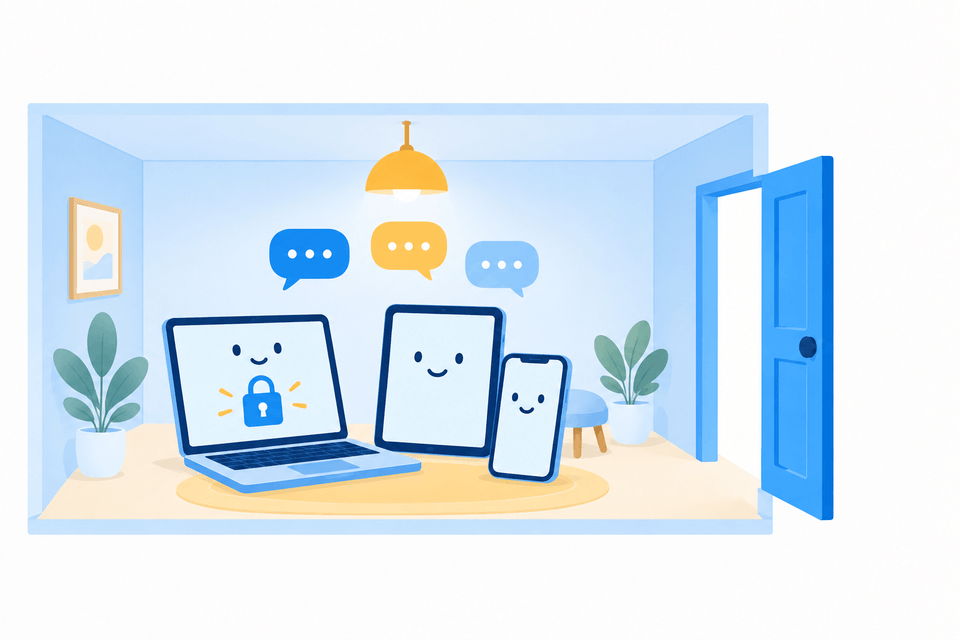
RCWeb brings browsers together in a shared Room. This page explains what stays on your device, what is shared while a Room is active, and what happens when you leave.
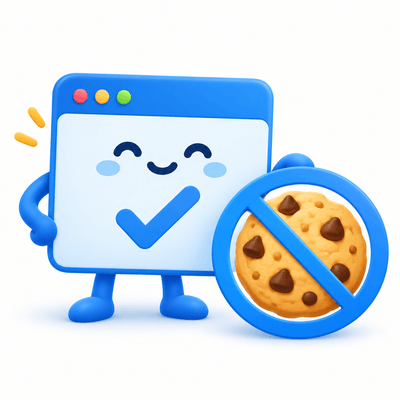
No cookies. No user tracking. No permanent archive of your shared Room content. Saved app data stays in your browser; separate technical server logs help us keep RCWeb secure and fix bugs.
What stays on your device
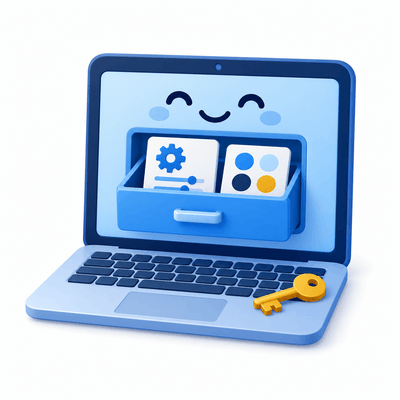
RCWeb uses your browser's local storage to remember things such as your Room and app preferences. This is storage on your device.
Local storage can remain after you close a tab or leave a Room. You can remove it whenever you like by clearing RCWeb's site data in your browser settings. This also resets saved preferences and locally saved app data.
Some apps also use temporary browser memory or session storage while they are open.
A Room lives in the moment
While a Room is active, apps share live data with other browsers in the same RCWeb Room. For example, Chat can share messages, Whiteboard can share drawings, and games can share their current scores.
This shared app state is temporary. Once everyone leaves and the connections have closed, there is no lasting shared Room state to return to.
RCWeb does not keep a permanent server-side archive of your shared app content. App data saved for later use stays in browser local storage.
Leaving a Room does not clear local storage or erase copies that someone has saved or downloaded. Share your Room link and content thoughtfully.

Other apps have their own privacy policies
Some RCWeb apps load content from other services. For example, the YouTube app loads videos from YouTube. Those services may collect information, track your activity and use their own cookies when their content loads or you interact with it.
YouTube's handling of your information is covered by the Google Privacy Policy. Other external websites and services are covered by their respective privacy policies. RCWeb's no-cookie and no-tracking approach does not extend to those providers.
Made by TargetR in the UK
RCWeb is developed by TargetR Ltd, a company in the United Kingdom. Company number: 08225159.
Have a question about privacy? Visit the TargetR website to get in touch.